
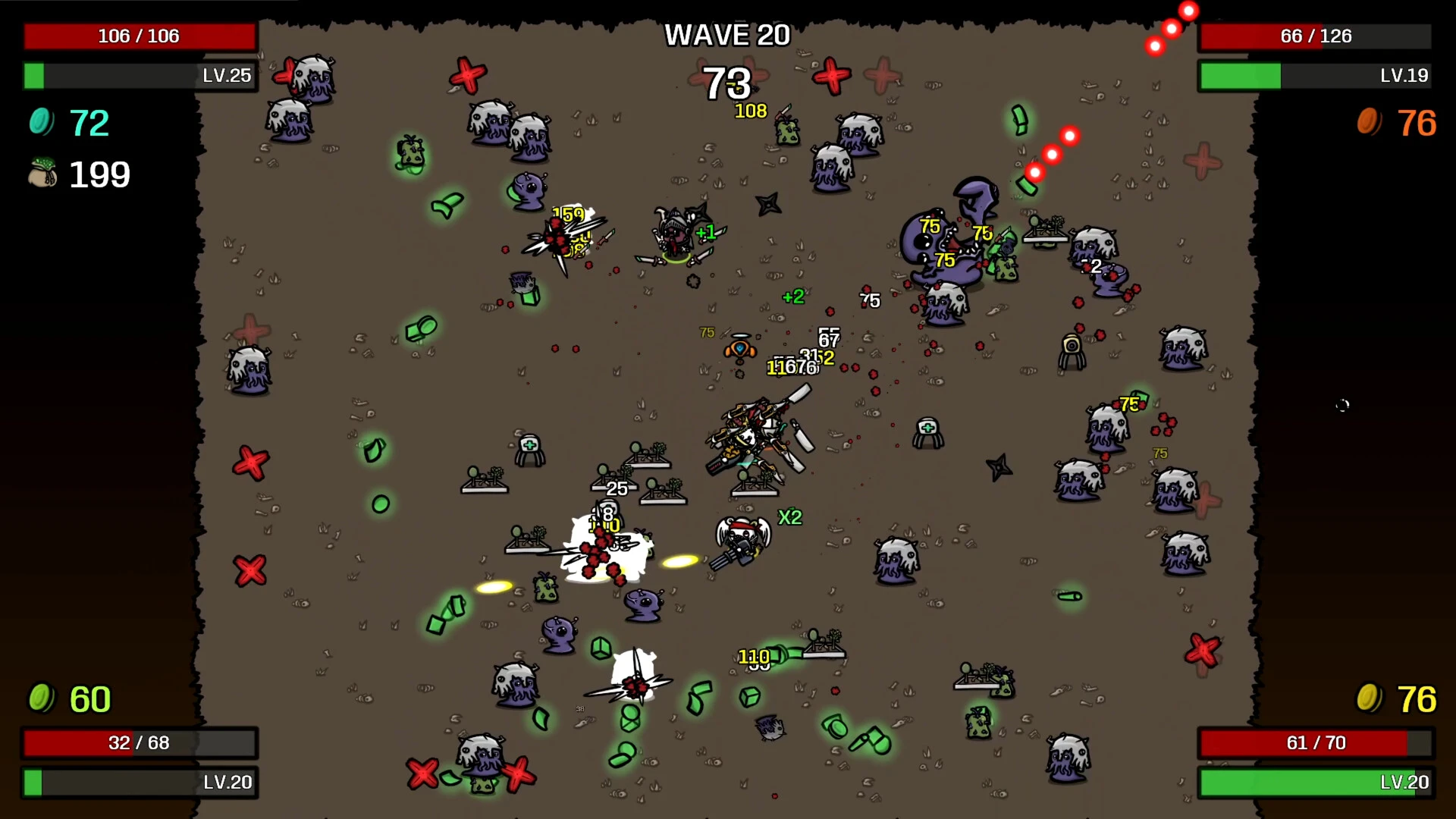
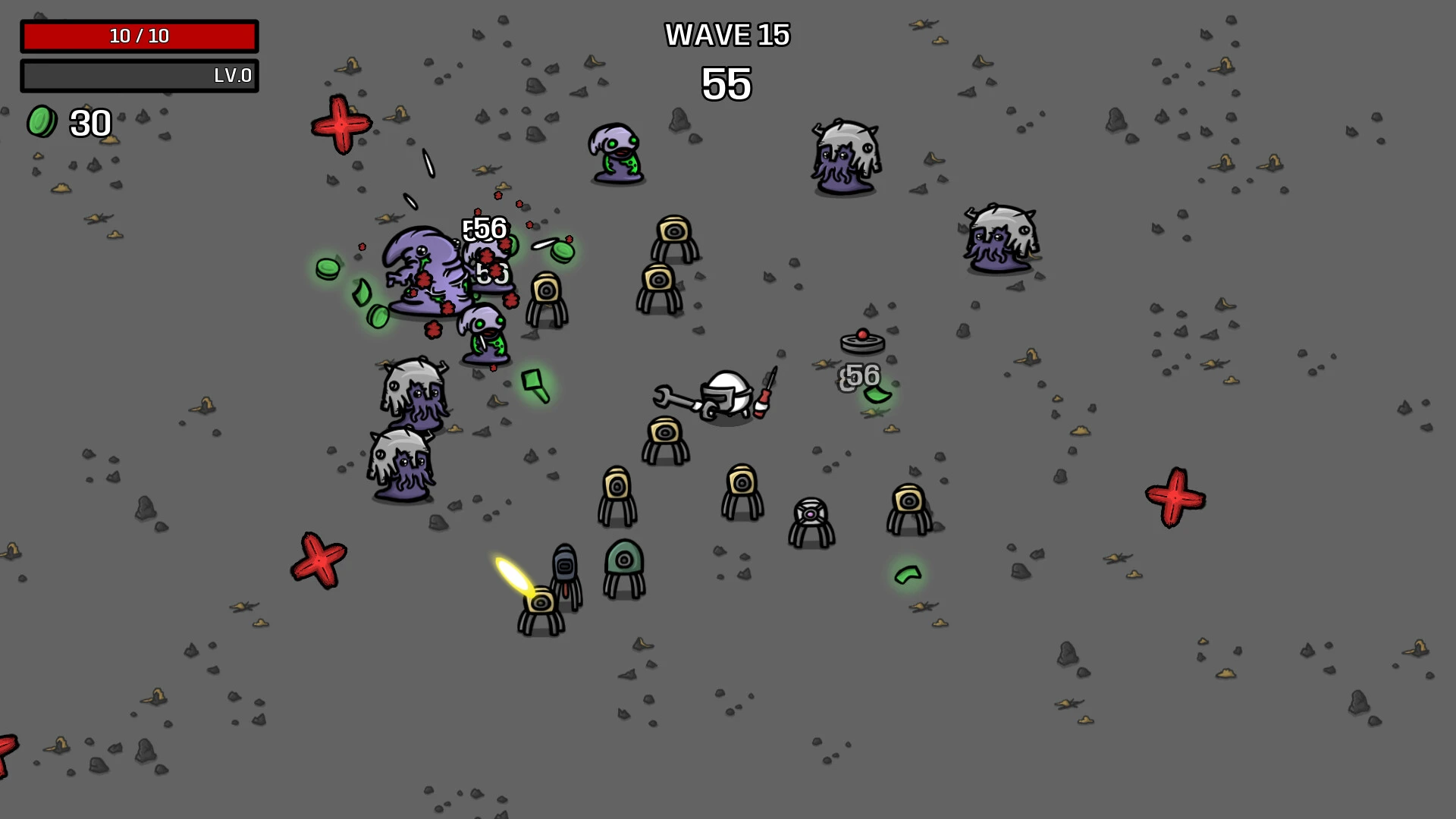
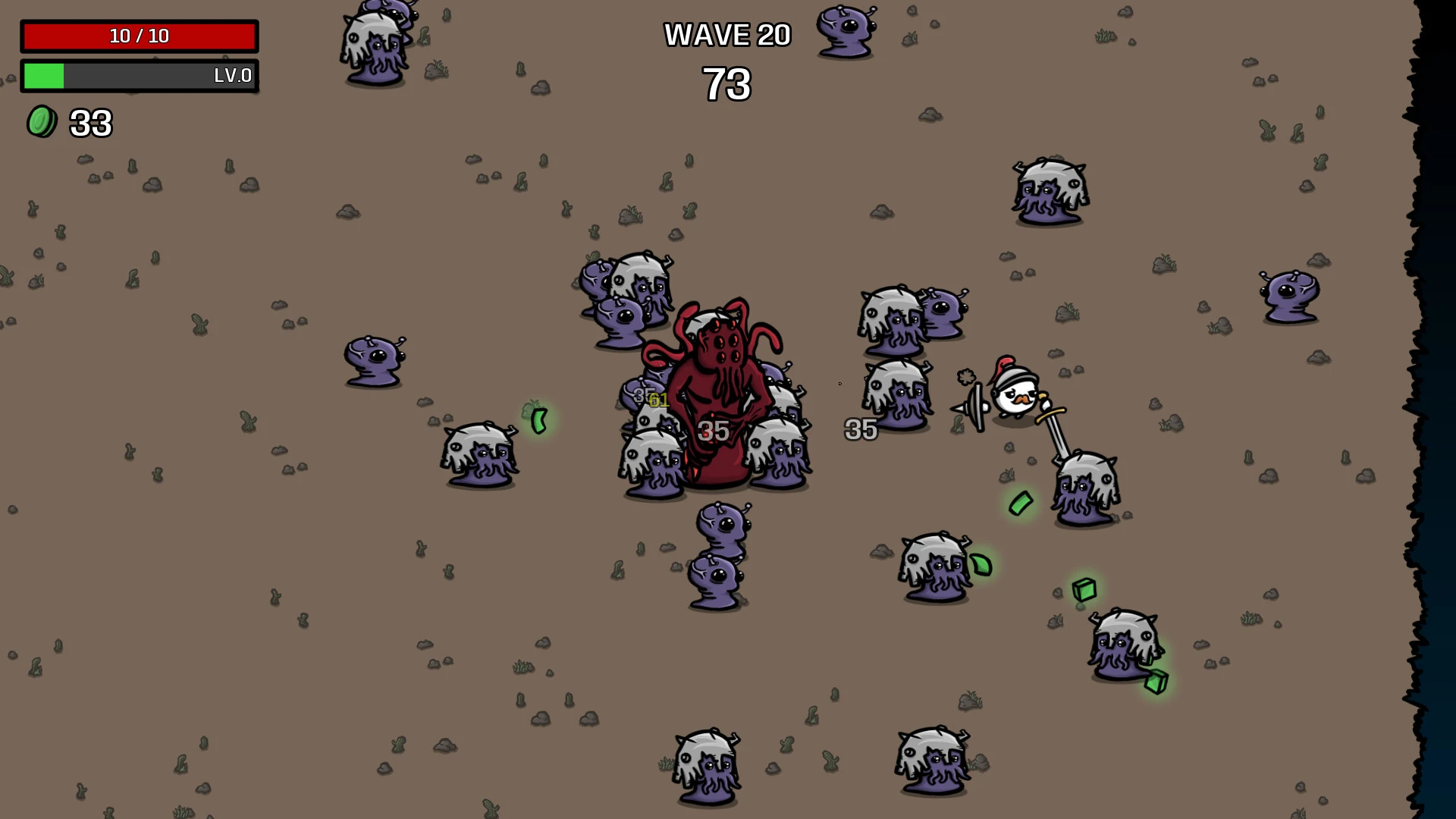
In the roguelike arena shooter Brotato, you take on the role of an armed potato against swarms of invaders. Assemble up to six weapons, select characteristics and objects, devise strategies, and endure until help arrives.

On an extraterrestrial planet, a spaceship from the planet Potato crashed. Brotato the Potato, an expert warrior capable of using up to six weapons at once, was the lone survivor. In this harsh environment, the starchy warrior must endure and wait for his allies to arrive.

Characteristics:

  • The ability to aim manually while the weapon fires automatically.
  • Quick runs (up to half an hour).
  • Numerous characters, including magicians, luckies, insane, one-armed, and many more, can be customized.
  • There are hundreds of objects and weapons available, including sticks, stones, rocket launchers, submachine guns, and flamethrowers.
  • Four players can cooperate locally.
  • Kill as many aliens as you can in the allocated time while surviving waves that run between 20 and 90 seconds.
  • Before the next wave of foes appears, gather resources to earn experience and make purchases from the store.

Settings:

To tailor the difficulty to your preferences, change the enemy’s health, damage, and speed.

Platforms and Advancement

  • Platforms:

PlayStation 4/5, Nintendo Switch, Xbox One, Xbox Series X/S, iOS, Android, and PC (Steam).

  • Accessibility:

If you want to change the difficulty, you can manually change the enemy’s health, damage, and speed using the built-in sliders.

  • Endless Mode:

While base games have 20 waves, Endless Mode allows you to push your builds until you finally fall.


Details

Version 1.1.15.1
Developer Blobfish
Activation (RG) Not required
Tested on macOS Tahoe , Mac mini 2024 M4
Size 239 MB
Architecture ARM , x86 (64-bit)
Interface Language Russian , English , German , Spanish , Italian , Traditional Chinese , Simplified Chinese , Korean , Polish , Portuguese , Turkish , French , Japanese
Voice Languages Musical accompaniment

FAQ

Run the downloaded image and drag the application to the Applications folder shortcut. Once copying is complete, the application can be launched via Launchpad.
There are so many errors, we can't list them all here. Therefore, we've described all the solutions (with pictures) in the article: Errors when installing applications on a Mac
Official updates may result in loss of activation unless otherwise stated in the installation instructions. To update the software from this website, you must download the new version of the software from here (if available) and install it over the version currently installed on your computer. This will preserve your activation and settings for the software. Read more in the article: Updating pirated apps
To download large files, it is recommended to use any download manager, for example, FDM (Free Download Manager) For downloading from a file sharing service like Filen.io, it's not recommended to use Safari. Use Google Chrome or the aforementioned FDM browser, for example. To download files via torrent (.torrent file), you need a torrent client, such as Transmission or the aforementioned FDM. Please remember that providers may block access to some websites (1fichier.com, etc.). To bypass these blocks, it is recommended to use a VPN.
The site administration doesn't hack anything. That's the job of release teams and some enthusiasts. They're the ones responsible for ensuring updates are available. But you can hack software yourself by learning reverse engineering.
Definitely not in the comments. The site administration doesn't hack anything, and there's no order desk. However, you can order the software you need (not for free) in a special thread on forum.ru-board.com.
Open System Preferences -> General > Language & Region -> Applications - “+”. Select an app and language. This method works for most apps. The language in Adobe products is usually selected during the installation of the product itself. The language in games is usually changed in the game settings itself. There are exceptions. Don't hesitate to search for information online.
There are many options. The easiest is to use specialized app removal tools, such as App Cleaner & Uninstaller. To remove Adobe products, use the Creative Cloud Cleaner Tool .
The site offers a paid service: remote assistance (via AnyDesk, Zoom, Skype) with the installation of any applications (not just those from this site) on any Mac or PC. Learn more...

Leave a Comment

Version 1.1.15.1
Developer Blobfish
Interface language Russian , English , German , Spanish , Italian , Traditional Chinese , Simplified Chinese , Korean , Polish , Portuguese , Turkish , French , Japanese
Activation (RG) Not required
Tested macOS Tahoe , Mac mini 2024 M4
Architecture ARM , x86 (64-bit)
Voice Languages Musical accompaniment
Size 239 MB
No threats found. Read more…
Published (edited): May 24, 2026 Views: 18


