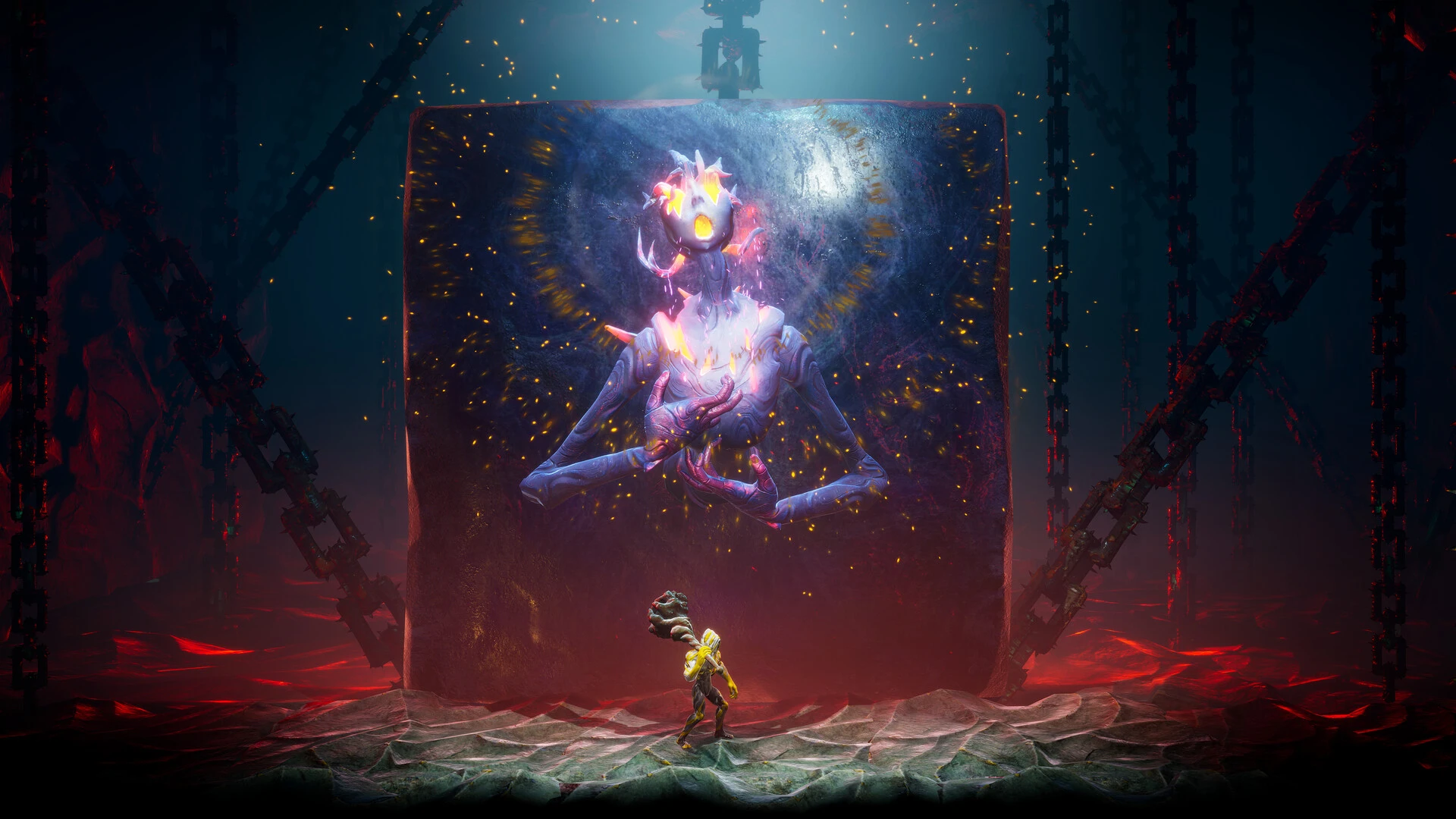
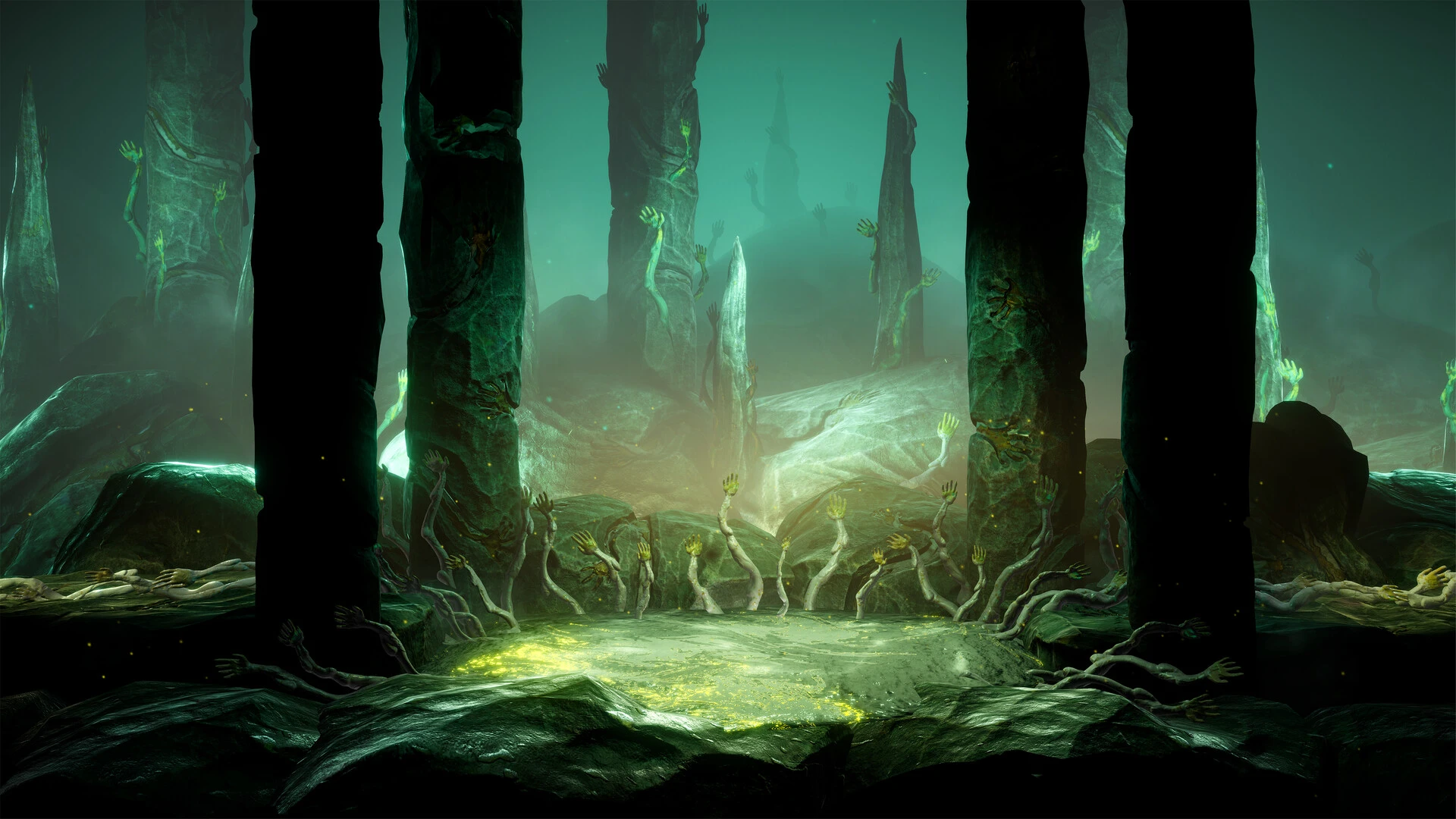
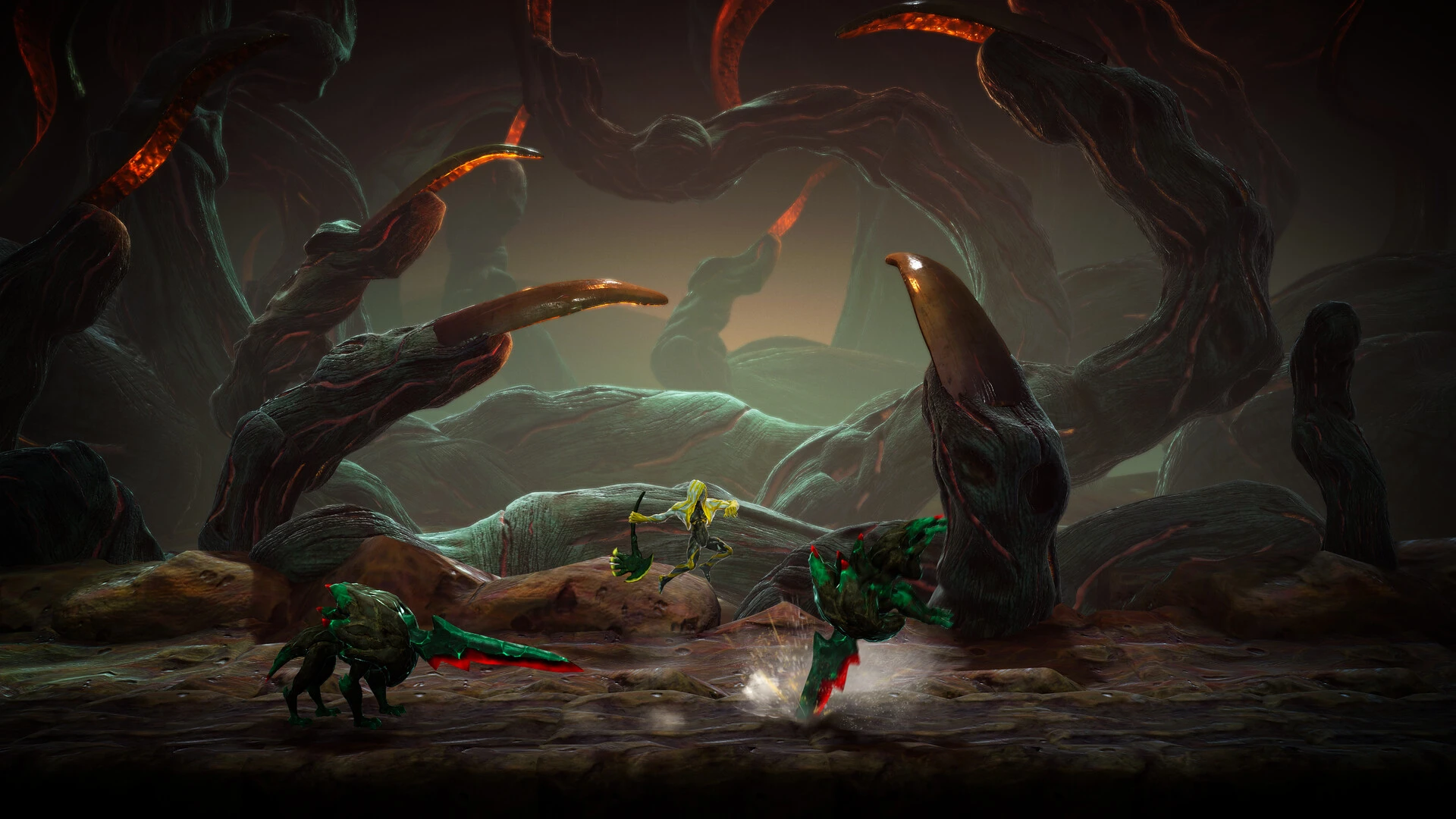
In the bizarre, action-adventure Metroidvania game GRIME II, you take on the role of the “Formless”—a baby art imitator. Driven by an innate need to devour, you navigate a strange, living environment that is fixated with art while absorbing vanquished adversaries and calling out molds of their shape to unleash unique strikes.

Discover new, enigmatic places in the GRIME universe where perils and wonders coexist. Use the surroundings and summoned forms to defeat lethal foes and intimidating bosses while immersing yourself in a complex world with a variety of civilizations and unique people.

Use a range of skills, weapons, and summoned forms to create a distinctive playstyle. Discover the distinctive characteristics of your adversaries; you can summon their forms to help you in combat as well as find several hidden routes.

Major Gameplay Features

  • Steal Forms: Use tendrils to absorb enemies and discover their shape.  Then, call upon them to instantly use their skills, launch projectiles, or stun adversaries during battle.
  • Parry and grip: To get closer to understanding an enemy’s shape, use fluid, analytical fighting in which you parry their blows and grip them.
  • Environmental Combat: You can use your environment to harm adversaries from a distance or the other way around in this unusual universe.
  • Expansive Exploration: Discover a vast, linked map full of shortcuts, secret passages, and previously unreachable paths that become available as you pick up new skills.
  • Complex RPG Backbone: Use the “paint” you’ve collected from foes to level up your stats (such as strength, dexterity, and magic), enabling you to customize your playstyle to fit the game’s difficult challenges.


Details

Version 1.0.17360c [Wineskin]
Developer Clover Bite
Activation (RG) Not required
Tested on macOS Tahoe , Mac mini 2024 M4
Size 18.6 GB
Architecture ARM
Interface Language Russian , English , German , Spanish , Traditional Chinese , Simplified Chinese , Korean , Portuguese , French , Japanese
Voice Languages Musical accompaniment

FAQ

Run the downloaded image and drag the application to the Applications folder shortcut. Once copying is complete, the application can be launched via Launchpad. If an error occurs when launching the game, run the "Fix" file in the image. Problems downloading?.. Where can I find my saves? How to change the language?..
There are so many errors, we can't list them all here. Therefore, we've described all the solutions (with pictures) in the article: Errors when installing applications on a Mac
Official updates may result in loss of activation unless otherwise stated in the installation instructions. To update the software from this website, you must download the new version of the software from here (if available) and install it over the version currently installed on your computer. This will preserve your activation and settings for the software. Read more in the article: Updating pirated apps
To download large files, it is recommended to use any download manager, for example, FDM (Free Download Manager For downloading from a file sharing service like Filen.io, it's not recommended to use Safari. Use Google Chrome or the aforementioned FDM browser, for example. To download files via torrent (.torrent file), you need a torrent client, such as Transmission or the aforementioned FDM. Please remember that providers may block access to some websites (1fichier.com, etc.). To bypass these blocks, it is recommended to use a VPN.
The site administration doesn't hack anything. That's the job of release teams and some enthusiasts. They're the ones responsible for ensuring updates are available. But you can hack software yourself by learning reverse engineering.
Definitely not in the comments. The site administration doesn't hack anything, and there's no order desk. However, you can order the software you need (not for free) in a special thread on forum.ru-board.com.
Open System Preferences -> General > Language & Region -> Applications - “+”. Select an app and language. This method works for most apps. The language in Adobe products is usually selected during the installation of the product itself. The language in games is usually changed in the game settings itself. There are exceptions. Don't hesitate to search for information online.
There are many options. The easiest is to use specialized app removal tools, such as App Cleaner & Uninstaller. To remove Adobe products, use the Creative Cloud Cleaner Tool .
The site offers a paid service: remote assistance (via AnyDesk, Zoom, Skype) with the installation of any applications (not just those from this site) on any Mac or PC. Learn more...

Leave a Comment

Version 1.0.17360c [Wineskin]
Developer Clover Bite
Interface language Russian , English , German , Spanish , Traditional Chinese , Simplified Chinese , Korean , Portuguese , French , Japanese
Activation (RG) Not required
Tested macOS Tahoe , Mac mini 2024 M4
Architecture ARM
Voice Languages Musical accompaniment
Size 18.6 GB
No threats found. Read more…
Published (edited): June 3, 2026 Views: 7