
Airships: Conquer the Skies icon

Airships: Conquer the Skies

Games Simulator Strategy

David Stark’s novel, real-time steampunk strategy game, Airships: Conquer the Skies, blends empire administration, tactical combat, and modular engineering. Before leading them in expansive fights against rival fleets and legendary creatures, players construct their own airships and land vehicles piece by piece.

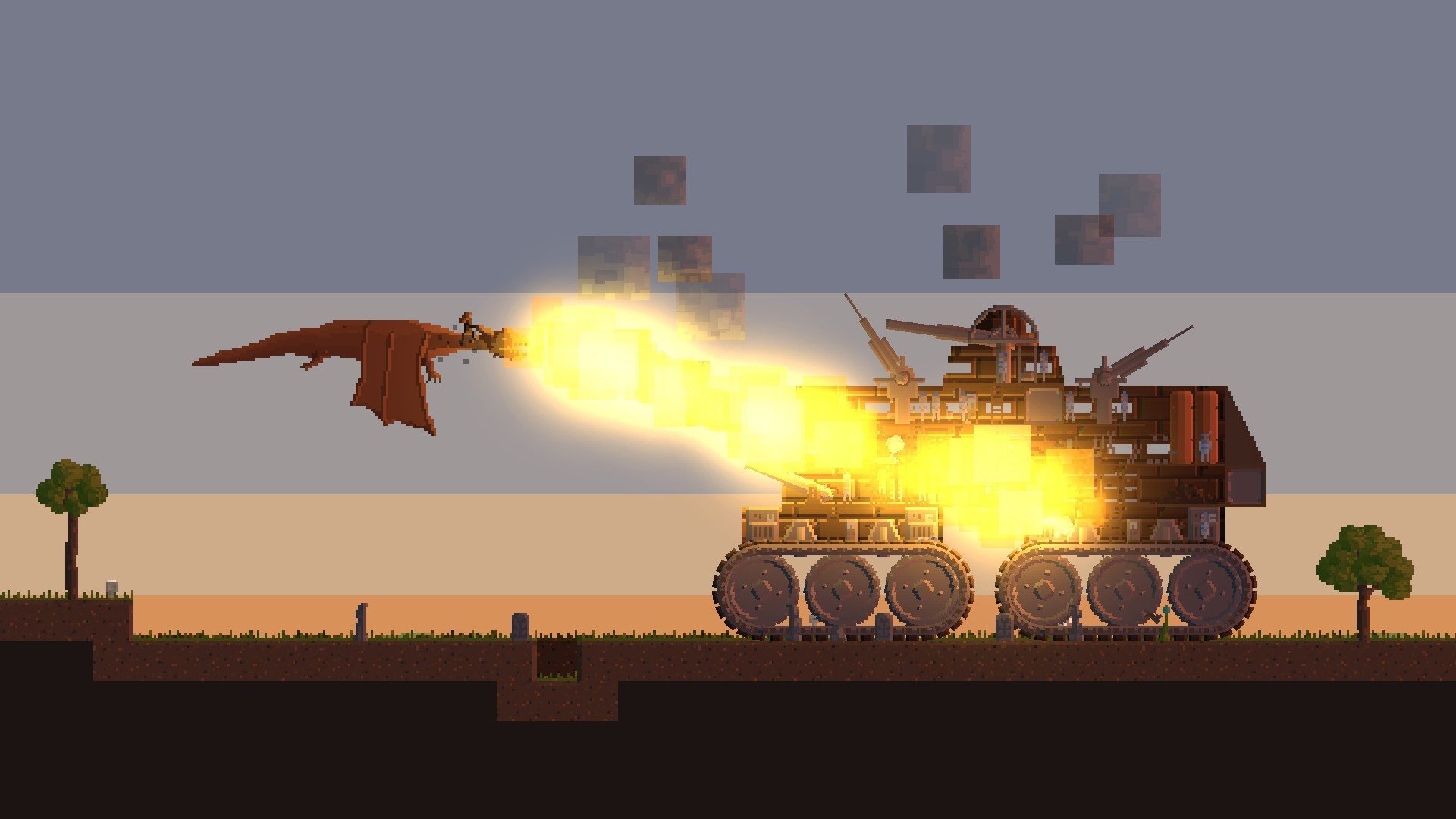
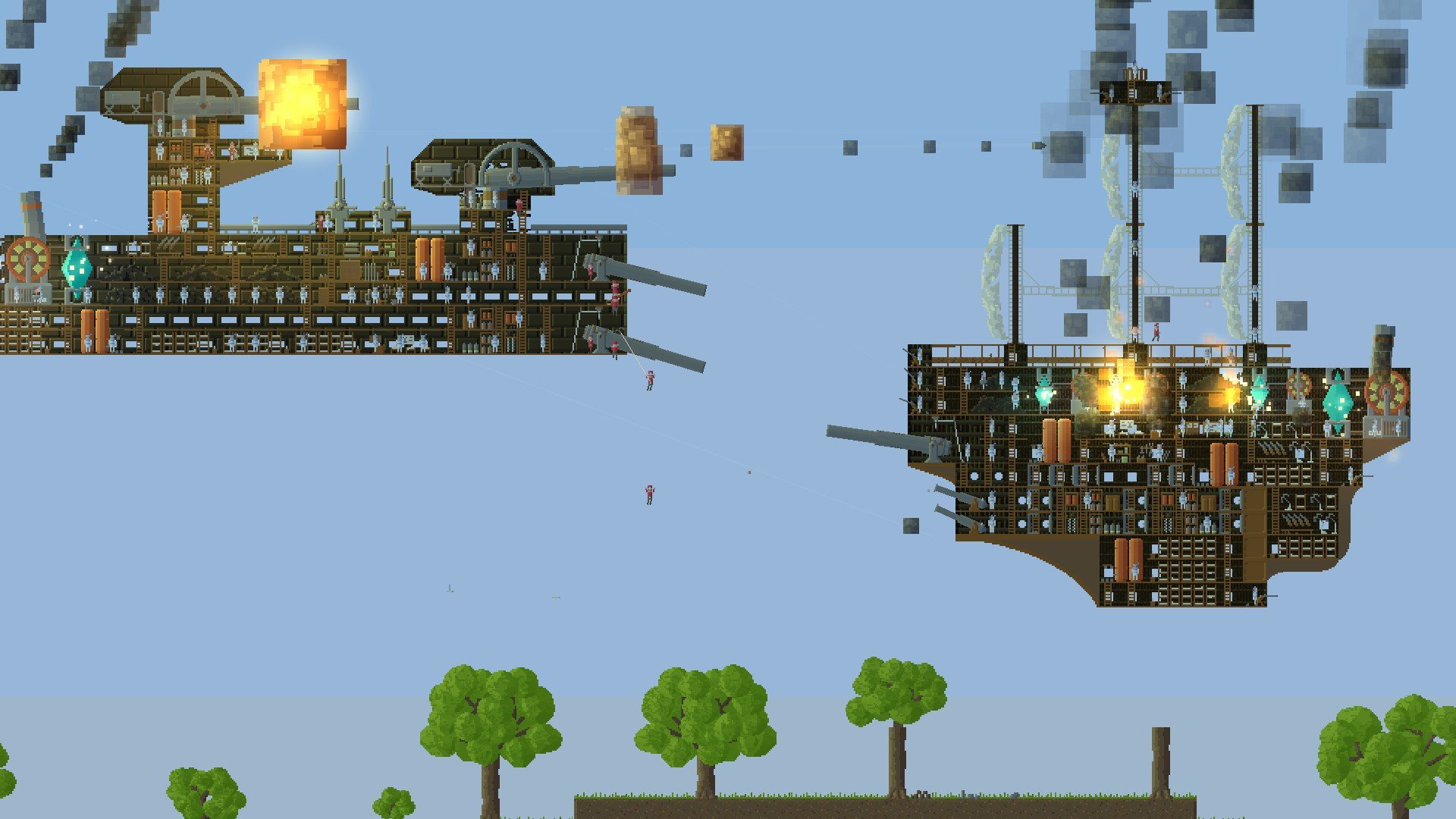
In the pixelated construction game Airships: Conquer the Skies, you can build a variety of aircraft and fly them into breathtaking fights against a large number of adversaries. All of your battles will take place in the skies as you compete for supremacy.

Construct enormous flying fortresses, fortify them as much as you can, and arm them with a range of weapons that will enable you to defeat your adversaries. Playing the game from a side view allows you to see every area and cut away all of your structures. Try to keep everyone under control because they are all required to obey your commands. Engage in combat with other players to enjoy fun times with your pals.

Important  Features of Gameplay

Modular Shipbuilding:

  • You assemble engines, weaponry, armor, and coal stockpiles while building vehicles tile by tile. Weight distribution and structural stability are impacted by everything.

Physics and Micromanagement:

  • Each crew member moves around carrying ammunition, fixing damage, and stoking coal. A ship that is struck may explode, catch fire, or disintegrate.

Strategic Conquest:

  • Along the way, players can acquire new modules and upgrades while leading fleets in multiplayer or conquering a globe map in a single-player campaign.

Fantastical Dangers:

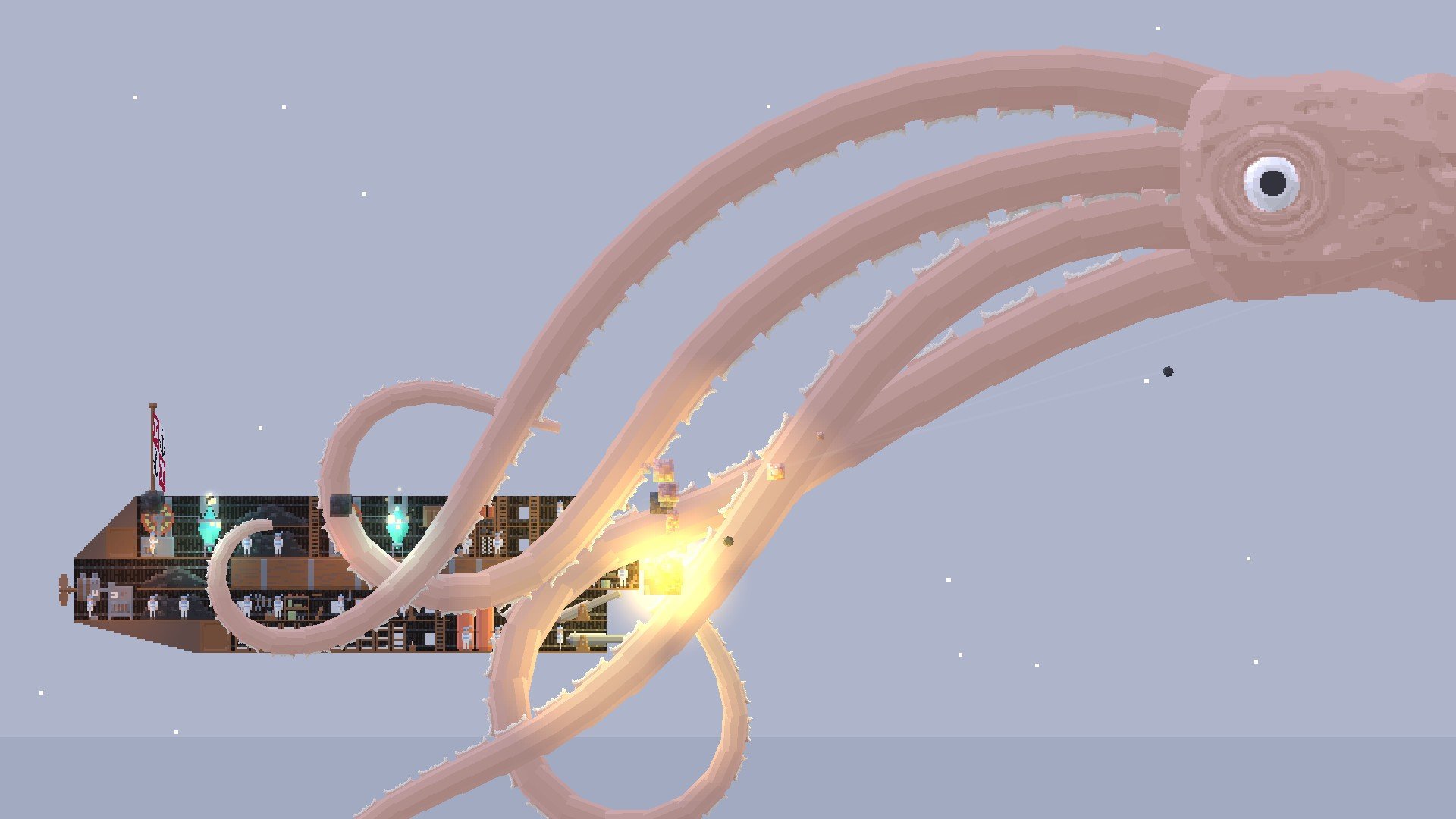
  • You frequently face enormous aerial krakens, clockwork wasps, and monsters in battles that take place over destructible terrain.


Details

Version 1.2.12.1
Developer David Stark
Activation (RG) DRM-FREE (no protection)
Tested on macOS Tahoe , Mac mini 2024 M4
Size 354 MB
Architecture x86 (64-bit)
Interface Language Russian , English , German , Simplified Chinese , French , Japanese
Voice Languages Musical accompaniment

FAQ

Unzip the archive and follow the standard installation procedure. Installation is completed by selecting a location for the game. It is recommended to select the Applications folder. The game may not appear in Launchpad. To launch it, use Airships.command. Path: /Applications/Airships Conquer the Skies/Airships.command
There are so many errors, we can't list them all here. Therefore, we've described all the solutions (with pictures) in the article: Errors when installing applications on a Mac
Official updates may result in loss of activation unless otherwise stated in the installation instructions. To update the software from this website, you must download the new version of the software from here (if available) and install it over the version currently installed on your computer. This will preserve your activation and settings for the software. Read more in the article: Updating pirated apps
To download large files, it is recommended to use any download manager, for example, FDM (Free Download Manager) For downloading from a file sharing service like Filen.io, it's not recommended to use Safari. Use Google Chrome or the aforementioned FDM browser, for example. To download files via torrent (.torrent file), you need a torrent client, such as Transmission or the aforementioned FDM. Please remember that providers may block access to some websites (1fichier.com, etc.). To bypass these blocks, it is recommended to use a VPN.
The site administration doesn't hack anything. That's the job of release teams and some enthusiasts. They're the ones responsible for ensuring updates are available. But you can hack software yourself by learning reverse engineering.
Definitely not in the comments. The site administration doesn't hack anything, and there's no order desk. However, you can order the software you need (not for free) in a special thread on forum.ru-board.com.
Open System Preferences -> General > Language & Region -> Applications - “+”. Select an app and language. This method works for most apps. The language in Adobe products is usually selected during the installation of the product itself. The language in games is usually changed in the game settings itself. There are exceptions. Don't hesitate to search for information online.
There are many options. The easiest is to use specialized app removal tools, such as App Cleaner & Uninstaller. To remove Adobe products, use the Creative Cloud Cleaner Tool .
The site offers a paid service: remote assistance (via AnyDesk, Zoom, Skype) with the installation of any applications (not just those from this site) on any Mac or PC. Learn more...

Leave a Comment

Version 1.2.12.1
Developer David Stark
Interface language Russian , English , German , Simplified Chinese , French , Japanese
Activation (RG) DRM-FREE (no protection)
Tested macOS Tahoe , Mac mini 2024 M4
Architecture x86 (64-bit)
Voice Languages Musical accompaniment
Size 354 MB
No threats found. Read more…
Published (edited): May 25, 2026 Views: 10


