
Hearts of Iron IV icon

Hearts of Iron IV

Games Strategy

Paradox Interactive created the grand strategy wargame Hearts of Iron IV (HOI4), which has a World War II theme. By taking control of any country on Earth, players can lead them through historical conflicts or explore other historical trajectories.

You hold the key to victory! In the strategy game Hearts of Iron IV, you can take charge of any country during World War II, the biggest struggle in history. Your ability to govern your country is your greatest weapon.

You will lead your nation to glory by waging war, negotiating, or initiating an invasion from the front lines to the command center. During World War II, you might swing the scales in your favor. Now is the moment to demonstrate that you are the best military leader in the world. Will you change or remake history? Will you do whatever it takes to win and alter the course of history?

Essential Features & Gameplay

  • Total Control:

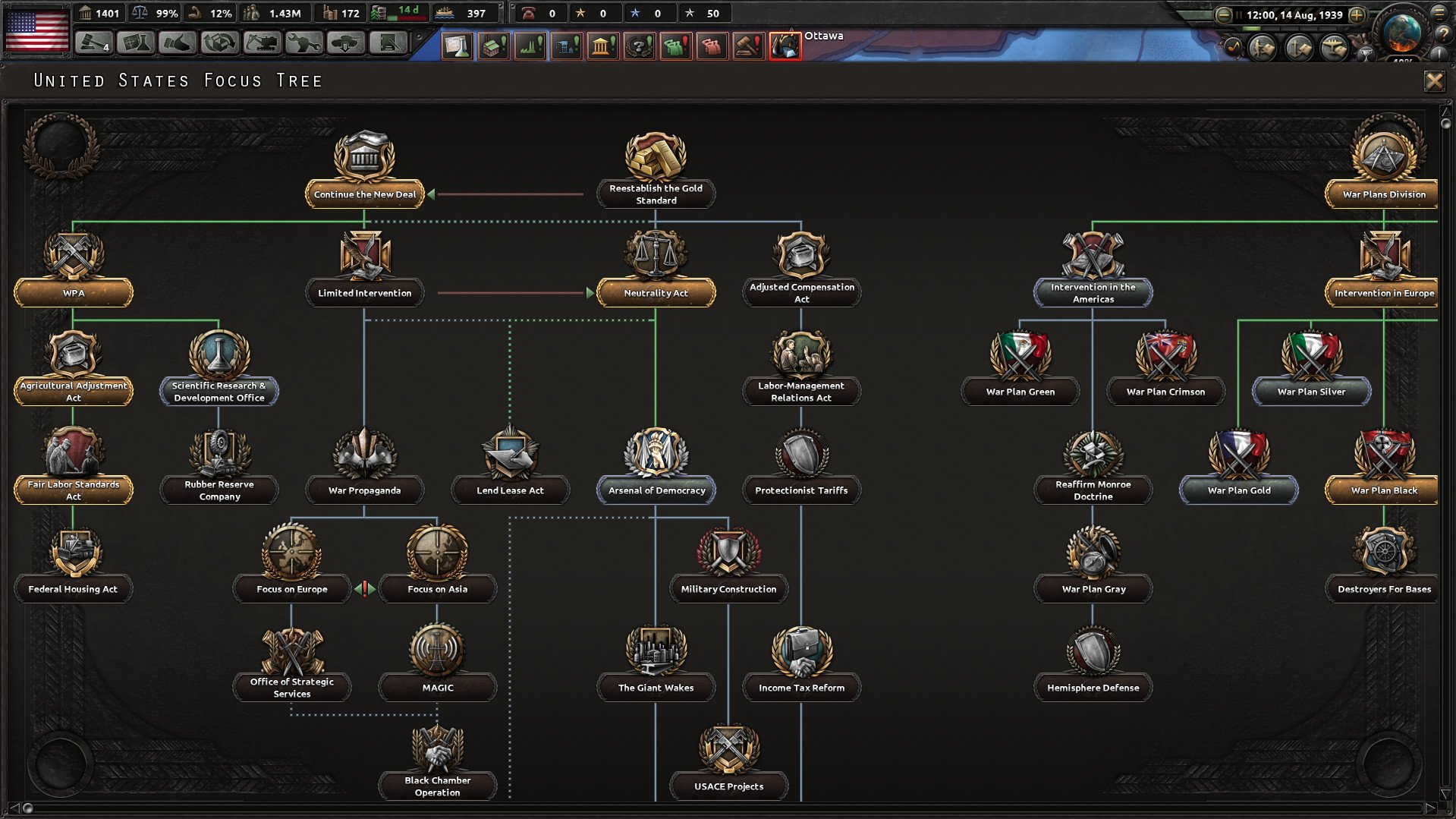
Oversee the trade, diplomatic, and political policies of your country. Build infrastructure, refineries, and both military and civilian factories to shape your economy.

  • Command forces

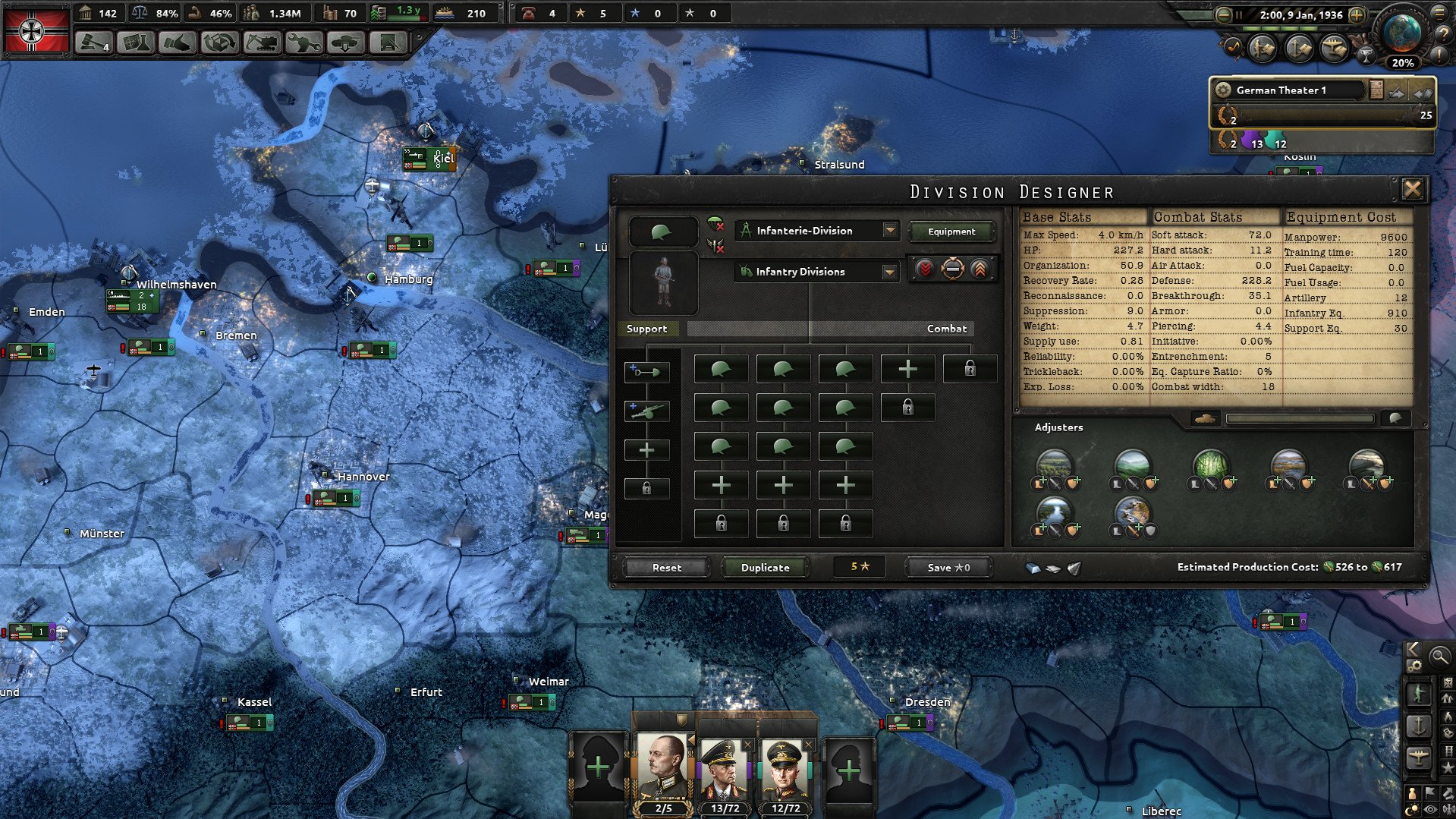
On land, in the air, and at sea. Create unique division templates, arm your forces, organize naval assaults, and sketch front lines for automatic combat.

  • Research & Development:

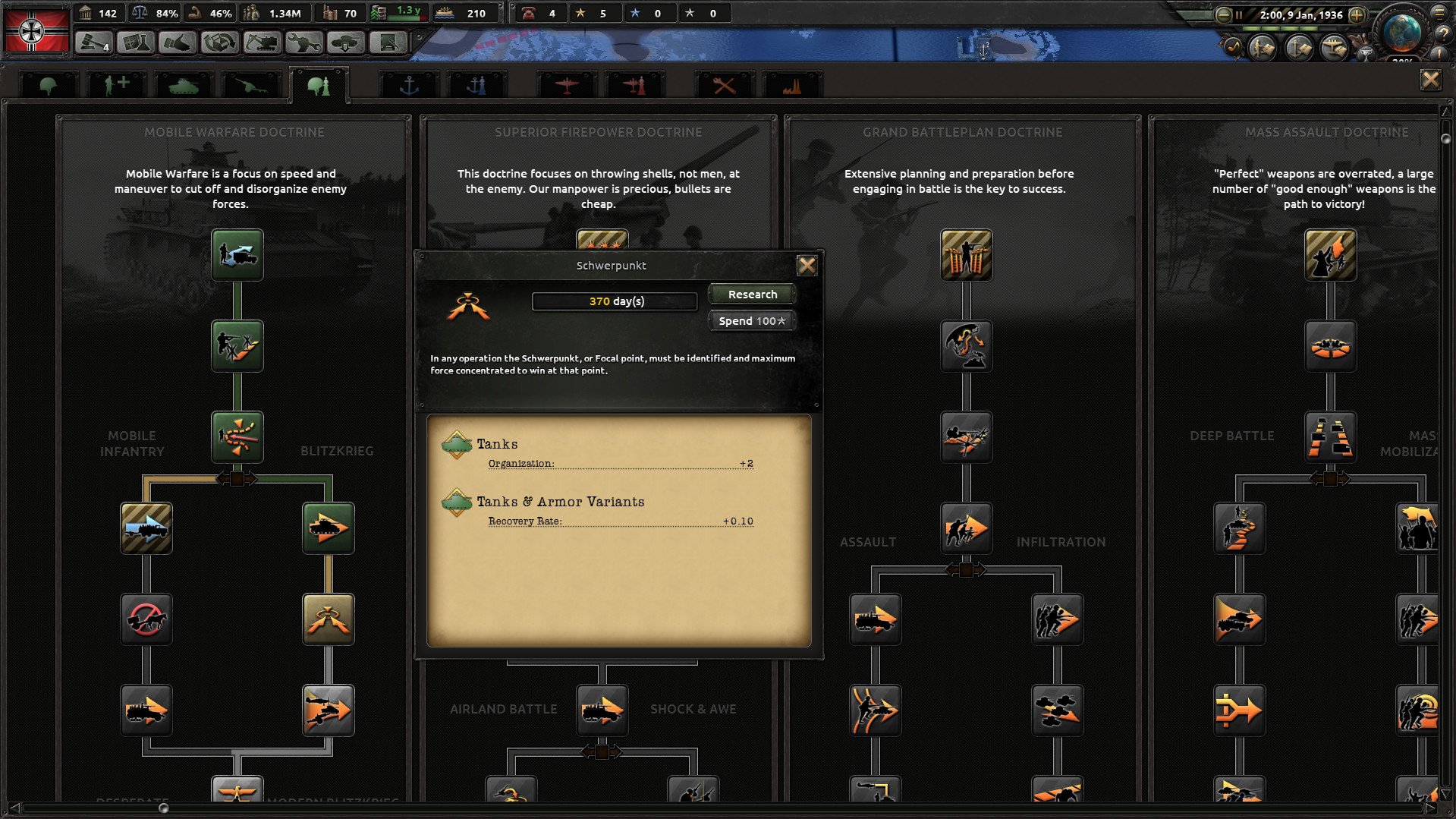
Invest in technology trees to improve your planes, tanks, infantry equipment, and nuclear capabilities.

  • Democracy

Create divisions, defend military objectives, exert pressure on weaker countries, sway ideologies (Fascism, Communism, or Non-Aligned), and use spies as part of diplomacy and espionage.

  • Sandbox & Historical Accuracy:

Choose to either radically change history (e.g., instigate a communist revolution in the United States or reinstate the German monarchy) or rerun World War II exactly as it occurred.


Details

Version 1.18.2
Developer Paradox Development Studio
Activation (RG) Not required
Tested on macOS Tahoe , Mac mini 2024 M4
Size 6 GB
Architecture x86 (64-bit)
Interface Language Russian , English , German , Spanish , Polish , Portuguese , French , Japanese
Voice Languages Musical accompaniment

FAQ

Run the downloaded image and drag the game to the Applications folder. Once the copying is complete, the game can be launched via Launchpad. To use the Russian language, go to the program folder, right-click on hoi4, select show package contents, go to: Contents --> Game Run the file: dowser The Launcher will open, change the language in the game settings, and launch the game through dowser. The language settings will be saved on next startup.
There are so many errors, we can't list them all here. Therefore, we've described all the solutions (with pictures) in the article: Errors when installing applications on a Mac
Official updates may result in loss of activation unless otherwise stated in the installation instructions. To update the software from this website, you must download the new version of the software from here (if available) and install it over the version currently installed on your computer. This will preserve your activation and settings for the software. Read more in the article: Updating pirated apps
To download large files, it is recommended to use any download manager, for example, FDM (Free Download Manager) For downloading from a file sharing service like Filen.io, it's not recommended to use Safari. Use Google Chrome or the aforementioned FDM browser, for example. To download files via torrent (.torrent file), you need a torrent client, such as Transmission or the aforementioned FDM. Please remember that providers may block access to some websites (1fichier.com, etc.). To bypass these blocks, it is recommended to use a VPN.
The site administration doesn't hack anything. That's the job of release teams and some enthusiasts. They're the ones responsible for ensuring updates are available. But you can hack software yourself by learning reverse engineering.
Definitely not in the comments. The site administration doesn't hack anything, and there's no order desk. However, you can order the software you need (not for free) in a special thread on forum.ru-board.com.
Open System Preferences -> General > Language & Region -> Applications - “+”. Select an app and language. This method works for most apps. The language in Adobe products is usually selected during the installation of the product itself. The language in games is usually changed in the game settings itself. There are exceptions. Don't hesitate to search for information online.
There are many options. The easiest is to use specialized app removal utilities, such as App Cleaner & Uninstaller. To remove Adobe products, use the Creative Cloud Cleaner Tool .
The site offers a paid service: remote assistance (via AnyDesk, Zoom, Skype) with the installation of any applications (not just those from this site) on any Mac or PC. Learn more...

Leave a Comment

Version 1.18.2
Developer Paradox Development Studio
Interface language Russian , English , German , Spanish , Polish , Portuguese , French , Japanese
Activation (RG) Not required
Tested macOS Tahoe , Mac mini 2024 M4
Architecture x86 (64-bit)
Voice Languages Musical accompaniment
Size 6 GB
No threats found. Read more…
Published (edited): June 2, 2026 Views: 9


