Pillars of Eternity: Definitive Edition icon

Pillars of Eternity: Definitive Edition

Games Role-playing (RPG)

In the universe of Pillars of Eternity, every decision you make affects your characters’ destiny. Pillars of Eternity is proudly presented by Paradox Interactive and Obsidian Entertainment, the creators of Fallout: New VegasTM and South Park: The Stick of TruthTM.

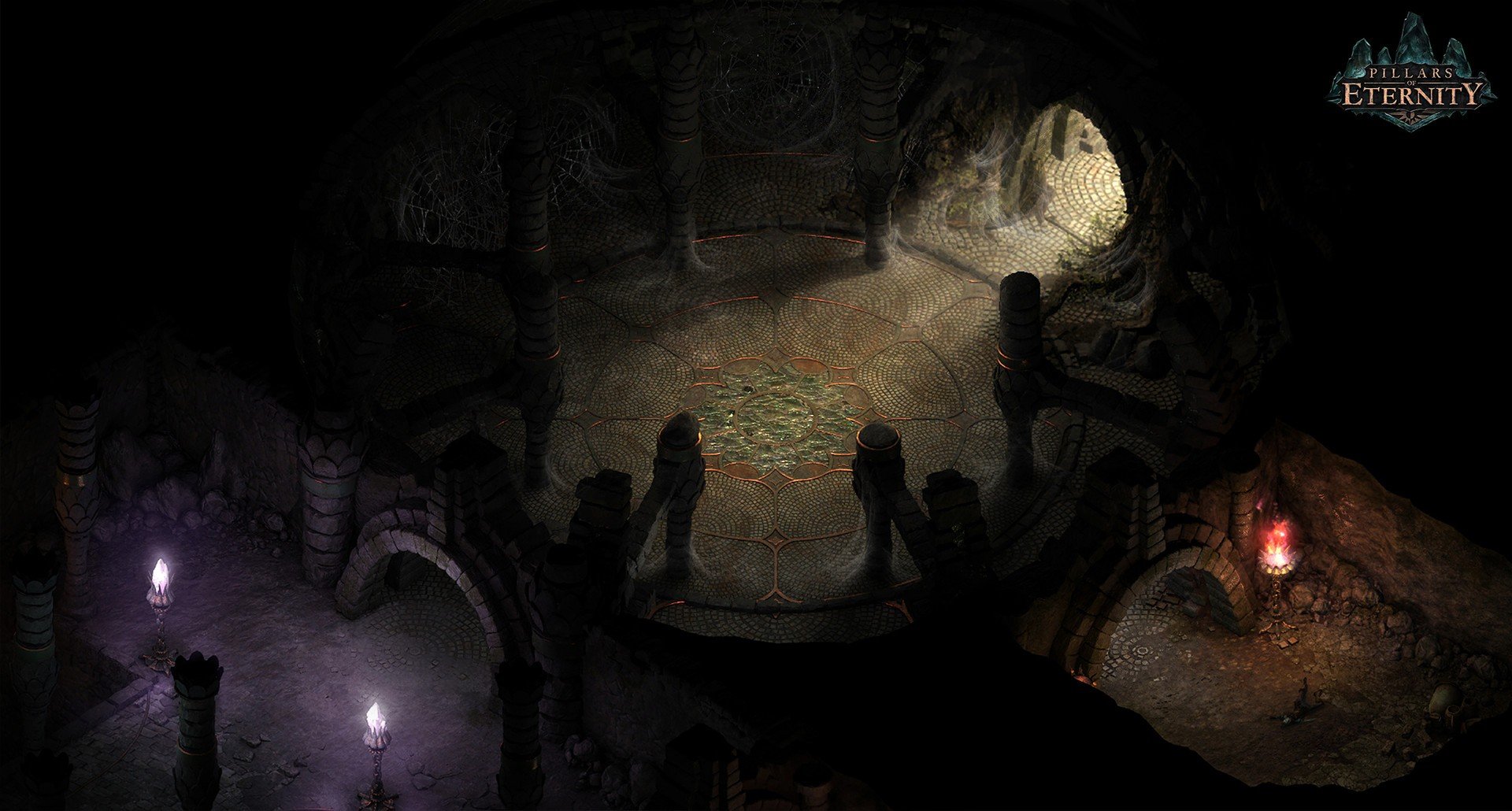
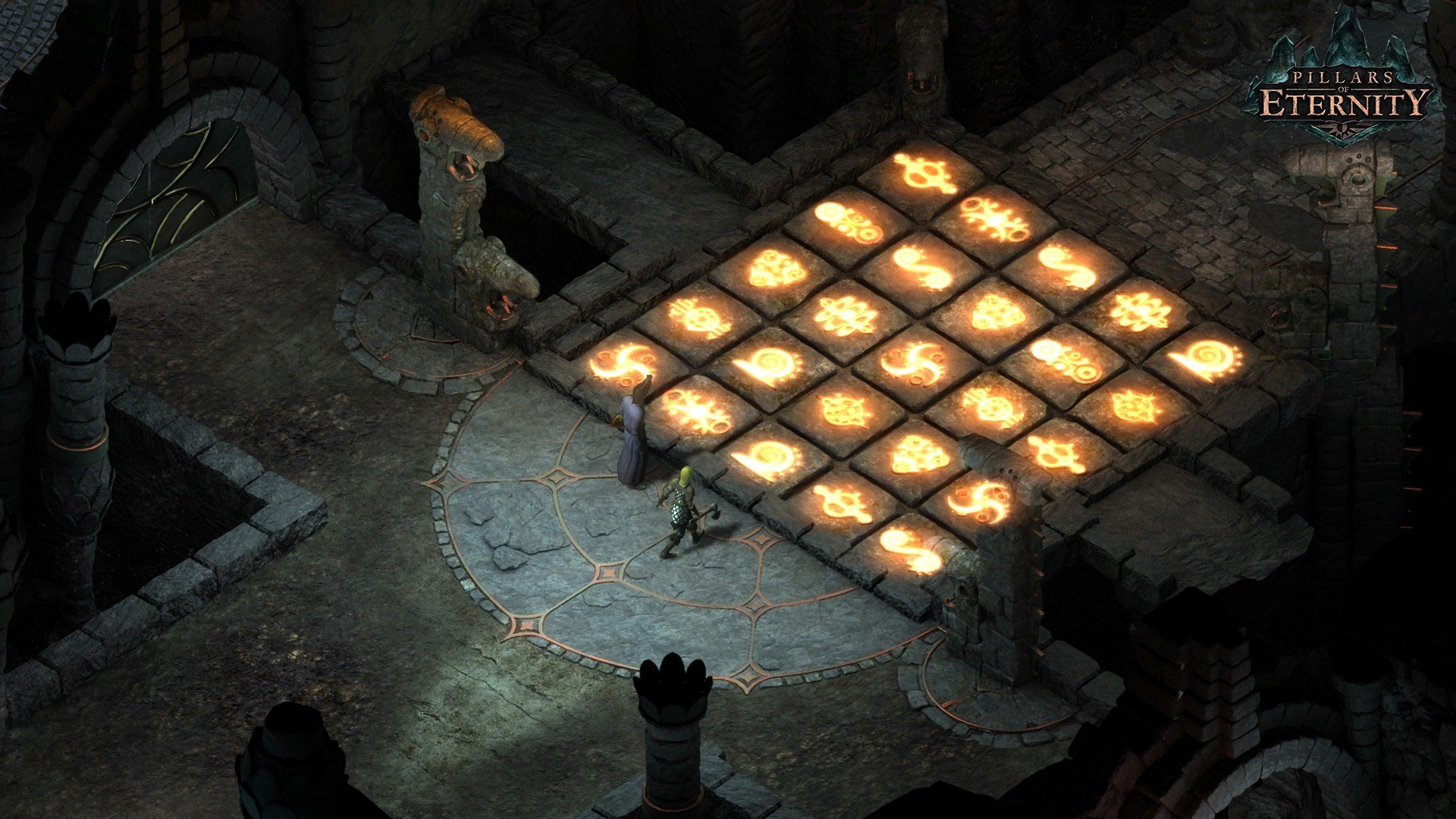
Leading a group of friends into an unexplored fantasy world—even into dungeons full of monsters, treasures, and long-forgotten secrets—will bring you back to the exhilaration of discovery and adventure. With Pillars of Eternity from Obsidian, get your group together and embark on an exciting journey filled with wonder, adventure, and nostalgia into the exciting world of classic role-playing games!

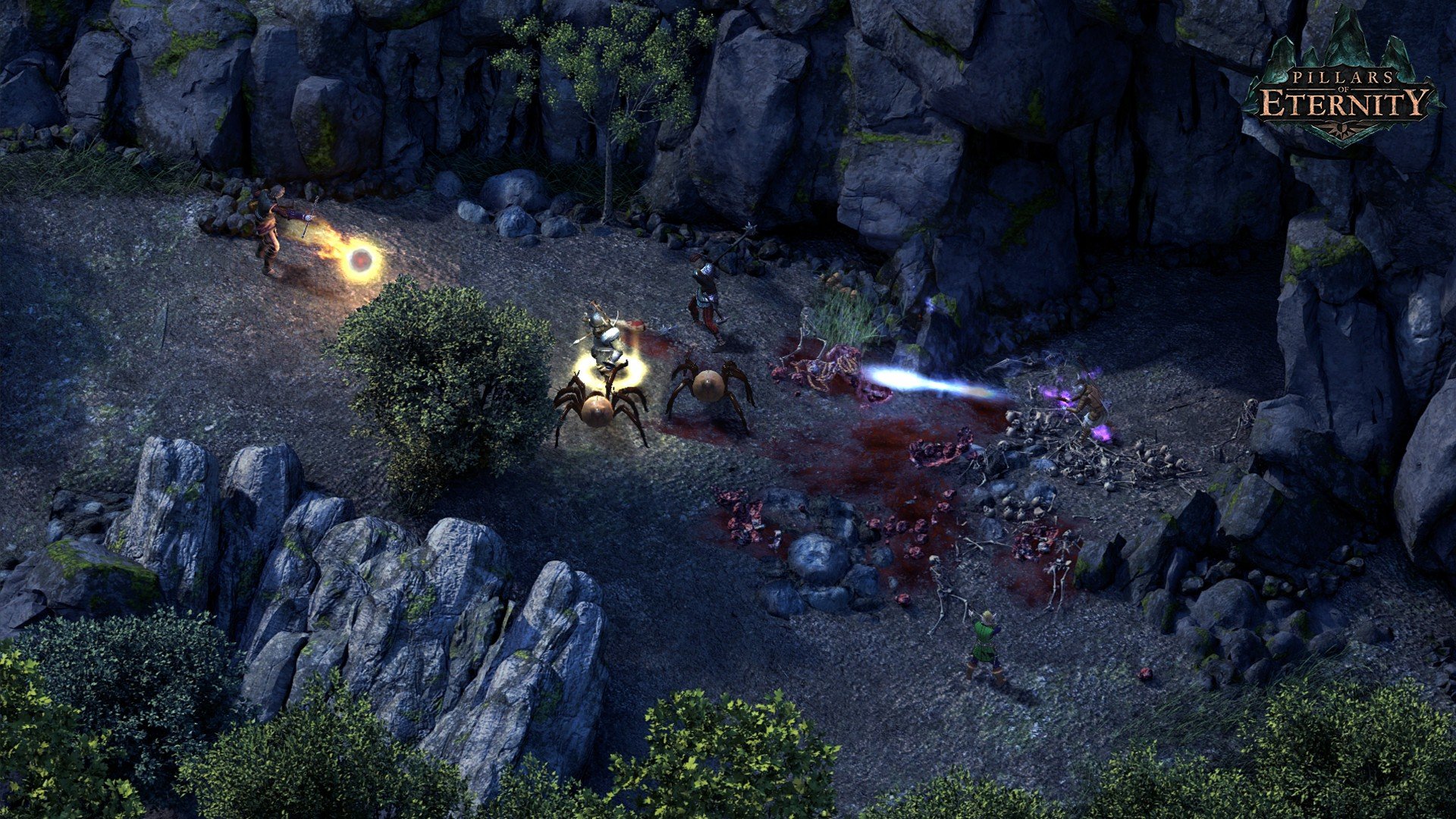
Obsidian Entertainment created the highly regarded isometric classic role-playing game (cRPG) Pillars of Eternity: Definitive Edition. It has a vast fantasy realm and a tactical, real-time fighting system with pause. The original game, both White March expansions, and all extra content are all included in the Definitive Edition, which is the ultimate deal.

Important Features:

  • Humans, Aumaua, Dwarves, Elves, Godlike, and Orlans are the six races that you can play as.
  • The five fundamental abilities of stealth, athletics, knowledge, mechanics, and survival can let you get out of any situation.
  • Eleven classes are available for deep character development and customization: Barbarian, Chanter, Cypher, Druid, Fighter, Monk, Paladin, Priest, Ranger, Adventurer, and Wizard.
  • Create your own narrative, engage with various communities and organizations through the reputation system, and remember that your behavior determines how you are treated.
  • Discover a wide and varied universe that is brought to life by the game’s compelling plot, people, and exquisitely produced scenery.

OS Requirements:

  • OS: Leopard 64-bit OS X 10.6.3 or higher
  • Processor: 2.53 GHz Intel Core i5-540M
  • 4 GB of RAM
  • Video card: NVIDIA GeForce GT 330M or ATI Radeon HD 6750M
  • 14 GB of disk space

Details

Version 3.9.4.89183
Developer Obsidian Entertainment
Activation (RG) DRM-FREE (no protection)
Tested on macOS Tahoe , Mac mini 2024 M4
Size 21.2 GB
Architecture x86 (64-bit)
Interface Language Russian , English , German , Spanish , Italian , French
Voice Languages English

FAQ

Mount the downloaded image and follow the standard installation procedure. The installation is completed by choosing a location to place the game. It is recommended to specify the Applications folder. The game takes quite a long time to start, just be patient.
There are so many errors, we can't list them all here. Therefore, we've described all the solutions (with pictures) in the article: Errors when installing applications on a Mac
Official updates may result in loss of activation unless otherwise stated in the installation instructions. To update the software from this website, you must download the new version of the software from here (if available) and install it over the version currently installed on your computer. This will preserve your activation and settings for the software. Read more in the article: Updating pirated apps
To download large files, it is recommended to use any download manager, for example, FDM (Free Download Manager) For downloading from a file sharing service like Filen.io, it's not recommended to use Safari. Use Google Chrome or the aforementioned FDM browser, for example. To download files via torrent (.torrent file), you need a torrent client, such as Transmission or the aforementioned FDM. Please remember that providers may block access to some websites (1fichier.com, etc.). To bypass these blocks, it is recommended to use a VPN.
The site administration doesn't hack anything. That's the job of release teams and some enthusiasts. They're the ones responsible for ensuring updates are available. But you can hack software yourself by learning reverse engineering.
Definitely not in the comments. The site administration doesn't hack anything, and there's no order desk. However, you can order the software you need (not for free) in a special thread on forum.ru-board.com.
Open System Preferences -> General > Language & Region -> Applications - “+”. Select an app and language. This method works for most apps. The language in Adobe products is usually selected during the installation of the product itself. The language in games is usually changed in the game settings itself. There are exceptions. Don't hesitate to search for information online.
There are many options. The easiest is to use specialized app removal tools, such as App Cleaner & Uninstaller. To remove Adobe products, use the Creative Cloud Cleaner Tool .
The site offers a paid service: remote assistance (via AnyDesk, Zoom, Skype) with the installation of any applications (not just those from this site) on any Mac or PC. Learn more...

Leave a Comment

Version 3.9.4.89183
Developer Obsidian Entertainment
Interface language Russian , English , German , Spanish , Italian , French
Activation (RG) DRM-FREE (no protection)
Tested macOS Tahoe , Mac mini 2024 M4
Architecture x86 (64-bit)
Voice Languages English
Size 21.2 GB
No threats found. Read more…
Published (edited): June 1, 2026 Views: 21




