The Elder Scrolls III: Morrowind icon

The Elder Scrolls III: Morrowind

Games Role-playing (RPG)

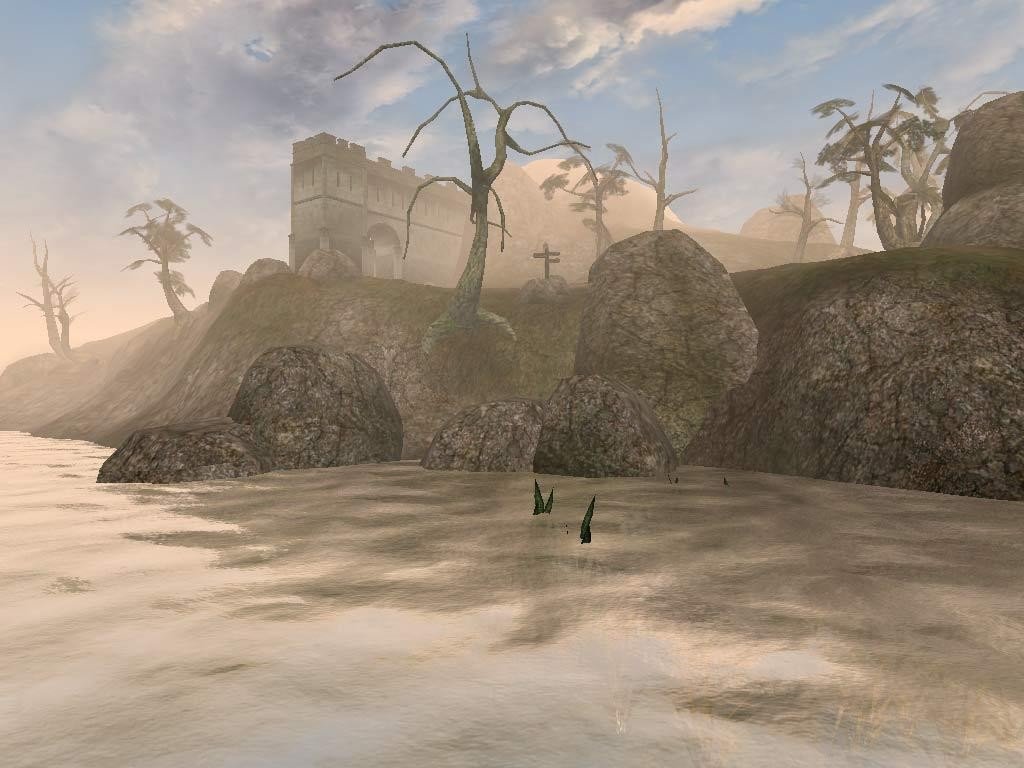
The third game in Bethesda Softworks’ renowned fantasy role-playing series is called The Elder Scrolls III: Morrowind. The Dark Elves live in the province of Morrowind, which is part of the huge empire of Tamriel, where the game is set. Eight regions make up the game’s globe, which includes more than thirty cities and villages, underground dungeons, and other locations like the island’s active volcano.

Playing as a straightforward but no less brave man, the player must deal with an enigmatic curse that has crept over the planet and is avariciously depleting all of its essential resources. The player encounters conflicts with the gods and discovers the Nerevarine prophecy as the narrative progresses.

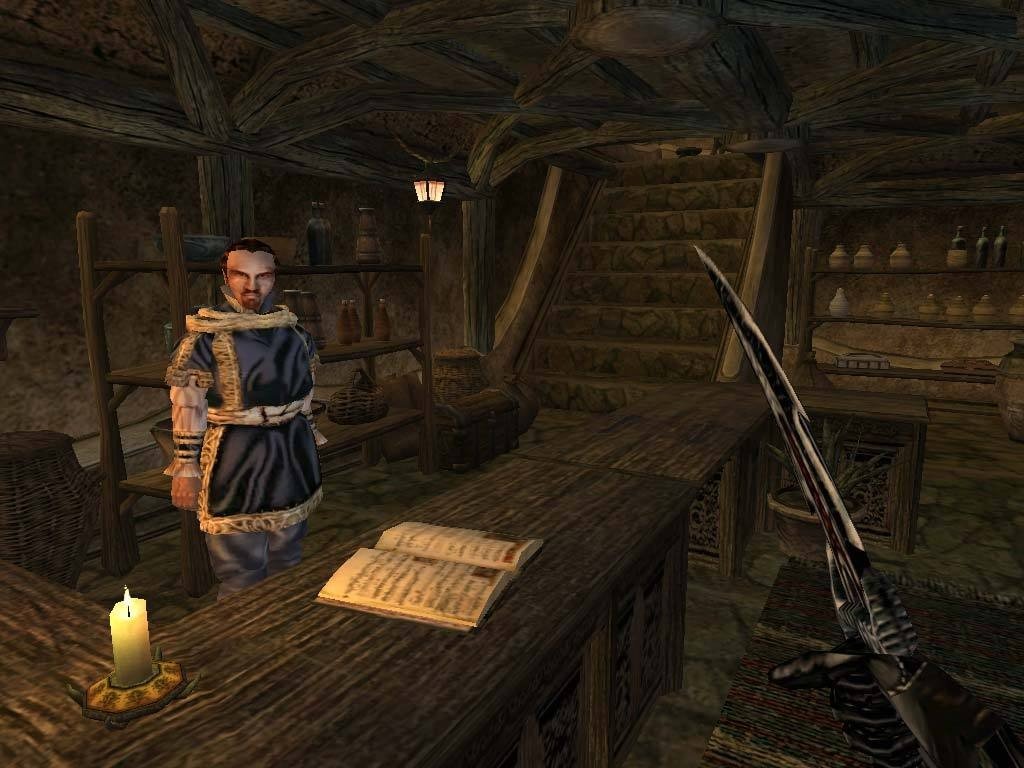
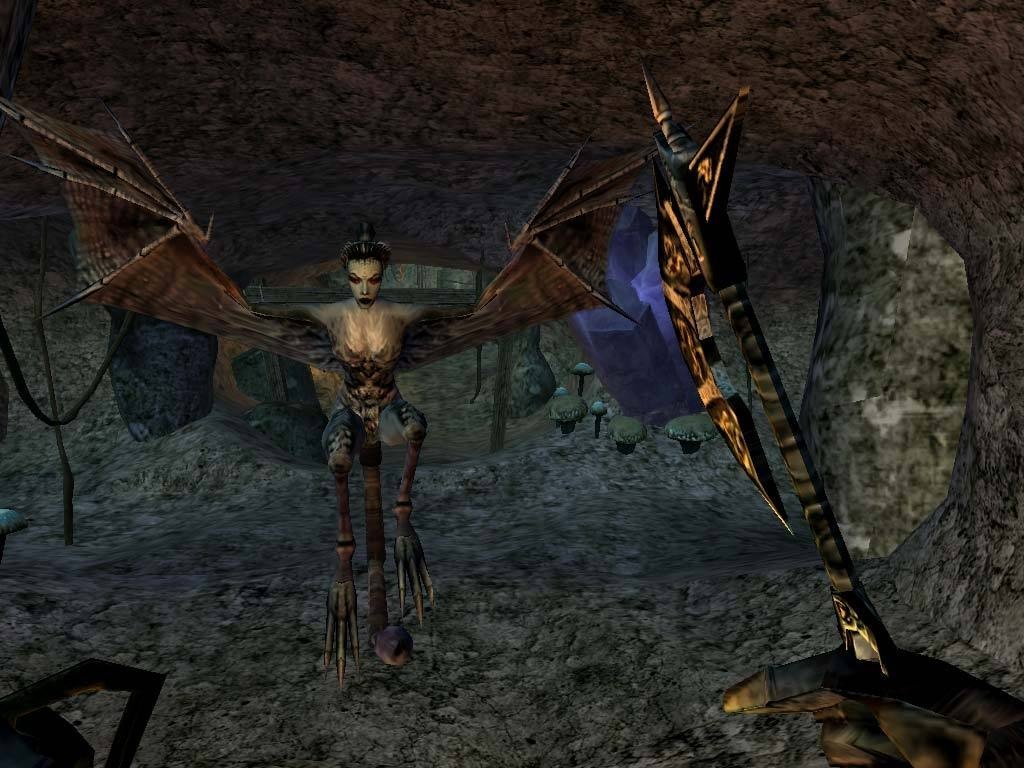
Using roughly two hundred magical powers and 27 special combat skills, the battle system enables the player to expertly eliminate opponents in real time. Just as each school of magic has its own set of magical spells, each skill has a corresponding sort of weapon and armor. The protagonist has the option of exploring the large, dangerous, and mysterious world or completing story-driven tasks.

The Elder Scrolls III: Morrowind, a 2002 open-world role-playing game by Bethesda Softworks, is reimagined in OpenMW, a free and open-source game engine.

Since Morrowind hasn’t gotten support or bug-fixing updates in many years, the project attempts to fix problems with the original engine. The Bullet physics engine, OpenAL-Soft for sound, MyGUI for window widgets, and SDL 2 for input are all used by the C++-written OpenMW engine. Qt is used in the graphical user interfaces of the OpenMW-CS tool and launcher. OpenMW allows you to play all of Morrowind’s quests and character variations, as well as several third-party mods and the game’s official extensions and add-ons.

As a result, the game’s original assets—such as pictures, textures, music, and other things that are copyrighted by Bethesda—are the basis for the game engine replication, but they are not included. This implies that to play Morrowind in OpenMW, you must have a copy of the original game (in any version, including the Game of the Year version). In addition to using the OpenMW-CS content authoring tool without requiring any third-party resources, third-party initiatives have been started to produce free resources to assist OpenMW.

Important Features

Alien World:

  • In sharp contrast to conventional medieval fantasy settings, discover a strange, exotic landscape full of enormous mushrooms, ash storms, and volcanic craters.

True Open-Endedness:

  • You can make any kind of class and completely disregard the main mission. The environment changes according to what you do; if you join a guild of assassins, they will either recruit you or come after you.

Hardcore RPG Mechanics:

  • Combat is difficult at first, but very rewarding as your character advances. It depends on your character’s abilities (such as weapon proficiencies) and dice rolls.

Text-Based Navigation:

  • Modern compass waypoints are not used in the game. NPCs in your diary must provide clear guidance and local signposts for you to follow.


Details

Version 1.6.18.20 (OpenMW v0.50.0)
Developer Bethesda Game Studios
Activation (RG) Not required
Tested on macOS Sequoia , Mac mini 2024 M4
Size 2.4 GB
Architecture ARM , x86 (64-bit)
Interface Language Russian , English
Voice Languages Russian , English

FAQ

Run the downloaded image and read the instructions, the "README" file, for further installation. If you encounter an error when starting OpenMW, run the "Fix" file in the image. No image, purple screen?.. In OpenMW, in the Advanced tab, disable the "Enable post processing" setting. Problems loading?.. To download, use the Free Download Manager or Motrix with Chrome browser extensions. For torrent files, we recommend using the qBittorrent app. Where can I find my saves? /users/Your user/Library/Preferences/openmw/saves/ No lighting?.. Try running the game in windowed mode or full screen with borders. This setting can be set in OpenMW in the "Graphchic" tab. The game crashes?.. Before launching the game in OpenMW, enable vertical synchronization in the "Graphchic" tab.
There are so many errors, we can't list them all here. Therefore, we've described all the solutions (with pictures) in the article: Errors when installing applications on a Mac
Official updates may result in loss of activation unless otherwise stated in the installation instructions. To update the software from this website, you must download the new version of the software from here (if available) and install it over the version currently installed on your computer. This will preserve your activation and settings for the software. Read more in the article: Updating pirated apps
To download large files, it is recommended to use any download manager, for example, FDM (Free Download Manager) For downloading from a file sharing service like Filen.io, it's not recommended to use Safari. Use Google Chrome or the aforementioned FDM browser, for example. To download files via torrent (.torrent file), you need a torrent client, such as Transmission or the aforementioned FDM. Please remember that providers may block access to some websites (1fichier.com, etc.). To bypass these blocks, it is recommended to use a VPN.
The site administration doesn't hack anything. That's the job of release teams and some enthusiasts. They're the ones responsible for ensuring updates are available. But you can hack software yourself by learning reverse engineering.
Definitely not in the comments. The site administration doesn't hack anything, and there's no order desk. However, you can order the software you need (not for free) in a special thread on forum.ru-board.com.
Open System Preferences -> General > Language & Region -> Applications - “+”. Select an app and language. This method works for most apps. The language in Adobe products is usually selected during the installation of the product itself. The language in games is usually changed in the game settings itself. There are exceptions. Don't hesitate to search for information online.
There are many options. The easiest is to use specialized app removal tools, such as App Cleaner & Uninstaller. To remove Adobe products, use the Creative Cloud Cleaner Tool .
The site offers a paid service: remote assistance (via AnyDesk, Zoom, Skype) with the installation of any applications (not just those from this site) on any Mac or PC. Learn more...

Leave a Comment

Version 1.6.18.20 (OpenMW v0.50.0)
Developer Bethesda Game Studios
Interface language Russian , English
Activation (RG) Not required
Tested macOS Sequoia , Mac mini 2024 M4
Architecture ARM , x86 (64-bit)
Voice Languages Russian , English
Size 2.4 GB
No threats found. Read more…
Published (edited): June 3, 2026 Views: 7


