


The thirteenth significant release of Apple’s Mac operating system is macOS Sierra (version 10.12). When it was released in 2016, it brought revolutionary desktop capabilities, including improved cloud storage integration, Universal Clipboard, and Siri.
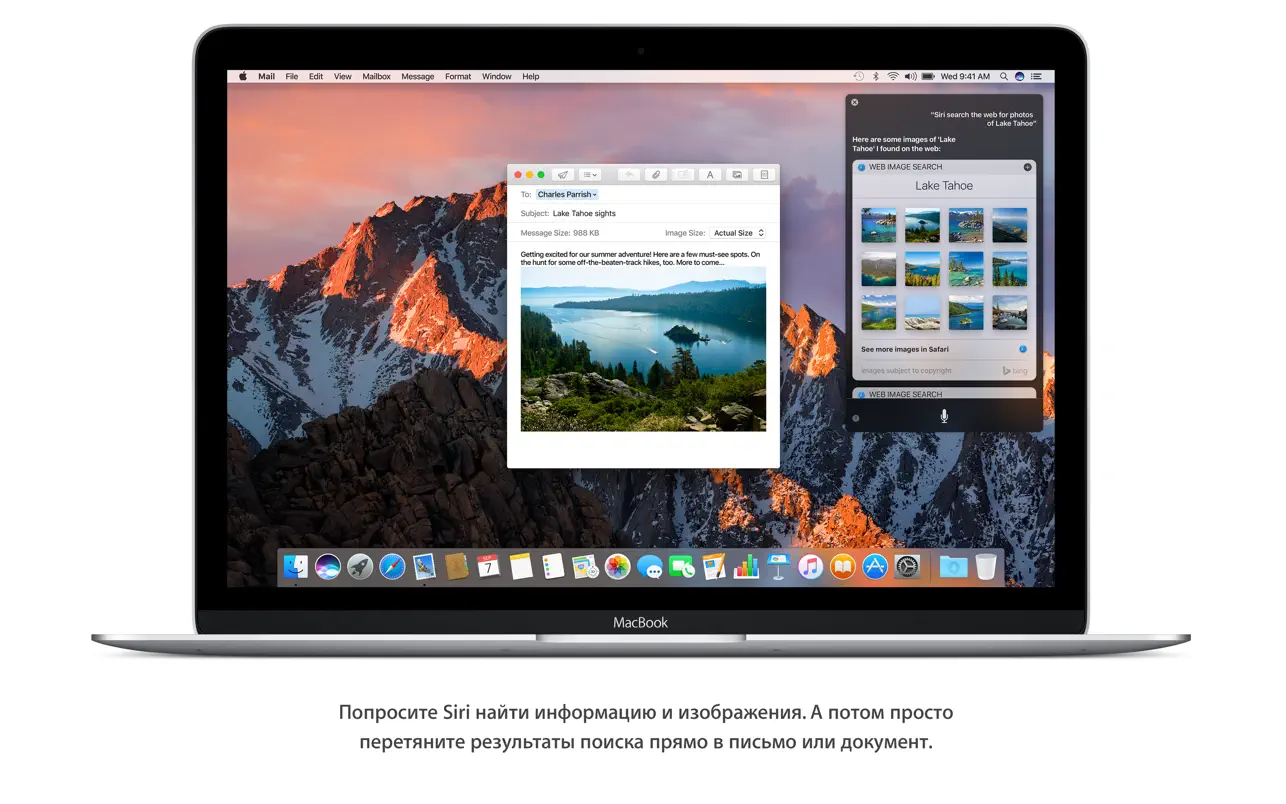
Introducing Siri, the Mac speech assistant with a plethora of new desktop functions. Mac now communicates with Apple devices and iCloud in an entirely new and far more effective manner. Photo editing, music listening, and texting have never been more enjoyable.
Key Features Full:
- You can always rely on Siri, your Mac’s intelligent assistant, for any task.
- Savor your preferred iOS features along with brand-new, Mac-optimized ones.
- While working, you can browse the web, send messages, set reminders, and do a lot of other things.
- You may either drag and drop Siri search results into your papers or copy and paste them.
- To access Siri search results at a later time, save them in the Notification Center.
- Ask Siri to get system information, modify settings, and locate files.
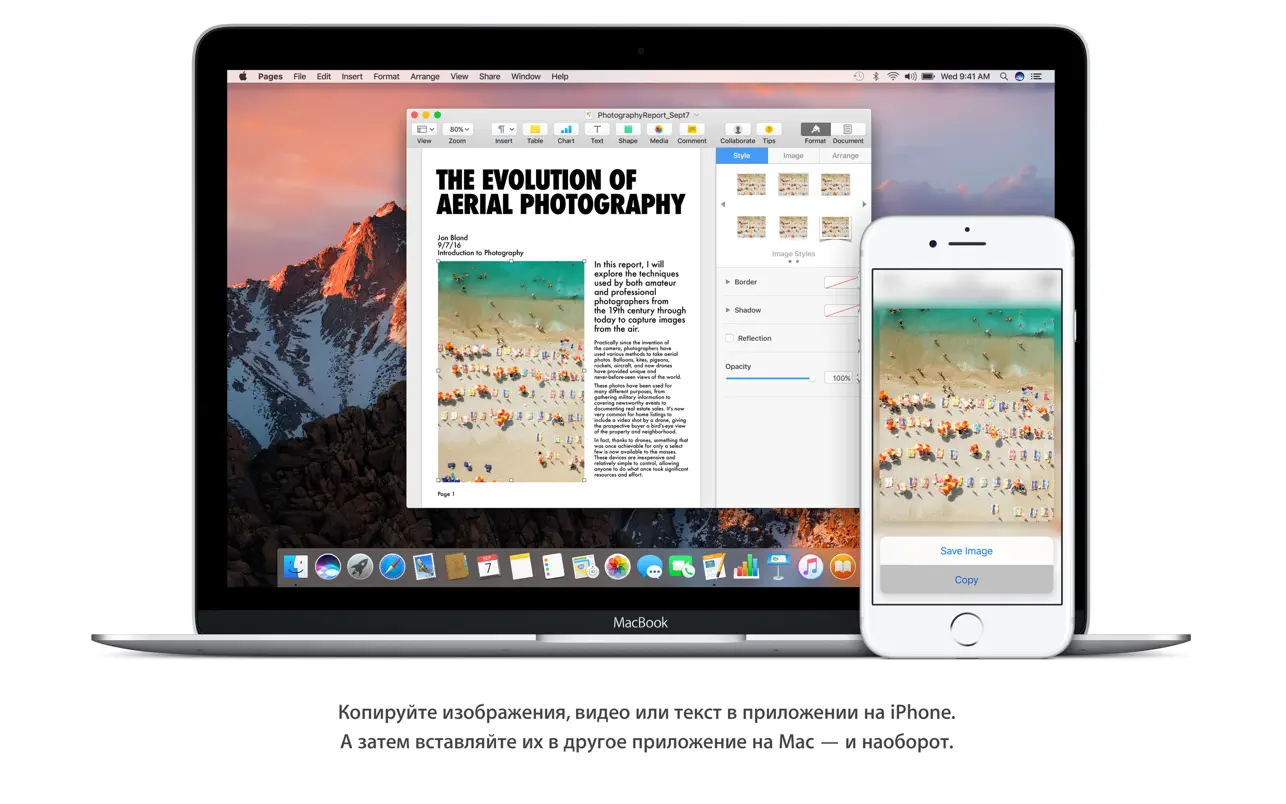
- Use the Universal Clipboard to transfer items between devices.
- You can copy and paste a phrase, picture, or video from one device’s app into another.
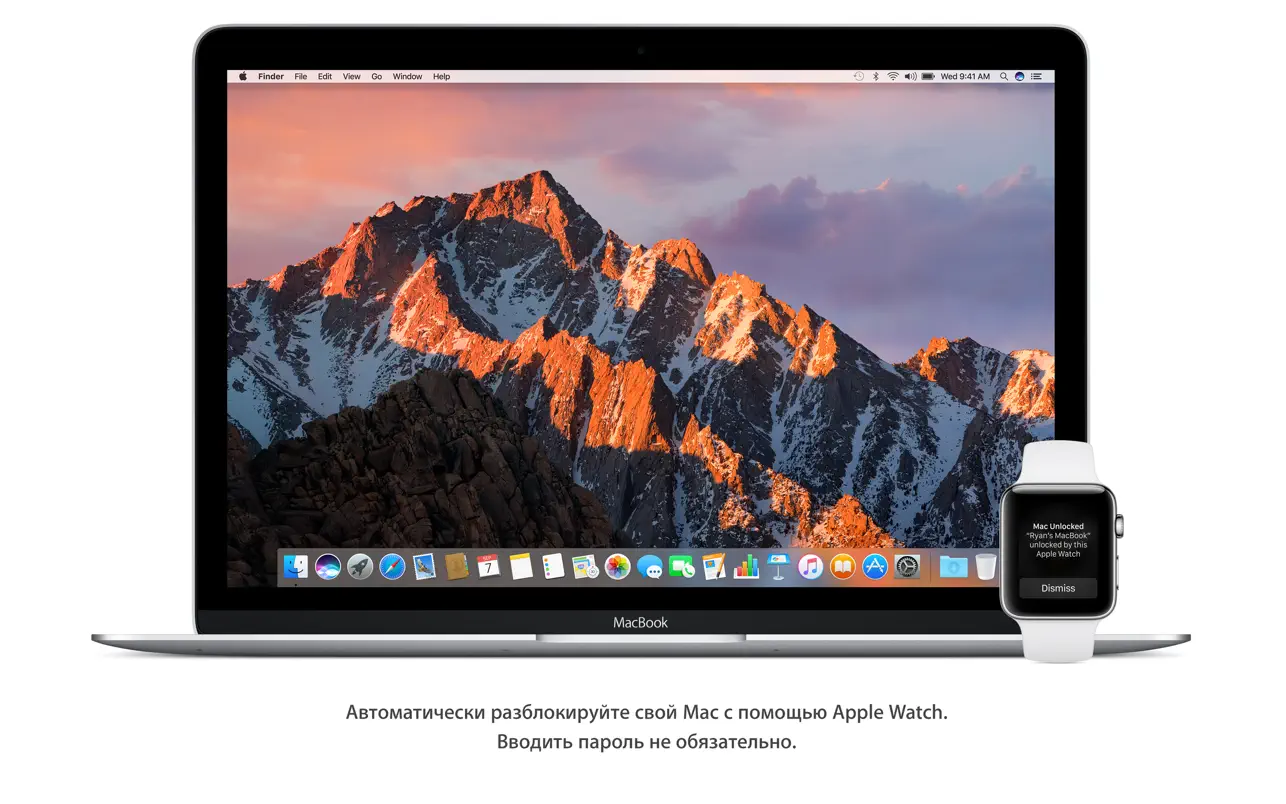
- Use the Auto Unlock option to log in automatically.
- You don’t need a password to log in when you wear your Apple Watch automatically.
- Use the iCloud Desktop and Documents folders on your iPhone to access files from your Mac desktop.
- Save all of your desktop and Documents folder files to iCloud automatically so you can access them from any device.
- You can easily free up space on your Mac with Optimized Storage.
- Save infrequently used files to iCloud automatically so you can access them later.
- You can save even more space by eliminating useless files with the aid of additional programs.
- Use app tabs to keep your desktop organized.
- To handle several windows in Maps, Pages, Keynote, Numbers, and other programs, use tabs.
- Tabs are now compatible with third-party apps without requiring additional modifications.
- Turn on Picture-in-Picture mode to watch your favorite video and avoid missing the big game.
- Put a video from iTunes or Safari on top of your desktop.
- Explore your library of images to find the greatest ones again.
- Use the Memories tool to relive your most treasured experiences.
- Sort pictures according to the individuals in them. The Photos app instantly locates images of a certain person using sophisticated facial recognition technology.
- You can locate all the beaches, concerts, or, for example, all the dogs in your media library with the help of the smart search feature, which detects things and spaces.
- Explore iTunes’ brand-new Apple Music features.
- With the aid of professional curators and state-of-the-art machine learning, discover new music.
- Make your Messages discussions more lively.
- Use the Messages window to browse websites and videos from the internet.
- Benefit from quick and easy Tapback answers.
- Use big emojis to convey your feelings.
Important Features
- Integration with Siri:
Use the Dock, menu bar, or keyboard shortcuts to access Apple’s voice assistant directly for file searches, messaging, and weather checks.
- All-purpose Clipboard
Easily transfer text, photos, and videos from your Mac to an iPad or iPhone that is close by (and vice versa).
- Automatic Unlock:
Wearing a linked Apple Watch will instantly log you into your Mac.
- Enhanced Storage:
automatically clears off obsolete program caches and moves infrequently used files to iCloud.





Leave a Comment