

On April 30, 2026, the Xbox Series X/S, PlayStation 5, and PC versions of Invincible VS, a 3v3 tag-team fighting game based on the Amazon animated series, were launched. The game, which was created by Quarter Up and Skybound Games, has an 18-character base roster and harsh, fast-paced gameplay.

Unbeatable vs..

Superhumans. destructive skills. battles in which a city may be destroyed by a single blow.

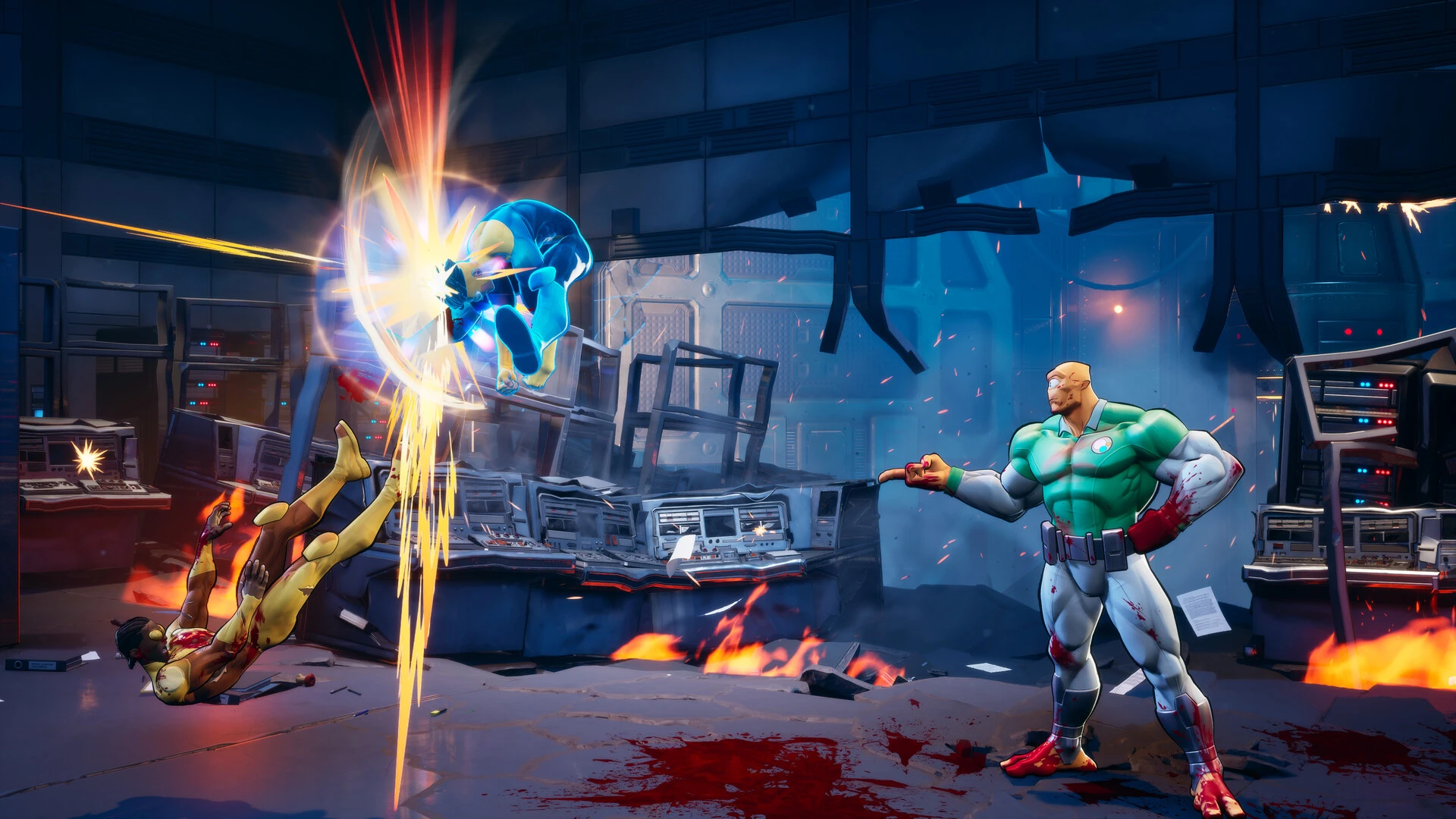
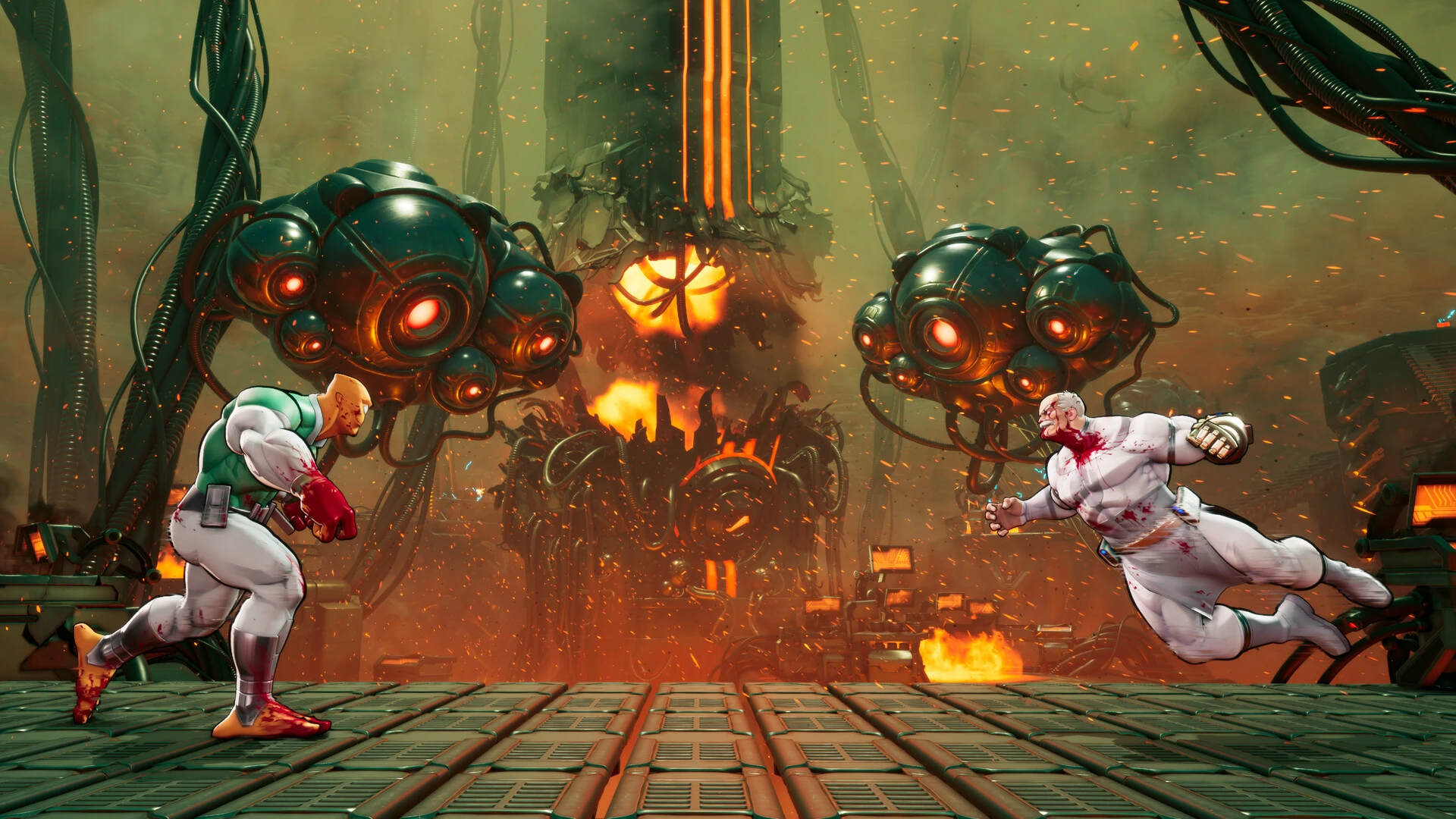
Set in the Invincible universe, Invincible VS is a vicious and dynamic 3-on-3 fighting game that combines the heroes of the renowned comic book and animated series with fast-paced team battles and gory finishers.

Team Battles in 3v3

Make your own character squad and alternate between combatants in the middle of a combo. To control the arena, employ coordinated attacks, defensive strategies, and deadly ultimate skills.

Cruel superhero action

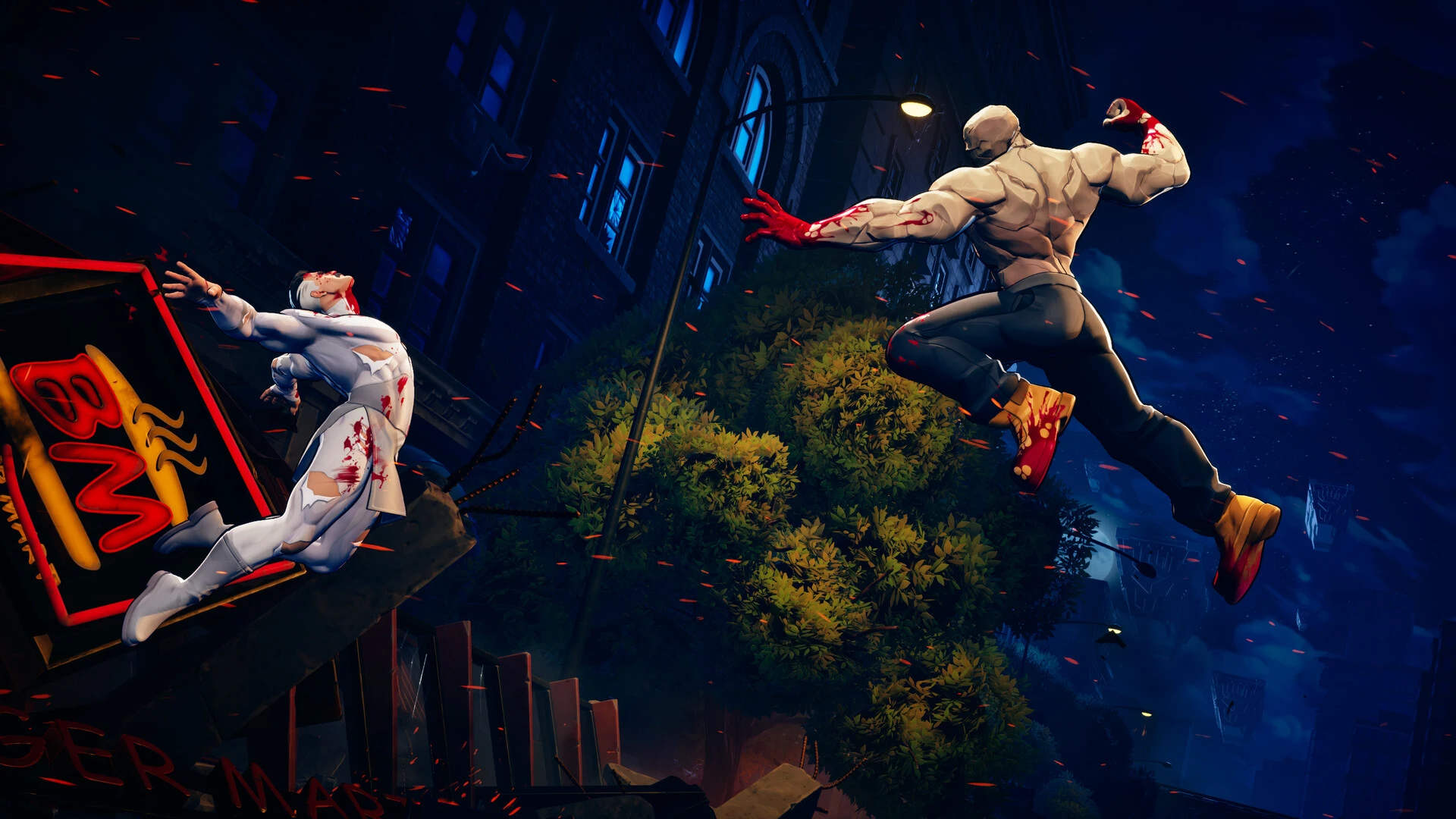
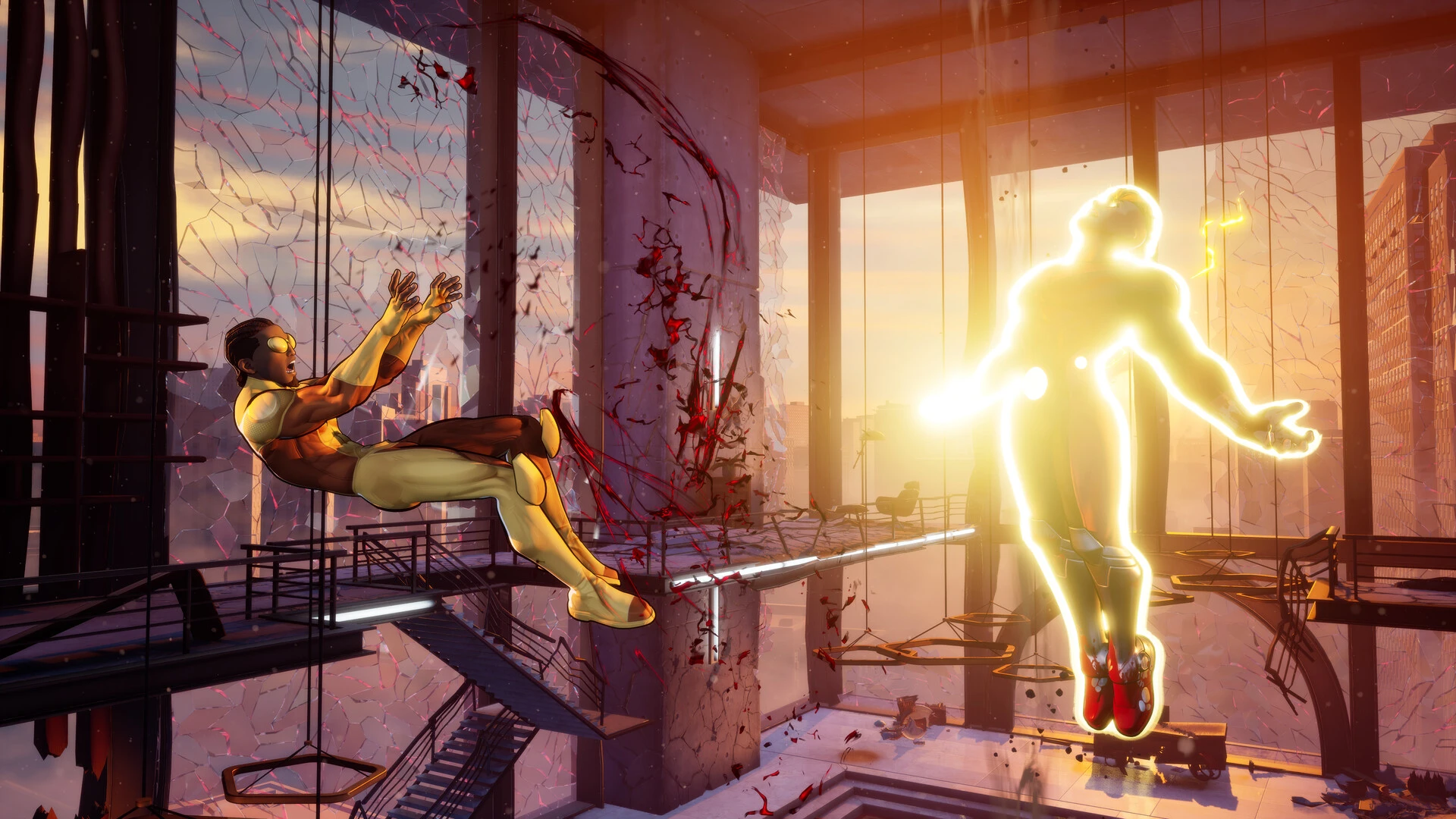
There is tremendous speed, strong hits, and widespread devastation in every conflict. Through dramatic finishers, vicious confrontations, and chaotic battles, the game portrays the distinctive harshness of the Invincible universe.

The Invincible universe’s heroes and villains

Play as your favorite characters, such as Battle Beast, Omni-Man, Atom Eve, Invincible, and many more. Every hero has a different fighting style, set of skills, and combination of attacks.

Narrative mode

Discover a unique narrative made just for the game. New events and cinematic sequences broaden the Invincible universe and present well-known characters from a new angle.

For novices and experts

In-depth team-based fighting mechanics are combined with an approachable combat system in Invincible VS. Although learning the game is simple, mastery calls for patience, accuracy, and a deep comprehension of strategy.

Oddities:

  • A three-on-three combat game in the Invincible universe.
  • Quick team conflicts.
  • Violent and stunning battles.
  • The original narrative mode.
  • Play with a friend on the same screen.
  • Famous villains and heroes.
  • Destruction and high dynamics.

Details

Version Build 22844029 [Wineskin]
Developer Quarter Up
Activation (RG) Not required
Tested on macOS Tahoe , Mac mini 2024 M4
Size 9.7 GB
Architecture ARM
Interface Language English , German , Spanish , Italian , Traditional Chinese , Simplified Chinese , Korean , French , Japanese
Voice Languages English

FAQ

Run the downloaded image and drag the application to the Applications folder shortcut. Once copying is complete, the application can be launched via Launchpad. If an error occurs when launching the game, run the "Fix" file in the image. Problems downloading? Where can I find my saves? How to change the language...?
There are so many errors, we can't list them all here. Therefore, we've described all the solutions.
Official updates may result in loss of activation unless otherwise stated in the installation instructions. To update the software from this website, you must download the new version of the software from here (if available) and install it over the version currently installed on your computer. This will preserve your activation and settings for the software.
To download large files, it is recommended to use any download manager, for example, FDM (Free Download Manager) For downloading from a file sharing service like Filen.io, it's not recommended to use Safari. Use Google Chrome or the aforementioned FDM browser, for example. To download files via torrent (.torrent file), you need a torrent client, such as Transmission or the aforementioned FDM. Please remember that providers may block access to some websites (1fichier.com, etc.). To bypass these blocks, it is recommended to use a VPN.
The site administration doesn't hack anything. That's the job of release teams and some enthusiasts. They're the ones responsible for ensuring updates are available. But you can hack software yourself by learning reverse engineering.
Definitely not in the comments. The site administration doesn't hack anything, and there's no order desk. However, you can order the software you need (not for free) in a special thread on forum.ru-board.com.
Open System Preferences -> General > Language & Region -> Applications— “+”. Select an app and language. This method works for most apps. The language in Adobe products is usually selected during the installation of the product itself. The language in games is usually changed in the game settings itself. There are exceptions. Don't hesitate to search for information online.
There are many options. The easiest is to use specialized app removal utilities, such as App Cleaner & Uninstaller. To remove Adobe products, use the Creative Cloud Cleaner Tool.
The site offers a paid service: remote assistance (via AnyDesk, Zoom, or Skype) with the installation of any applications (not just those from this site) on any Mac or PC.

Leave a Comment

Version Build 22844029 [Wineskin]
Developer Quarter Up
Interface language English , German , Spanish , Italian , Traditional Chinese , Simplified Chinese , Korean , French , Japanese
Activation (RG) Not required
Tested macOS Tahoe , Mac mini 2024 M4
Architecture ARM
Voice Languages English
Size 9.7 GB
No threats found. Read more…
Published (edited): May 10, 2026 Views: 24




