

Farming Simulator 25 icon

Farming Simulator 25

Games Simulator

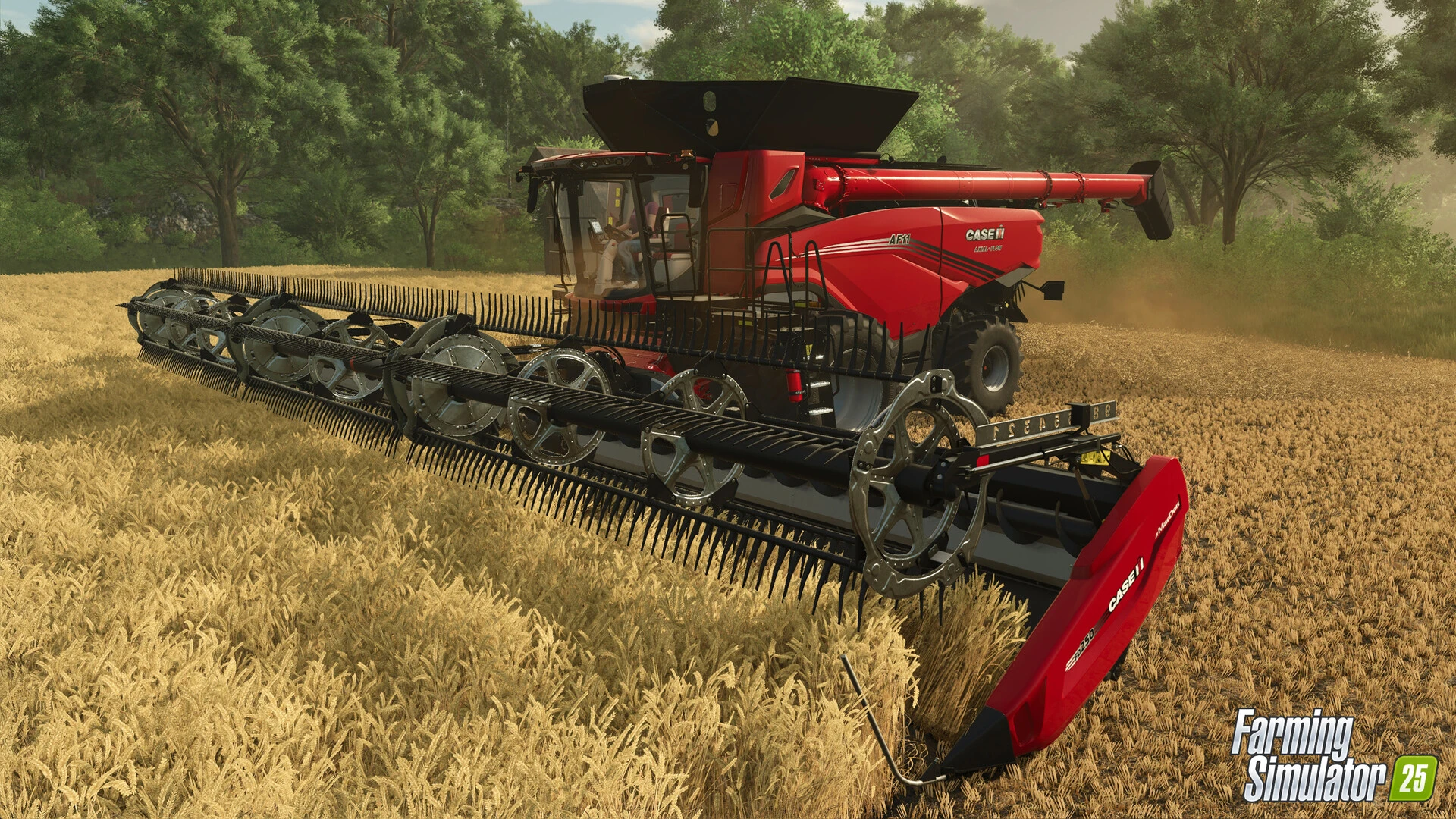
Farming Simulator 25 invites you to experience the joys of rural life. Whether you’re building your farm alone or in co-op mode with friends, you can create your own unique farm. Build a farm along the winding rivers and old grain silos of North America; surrounded by ponds in Central Europe; or amidst the lush greenery of East Asia, where rice fields abound, near a neon-lit port. Grow vegetables, raise animals, cultivate forests, and manage farm barns, factories, and construction sites!

Weather changes and impacts the landscape

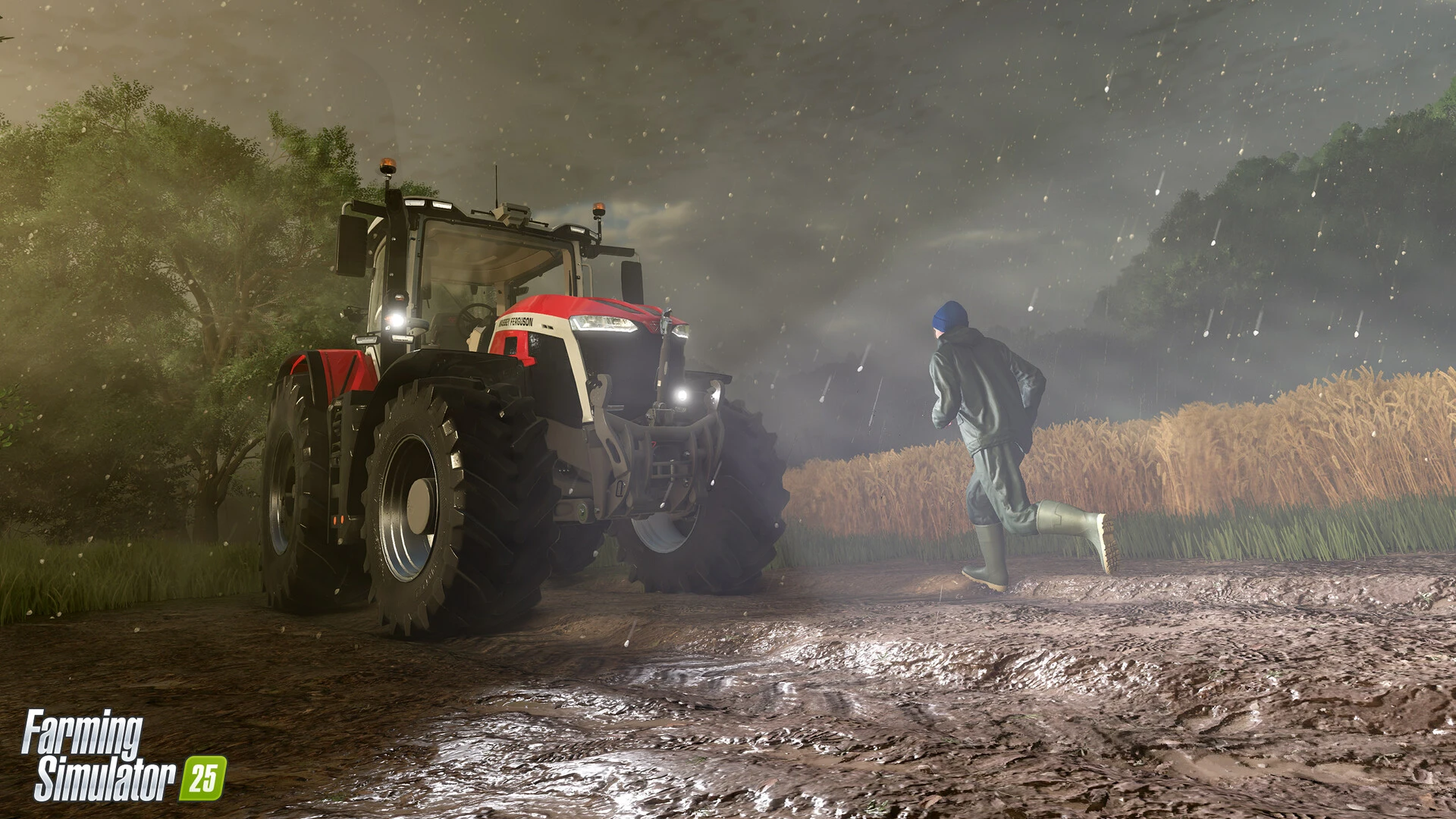
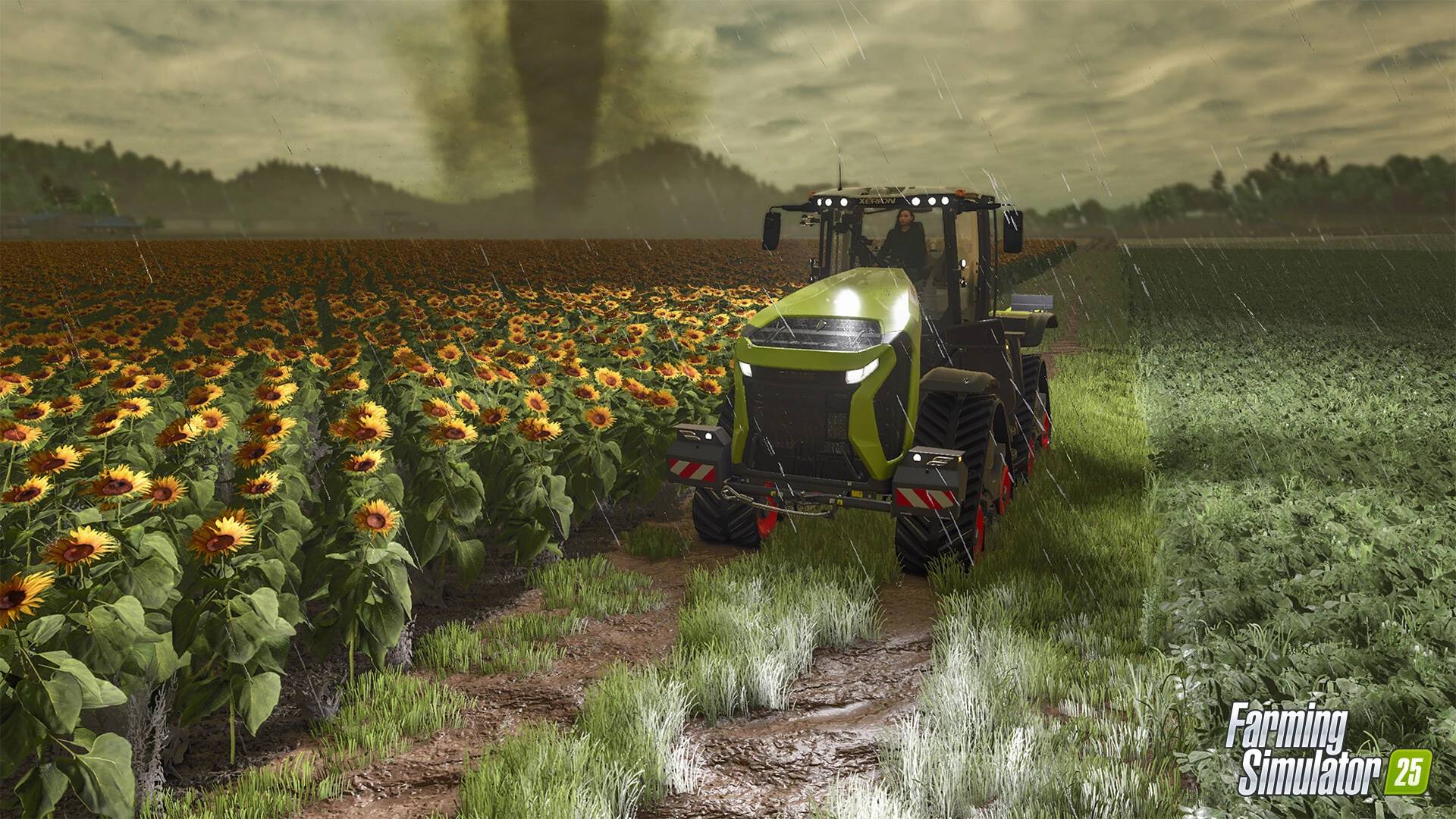
Storms and hailstorms will add to the rigors, forcing farmers to prepare for them and assess the damage to their crops. The breakdown feature will leave marks on the ground, and there will be many other weather conditions that will make the farm even more romantic and realistic. Watch the morning sun filter through the trees, illuminating the mist with a golden glow!

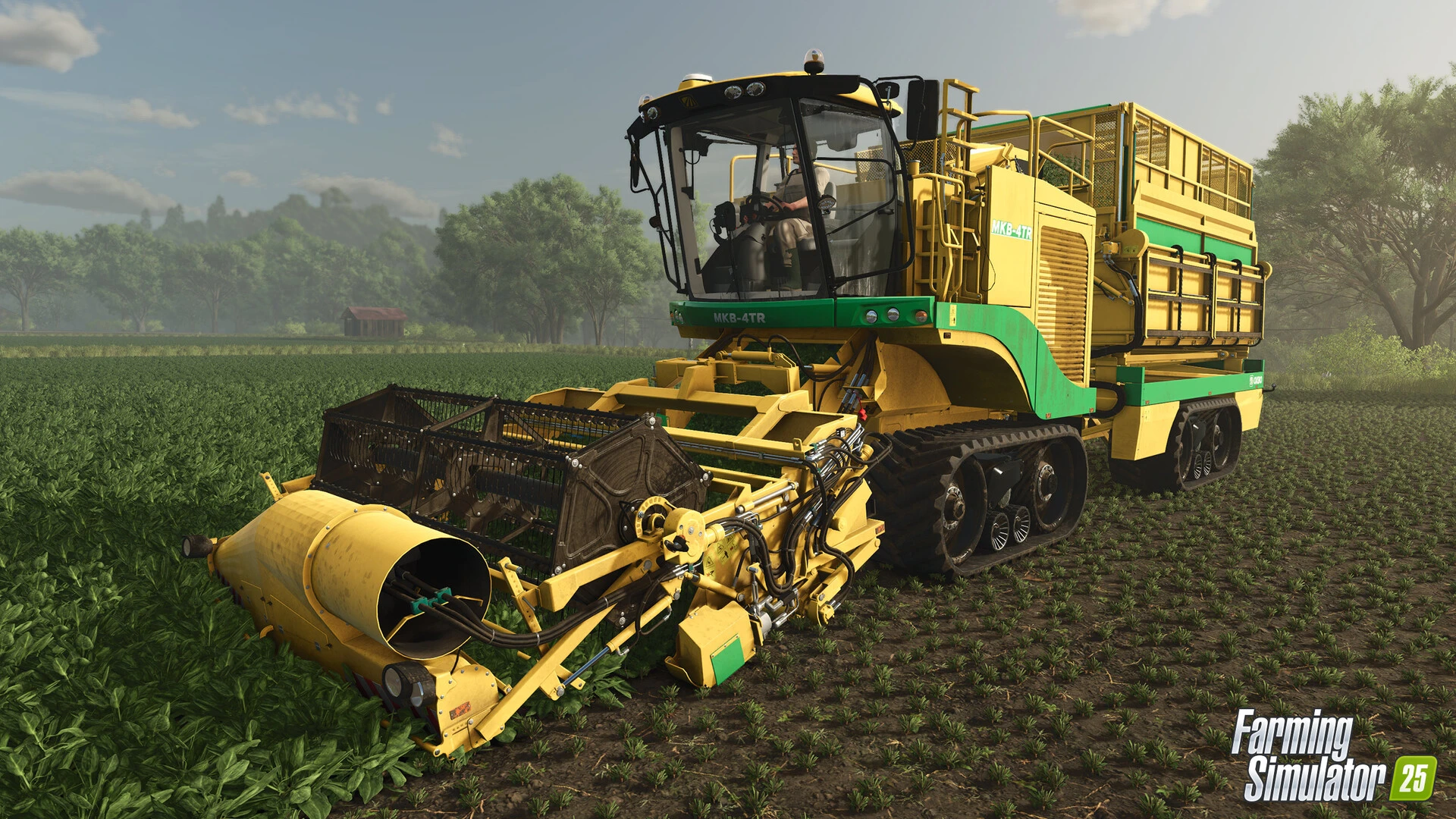
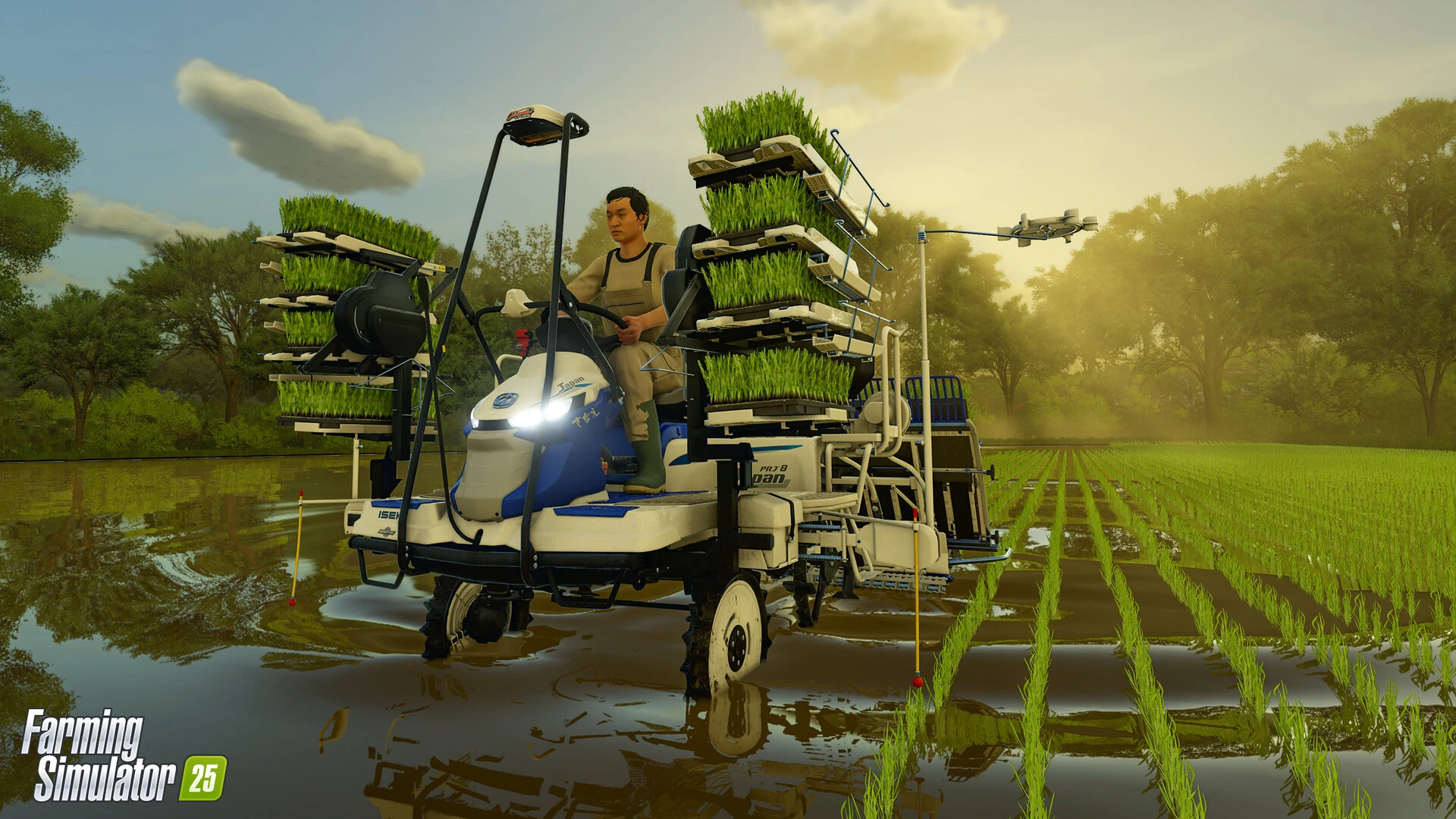
An Asian farm, new crops, and animals. Two types of rice can be grown in watered fields, and 25 spinach, peas, and green beans have been added to Farming Simulator – bringing the total number of crops to 25! Different trees and vegetables are also available for greenhouse cultivation. New machinery is available on the Asian farm, and buffalo and their calves have joined the cows, sheep, pigs, chickens, and horses in the barns and pastures.

Realistic vehicles with GPS navigation

A GPS navigation system and improved autopilot will help you drive with greater precision. The game includes 400 carefully redesigned vehicles and equipment from 150 major global manufacturers: Case IH, Claas, Fendt, John Deere, Kubota, Massey Ferguson, New Holland, Valtra, and many more. Choose your favorite brand or see what others have!

Improvements in quality farming

General technical innovations will help you better connect with farms and nature: the latest GIANTS Engine 10 has significantly improved graphics and physics. User-friendly features and other benefits make Farming Simulator 25 easy for beginners, allowing both new and experienced farmers to get started in the world of agriculture. And if that’s not enough, you can download user-friendly creations, verified by developers, from the Games section of ModHub!


Details

Version 1.17.0.0
Developer Giants Software
Activation (RG) Not required
Tested on macOS Tahoe , Mac mini 2024 M4
Size 24 GB
Architecture ARM , x86 (64-bit)
Interface Language English , German , Hungarian , Vietnamese , Greek , Danish , Indonesian , Spanish , Italian , Traditional Chinese , Simplified Chinese , Korean , Dutch , Norwegian , Polish , Portuguese , Romanian , Turkish , Ukrainian , Finnish , French , Swedish , Japanese
Voice Languages English

FAQ

OS: TbD Processor: TbD RAM: 8 GB RAM Video Card: TbD Disk Space: 45 GB
Run the downloaded image and drag the application to the Applications folder shortcut. Once copying is complete, the application can be launched via Launchpad. To change the language, open the package contents /Contents/Config/nsteame_settings/NemirtingasSteamEmu.json Find the Language line and change English to Russian.
There are so many errors, we can't list them all here. Therefore, we've described all the solutions (with pictures) in the article: Errors when installing applications on a Mac
Official updates may result in loss of activation unless otherwise stated in the installation instructions. To update the software from this website, you must download the new version of the software from here (if available) and install it over the version currently installed on your computer. This will preserve your activation and settings for the software.
To download large files, it is recommended to use any download manager, for example, FDM (Free Download Manager) For downloading from a file sharing service like Filen.io, it's not recommended to use Safari. Use Google Chrome or the aforementioned FDM browser, for example. To download files via torrent (.torrent file), you need a torrent client, such as Transmission or the aforementioned FDM. Please remember that providers may block access to some websites (1fichier.com, etc.). To bypass these blocks, it is recommended to use a VPN.
The site administration doesn't hack anything. That's the job of release teams and some enthusiasts. They're the ones responsible for ensuring updates are available. But you can hack software yourself by learning reverse engineering.
Definitely not in the comments. The site administration doesn't hack anything, and there's no order desk. However, you can order the software you need (not for free) in a special thread on forum.ru-board.com.
Open System Preferences -> General > Language & Region -> Applications - “+”. Select an app and language. This method works for most apps. The language in Adobe products is usually selected during the installation of the product itself. The language in games is usually changed in the game settings itself. There are exceptions. Don't hesitate to search for information online.
There are many options. The easiest is to use specialized app removal utilities, such as App Cleaner & Uninstaller. To remove Adobe products, use the Creative Cloud Cleaner Tool .

Leave a Comment

Version 1.17.0.0
Developer Giants Software
Interface language English , German , Hungarian , Vietnamese , Greek , Danish , Indonesian , Spanish , Italian , Traditional Chinese , Simplified Chinese , Korean , Dutch , Norwegian , Polish , Portuguese , Romanian , Turkish , Ukrainian , Finnish , French , Swedish , Japanese
Activation (RG) Not required
Tested macOS Tahoe , Mac mini 2024 M4
Architecture ARM , x86 (64-bit)
Voice Languages English
Size 24 GB
No threats found. Read more…
Official website
Published (edited): March 25, 2026 Views: 240


