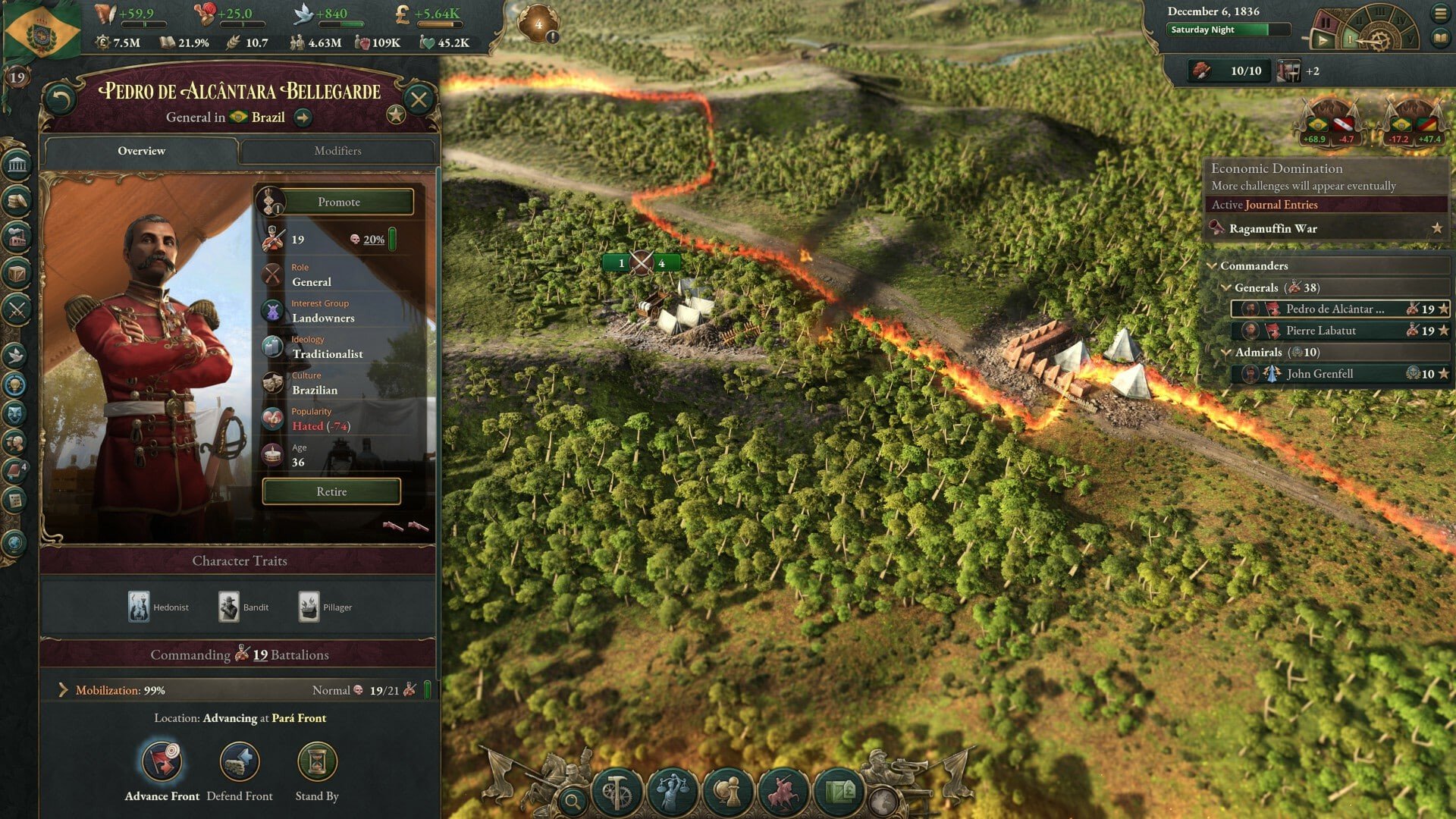
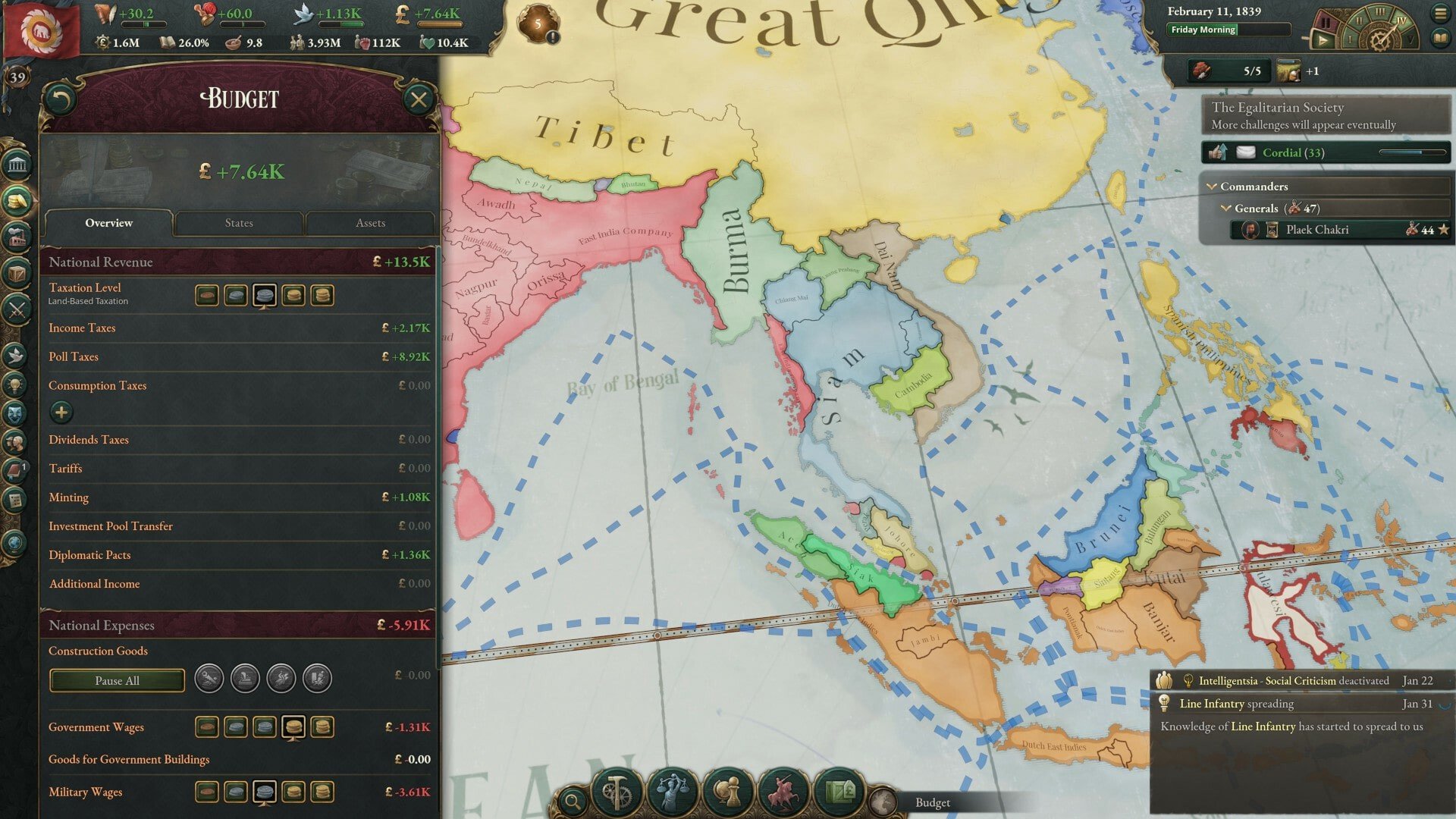
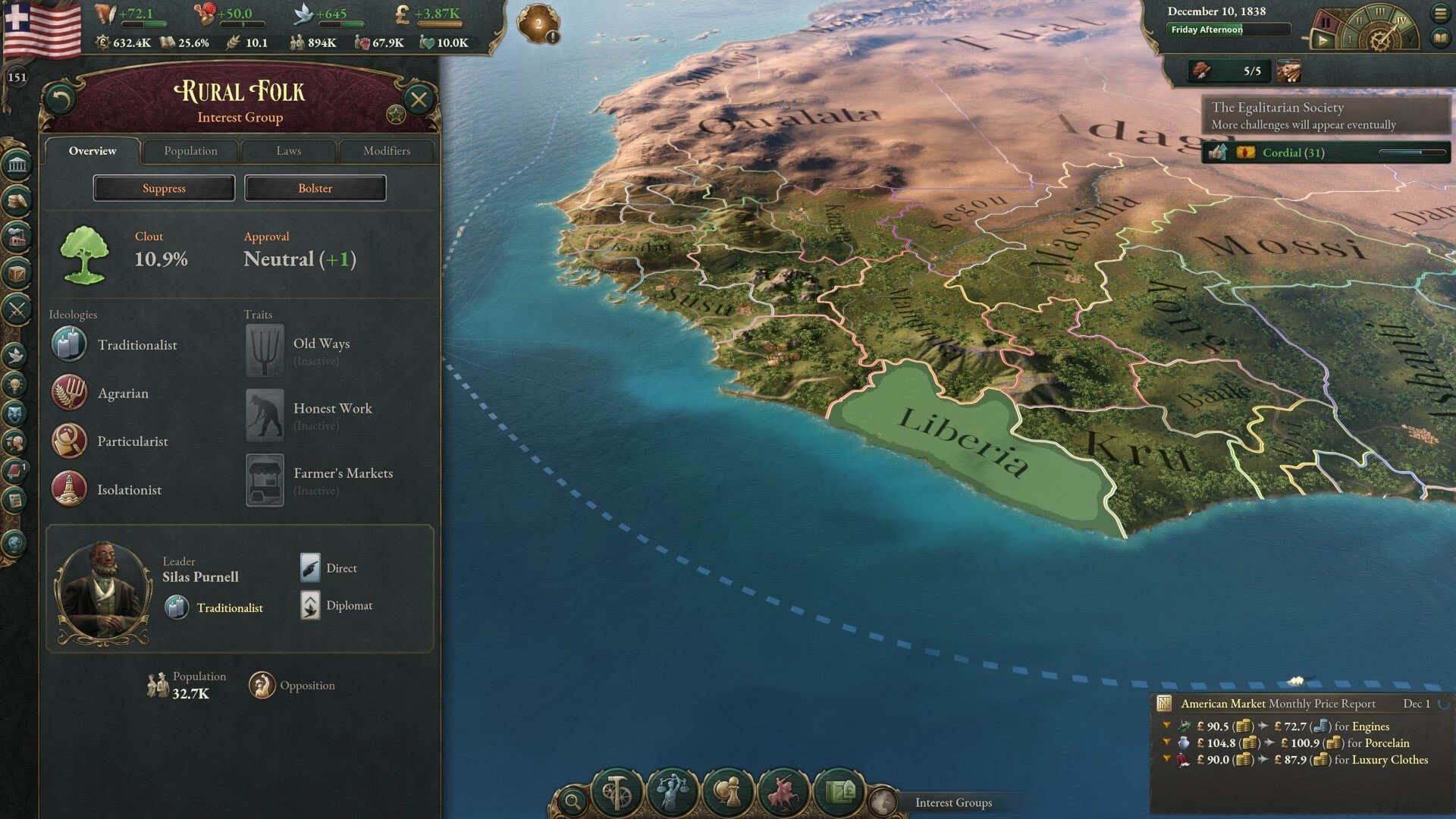
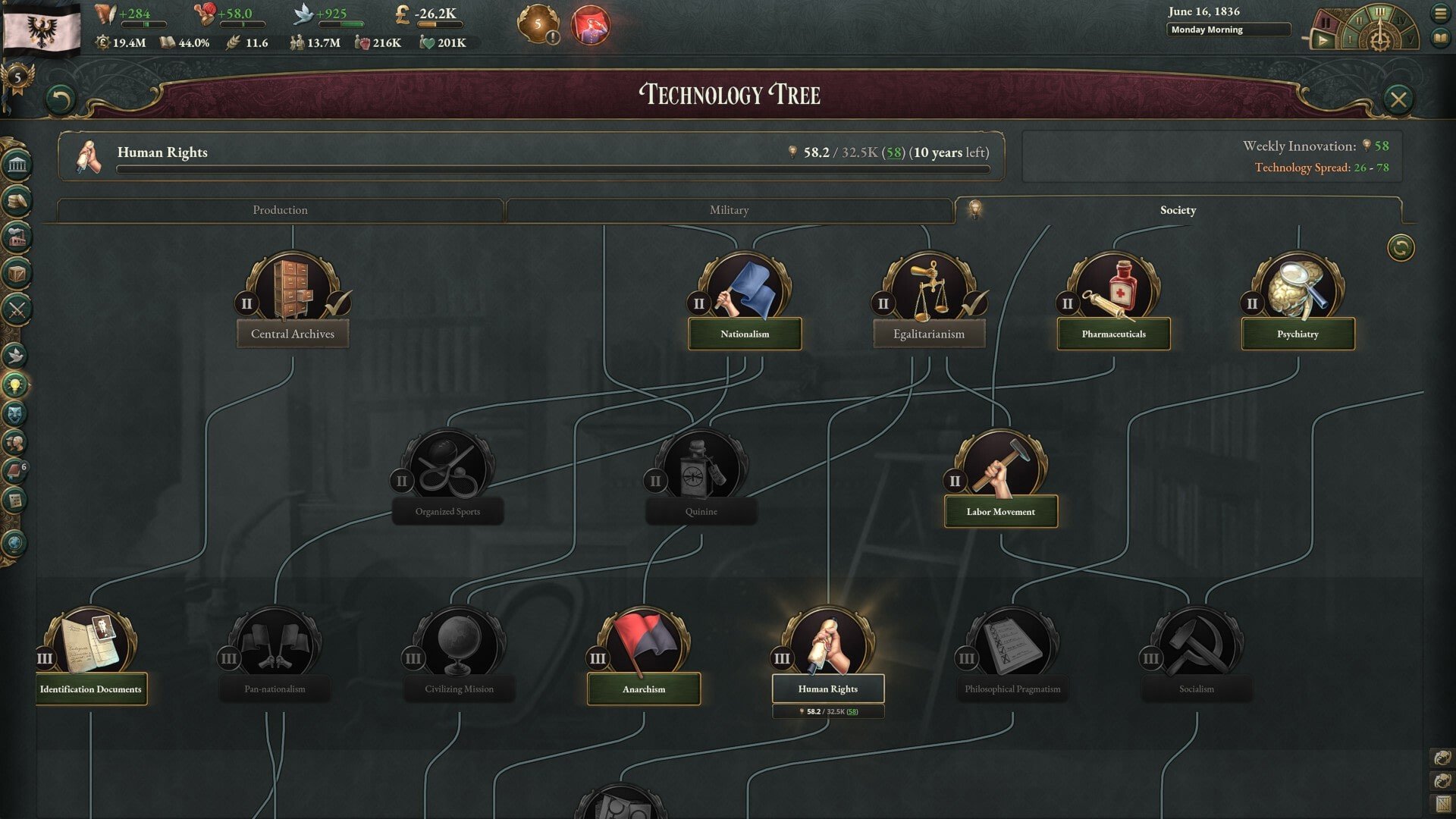
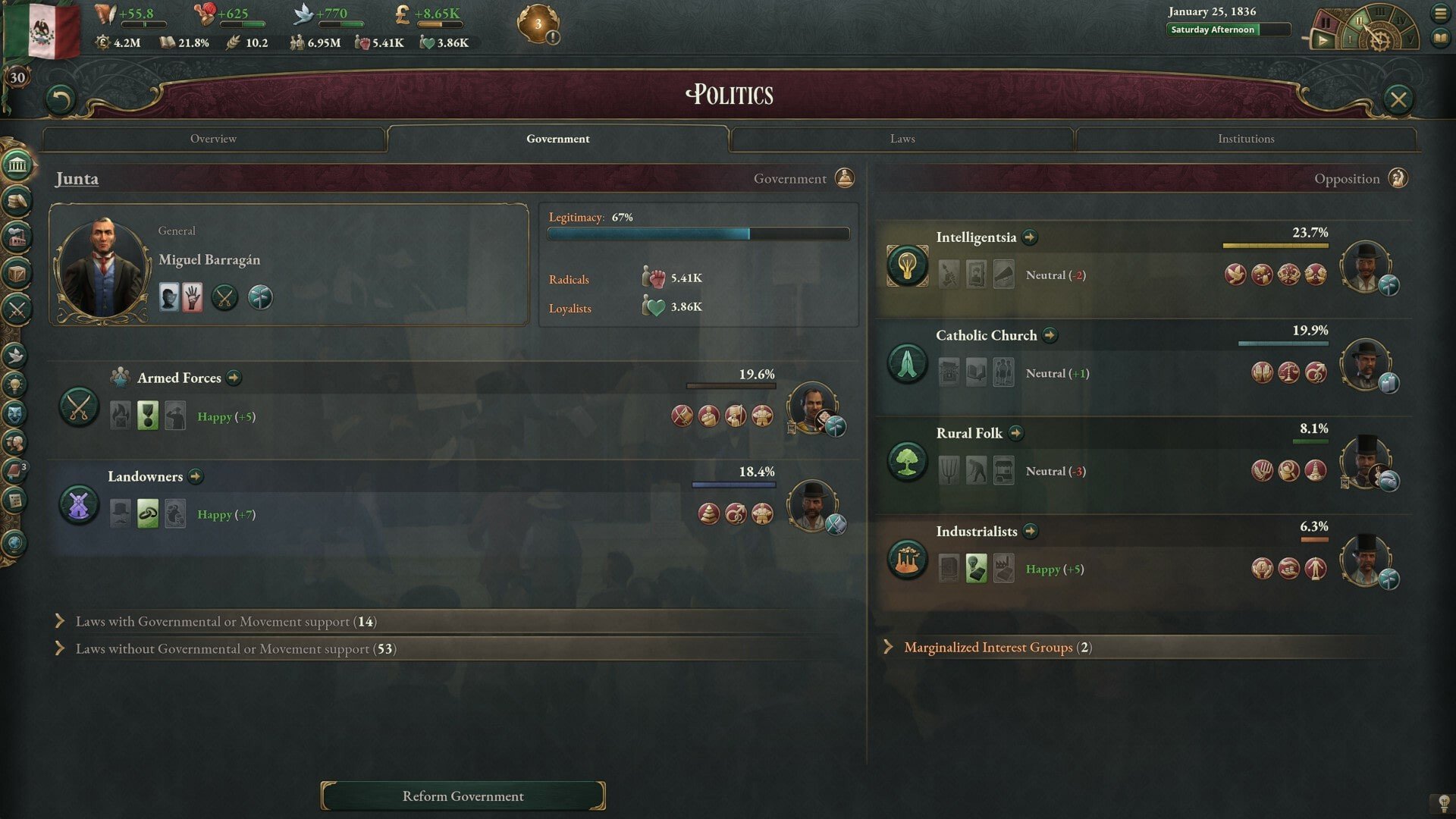
Paradox Development Studio created the grand strategic simulation game Victoria 3, which focuses on politics, economics, and society management between 1836 and 1936. During the revolutionary Victorian era, players take control of one or more than 100 nations, managing trade, diplomatic ties, industrial growth, and population demands.

BUILD A FANTASTIC FUTURE

In the midst of the chaotic 19th century, Paradox Development Studio dares you to create the ideal society. In Victoria 3, one of the most anticipated games in the studio’s history, discover a method to reconcile social conflicts and win your spot in the spotlight.

THE IDEAL SIMULATOR OF SOCIETY

From 1836 until 1936, rule over any number of nations. You can choose between business or agriculture, dramatic reforms or devotion to tradition, peaceful living or conquest.

Keep in mind that every demographic group has unique political beliefs and financial issues.

Either defend traditional values against revolutionary upheaval or create a progressive society through constitutional updates and governmental reforms.

To aid in the development of your nation, investigate novel concepts and technology.

ECONOMIC SYSTEM COMPLEX

  • Build commerce and industry, tax earnings, and improve the welfare of the country.
  • Look for new markets to sell goods in and import inexpensive raw materials to meet necessities.
  • Control the flow of necessities to sustain your economy and shape the destiny of empires.
  • Make use of inexpensive labor, but keep in mind that the market needs skilled workers.

PLAY ON THE GLOBAL STAGE

Pull the strings in a complex web of diplomacy, craft intrigues, form alliances, argue and make amends, and improve your standing in the world.

  • Use threats, military superiority, and bluff to force your enemies to retreat.
  • Build up your army and economy at the expense of your rivals.
  • Develop your industry or conquer new territories to strengthen your reputation and earn the respect of your competitors.


Details

Version 1.13.4
Developer Paradox Development Studio
Activation (RG) Not required
Tested on macOS Tahoe , Mac mini 2024 M4
Size 9 GB
Architecture ARM , x86 (64-bit)
Interface Language Russian , English , German , Traditional Chinese , Simplified Chinese , Dutch , French , Japanese
Voice Languages Musical accompaniment

FAQ

Run the downloaded image and drag the application to the Applications folder shortcut. Once copying is complete, the application can be launched via Launchpad.
There are so many errors, we can't list them all here. Therefore, we've described all the solutions.
Official updates may result in loss of activation unless otherwise stated in the installation instructions. To update the software from this website, you must download the new version of the software from here (if available) and install it over the version currently installed on your computer. This will preserve your activation and settings for the software.
To download large files, it is recommended to use any download manager, for example, FDM (Free Download Manager) For downloading from a file sharing service like Filen.io, it's not recommended to use Safari. Use Google Chrome or the aforementioned FDM browser, for example. To download files via torrent (.torrent file), you need a torrent client, such as Transmission or the aforementioned FDM. Please remember that providers may block access to some websites (1fichier.com, etc.). To bypass these blocks, it is recommended to use a VPN.
The site administration doesn't hack anything. That's the job of release teams and some enthusiasts. They're the ones responsible for ensuring updates are available. But you can hack software yourself by learning reverse engineering.
Definitely not in the comments. The site administration doesn't hack anything, and there's no order desk. However, you can order the software you need (not for free) in a special thread on forum.ru-board.com.
Open System Preferences -> General > Language & Region -> Applications— “+”. Select an app and language. This method works for most apps. The language in Adobe products is usually selected during the installation of the product itself. The language in games is usually changed in the game settings itself. There are exceptions. Don't hesitate to search for information online.
There are many options. The easiest is to use specialized app removal utilities, such as App Cleaner & Uninstaller. To remove Adobe products, use the Creative Cloud Cleaner Tool.
The site offers a paid service: remote assistance (via AnyDesk, Zoom, or Skype) with the installation of any applications (not just those from this site) on any Mac or PC.

Leave a Comment

Version 1.13.4
Developer Paradox Development Studio
Interface language Russian , English , German , Traditional Chinese , Simplified Chinese , Dutch , French , Japanese
Activation (RG) Not required
Tested macOS Tahoe , Mac mini 2024 M4
Architecture ARM , x86 (64-bit)
Voice Languages Musical accompaniment
Size 9 GB
No threats found. Read more…
Published (edited): May 11, 2026 Views: 33


