
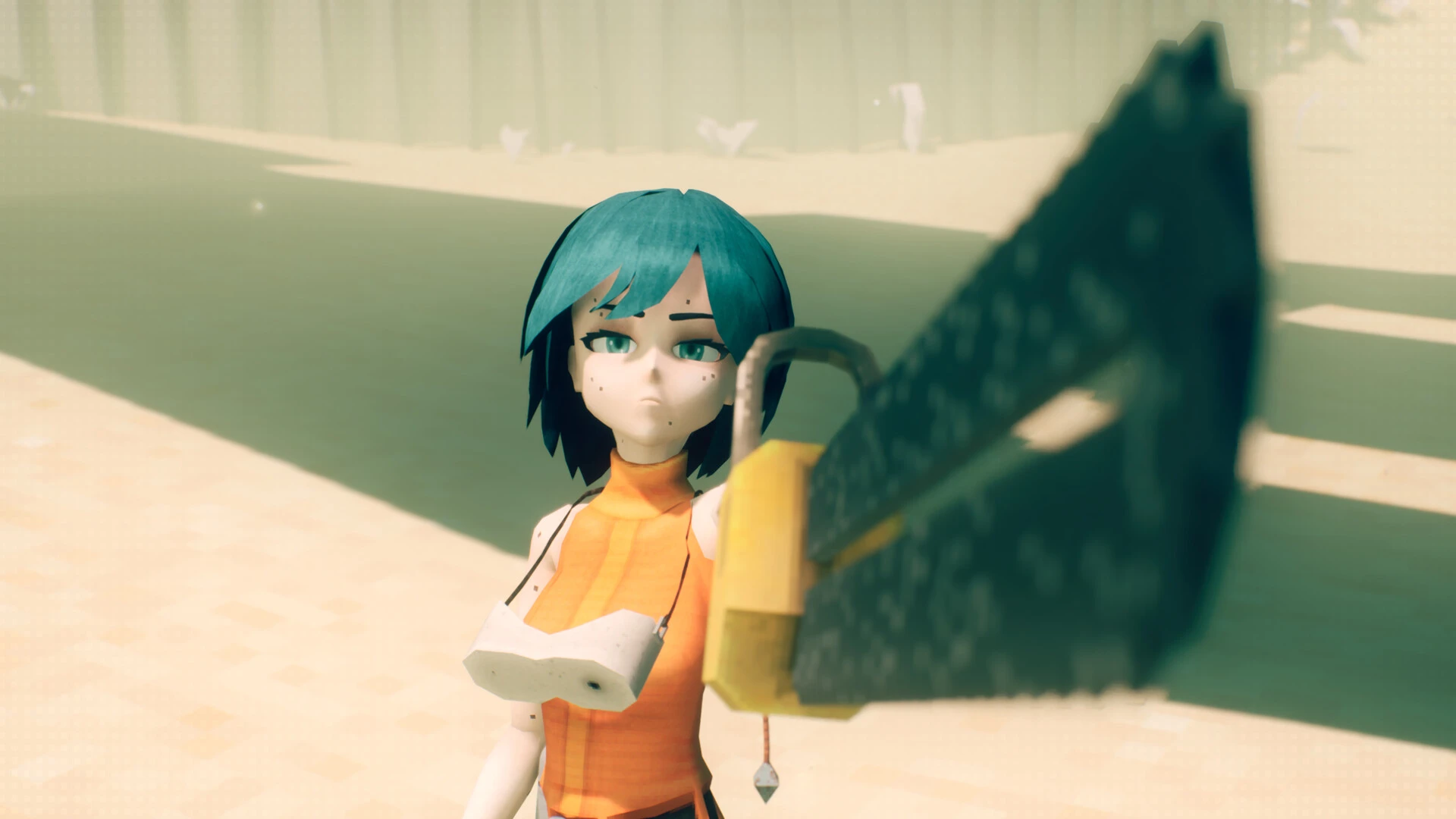
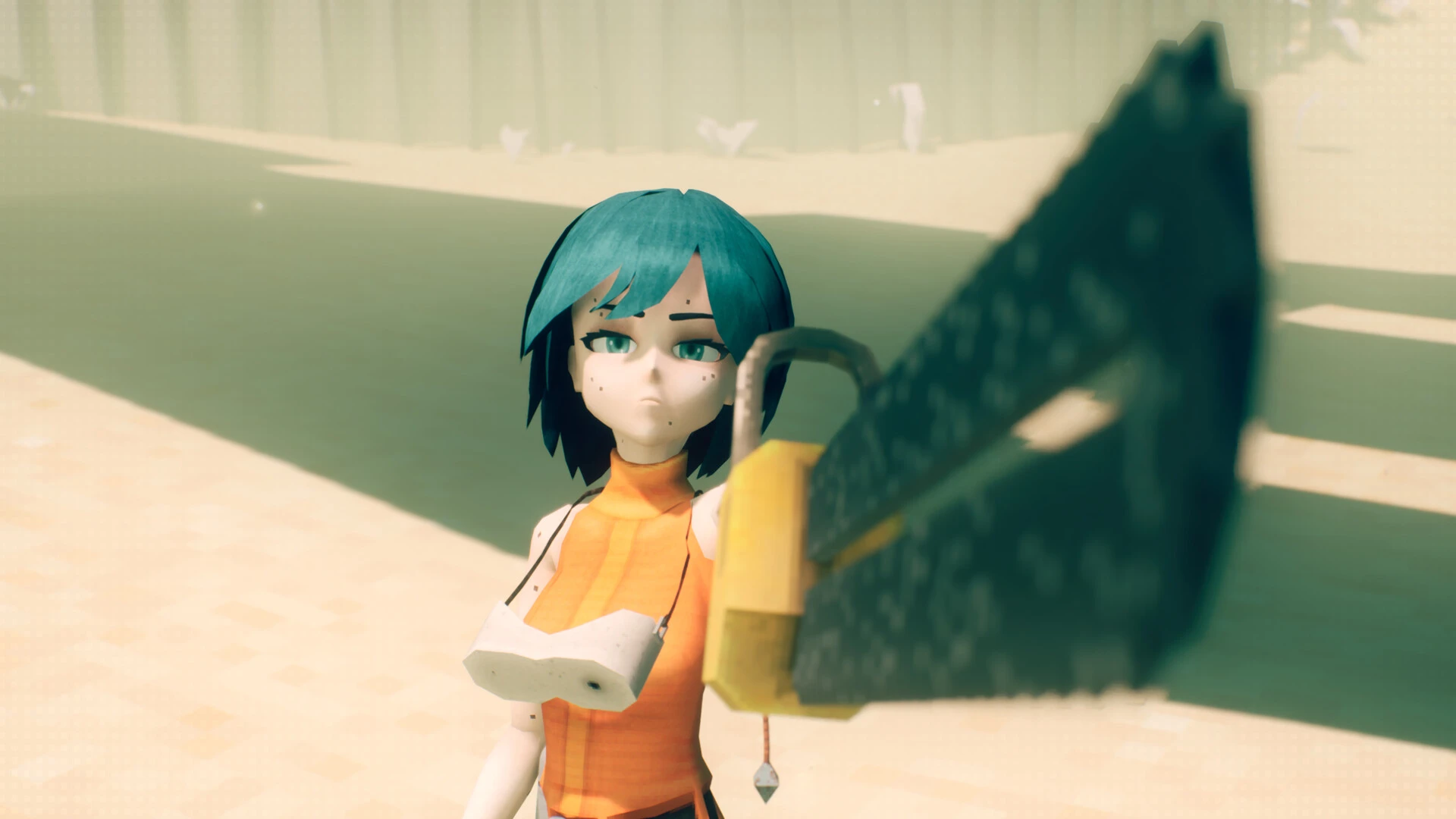

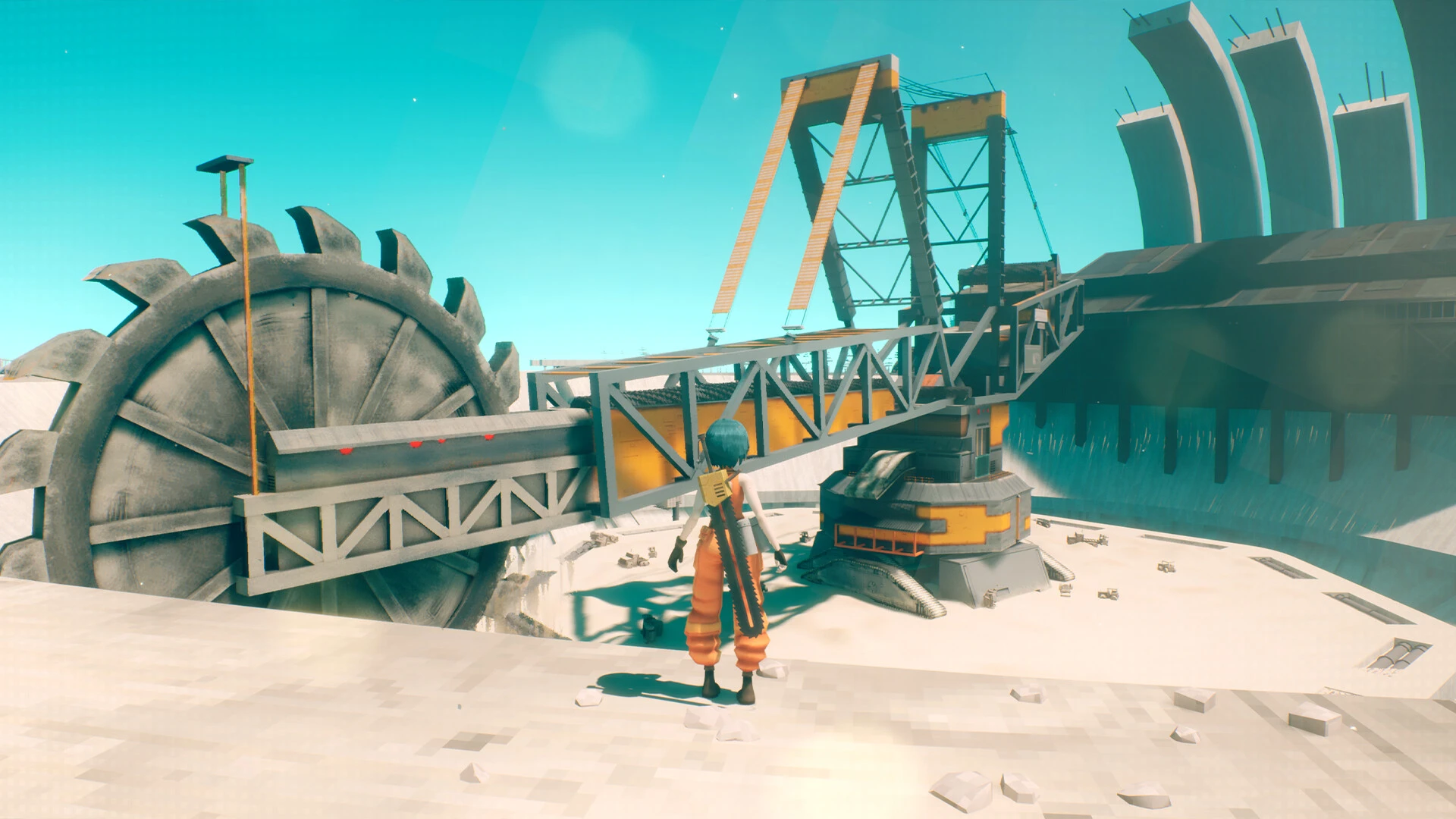
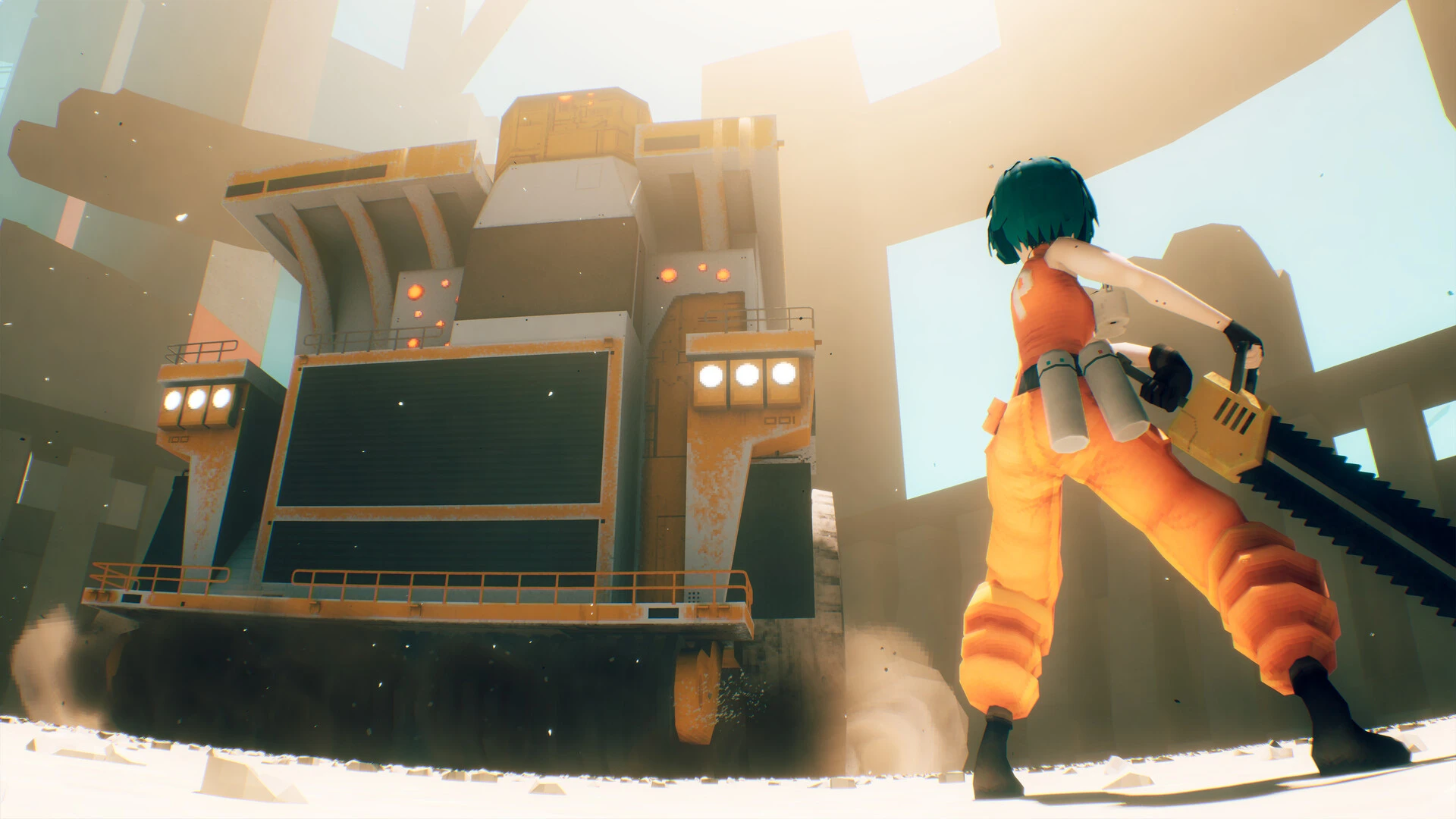
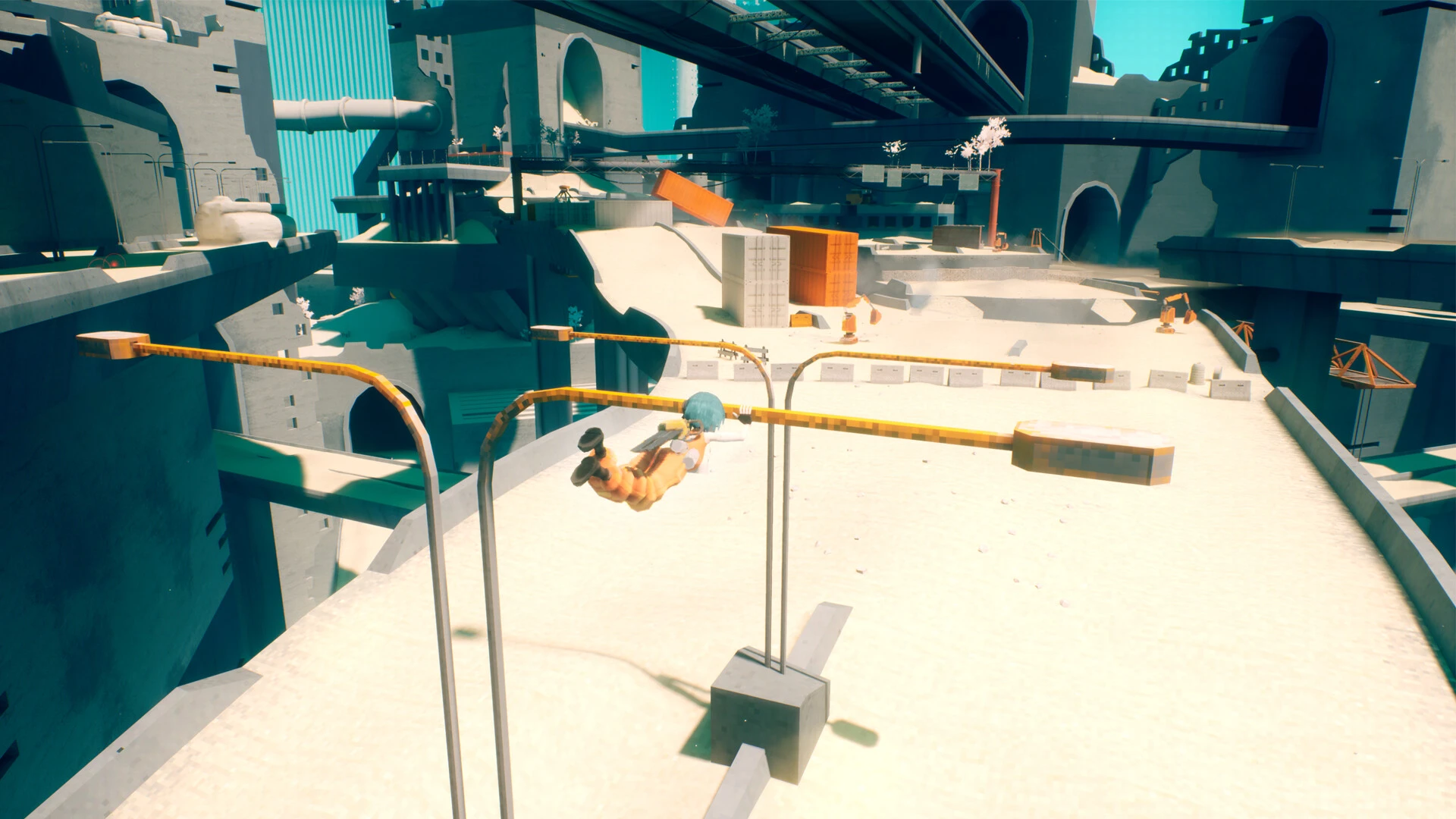
Regular Studio and Top Hat Studios created the fast-paced, low-fidelity anime action-platformer MOTORSLICE. As they scale enormous, brutalist megastructures teeming with rogue machines, players take control of “P,” a chainsaw-wielding “Slicer,” and her robotic drone. The game combines big boss battles, intense fighting, and rhythmic parkour.

Key Features:

Action-Parkour: The main focus of the game is intentional traversal, which includes precise jumping, swinging from poles, and running on walls.

Chainsaw Traversal: P’s main means of getting around the concrete labyrinth is to grind along walls, both vertically and horizontally, with her chainsaw sword.

Combat: brutal and fast-paced. You may easily use your chainsaw to parry missiles and eliminate smaller opponent machines, but you are killed by numerous attacks and falls in a single blow.

In an action-adventure modeled like Mirror’s Edge and Prince of Persia, discover brutalist landscapes.

Parkour

Discover parkour in a brutalist post-apocalyptic setting with smooth combat and agile gameplay. Use your agility and unique abilities to navigate this abandoned environment.

As a girl named “P,” you’ll have to utilize every skill at your disposal to stay clear of lethal traps. To travel great distances, do stunts, sprint along walls, climb, slide, crouch, and even use a chainsaw.

Heavy automobiles

Everything here, from massive dump trucks to tiny autonomous construction equipment, is designed to murder you.

An army of angry machines or a drowsy girl with a chainsaw—who will prevail?

Either strike first or perish. In a violent metal battle, one mistake might mean the difference between life and death.


Details

Version 1.1 (90647) [Wineskin]
Developer Regular Studio
Activation (RG) Not required
Tested on macOS Tahoe , Mac mini 2024 M4
Size 1.7 GB
Architecture ARM
Interface Language Russian , English , German , Traditional Chinese , Simplified Chinese , Dutch , French , Japanese
Voice Languages English

FAQ

Run the downloaded image and drag the application to the Applications folder shortcut. Once copying is complete, the application can be launched via Launchpad. If an error occurs when launching the game, run the "Fix" file in the image. Problems downloading? Where can I find my saves? How to change the language?
There are so many errors; we can't list them all here. Therefore, we've described all the solutions.
Official updates may result in loss of activation unless otherwise stated in the installation instructions. To update the software from this website, you must download the new version of the software from here (if available) and install it over the version currently installed on your computer.
To download large files, it is recommended to use any download manager, for example, FDM (Free Download Manager) For downloading from a file sharing service like Filen.io, it's not recommended to use Safari. Use Google Chrome or the aforementioned FDM browser, for example. To download files via torrent (.torrent file), you need a torrent client, such as Transmission or the aforementioned FDM. Please remember that providers may block access to some websites (1fichier.com, etc.). To bypass these blocks, it is recommended to use a VPN.
The site administration doesn't hack anything. That's the job of release teams and some enthusiasts. They're the ones responsible for ensuring updates are available. But you can hack software yourself by learning reverse engineering.
Definitely not in the comments. The site administration doesn't hack anything, and there's no order desk. However, you can order the software you need (not for free) in a special thread on forum.ru-board.com.
Open System Preferences -> General > Language & Region > Applications— “+”. Select an app and language. This method works for most apps. The language in Adobe products is usually selected during the installation of the product itself. The language in games is usually changed in the game settings itself. There are exceptions. Don't hesitate to search for information online.
There are many options. The easiest is to use specialized app removal tools, such as App Cleaner & Uninstaller. To remove Adobe products, use the Creative Cloud Cleaner Tool.
The site offers a paid service: remote assistance (via AnyDesk, Zoom, Skype) with the installation of any applications (not just those from this site) on any Mac or PC.

Leave a Comment

Version 1.1 (90647) [Wineskin]
Developer Regular Studio
Interface language Russian , English , German , Traditional Chinese , Simplified Chinese , Dutch , French , Japanese
Activation (RG) Not required
Tested macOS Tahoe , Mac mini 2024 M4
Architecture ARM
Voice Languages English
Size 1.7 GB
No threats found. Read more…
Published (edited): May 19, 2026 Views: 10


