
inZOI icon

inZOI

Games

In the life simulation game inZOI, players assume the role of creators, reshaping the world to suit their vision and seeing the various narratives that emerge inside it. Our goal is to demonstrate to players, through an immersive interface, that life is a wonderful gift and a journey where each step counts.

Experience a range of jobs that are brought to life with lifelike graphics! The simulation of a fully functional society where characters, referred to as “Zoes,” live their lives as they like is what distinguishes inZOI.

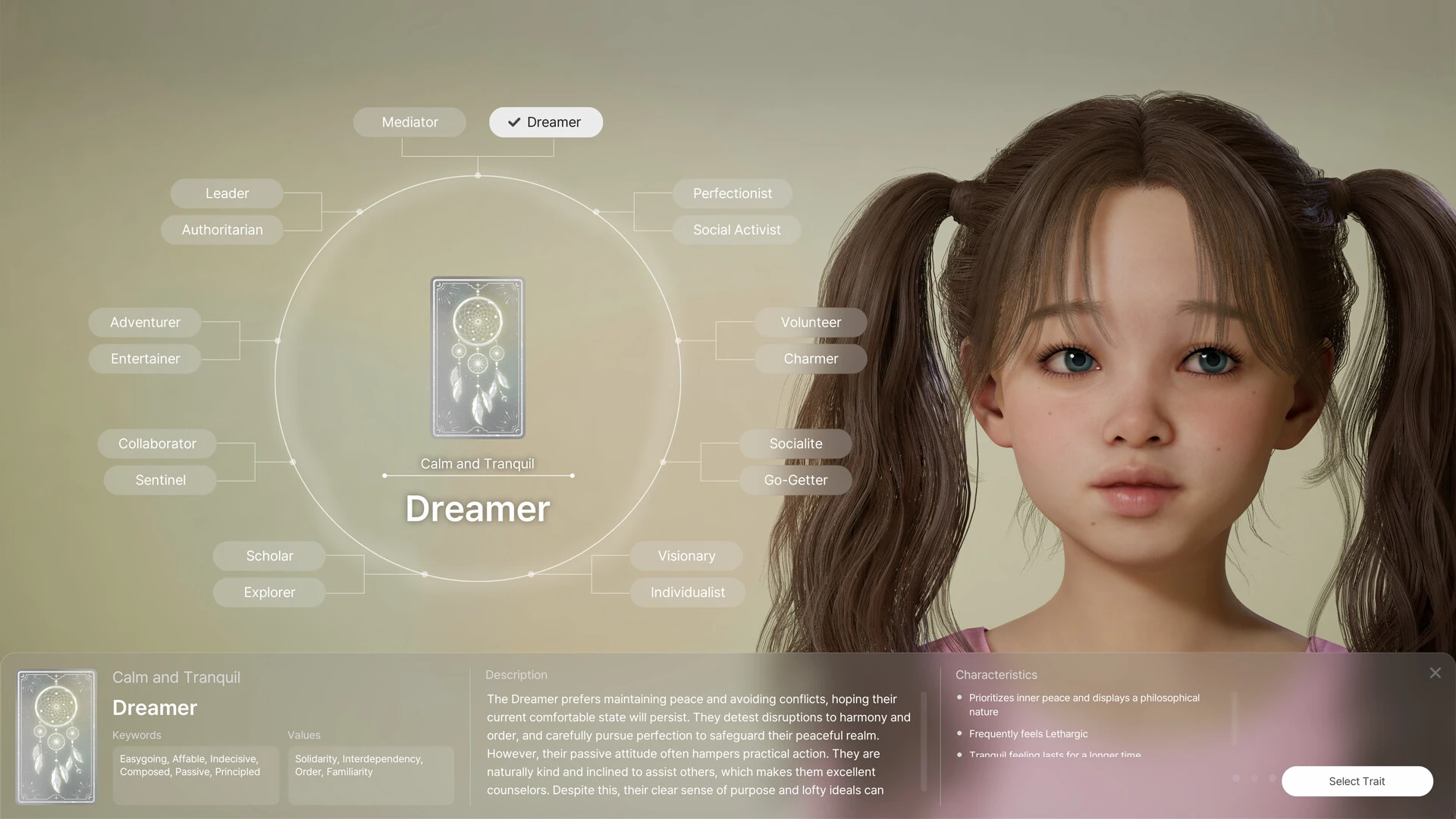
Rumors, trends, and sicknesses are just a few of the unexpected twists and turns that result from Zoeys acting and forming relationships depending on their personalities and life experiences.

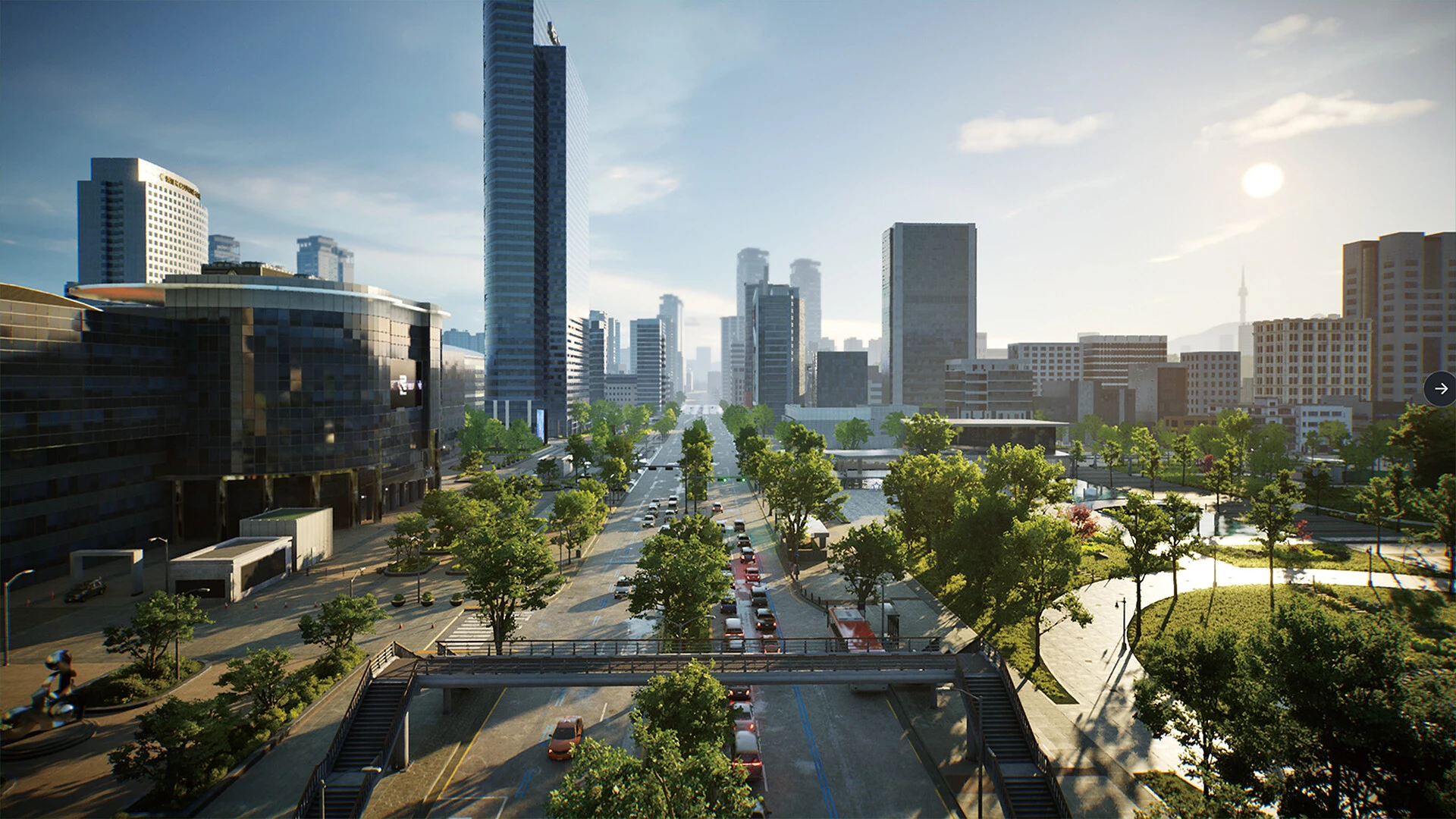
Take charge of real-world-inspired cities and alter the streets, geography, and weather to create the ideal setting for your narratives. Unreal Engine 5 powers gorgeous, lifelike graphics that make all of this come to life.

With limitless personalization, realize your dreams!

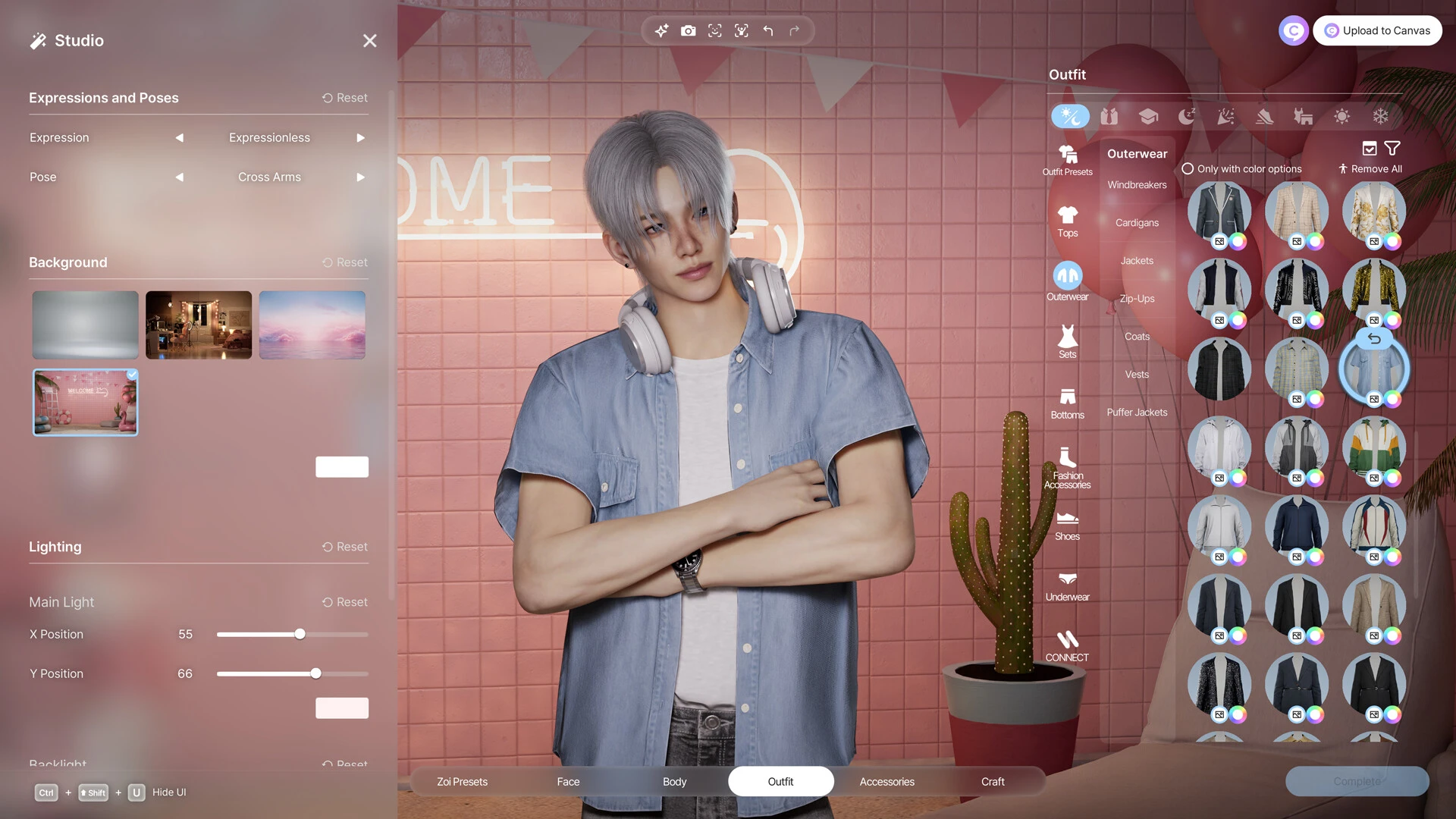
With the help of inZOI’s sophisticated customization capabilities, creators can develop their own distinctive characters and bring their aspirations to life.

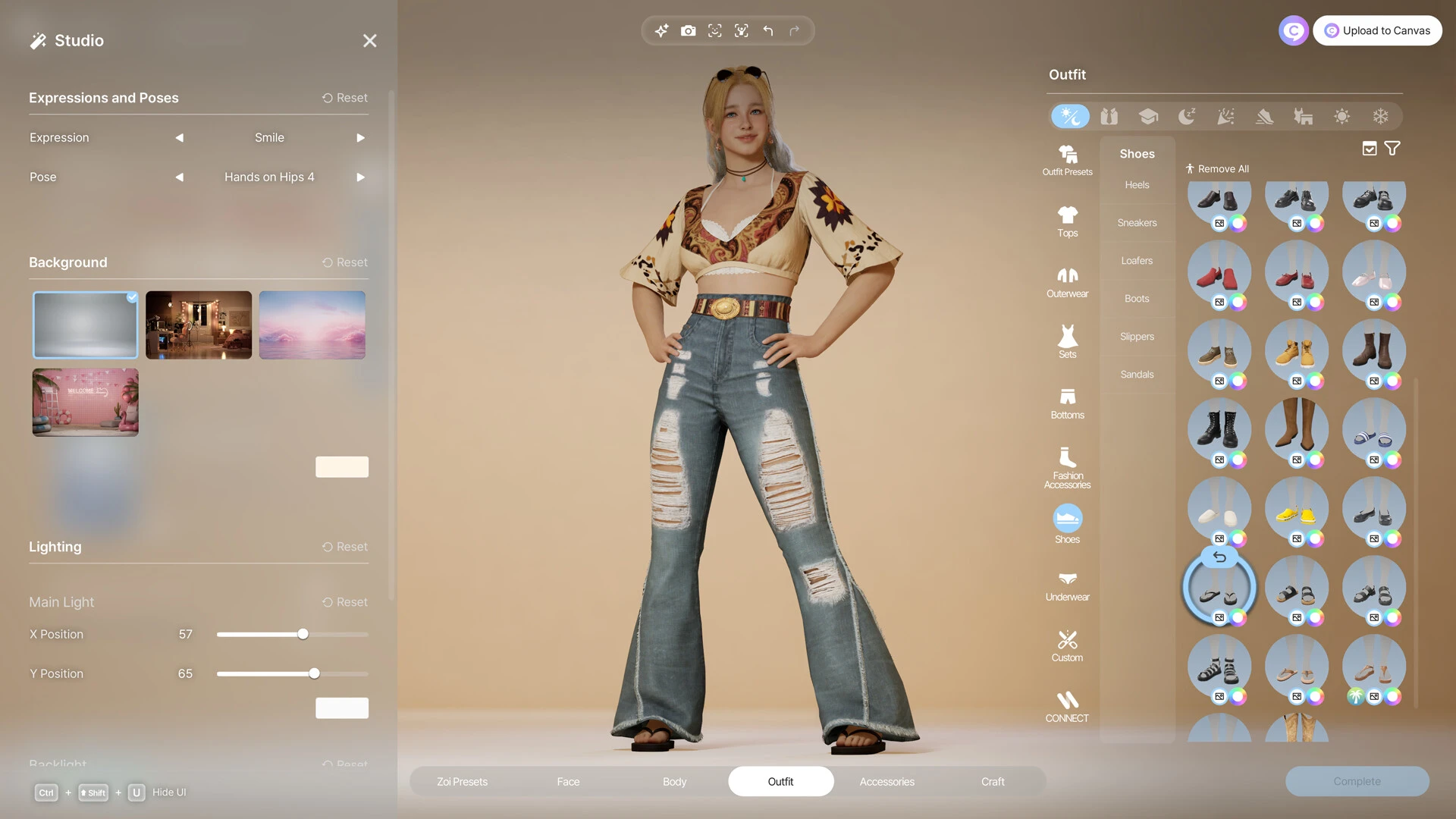
Create your own distinctive Zoe by selecting from more than 250 customization options. You can alter her hair, complexion tone, body type, clothes, accessories, manicure, and more.

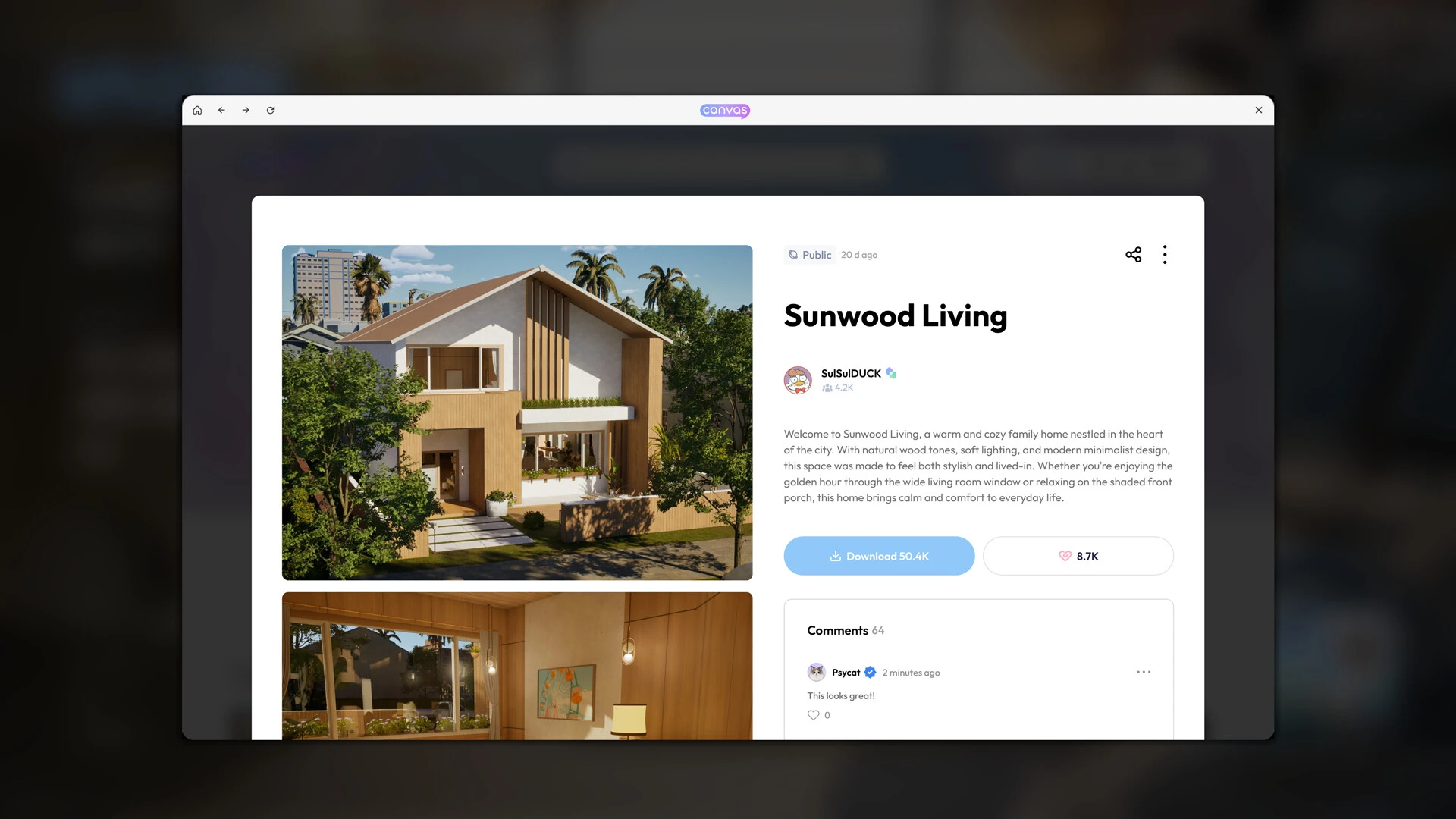
To create one-of-a-kind structures, combine architectural components like walls, roofs, staircases, fences, platforms, and gates. Customize furniture and use a variety of decorating components to make each piece stand out.

Using inZOI’s facial and motion capture features, bring your character to life and produce breathtaking videos in the setting of your choice.

Discover the boundless delight of creating!

  • For an intuitive and creative process, inZOI employs a local generative AI model to provide creators with more customization options.
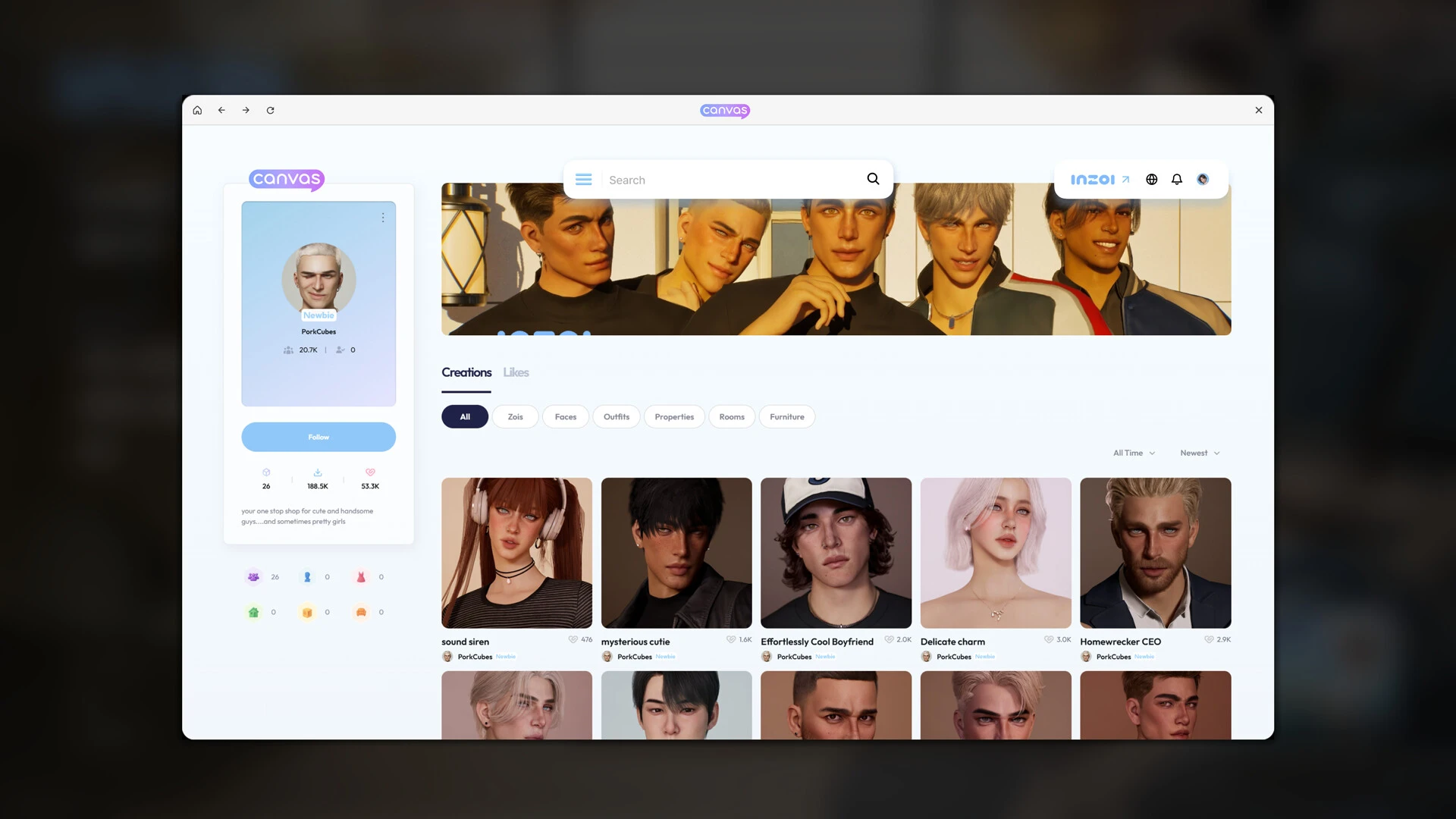
  • Enter text searches to create unique patterns and images to personalize furniture, apparel, and décor.
  • Create character movements from uploaded movies or transform 2D models into 3D in-game items.

Details

Version 0.8.5
Developer inZOl Studio
Activation (RG) Not required
Tested on macOS Tahoe , Mac mini 2024 M4
Size 28 GB
Architecture ARM
Interface Language Russian , English , German , Traditional Chinese , Simplified Chinese , Dutch , French , Japanese
Voice Languages Musical accompaniment

Download Options

FAQ

Run the downloaded image and drag the application to the Applications folder shortcut. Once copying is complete, the application can be launched via Launchpad. If you have problems with launching, use the following commands in the terminal or allow launching in the system settings.
There are so many errors; we can't list them all here. Therefore, we've described all the solutions.
Official updates may result in loss of activation unless otherwise stated in the installation instructions. To update the software from this website, you must download the new version of the software from here (if available) and install it over the version currently installed on your computer.
To download large files, it is recommended to use any download manager, for example, FDM (Free Download Manager) For downloading from a file sharing service like Filen.io, it's not recommended to use Safari. Use Google Chrome or the aforementioned FDM browser, for example. To download files via torrent (.torrent file), you need a torrent client, such as Transmission or the aforementioned FDM. Please remember that providers may block access to some websites (1fichier.com, etc.). To bypass these blocks, it is recommended to use a VPN.
The site administration doesn't hack anything. That's the job of release teams and some enthusiasts. They're the ones responsible for ensuring updates are available. But you can hack software yourself by learning reverse engineering.
Definitely not in the comments. The site administration doesn't hack anything, and there's no order desk. However, you can order the software you need (not for free) in a special thread on forum.ru-board.com.
Open System Preferences -> General > Language & Region > Applications— “+”. Select an app and language. This method works for most apps. The language in Adobe products is usually selected during the installation of the product itself. The language in games is usually changed in the game settings itself. There are exceptions. Don't hesitate to search for information online.
There are many options. The easiest is to use specialized app removal tools, such as App Cleaner & Uninstaller. To remove Adobe products, use the Creative Cloud Cleaner Tool.
The site offers a paid service: remote assistance (via AnyDesk, Zoom, or Skype) with the installation of any applications (not just those from this site) on any Mac or PC.

Leave a Comment

Version 0.8.5
Developer inZOl Studio
Interface language Russian , English , German , Traditional Chinese , Simplified Chinese , Dutch , French , Japanese
Activation (RG) Not required
Tested macOS Tahoe , Mac mini 2024 M4
Architecture ARM
Voice Languages Musical accompaniment
Size 28 GB
No threats found. Read more…
Published (edited): May 19, 2026 Views: 17



