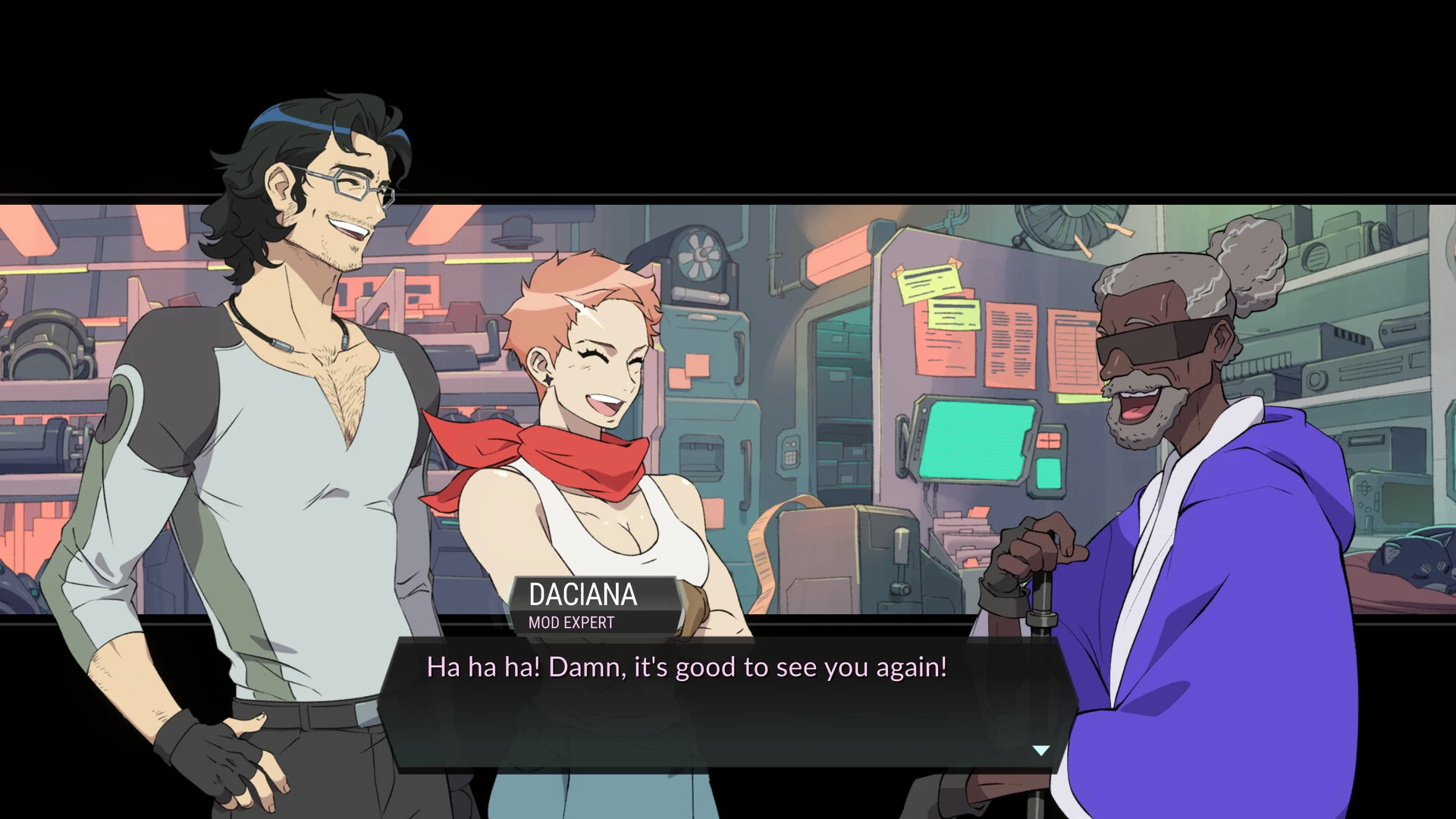
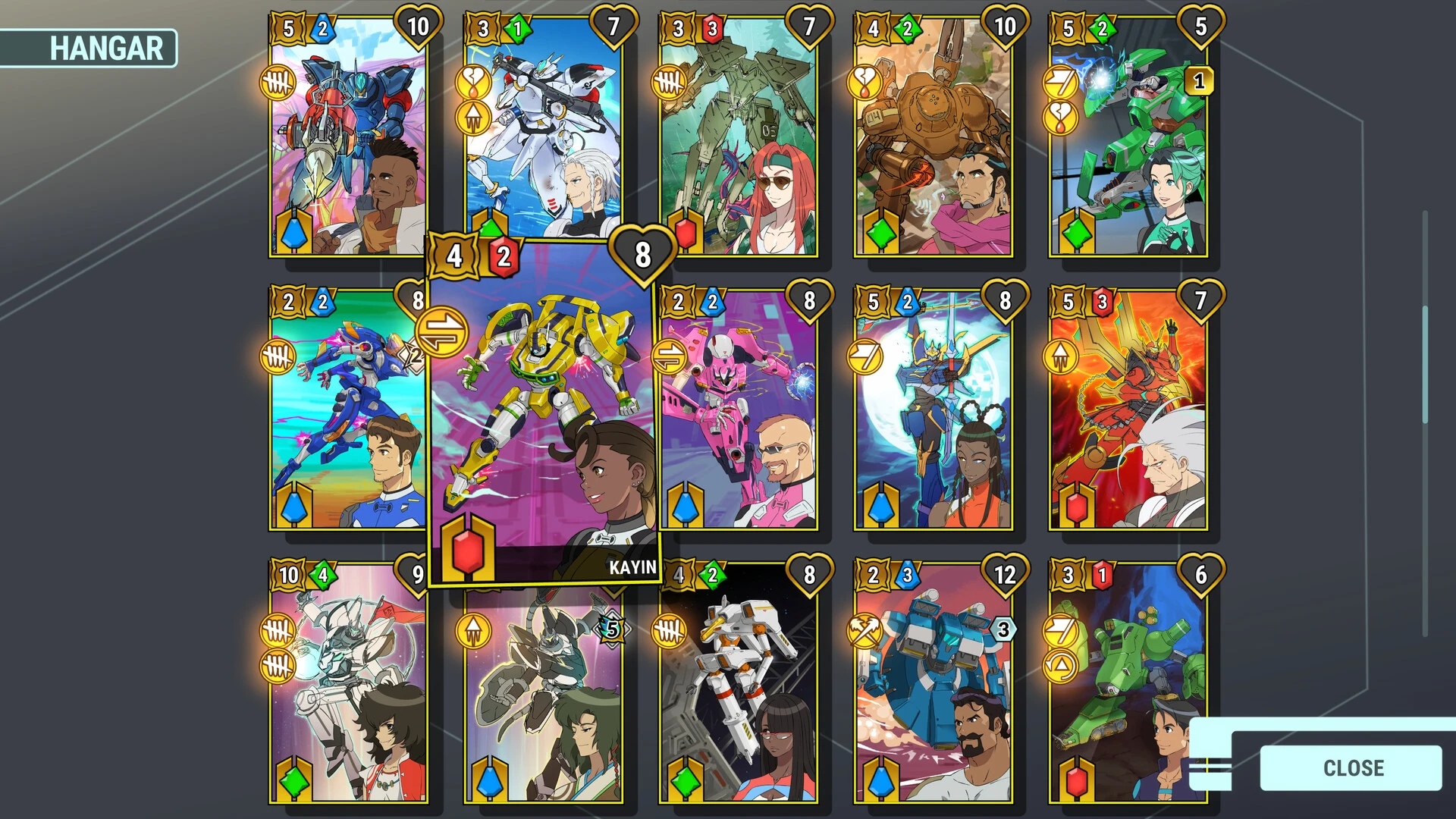
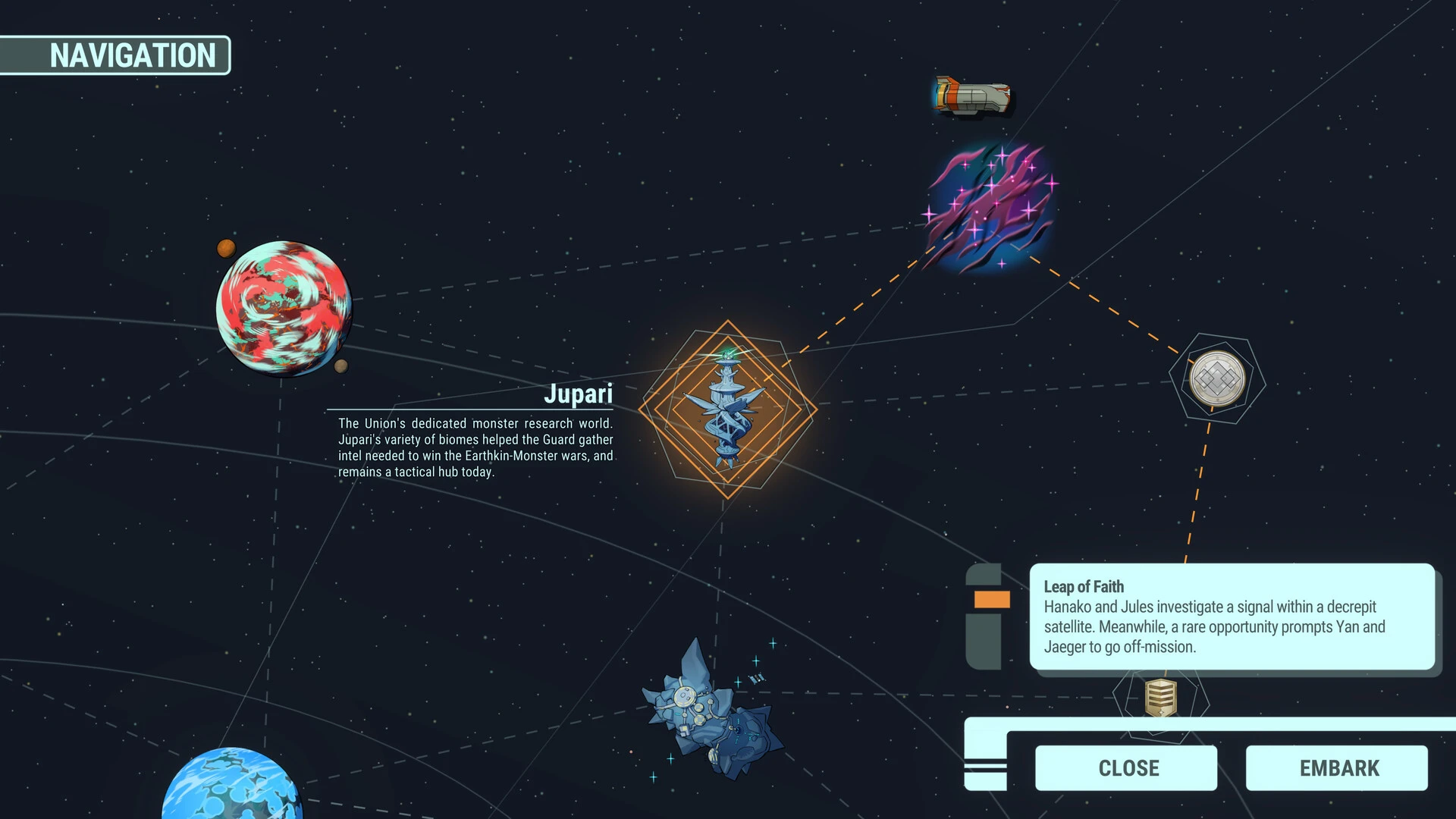
Battle Suit Aces is a charming card-based RPG featuring combat. You enlist and develop mech pilots who will become your allies and accompany you on the search for the renowned extraterrestrial weapon known as the Ancient Suits.

Features Updated:

  • Explore the galaxy in search of renowned ancient suits on an exciting interstellar journey aboard a starship with a diverse crew. Lead your team through a galaxy full of monsters, tragedies, and hilarious space adventures.
  • The creators of the critically acclaimed Battle Chef Brigade present to you a universe filled with monsters and mechs.
  • Set out on your own journey with endearing, fully voiced characters.
  • Manage brave pilots to prevail in 5v5 card fights. To create a cohesive team, add experts from five factions to your deck and personalise them.

Core Gameplay Combat System:

  • In 5v5 combat, you assign energy-producing drones, deploy your pilots (suit cards), and initiate strategic combos.
  • Deckbuilding: You select cards from specialist factions, upgrade your mechs, and arrange pilots on the ship to unlock passive bonuses and tactical synergies.

Narrative and Setting:

  • The premise is that hostile aliens known as the Frenzied pose a threat to humanity.
  • The USS Zephyr’s motley crew, dubbed Patchwork, sets out to find and utilise legendary, antiquated Relic Suits to fight back.
  • The game’s tone combines enormous science fiction action with endearing character drama and humorous moments reminiscent of Saturday morning cartoons.

Platforms and Accessibility

  • You can play the game on PC via Steam, Nintendo Switch via the Nintendo eShop, and PlayStation 5.
  • For a brief explanation of how the mecha space opera plot and card mechanics interact in-game.

Details

Version 1.0.163
Developer Trinket Studios
Activation (RG) Not required
Tested on macOS Tahoe , Mac mini 2024 M4
Size 1.2 GB
Architecture ARM , x86 (64-bit)
Interface Language English , Simplified Chinese , Japanese
Voice Languages English

FAQ

Run the downloaded image and drag the application to the Applications folder shortcut. Once copying is complete, the application can be launched via Launchpad.
There are so many errors, we can't list them all here. Therefore, we've described all the solutions (with pictures) in the article: Errors when installing applications on a Mac
Official updates may result in loss of activation unless otherwise stated in the installation instructions. To update the software from this website, you must download the new version of the software from here (if available) and install it over the version currently installed on your computer. This will preserve your activation and settings for the software. Read more in the article: Updating pirated apps
To download large files, it is recommended to use any download manager, for example, FDM (Free Download Manager) For downloading from a file sharing service like Filen.io, it's not recommended to use Safari. Use Google Chrome or the aforementioned FDM browser, for example. To download files via torrent (.torrent file), you need a torrent client, such as Transmission or the aforementioned FDM. Please remember that providers may block access to some websites (1fichier.com, etc.). To bypass these blocks, it is recommended to use a VPN.
The site administration doesn't hack anything. That's the job of release teams and some enthusiasts. They're the ones responsible for ensuring updates are available. But you can hack software yourself by learning reverse engineering.
Definitely not in the comments. The site administration doesn't hack anything, and there's no order desk. However, you can order the software you need (not for free) in a special thread on forum.ru-board.com.
Open System Preferences -> General > Language & Region -> Applications - “+”. Select an app and language. This method works for most apps. The language in Adobe products is usually selected during the installation of the product itself. The language in games is usually changed in the game settings itself. There are exceptions. Don't hesitate to search for information online. How to delete?
There are many options. The easiest is to use specialized app removal tools, such as App Cleaner & Uninstaller. To remove Adobe products, use the Creative Cloud Cleaner Tool.
The site offers a paid service: remote assistance (via AnyDesk, Zoom, Skype) with the installation of any applications (not just those from this site) on any Mac or PC. Learn more...

Leave a Comment

Version 1.0.163
Developer Trinket Studios
Interface language English , Simplified Chinese , Japanese
Activation (RG) Not required
Tested macOS Tahoe , Mac mini 2024 M4
Architecture ARM , x86 (64-bit)
Voice Languages English
Size 1.2 GB
No threats found. Read more…
Published (edited): May 21, 2026 Views: 9



