

Beauty Store Simulator icon

Beauty Store Simulator

Games Simulator

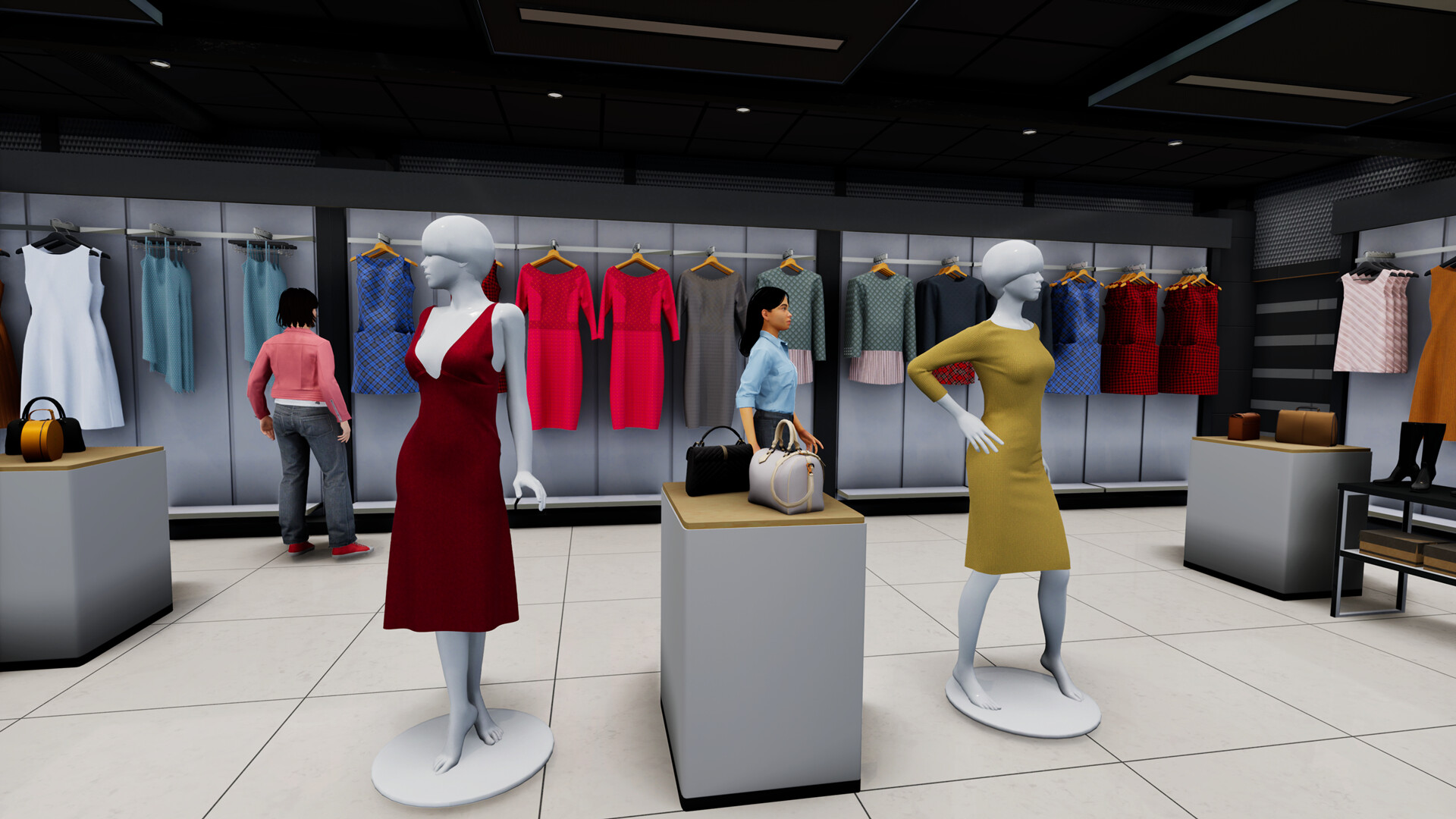
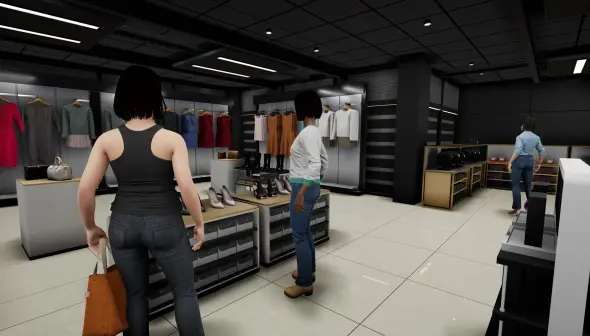
Use Beauty Store Simulator to manage your own beauty salon. Sell jewellery, clothing, makeup, and other items. Create a prosperous beauty empire, satisfy your customers, and design your store.

Are you capable of becoming the biggest beauty mogul?

In the fast-paced, first-person simulation game Beauty Store Simulator, you assume control of your own cosmetics store empire as a tycoon in the beauty industry.

Important Aspects of Gameplay Store Customisation:

You are in charge of the general design, shelving, and placement of product displays.

Management of Pricing and Inventory:

Keep a variety of products on hand, such as jewellery, accessories, skincare products, and makeup. You unpack inventory, control cash flow, and modify prices in response to demand.

Hair Salon Expansion:

To keep customers coming back, expand your business by providing on-site spa and hair services, such as cutting, colouring, and styling.

Hiring Staff:

Employ cashiers and assistant managers to oversee shelf stocking, process transactions, and reduce wait times.

Marketing & Promotions:

Use marketing tactics like flying billboards and citywide video commercials to draw in more customers.

Dynamic Environment:

As the day and weather change, so does customer traffic and store demand.

Details

Version 1.0.4
Developer NovaraGames
Activation (RG) Not required
Tested on macOS Tahoe , Mac mini 2024 M4
Size 885 MB
Architecture ARM , x86 (64-bit)
Interface Language Russian , English , German , Spanish , Italian , Traditional Chinese , Simplified Chinese , Korean , Dutch , Portuguese , Turkish , French , Japanese
Voice Languages Musical accompaniment

FAQ

How to install and activate? Run the downloaded image and drag the application to the Applications folder shortcut. Once copying is complete, the application can be launched via Launchpad.
There are so many errors, we can't list them all here. Therefore, we've described all the solutions (with pictures) in the article: Errors when installing applications on a Mac
Official updates may result in loss of activation unless otherwise stated in the installation instructions. To update the software from this website, you must download the new version of the software from here (if available) and install it over the version currently installed on your computer. This will preserve your activation and settings for the software.
To download large files, it is recommended to use any download manager, for example, FDM (Free Download Manager) For downloading from a file sharing service like Filen.io, it's not recommended to use Safari. Use Google Chrome or the aforementioned FDM browser, for example. To download files via torrent (.torrent file), you need a torrent client, such as Transmission or the aforementioned FDM. Please remember that providers may block access to some websites (1fichier.com, etc.). To bypass these blocks, it is recommended to use a VPN.
The site administration doesn't hack anything. That's the job of release teams and some enthusiasts. They're the ones responsible for ensuring updates are available. But you can hack software yourself by learning reverse engineering.
Definitely not in the comments. The site administration doesn't hack anything, and there's no order desk. However, you can order the software you need (not for free) in a special thread
Open System Preferences -> General > Language & Region -> Applications - “+”. Select an app and language. This method works for most apps. The language in Adobe products is usually selected during the installation of the product itself. The language in games is usually changed in the game settings itself. There are exceptions. Don't hesitate to search for information online.
There are many options. The easiest is to use specialized app removal tools, such as App Cleaner & Uninstaller. To remove Adobe products, use the Creative Cloud Cleaner Tool .
The site offers a paid service: remote assistance (via AnyDesk, Zoom, Skype) with the installation of any applications (not just those from this site) on any Mac or PC.

Leave a Comment

Version 1.0.4
Developer NovaraGames
Interface language Russian , English , German , Spanish , Italian , Traditional Chinese , Simplified Chinese , Korean , Dutch , Portuguese , Turkish , French , Japanese
Activation (RG) Not required
Tested macOS Tahoe , Mac mini 2024 M4
Architecture ARM , x86 (64-bit)
Voice Languages Musical accompaniment
Size 885 MB
No threats found. Read more…
Published (edited): May 21, 2026 Views: 33



