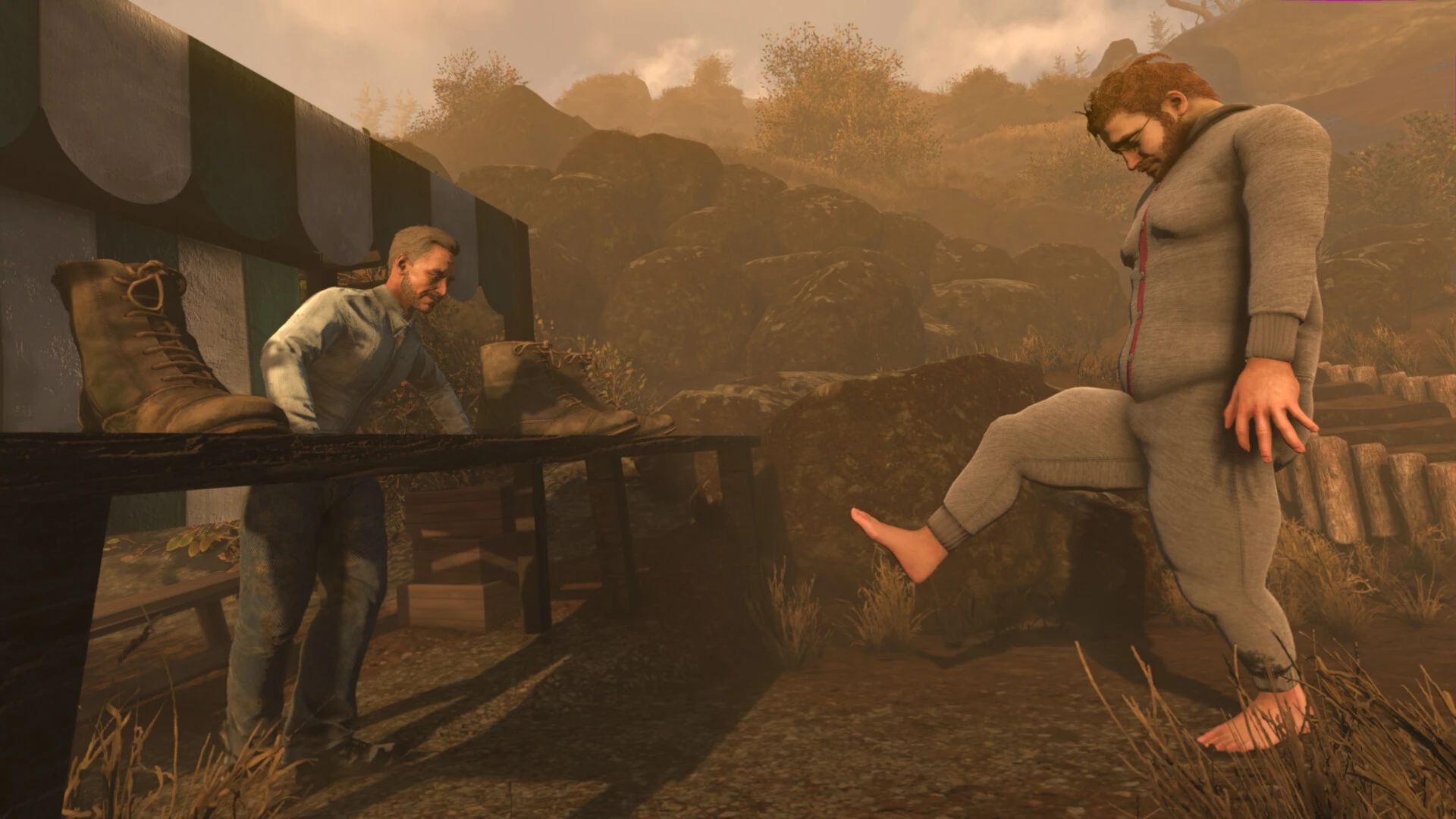
The creators of the physics-based computer game “walking simulator” Baby Steps are the same people who made Ape Out and Getting Over It. You take on the role of Nate, a 35-year-old couch potato without a job who lives in his parents’ basement and teleports inexplicably to a bizarre alpine realm.

For Nate to walk without face-planting into the ground, the game requires you to manually control his legs by moving his weight left and right.

Put yourself in Nate’s circumstances. He was an unemployed, miserable misery who led an incredibly dull life until, by taking things one step at a time, he discovered powers he never thought he had.

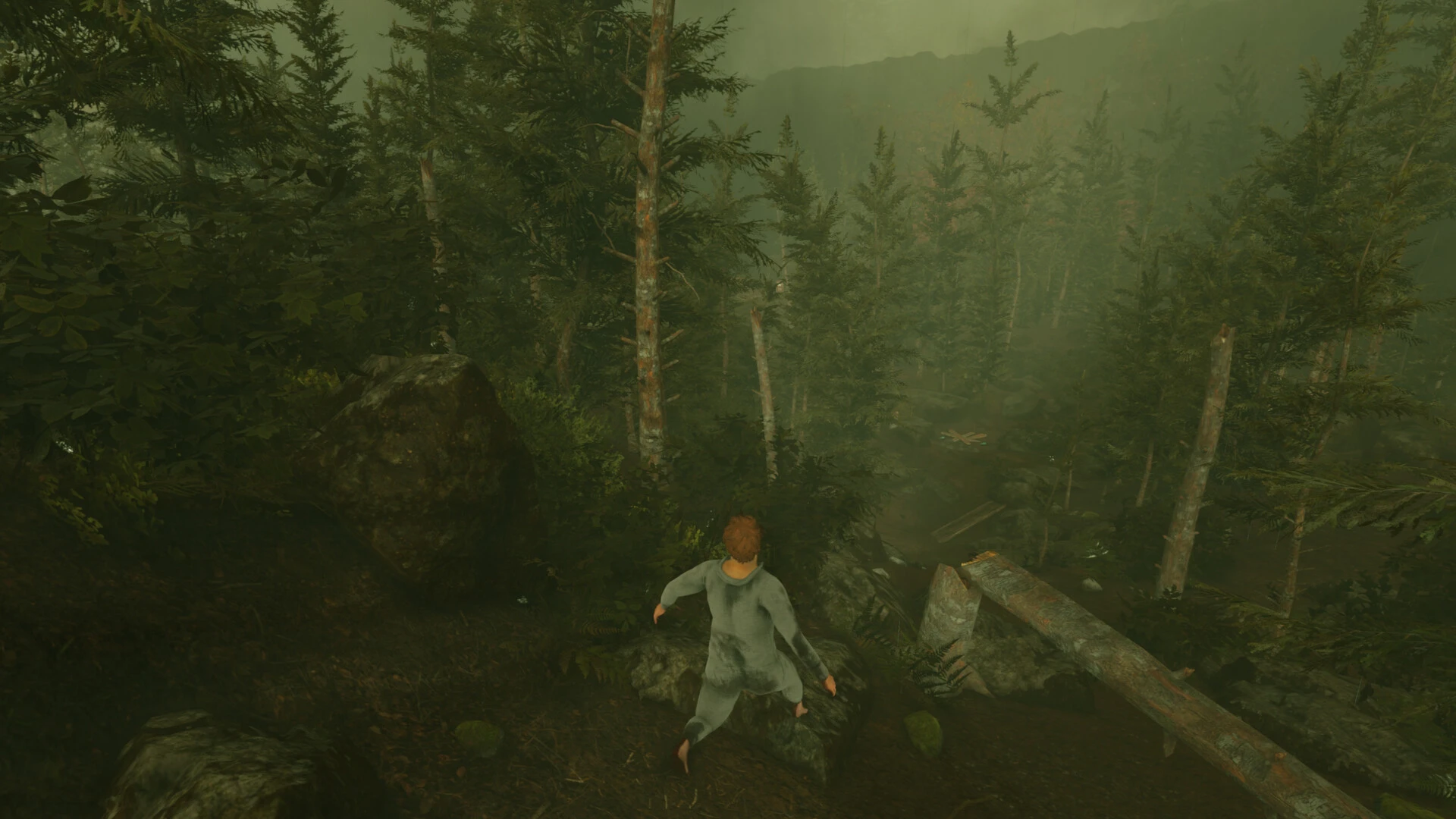
Explore a world covered in fog and conquer tranquil mountains while paying close attention to every step. This game has realistic physics and unique gameplay from the makers of Ape Out and Getting Over It. Take in the scenery, be amazed by the local wildlife, and look for purpose in a life that seems pointless.

  • Baby Steps is a game that will teach you to walk again, so get ready to take your first steps.
  • Realistic physics allows for walking that feels authentic.
  • A vibrant musical composition with over 420 melodies and motifs brings a world to life right before your eyes.
  • A lengthy, self-paced ascent of a high mountain.
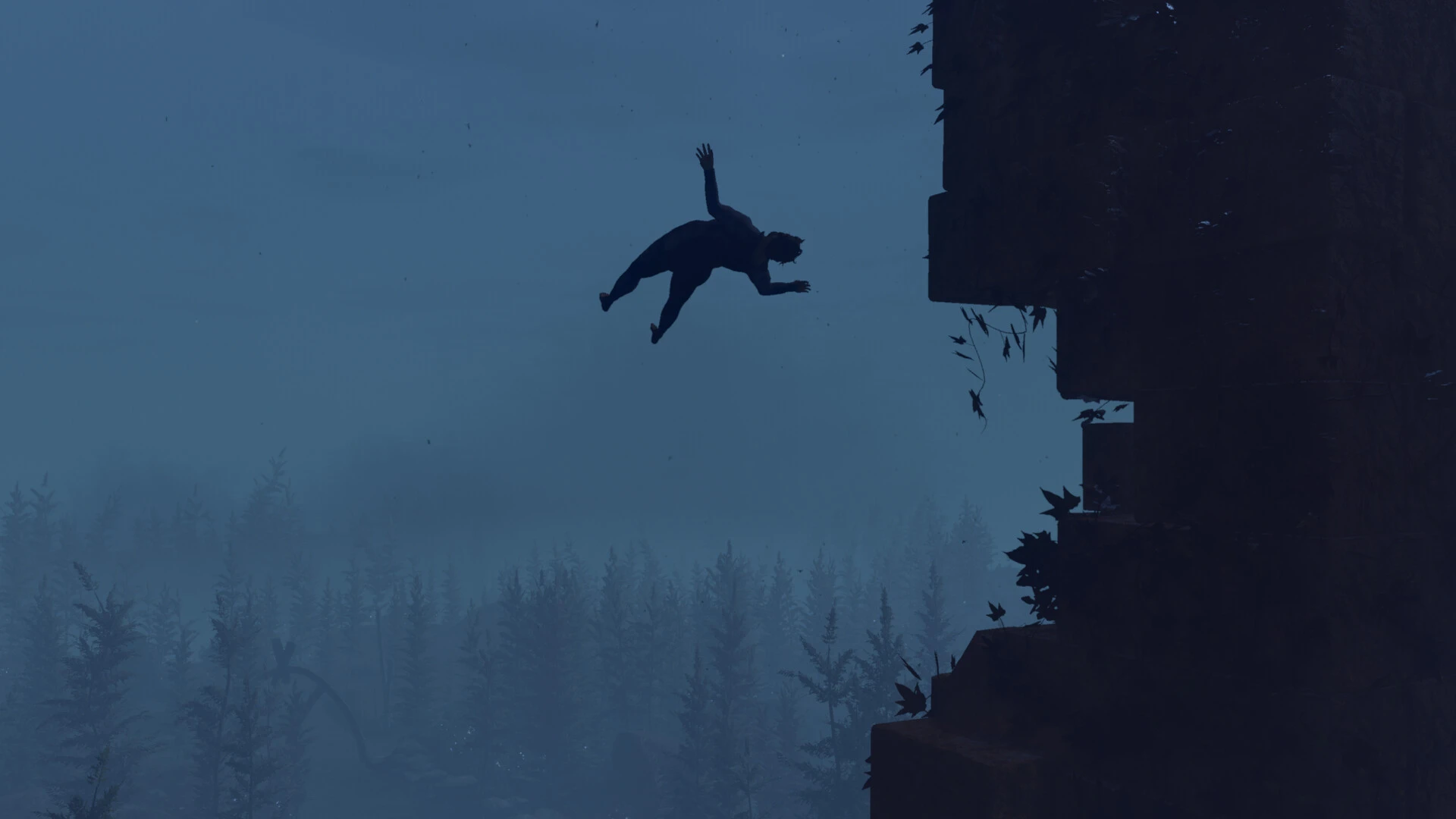
  • Just as in life, if you fall, your clothes will get stained.
  • Headgear that does not need to be collected.

Baby Steps (Anime or Manga)

Eiichiro Maruo, a careful, straight-A high school student, is the focus of this well-known sports-and-romance manga and television series.

He enters the world of professional tennis to improve his physical fitness, using his meticulous attention to detail to master the game “one baby step at a time”. It is highly acclaimed for its balanced and realistic depiction of character and athletic progression.


Details

Version 09.26.2025 Hotfix 2 [Wineskin]
Developer Gabe Cuzzillo , Maxi Boch , Bennett Foddy
Activation (RG) Not required
Tested on macOS Taho , Mac mini 2024 M4
Size 11.4 GB
Architecture ARM
Interface Language Russian , English , German , Spanish , Traditional Chinese , Simplified Chinese , Korean , Portuguese , French , Japanese
Voice Languages English

FAQ

Run the downloaded image and drag the application to the Applications folder shortcut. Once copying is complete, the application can be launched via Launchpad. If an error occurs when launching the game, run the "Fix" file in the image. Problems downloading?.. Where can I find my saves? How to change the language?
There are so many errors, we can't list them all here. Therefore, we've described all the solutions (with pictures) in the article: Errors when installing applications on a Mac.
Official updates may result in loss of activation unless otherwise stated in the installation instructions. To update the software from this website, you must download the new version of the software from here (if available) and install it over the version currently installed on your computer. This will preserve your activation and settings for the software.
To download large files, it is recommended to use any download manager, for example, FDM (Free Download Manager) For downloading from a file sharing service like Filen.io, it's not recommended to use Safari. Use Google Chrome or the aforementioned FDM browser, for example. To download files via torrent (.torrent file), you need a torrent client, such as Transmission or the aforementioned FDM. Please remember that providers may block access to some websites (1fichier.com, etc.). To bypass these blocks, it is recommended to use a VPN.
The site administration doesn't hack anything. That's the job of release teams and some enthusiasts. They're the ones responsible for ensuring updates are available. But you can hack software yourself by learning reverse engineering.
Definitely not in the comments. The site administration doesn't hack anything, and there's no order desk. However, you can order the software you need (not for free) in a special thread
Open System Preferences -> General > Language & Region -> Applications - “+”. Select an app and language. This method works for most apps. The language in Adobe products is usually selected during the installation of the product itself. The language in games is usually changed in the game settings itself. There are exceptions. Don't hesitate to search for information online.
There are many options. The easiest is to use specialized app removal tools, such as App Cleaner & Uninstaller. To remove Adobe products, use the Creative Cloud Cleaner Tool.
The site offers a paid service: remote assistance (via AnyDesk, Zoom, Skype) with the installation of any applications (not just those from this site) on any Mac or PC.

Leave a Comment

Version 09.26.2025 Hotfix 2 [Wineskin]
Developer Gabe Cuzzillo , Maxi Boch , Bennett Foddy
Interface language Russian , English , German , Spanish , Traditional Chinese , Simplified Chinese , Korean , Portuguese , French , Japanese
Activation (RG) Not required
Tested macOS Taho , Mac mini 2024 M4
Architecture ARM
Voice Languages English
Size 11.4 GB
No threats found. Read more…
Published (edited): May 22, 2026 Views: 5


