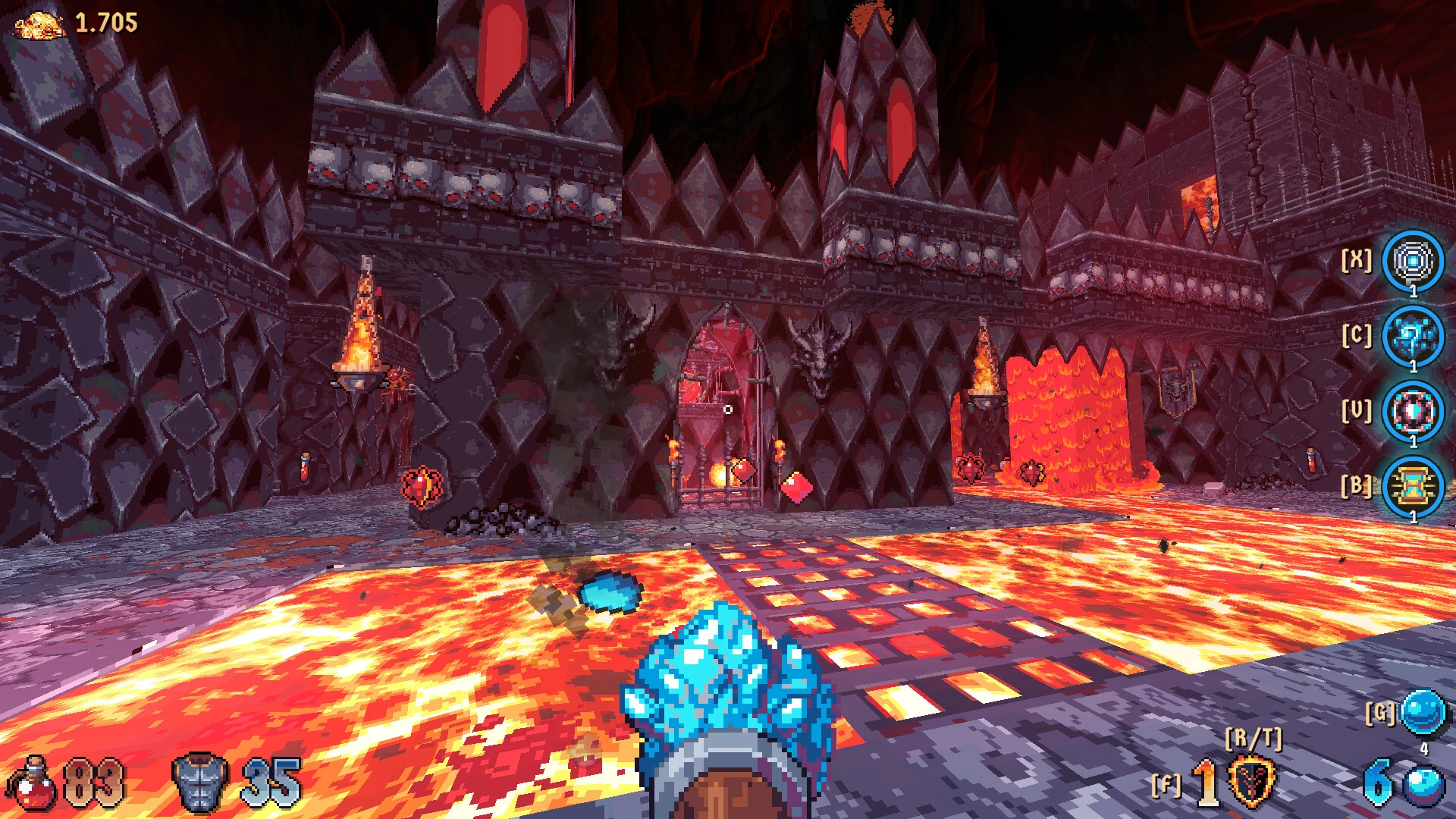
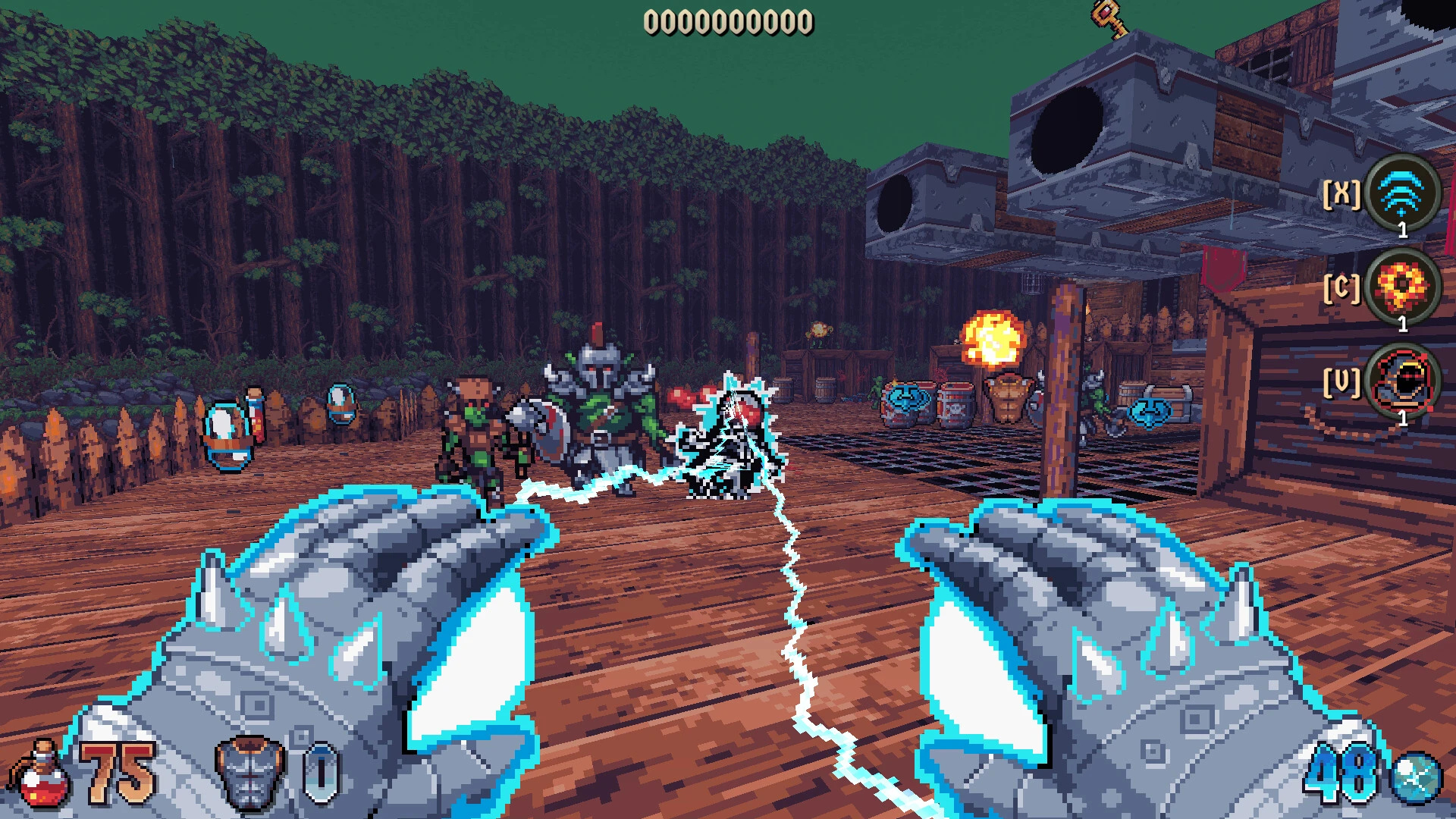
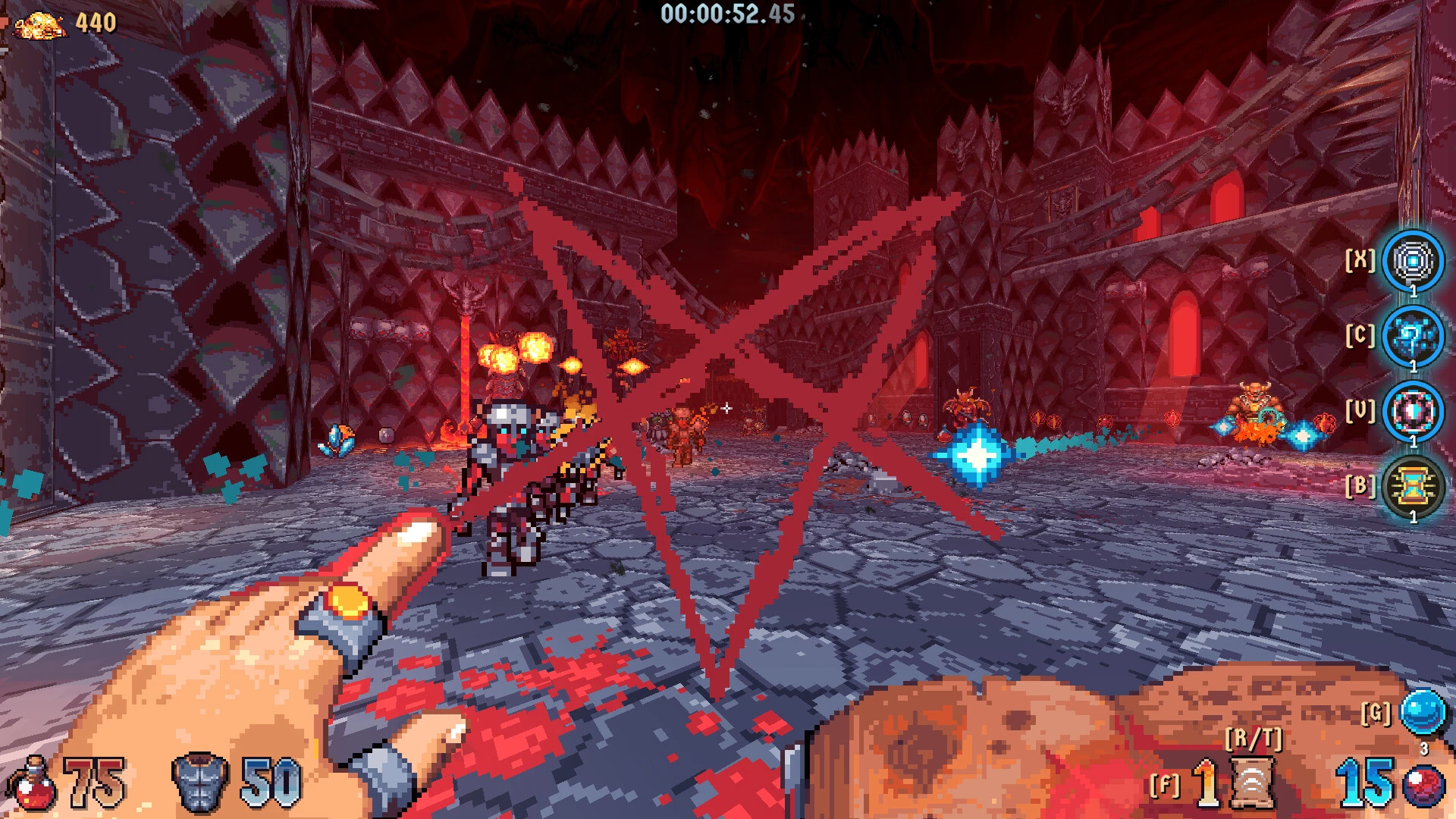
Wizordum is a fantasy first-person shooter (FPS) set in the 1990s that substitutes magic and spells for conventional weapons. Using a variety of elemental spells, magical weapons, and relics, players take on the role of a Mage and fight the forces of Chaos throughout Terrabruma.

In the vintage first-person shooter Wizordum, you take on the role of a mage searching for the origin of chaos. In this distinctive fusion of traditional 90s shooters and contemporary game aspects, navigate the planet of Terrabrum with a vast array of spells and magical objects at your disposal.

Oddities:

  • An extensive collection of magical tools and weaponry
  • Look for hidden locations that hold riches.
  • Work out puzzles and stay clear of traps.
  • Set off on a single-player quest to discover the origin of Chaos, passing through snow-capped mountains, bogs, and other locations from the town of Grimbrook.
  • To get to the top of the leaderboards, get extra goodies, and complete the hardest stages.
  • Finish each level’s challenges.

More Important Characteristics

  • Spellcasting Fighting: Use spellbooks, staves, and magical items in place of shotguns and bullets.
  • The range of abilities includes the use of repulsion spells, protective barriers, and fast fireballs and ice shards.
  • Character Groups: Select between two starting classes: the nimble Sorceress, who forgoes health in favor of quicker movement, or the more resilient Cleric, who specializes in defense.
  • Loot and exploring: The game places a strong emphasis on exploring.
  • You can improve your weaponry and magical abilities by using the treasure, puzzles, secret areas, and hidden wealth found throughout the levels.
  • Classic Meets Modern: It combines contemporary visual refinement, dynamic lighting, and a clear aesthetic with the fast-paced, high-octane run-and-gun movement of classics like Heretic and Hexen.
  • Players can create, construct, and share unique dungeons and challenges with the community using the built-in level editor.


Details

Version 1.1.02
Developer Emberheart Games
Activation (RG) Not required
Tested on macOS Tahoe , Mac mini 2024 M4
Size 335 MB
Architecture ARM , x86 (64-bit)
Interface Language English
Voice Languages Musical accompaniment

FAQ

Run the downloaded image and drag the application to the Applications folder shortcut. Once copying is complete, the application can be launched via Launchpad.
There are so many errors, we can't list them all here. Therefore, we've described all the solutions (with pictures) in the article: Errors when installing applications on a Mac
Official updates may result in loss of activation unless otherwise stated in the installation instructions. To update the software from this website, you must download the new version of the software from here (if available) and install it over the version currently installed on your computer. This will preserve your activation and settings for the software. Read more in the article: Updating pirated apps
To download large files, it is recommended to use any download manager, for example, FDM (Free Download Manager) For downloading from a file sharing service like Filen.io, it's not recommended to use Safari. Use Google Chrome or the aforementioned FDM browser, for example. To download files via torrent (.torrent file), you need a torrent client, such as Transmission or the aforementioned FDM. Please remember that providers may block access to some websites (1fichier.com, etc.). To bypass these blocks, it is recommended to use a VPN.
The site administration doesn't hack anything. That's the job of release teams and some enthusiasts. They're the ones responsible for ensuring updates are available. But you can hack software yourself by learning reverse engineering.
Definitely not in the comments. The site administration doesn't hack anything, and there's no order desk. However, you can order the software you need (not for free) in a special thread on forum.ru-board.com.
Open System Preferences -> General > Language & Region -> Applications - “+”. Select an app and language. This method works for most apps. The language in Adobe products is usually selected during the installation of the product itself. The language in games is usually changed in the game settings itself. There are exceptions. Don't hesitate to search for information online.
There are many options. The easiest is to use specialized app removal tools, such as App Cleaner & Uninstaller. To remove Adobe products, use the Creative Cloud Cleaner Tool .
The site offers a paid service: remote assistance (via AnyDesk, Zoom, Skype) with the installation of any applications (not just those from this site) on any Mac or PC. Learn more...

Leave a Comment

Version 1.1.02
Developer Emberheart Games
Interface language English
Activation (RG) Not required
Tested macOS Tahoe , Mac mini 2024 M4
Architecture ARM , x86 (64-bit)
Voice Languages Musical accompaniment
Size 335 MB
No threats found. Read more…
Published (edited): May 30, 2026 Views: 9


