
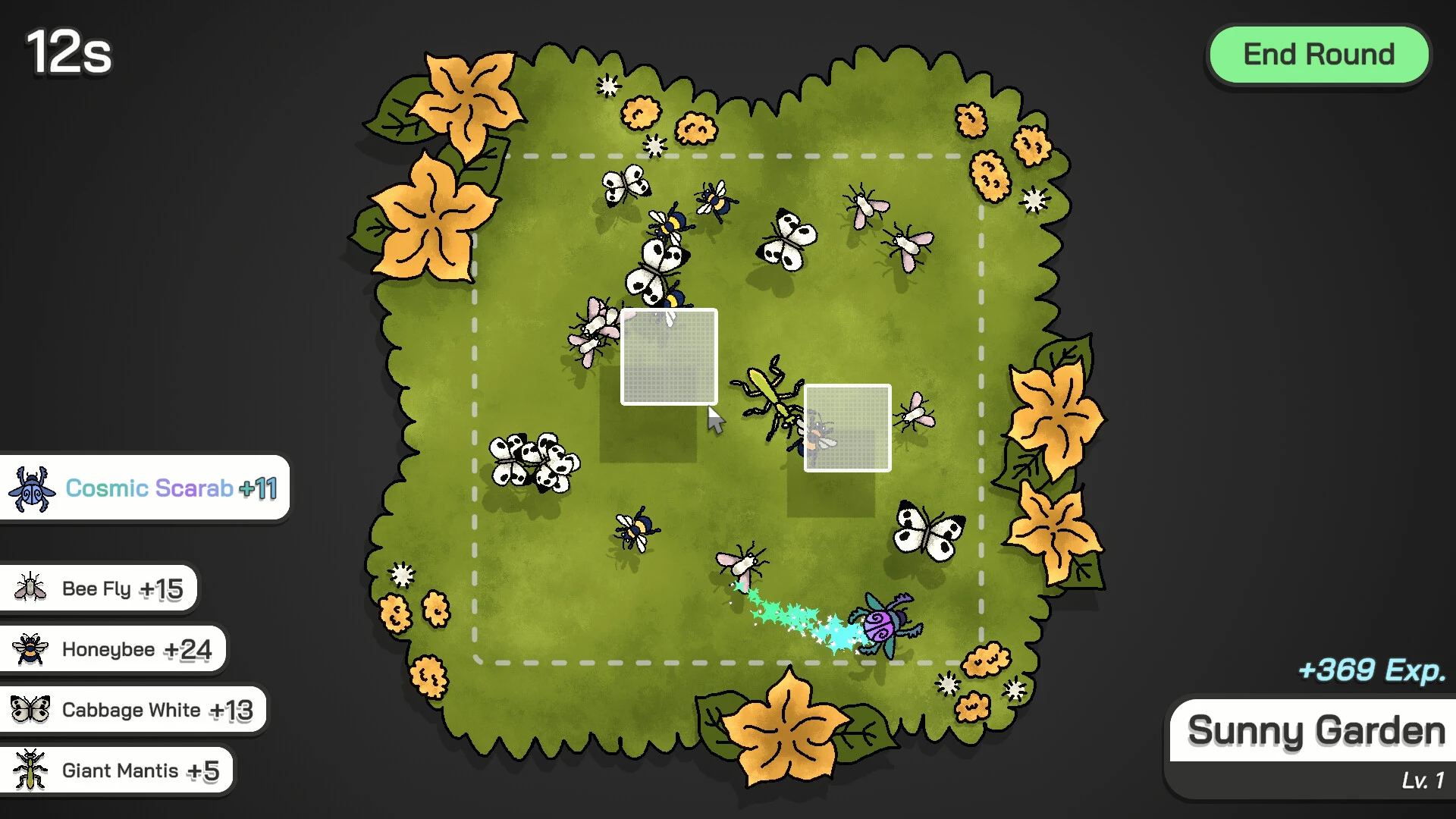
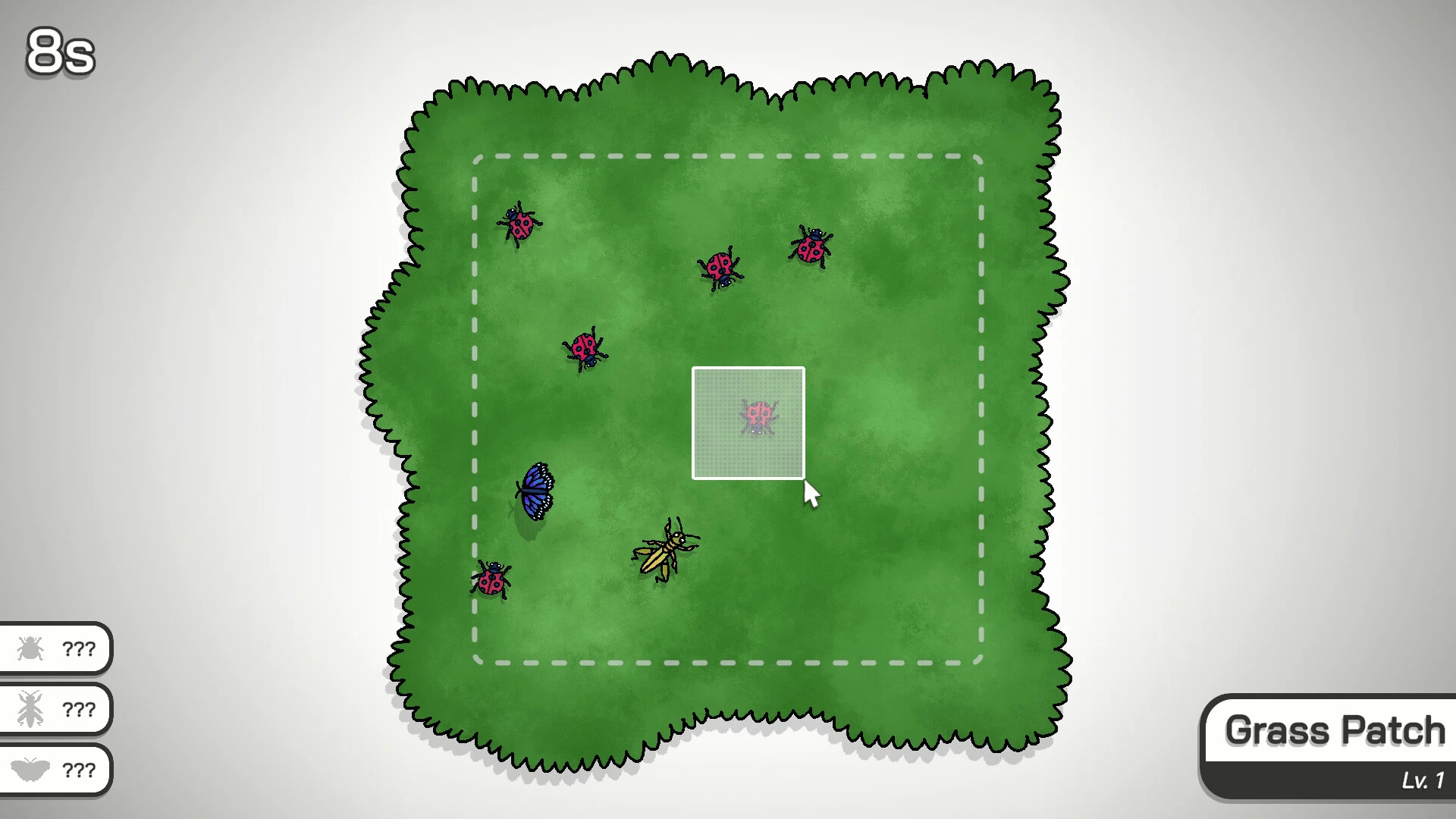
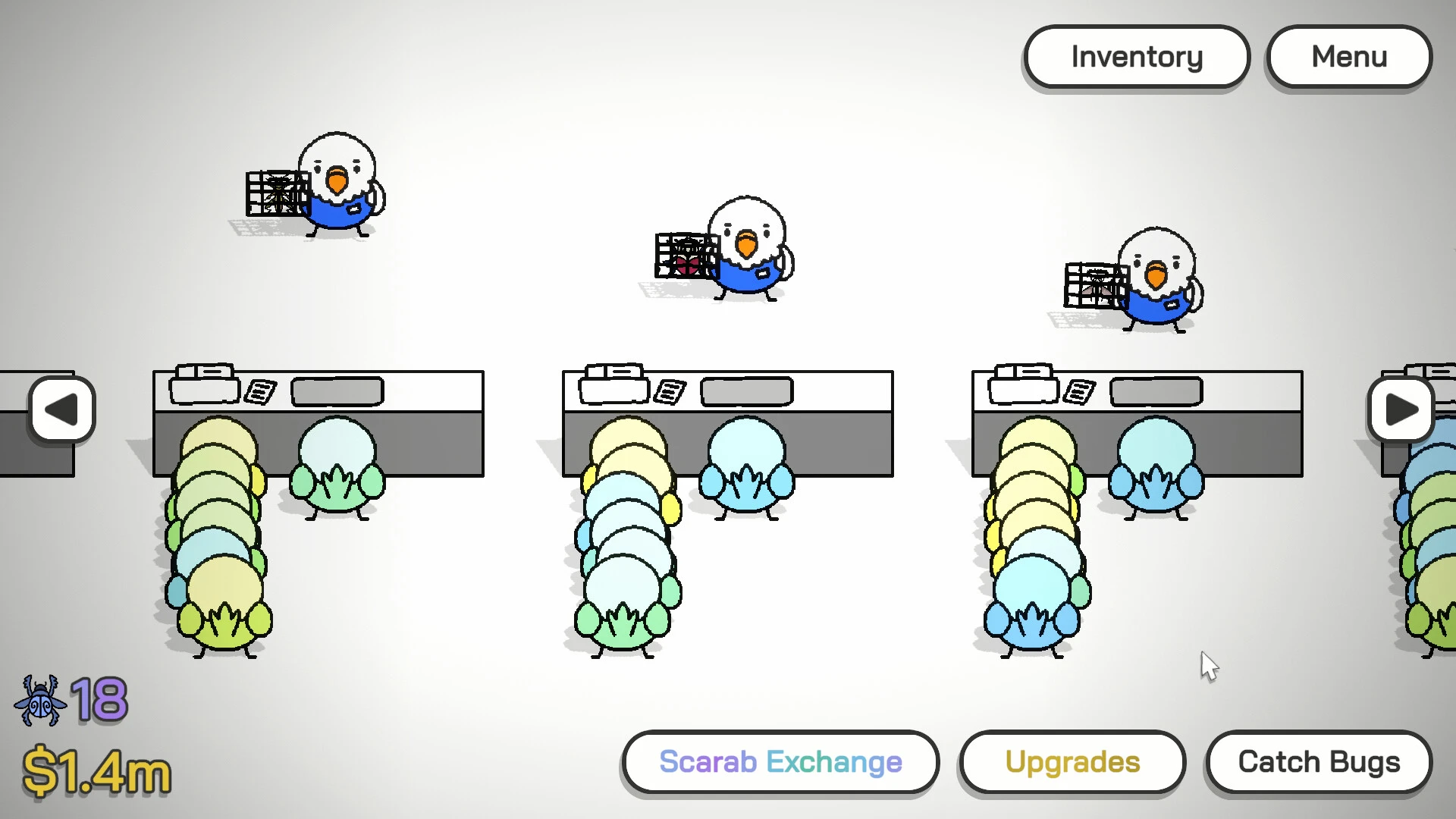
In the charming incremental strategy game Budgie’s Bug Shop, you must gather bugs in a variety of settings and sell them to operate a shop powered by parakeets. To gather more than 50 insect species, improve their bug-catching equipment, unlock skill trees, and oversee an expanding insect empire, players must traverse more than 12 locales.

A little, incremental game about running a parrot shop and catching bugs: boost your revenues from your parrot empire, get game-changing skills, and upgrade your equipment!

Essential Elements of Gameplay

  • Identifying Bugs:

To capture insects in various settings (such as your garden, a forest, or even space), players use a drag-and-select mouse mechanism. Earn XP by catching bugs, which raises the base value of insects, spawns more of them, and levels up areas.

  • Management of Shops:

Your squad of parakeets brings the bugs you collect to your shop and sells them.

  • Advancement & Improvements:

You can purchase game-breaking skills, expand checkout counters, and employ interns by unlocking a vast, grid-based skill tree as you earn money and cosmic scarabs.

  • Vibe & Aesthetics:

The game has a calming soundtrack, nostalgia for the mid-2000s, and a really fulfilling and easy-to-follow loop.

Game Play:

  • Use the cursor to drag bugs to capture them.
  • Sell insects at a business that is always expanding
  • Upgrade your shop’s interior and equipment.
  • Trade Space Scarabs for potent enhancements and skills

Characteristics:

  • Over fifty different species of beetles
  • Twelve places to hunt
  • An open-progression skill tree built on a grid
  • An enjoyable two-hour activity
  • A soothing, nostalgic mid-2000s soundtrack

More Details:

  • OS: macOS 10.12 or later
  • Processor: Apple M1 or Intel Core M
  • Memory: 2 GB RAM
  • Video Card: Intel HD Graphics 5300
  • Disk Space: 2 GB

Details

Version 1.1
Developer Moon Lagoon
Activation (RG) Not required
Compatibility macOS 14 and later
Tested on macOS Tahoe , Mac mini 2024 M4
Size 115 MB
Architecture ARM , x86 (64-bit)
Interface Language Russian , English , German , Spanish , Italian , Traditional Chinese , Simplified Chinese , Korean , Polish , Portuguese , French , Japanese
Voice Languages Musical accompaniment

FAQ

Run the downloaded image and drag the application to the Applications folder shortcut. Once copying is complete, the application can be launched via Launchpad.
There are so many errors, we can't list them all here. Therefore, we've described all the solutions (with pictures) in the article: Errors when installing applications on a Mac
Official updates may result in loss of activation unless otherwise stated in the installation instructions. To update the software from this website, you must download the new version of the software from here (if available) and install it over the version currently installed on your computer. This will preserve your activation and settings for the software. Read more in the article: Updating pirated apps
To download large files, it is recommended to use any download manager, for example, FDM (Free Download Manager) For downloading from a file sharing service like Filen.io, it's not recommended to use Safari. Use Google Chrome or the aforementioned FDM browser, for example. To download files via torrent (.torrent file), you need a torrent client, such as Transmission or the aforementioned FDM. Please remember that providers may block access to some websites (1fichier.com, etc.). To bypass these blocks, it is recommended to use a VPN.
The site administration doesn't hack anything. That's the job of release teams and some enthusiasts. They're the ones responsible for ensuring updates are available. But you can hack software yourself by learning reverse engineering.
Definitely not in the comments. The site administration doesn't hack anything, and there's no order desk. However, you can order the software you need (not for free) in a special thread on forum.ru-board.com.
Open System Preferences -> General > Language & Region -> Applications - “+”. Select an app and language. This method works for most apps. The language in Adobe products is usually selected during the installation of the product itself. The language in games is usually changed in the game settings itself. There are exceptions. Don't hesitate to search for information online
There are many options. The easiest is to use specialized app removal tools, such as App Cleaner & Uninstaller. To remove Adobe products, use the Creative Cloud Cleaner Tool .
The site offers a paid service: remote assistance (via AnyDesk, Zoom, Skype) with the installation of any applications (not just those from this site) on any Mac or PC. Learn more...

Leave a Comment

Version 1.1
Developer Moon Lagoon
Interface language Russian , English , German , Spanish , Italian , Traditional Chinese , Simplified Chinese , Korean , Polish , Portuguese , French , Japanese
Activation (RG) Not required
Compatibility macOS 14 and later
Tested macOS Tahoe , Mac mini 2024 M4
Architecture ARM , x86 (64-bit)
Voice Languages Musical accompaniment
Size 115 MB
No threats found. Read more…
Published (edited): June 10, 2026 Views: 10