
Europa Universalis IV icon

Europa Universalis IV

Games Strategy

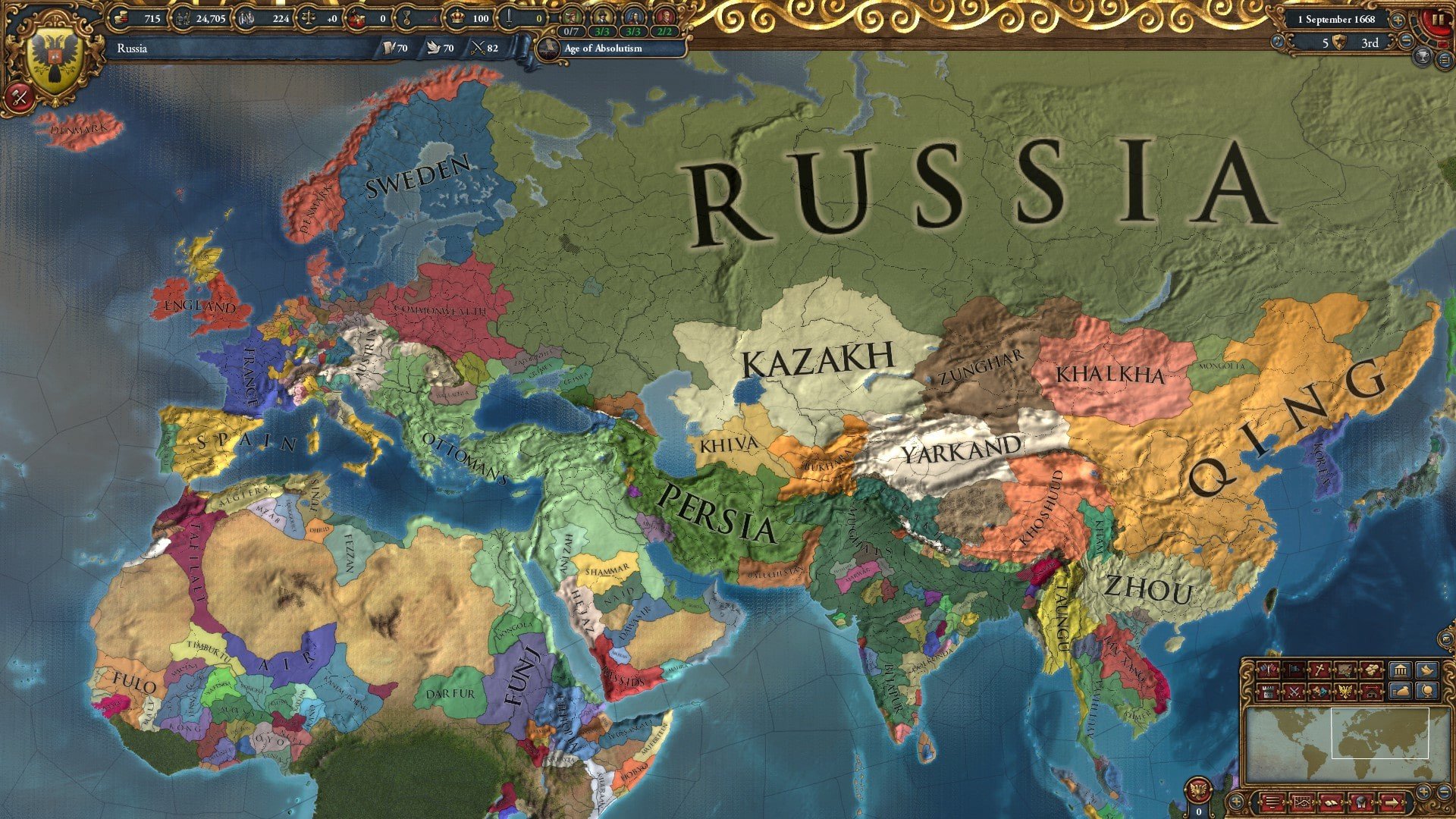
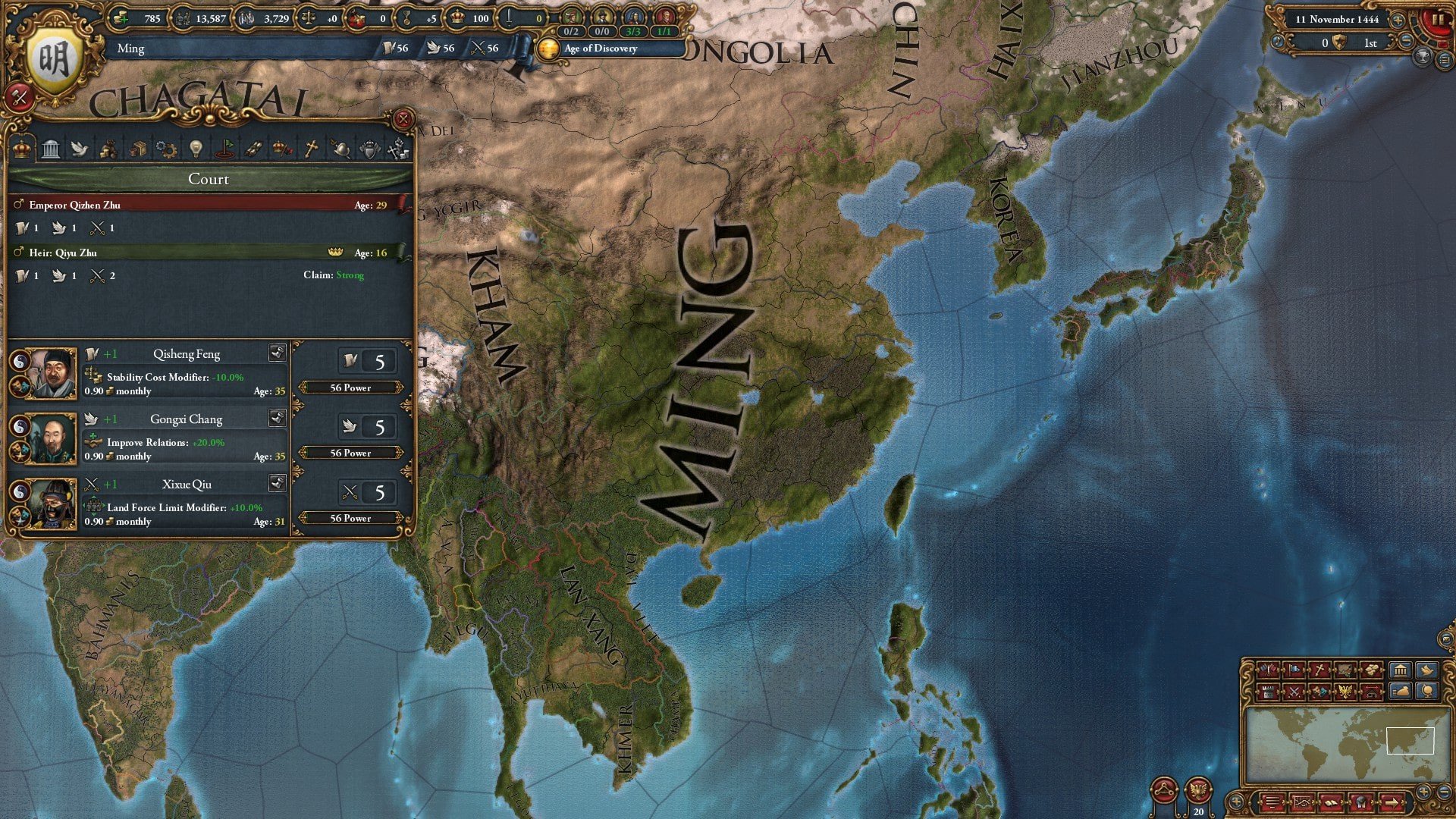
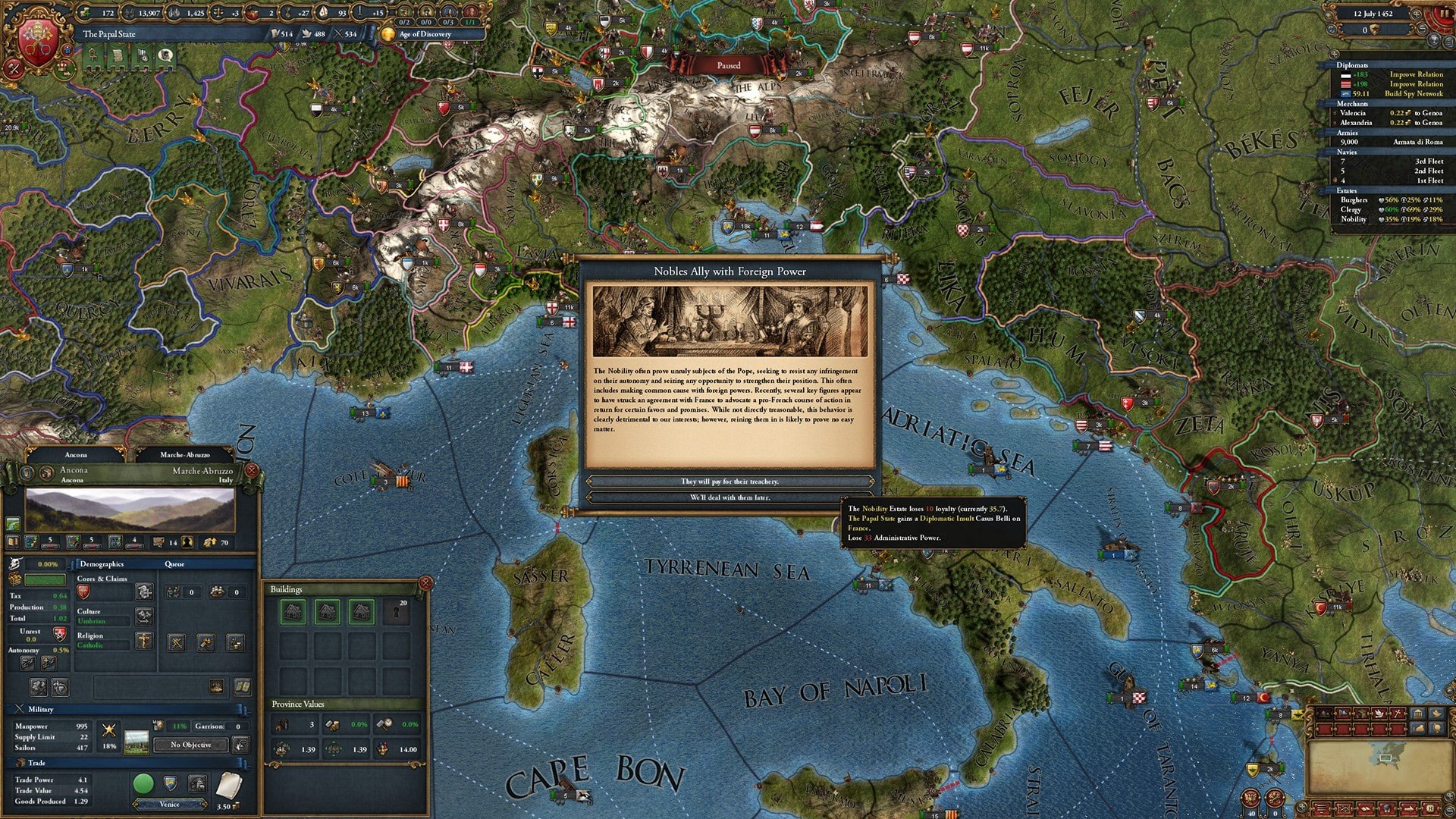
Europa Universalis IV is a grand strategy video game in the Europa Universalis series, created by Paradox Development Studio and published by Paradox Interactive. The game was launched on August 13, 2013, following its announcement in August 2012. In this game, players take leadership of any country on the map from the late Middle Ages to the late Early Modern Period (1444-1821), handling trade, diplomacy, military, colonization, and more.

Core Gameplay Features:

Global Sandbox:

  • You can play as almost every nation on Earth, from large European powers to minor Native American tribes, and each provides a unique experience.

Interlocking System:

  • Success necessitates overseeing a complex network of dynamics, involving monarch points (administrative, diplomatic, and military), technology, inflation, and internal stability.

Trade and Economics:

  • Control global trade hubs, construct warships to guard your merchant ships, and channel wealth from the New World back to your city.

War and Diplomacy:

  • Manage personnel, troop morale, supply lines, and alliances in traditional warfare. You can also establish coalitions or use espionage.


Details

Version 1.37.5.2 fix
Developer Paradox Development Studio , Paradox Tinto
Activation (RG) Included
Tested on macOS Tahoe , Mac mini 2024 M4
Size 11 GB
Architecture x86 (64-bit)
Interface Language Russian , English , German , Spanish , French
Voice Languages Musical accompaniment

FAQ

Follow the standard installation procedure. The installation is completed by choosing a location to place the game. It is recommended to specify the Applications folder. Launch is carried out via the file "eu4" eu4.app right-click show contents/MacOS file eu4
There are so many errors, we can't list them all here. Therefore, we've described all the solutions (with pictures) in the article: Errors when installing applications on a Mac
Official updates may result in loss of activation unless otherwise stated in the installation instructions. To update the software from this website, you must download the new version of the software from here (if available) and install it over the version currently installed on your computer. This will preserve your activation and settings for the software. Read more in the article: Updating pirated apps
To download large files, it is recommended to use any download manager, for example, FDM (Free Download Manager) For downloading from a file sharing service like Filen.io, it's not recommended to use Safari. Use Google Chrome or the aforementioned FDM browser, for example. To download files via torrent (.torrent file), you need a torrent client, such as Transmission or the aforementioned FDM. Please remember that providers may block access to some websites (1fichier.com, etc.). To bypass these blocks, it is recommended to use a VPN.
The site administration doesn't hack anything. That's the job of release teams and some enthusiasts. They're the ones responsible for ensuring updates are available. But you can hack software yourself by learning reverse engineering.
Definitely not in the comments. The site administration doesn't hack anything, and there's no order desk. However, you can order the software you need (not for free) in a special thread on forum.ru-board.com.
Open System Preferences -> General > Language & Region -> Applications - “+”. Select an app and language. This method works for most apps. The language in Adobe products is usually selected during the installation of the product itself. The language in games is usually changed in the game settings itself. There are exceptions. Don't hesitate to search for information online.
There are many options. The easiest is to use specialized app removal utilities, such as App Cleaner & Uninstaller. To remove Adobe products, use the Creative Cloud Cleaner Tool.
The site offers a paid service: remote assistance (via AnyDesk, Zoom, Skype) with the installation of any applications (not just those from this site) on any Mac or PC. Learn more...

Leave a Comment

Version 1.37.5.2 fix
Developer Paradox Development Studio , Paradox Tinto
Interface language Russian , English , German , Spanish , French
Activation (RG) Included
Tested macOS Tahoe , Mac mini 2024 M4
Architecture x86 (64-bit)
Voice Languages Musical accompaniment
Size 11 GB
No threats found. Read more…
Published (edited): July 7, 2026