
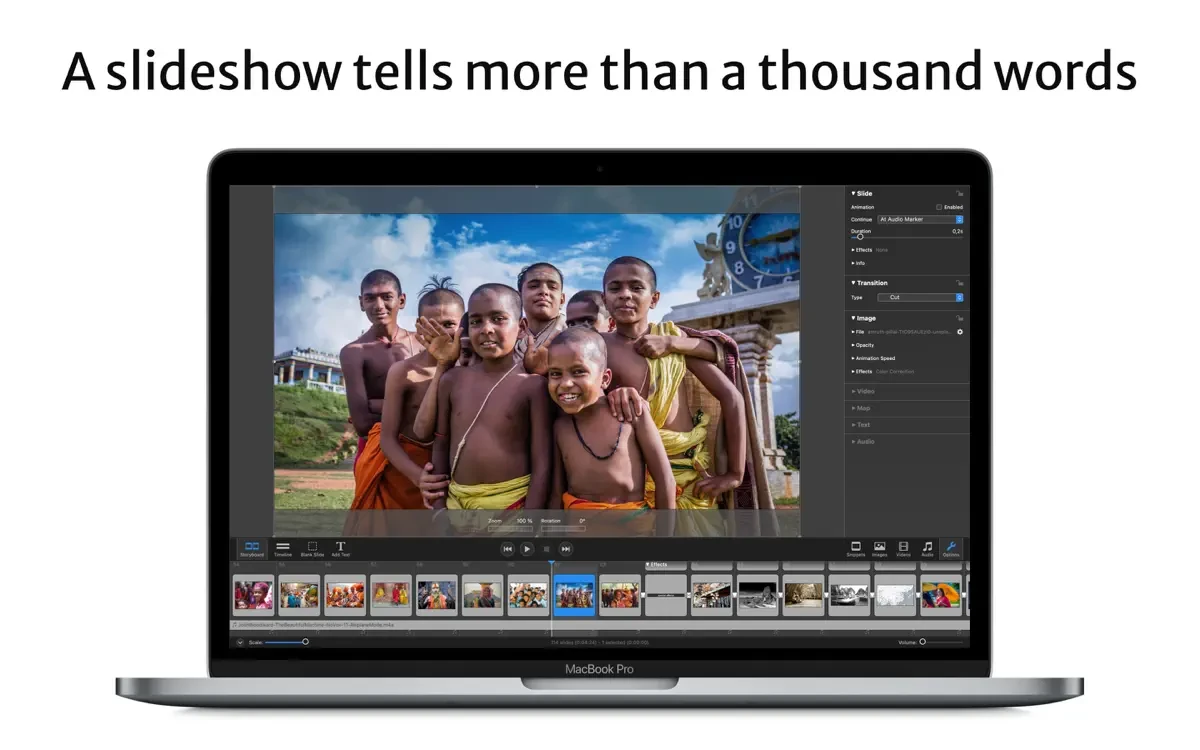
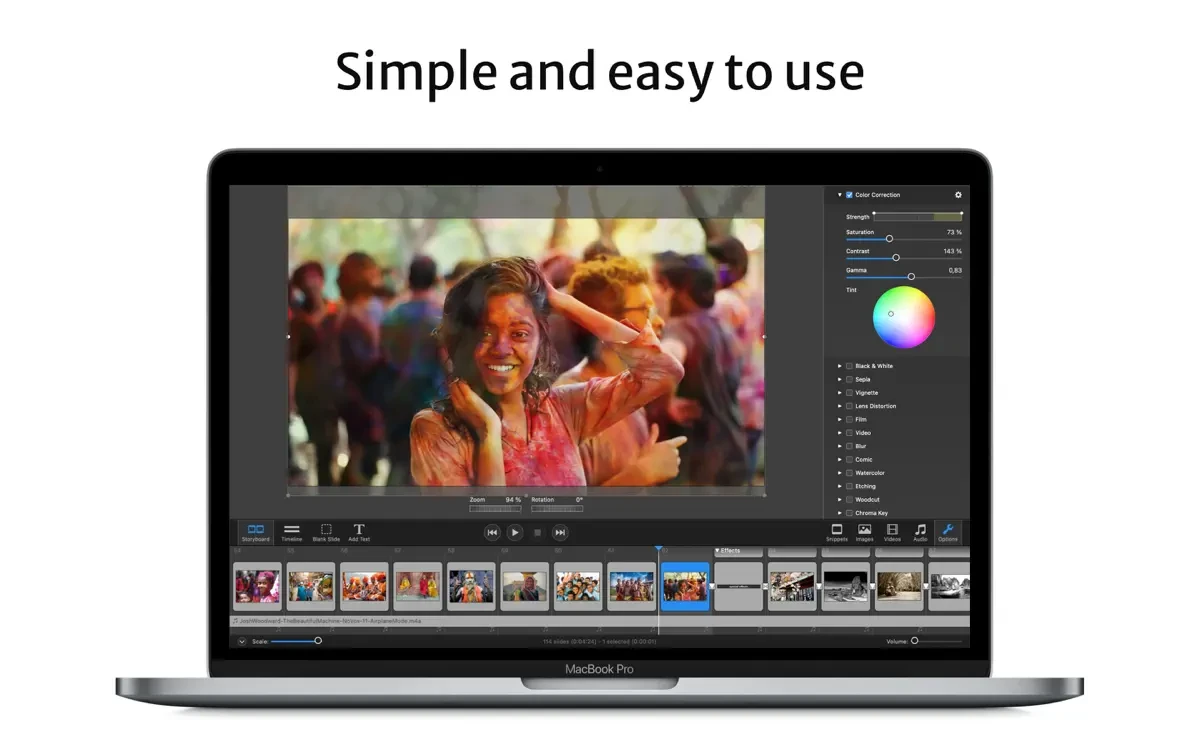
Boinx Software created FotoMagico, a top-tier multimedia presentation and slideshow program for macOS and iPad. It is intended for marketers, photographers, and visual storytellers. It enables users to create engrossing narratives using geographical maps, text, audio, videos, and images.

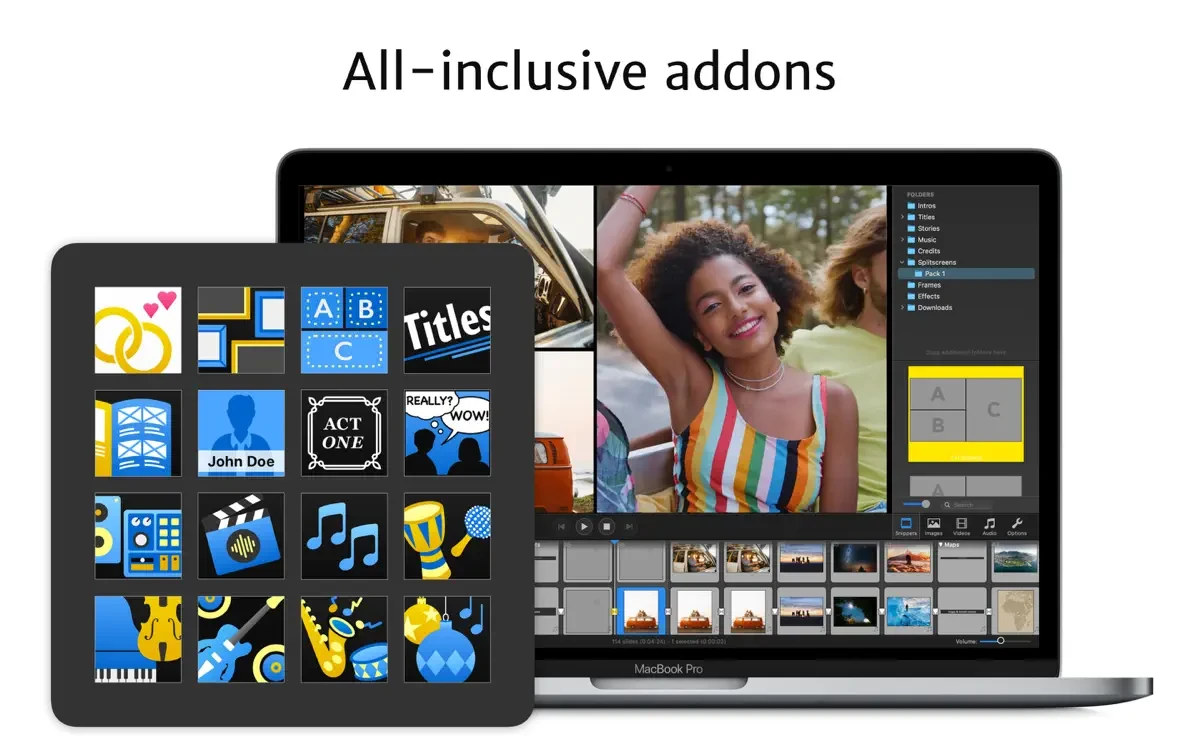
Full-resolution slideshows may be rendered instantaneously and without rendering time with FotoMagico, a real-time slideshow editor. Creating captivating vertical Instagram Stories is now simpler thanks to new Instagram settings. Your next slideshow will be the greatest of your life thanks to FotoMagico 6’s collection of add-ons for music, titles, frames, and visual storytelling advice.

This all-inclusive solution comes with both current and upcoming add-ons*, which can be downloaded straight from the new in-app download manager. A mapping assistant for making travel route visualizations has been included, along with new imaginative filters for photos and movies.

FotoMagico Download Updated Version

High-resolution slideshows can now be viewed on computers without the FotoMagico package installed, thanks to the program’s separate player (previously, this was only possible by exporting the slideshow to a video, which required finding a compromise between a large file size and resolution).

You may add watermarks to photos and export slideshows to screensaver format with FotoMagico. Slideshows can now be exported to the Apple iPad. There are also plugins for Apple Aperture and Apple Final Cut.

Make a big impression with the slideshow of your dreams! Because FotoMagico 6 is compatible with both Mac and iPad, it integrates your desktop and laptop processes. To sync your creations across several devices, store them in iCloud Drive.

Important aspects of the program:

  • Images can be resized, moved, rotated, zoomed, and combined.
  • placing text subtitles over images, utilizing the optimal hardware resolution
  • Large monitors, HDTV, and other high-resolution screens are supported.
  • Burning pictures to a DVD with Roxio Toast or iDVD;
  • Slide show exporting to an iPod
  • Any QuickTime-compatible format can be saved.

The new FotoMagico 6 uses the most recent Apple technology, including Metal, Swift, and Swift UI, and is fully suited for the upcoming Apple Silicon Mac machines.

The best option for Mac slideshows is FotoMagico.

Details

Version 6.9.2 + ARM
Developer Boinx Software International GmbH
Activation (RG) Included
Compatibility macOS 10.15 and later
Architecture ARM , x86 (64-bit)
Interface Language English , German , French

FAQ

Run the downloaded image and drag the application to the Applications folder shortcut. Once copying is complete, the application can be launched via Launchpad.
There are so many errors, we can't list them all here. Therefore, we've described all the solutions (with pictures) in the article: Errors when installing applications on a Mac
Official updates may result in loss of activation unless otherwise stated in the installation instructions. To update the software from this website, you must download the new version of the software from here (if available) and install it over the version currently installed on your computer. This will preserve your activation and settings for the software. Read more in the article: Updating pirated apps
To download large files, it is recommended to use any download manager, for example, FDM (Free Download Manager) For downloading from a file sharing service like Filen.io, it's not recommended to use Safari. Use Google Chrome or the aforementioned FDM browser, for example. To download files via torrent (.torrent file), you need a torrent client, such as Transmission or the aforementioned FDM. Please remember that providers may block access to some websites (1fichier.com, etc.). To bypass these blocks, it is recommended to use a VPN.
The site administration doesn't hack anything. That's the job of release teams and some enthusiasts. They're the ones responsible for ensuring updates are available. But you can hack software yourself by learning reverse engineering.
Definitely not in the comments. The site administration doesn't hack anything, and there's no order desk. However, you can order the software you need (not for free) in a special thread on forum.ru-board.com.
Open System Preferences -> General > Language & Region -> Applications - “+”. Select an app and language. This method works for most apps. The language in Adobe products is usually selected during the installation of the product itself. The language in games is usually changed in the game settings itself. There are exceptions. Don't hesitate to search for information online.
There are many options. The easiest is to use specialized app removal tools, such as App Cleaner & Uninstaller. To remove Adobe products, use the Creative Cloud Cleaner Tool .
The site offers a paid service: remote assistance (via AnyDesk, Zoom, Skype) with the installation of any applications (not just those from this site) on any Mac or PC. Learn more...

Leave a Comment

Version 6.9.2 + ARM
Developer Boinx Software International GmbH
Interface language English , German , French
Activation (RG) Included
Compatibility macOS 10.15 and later
Architecture ARM , x86 (64-bit)
No threats found. Read more…
Published (edited): June 10, 2026 Views: 13