Vagrus – The Riven Realms icon

Vagrus – The Riven Realms

Games Role-playing (RPG) Strategy

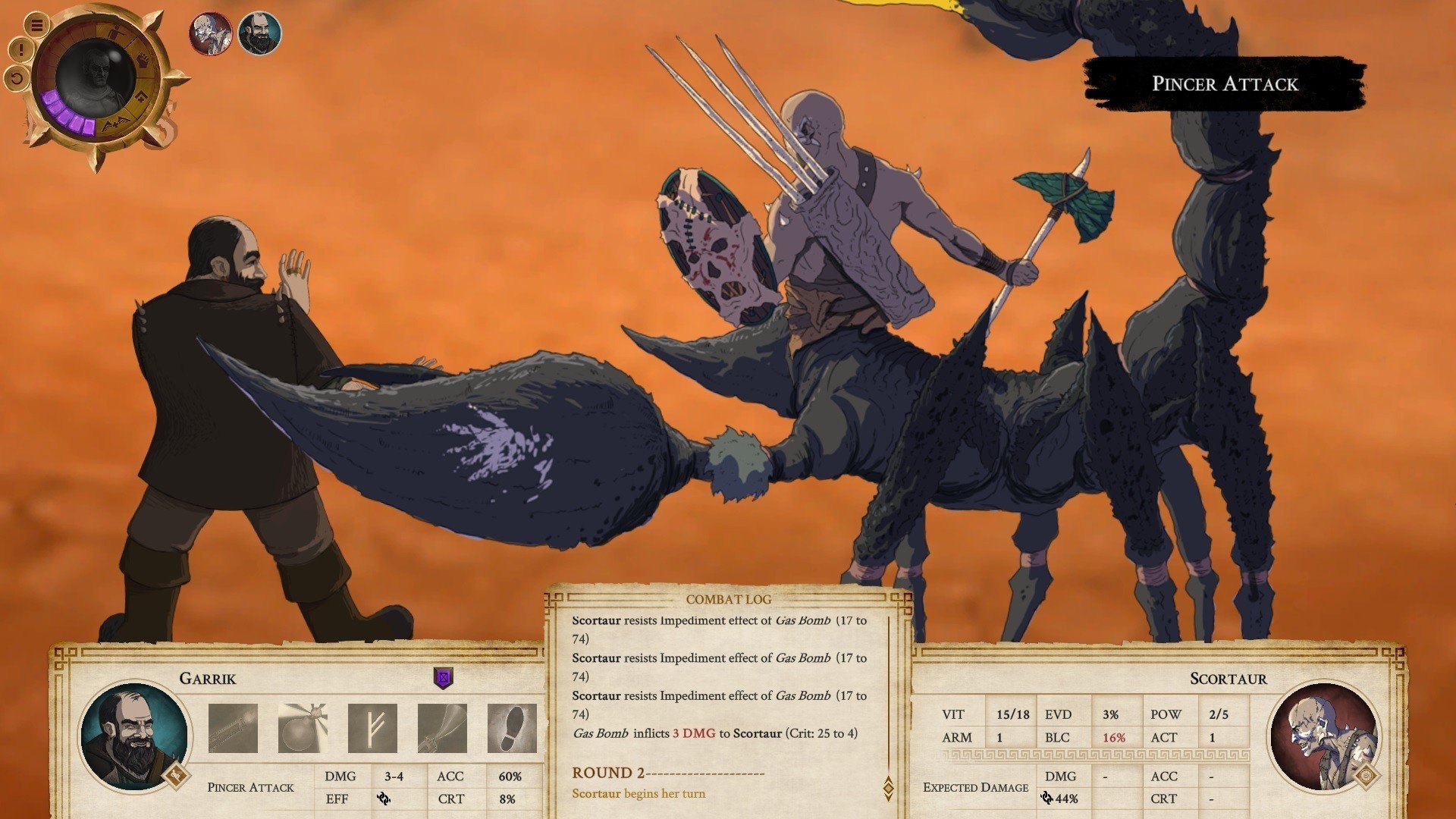
Vagrus The Riven Realms is a 2D role-playing game with a vibrant, distinctively designed setting, dynamic gameplay, and a variety of thrilling events. You’ll engage in exciting turn-based combat with real martial arts experts here.

Because there is a lot of text in the game, you will need to speak English to properly enjoy the environment. The way you move and the assignments you embark on will be entirely up to you, and your decisions will determine how things turn out. By selecting actions and fulfilling the associated tasks, you will have an impact on the plot.

You should be careful to develop your talents because this activity is more difficult than it may appear at first. You can play the game more than once because it has more than enough plot branching. You’ll be able to take charge of your own group and go on a protracted, occasionally perilous, adventure. The world is filled with darkness and holds many challenges for you, which you must be prepared to face at any moment.

Essential Components of Gameplay:

Management of Caravans:

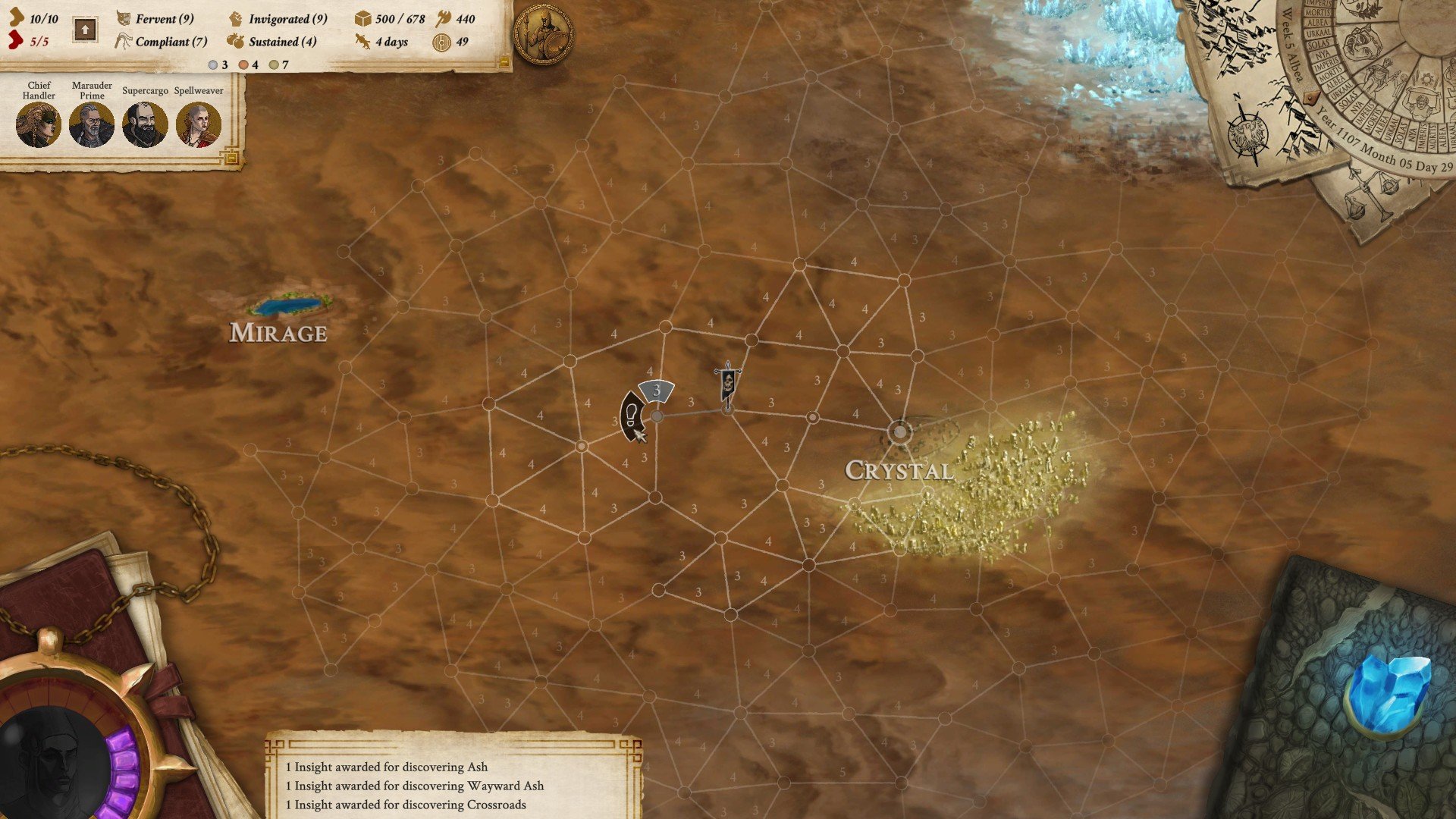
  • You are in charge of a caravan, or a comitatus. In addition to assigning specialized crew positions like guard captains, beast handlers, and scouts, you also have to oversee food, energy, and morale.

Adaptive Survival:

  • Because resources are limited, you must carefully plan your travels through hostile deserts to prevent famine, dehydration, and the erratic attacks of zombies and creatures.

Combat Tactics:

  • The game employs turn-based, strategic combat between your allies and a variety of adversaries when you are forced to battle. Character synergy and positioning are crucial.

Narrative and Faction Decisions:

  • Your decisions have significant repercussions in the game’s intricate, text-based narrative. You can acquire special questlines by aligning yourself with certain groups, such as criminal syndicates or trading houses.

Details

Version 1.2900602b2
Developer Lost Pilgrims Studio
Activation (RG) DRM-FREE (no protection)
Tested on macOS Tahoe , Mac mini 2024 M4
Size 3.4 GB
Architecture ARM , x86 (64-bit)
Interface Language English
Voice Languages English

FAQ

Mount the downloaded image and follow the standard installation procedure. The installation is completed by choosing a location to place the game. It is recommended to specify the Applications folder. Launch the game using Rosetta for DLC to work.
There are so many errors, we can't list them all here. Therefore, we've described all the solutions (with pictures) in the article: Errors when installing applications on a Mac
Official updates may result in loss of activation unless otherwise stated in the installation instructions. To update the software from this website, you must download the new version of the software from here (if available) and install it over the version currently installed on your computer. This will preserve your activation and settings for the software. Read more in the article: Updating pirated apps
To download large files, it is recommended to use any download manager, for example, FDM (Free Download Manager) For downloading from a file sharing service like Filen.io, it's not recommended to use Safari. Use Google Chrome or the aforementioned FDM browser, for example. To download files via torrent (.torrent file), you need a torrent client, such as Transmission or the aforementioned FDM. Please remember that providers may block access to some websites (1fichier.com, etc.). To bypass these blocks, it is recommended to use a VPN.
The site administration doesn't hack anything. That's the job of release teams and some enthusiasts. They're the ones responsible for ensuring updates are available. But you can hack software yourself by learning reverse engineering.
Definitely not in the comments. The site administration doesn't hack anything, and there's no order desk. However, you can order the software you need (not for free) in a special thread on forum.ru-board.com.
Open System Preferences -> General > Language & Region -> Applications - “+”. Select an app and language. This method works for most apps. The language in Adobe products is usually selected during the installation of the product itself. The language in games is usually changed in the game settings itself. There are exceptions. Don't hesitate to search for information online.
There are many options. The easiest is to use specialized app removal tools, such as App Cleaner & Uninstaller. To remove Adobe products, use the Creative Cloud Cleaner Tool .
The site offers a paid service: remote assistance (via AnyDesk, Zoom, Skype) with the installation of any applications (not just those from this site) on any Mac or PC. Learn more...

Leave a Comment

Version 1.2900602b2
Developer Lost Pilgrims Studio
Interface language English
Activation (RG) DRM-FREE (no protection)
Tested macOS Tahoe , Mac mini 2024 M4
Architecture ARM , x86 (64-bit)
Voice Languages English
Size 3.4 GB
No threats found. Read more…
Published (edited): June 10, 2026 Views: 4