
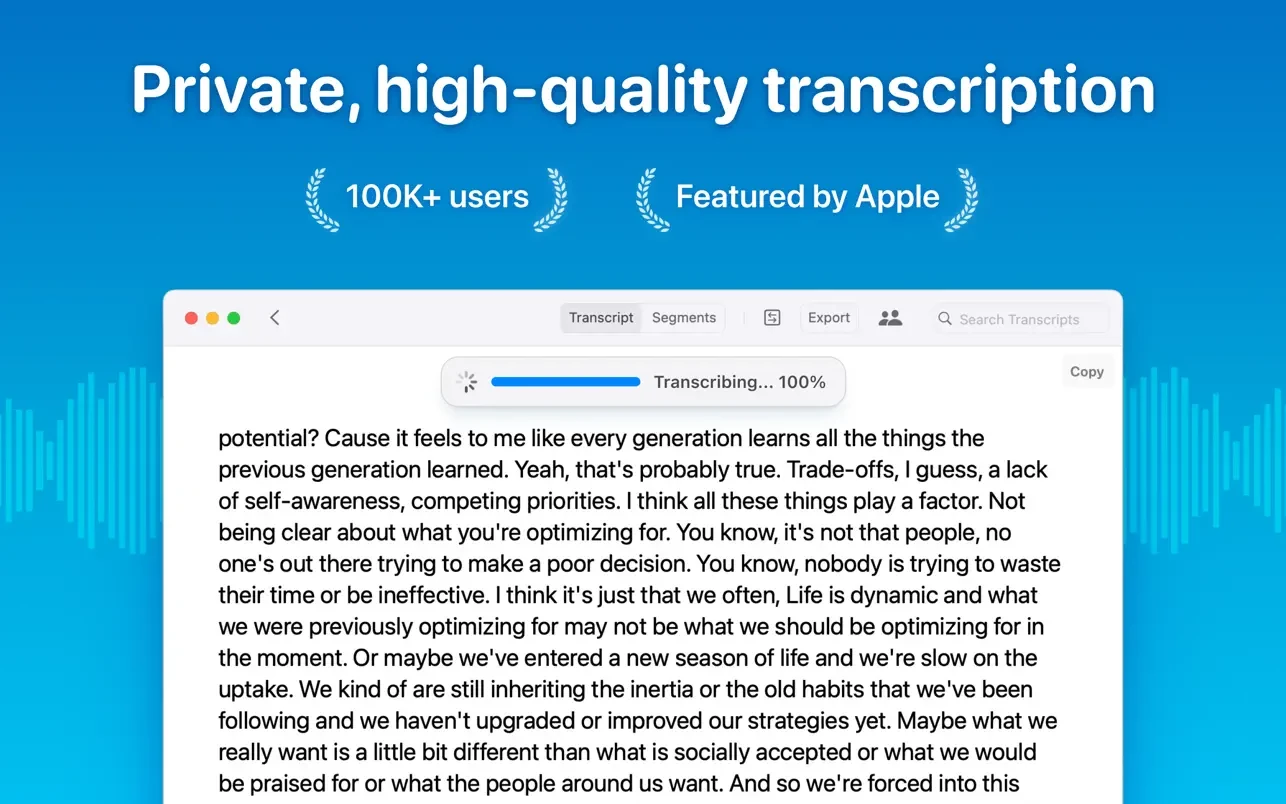
Whisper Transcription’s advanced voice recognition engine enables you to rapidly and easily convert audio files to text. Whisper for Mac quickly and precisely converts audio recordings of meetings, lectures, and other important events into text.

Whisper Transcription Features:

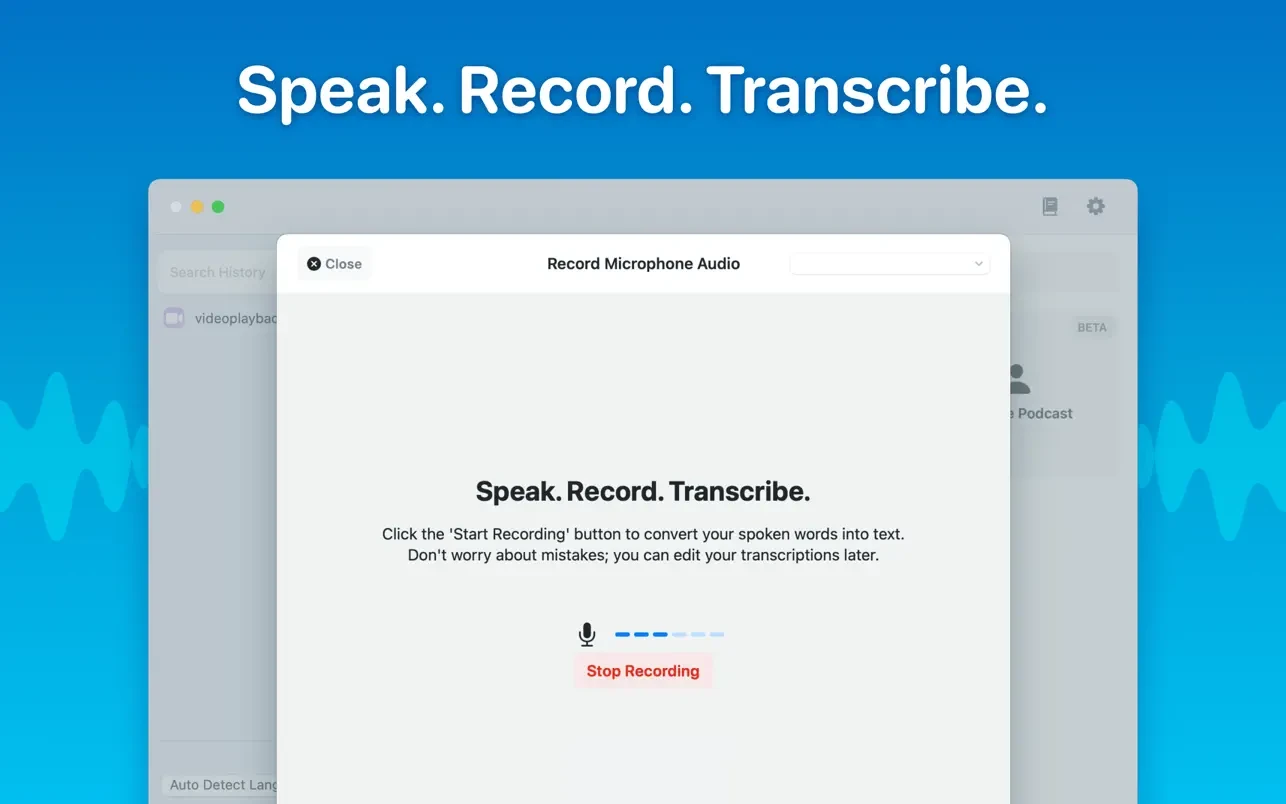
  • Simple audio file recording and transcription.
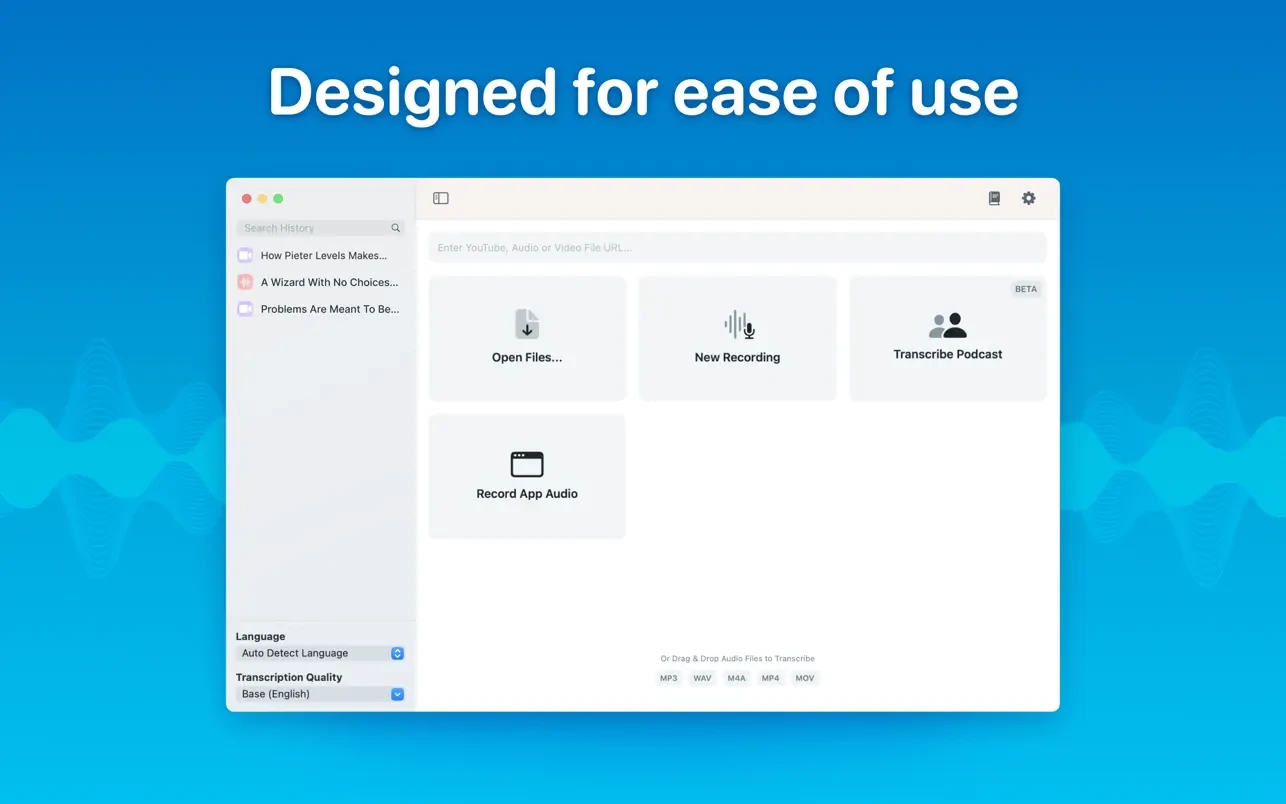
  • To transcribe an audio file, simply drag and drop it.
  • The data is completely transcribed on your device; it never leaves it.
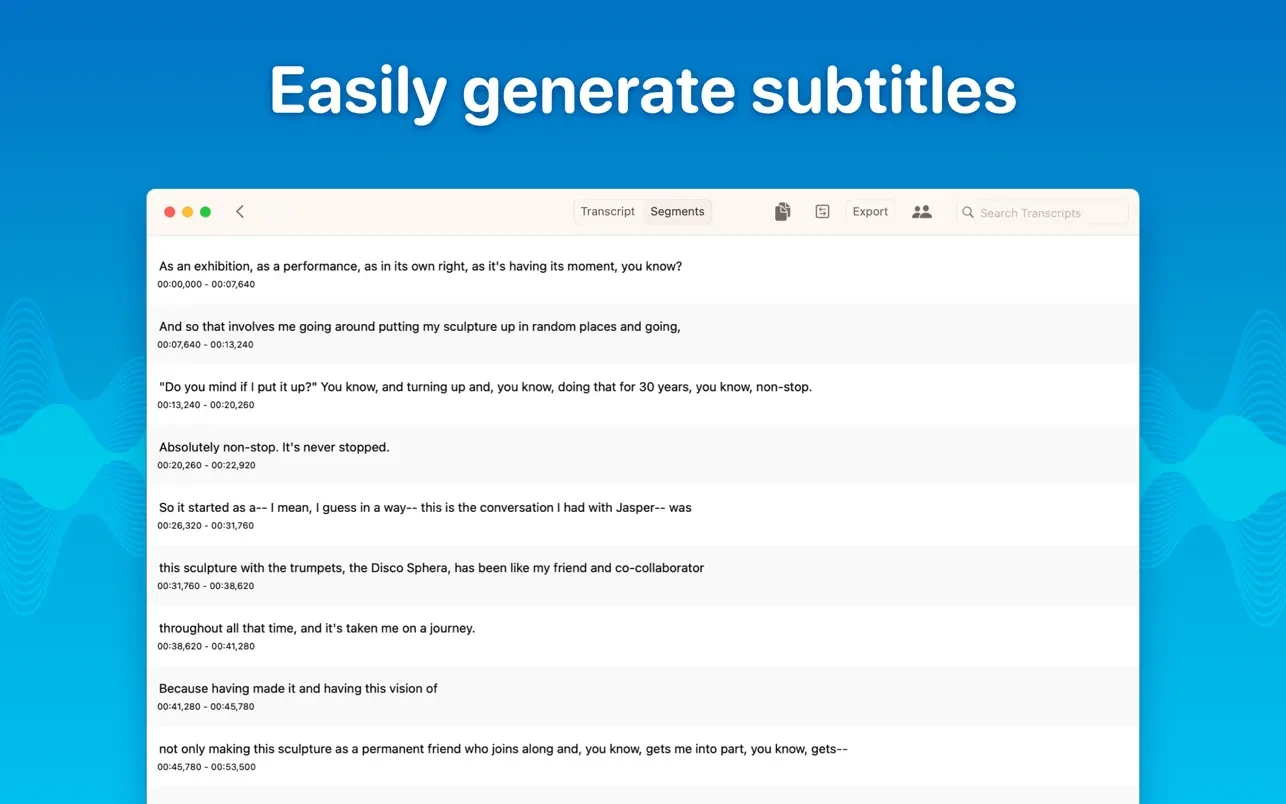
  • Subtitles can be exported in both.srt and.vtt formats.
  • Accurately converting audio to text in seconds (15x faster than real-time).
  • Supports GPUs and metal for best performance.
  • Look up each word in the transcript and highlight it.
  • Playback of audio and synchronisation with the transcript.
  • Support for many languages (English is the fastest model).
  • Copying particular passages or the entire document.
  • Modifying and eliminating elements of the transcript.
  • Select the transcription language (or allow it to be detected automatically).
  • Supported file types include mp3, wav, m4a, mp4, mov, ogg, and opus.
  • Supported models include Tiny (only accessible in English), Small, Base, Medium, Large-V2, and Large-V3.
  • Batch transcription and simultaneous export to many formats (SRT, VTT, etc.)
  • Export as HTML, PDF, or Word.
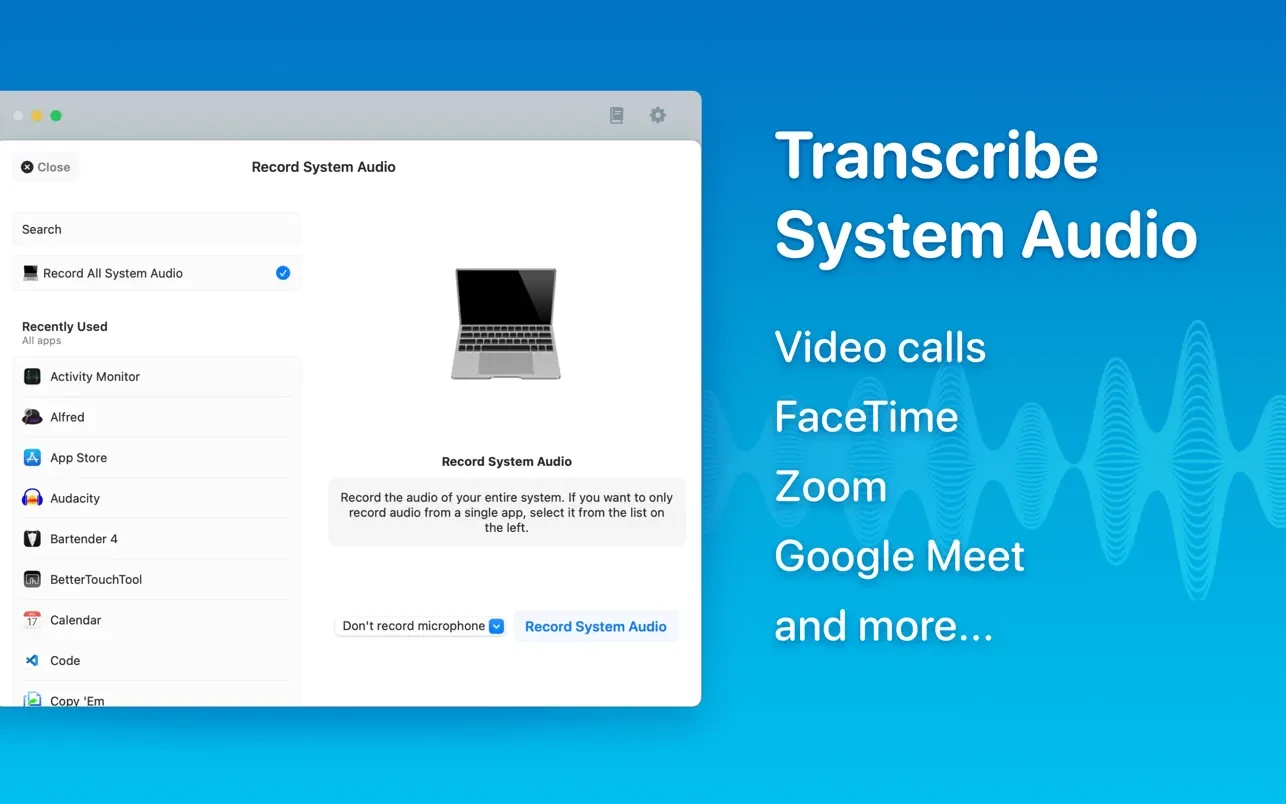
  • System audio transcription (e.g., Zoom meetings, other audio)
  • Podcast transcription, divided by speaker

Details

Version 13.17
Developer Good Snooze
Activation (RG) K'ed by TEAM EDiSO
Compatibility macOS 14 and later
Size 75 MB
Architecture ARM , x86 (64-bit)
Interface Language English

FAQ

Run the downloaded image and drag the application to the Applications folder shortcut. Once copying is complete, the application can be launched via Launchpad.
Official updates may result in loss of activation unless otherwise stated in the installation instructions. To update the software from this website, you must download the new version of the software from here (if available) and install it over the version currently installed on your computer. This will preserve your activation and settings for the software.
To download large files, it is recommended to use any download manager, for example, FDM (Free Download Manager) For downloading from a file sharing service like Filen.io, it's not recommended to use Safari. Use Google Chrome or the aforementioned FDM browser, for example. To download files via torrent (.torrent file), you need a torrent client, such as Transmission or the aforementioned FDM. Please remember that providers may block access to some websites (1fichier.com, etc.). To bypass these blocks, it is recommended to use a VPN.
The site administration doesn't hack anything. That's the job of release teams and some enthusiasts. They're the ones responsible for ensuring updates are available. But you can hack software yourself by learning reverse engineering.
Definitely not in the comments. The site administration doesn't hack anything, and there's no order desk. However, you can order the software you need (not for free) in a special thread on forum.ru-board.com.
Open System Preferences -> General > Language & Region -> Applications - “+”. Select an app and language. This method works for most apps. The language in Adobe products is usually selected during the installation of the product itself. The language in games is usually changed in the game settings itself. There are exceptions. Don't hesitate to search for information online.
There are many options. The easiest is to use specialized app removal tools, such as App Cleaner & Uninstaller. To remove Adobe products, use the Creative Cloud Cleaner Tool .

Leave a Comment

Version 13.17
Developer Good Snooze
Interface language English
Activation (RG) K'ed by TEAM EDiSO
Compatibility macOS 14 and later
Architecture ARM , x86 (64-bit)
Size 75 MB
No threats found. Read more…
Published (edited): March 29, 2026 Views: 47



