


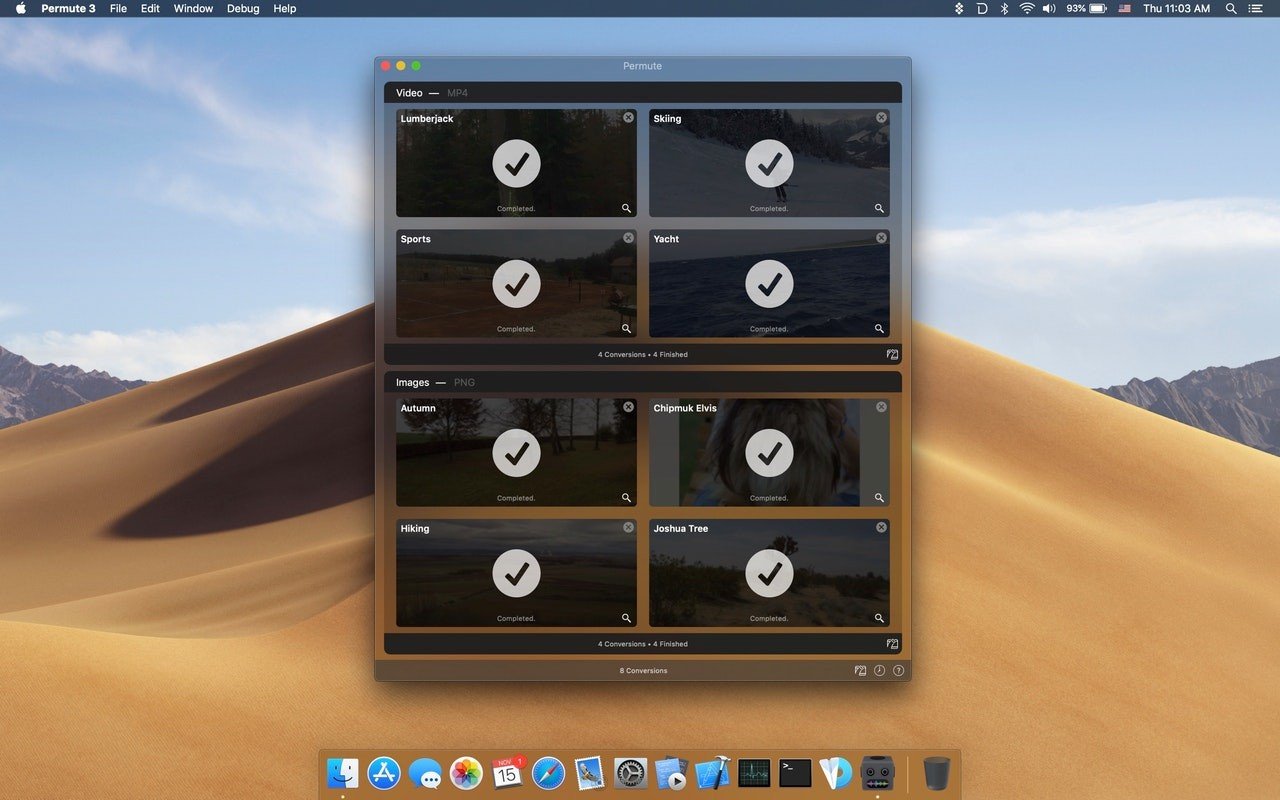
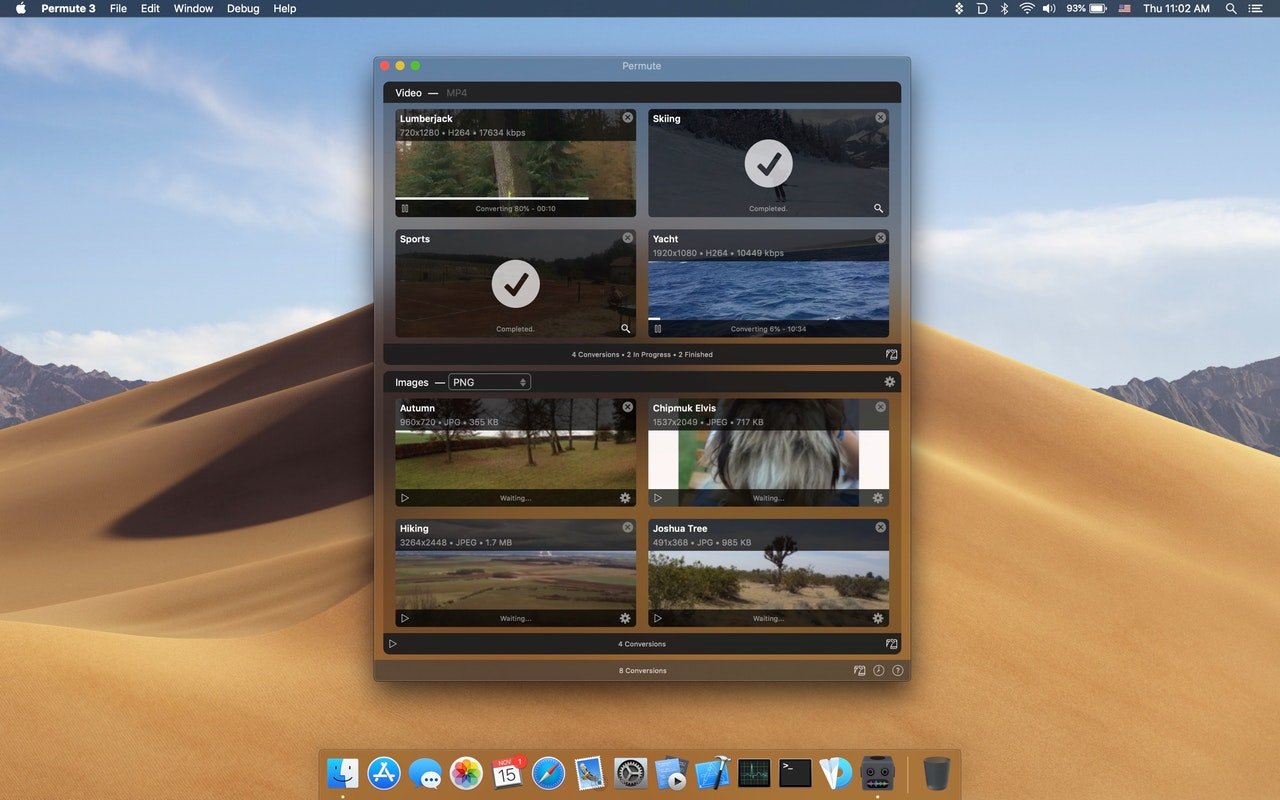
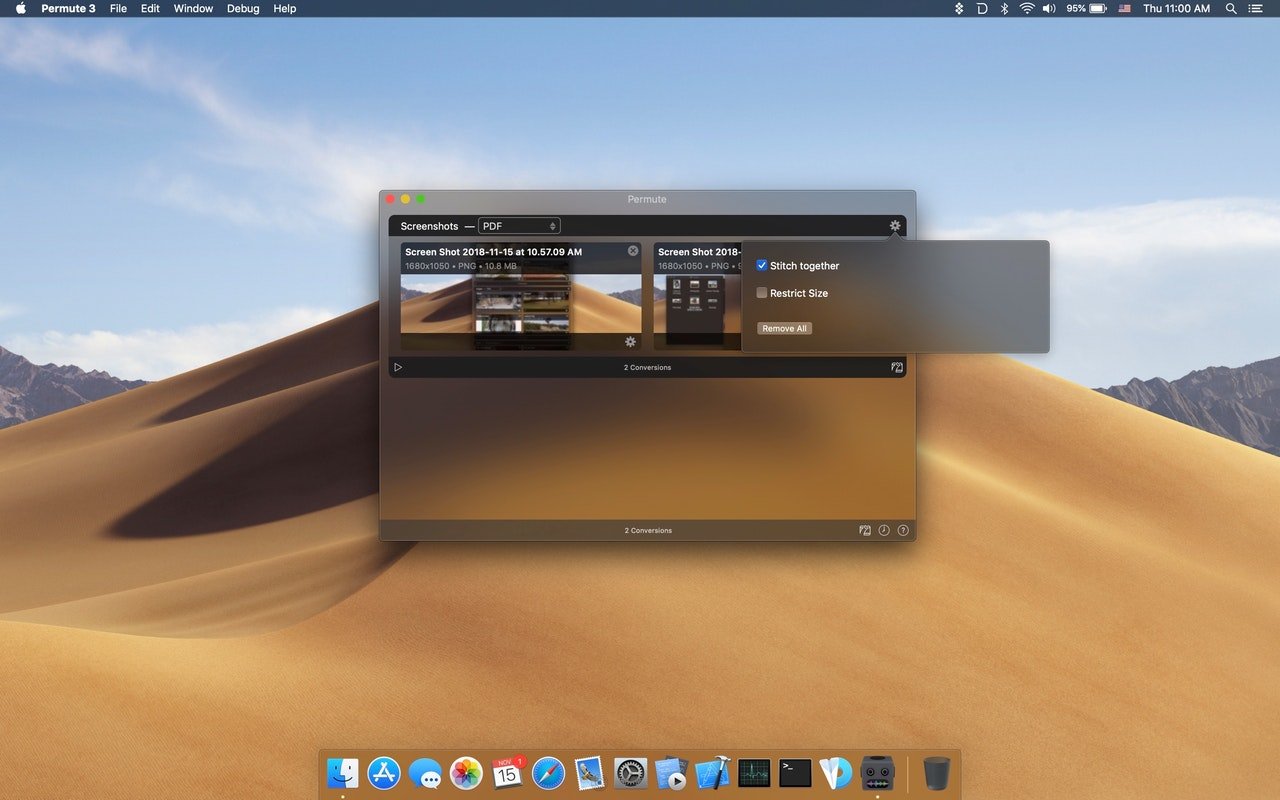
Permute 3 is a well-liked and incredibly easy-to-use media converter for macOS that uses straightforward drag-and-drop features to convert video, music, and image files between different formats.
Permute is a quick converter for audio, video, and images. Permute translates nearly everything, thus you can use it for files in any format. Media files can be converted into any format you choose, but turning water into wine will require additional services. Permute also has a number of other capabilities, like the ability to combine two films or add a subtitle track.
Key Features of Permute
- Converter for video
The best part about Permute is that it eliminates the need for separate MP4 and FLV converters. Rather, all formats are handled by a single video converter. With just one click, you can easily convert downloaded videos to hundreds of other formats.
- Converter for audio
Permute is excellent for audio conversion, just like it is for video. To convert an audio file, simply drag & drop it into the application and select the desired format. Whether you go with FLAC or Apple Lossless, Permute will manage everything flawlessly. Drag, drop, select, and you’re done!
- Converting video to audio
For many converters, this is a challenging step, but Permute converts video to audio files with ease. Therefore, you don’t need to look for it separately if all you need is the audio track from a video you enjoy. You have access to interviews and voiceovers.
- Converting images
Permute can be used to convert JPG images to PNG instead of launching Photoshop, Illustrator, and Sketch. Your photos are ready with just two clicks. BMP, GIF, and even TIFF are all included in the image converter.
- Editing videos
“Merging” two videos into one is a cool feature of Permute. Considering that you don’t require any sophisticated video editing software or online viewing tools while processing, it’s very awesome. After choosing “Merge With” with a right-click on the chosen clip, you’re done!
- Changing to ISO
Get your files ready to be burned on a virtual drive or a DVD (if you still require a DVD, my old friend). You may convert any file to ISO format so you can burn it later.




Leave a Comment