


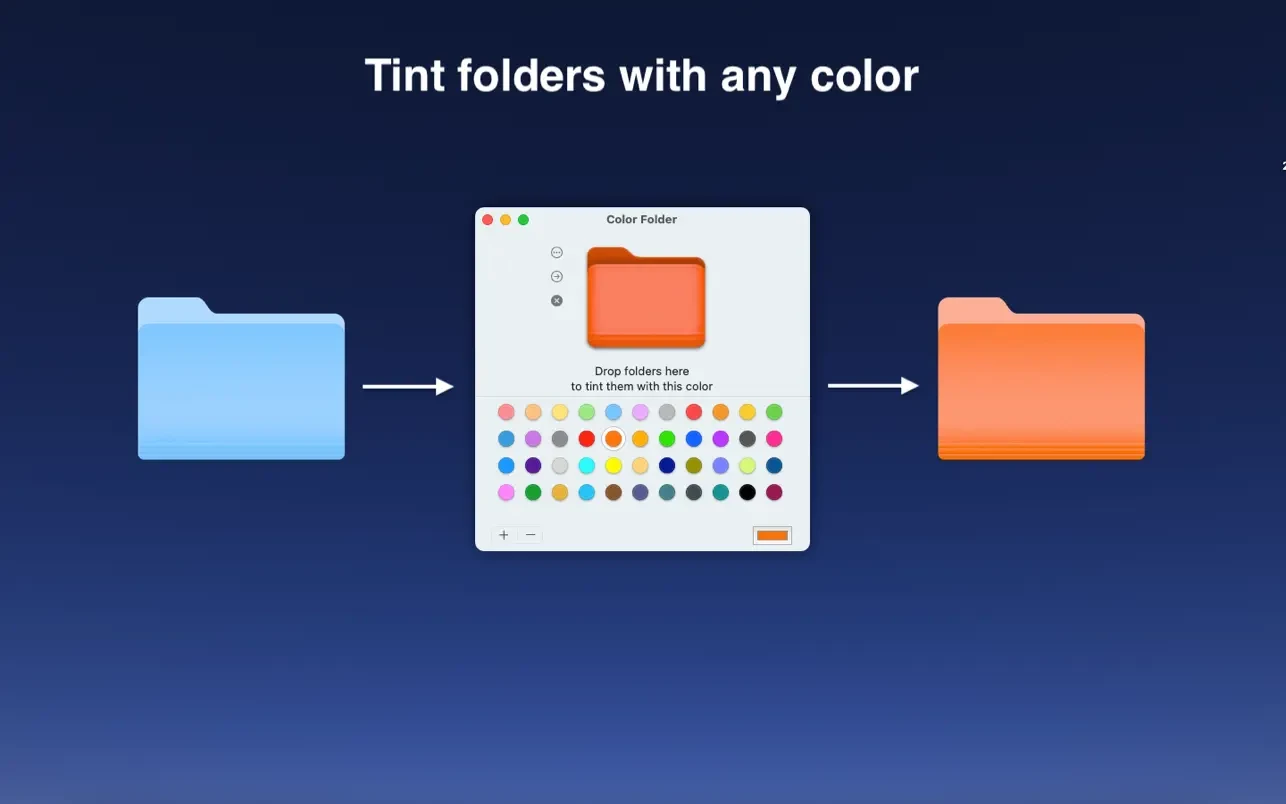
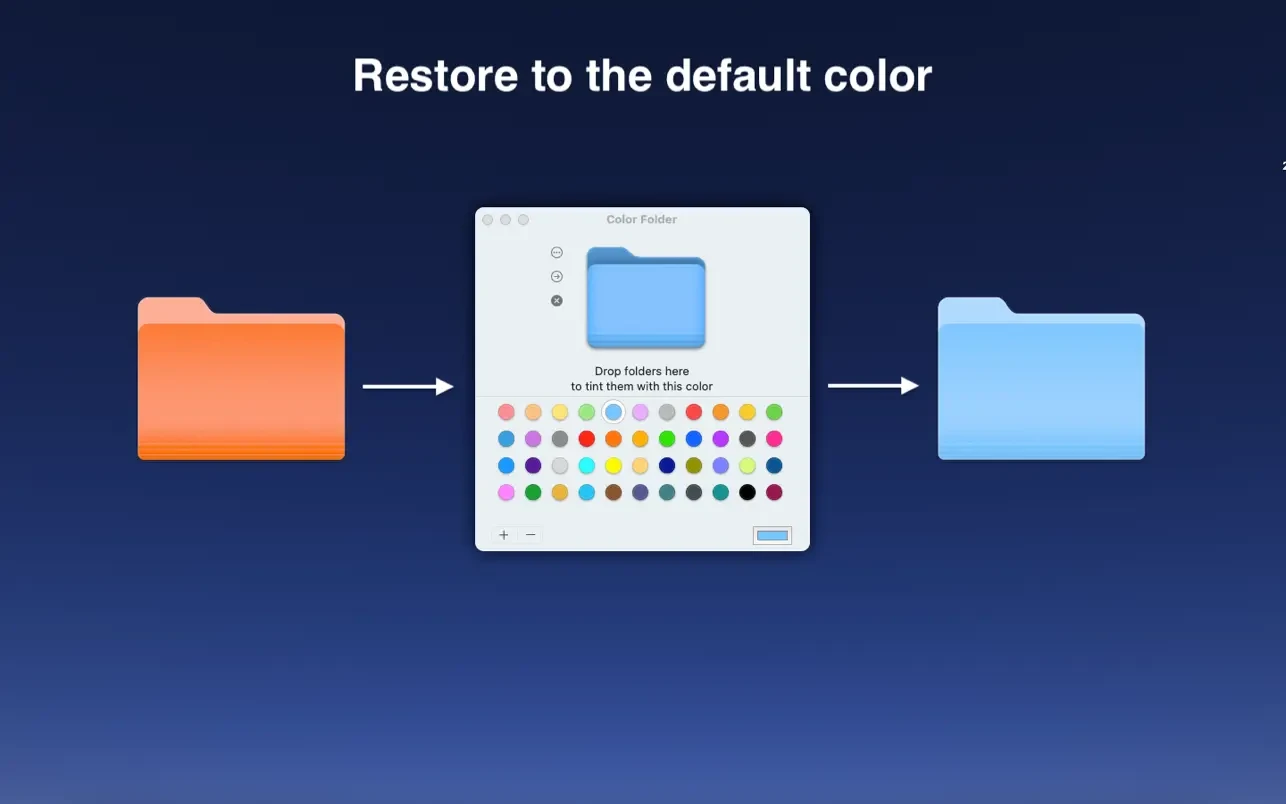
A macOS utility program called Color Folder Pro (also known as Color Folder Pro-Custom Icon) was created to assist users in managing directories more effectively and changing folder icons instantaneously. You can simply color-code and identify your files by customizing the basic blue folders with vivid colors, original graphics, and built-in themes.
You may rapidly change the folder icon with Color Folder to work more productively.
Important Features
- Customization of Color:
You can choose from more than 20 predefined colors or apply any solid or gradient color to your folder icons.
- Integrating Images:
Use any personalized picture or image as a distinctive folder icon.
- Templates for icons:
Depending on the edition, you can access between 700 and 3,000 built-in icon templates.
- Batch Processes:
A parent folder and all of its subfolders can be changed with a single click, or you can change the icons for several folders at once.
- Save and Export:
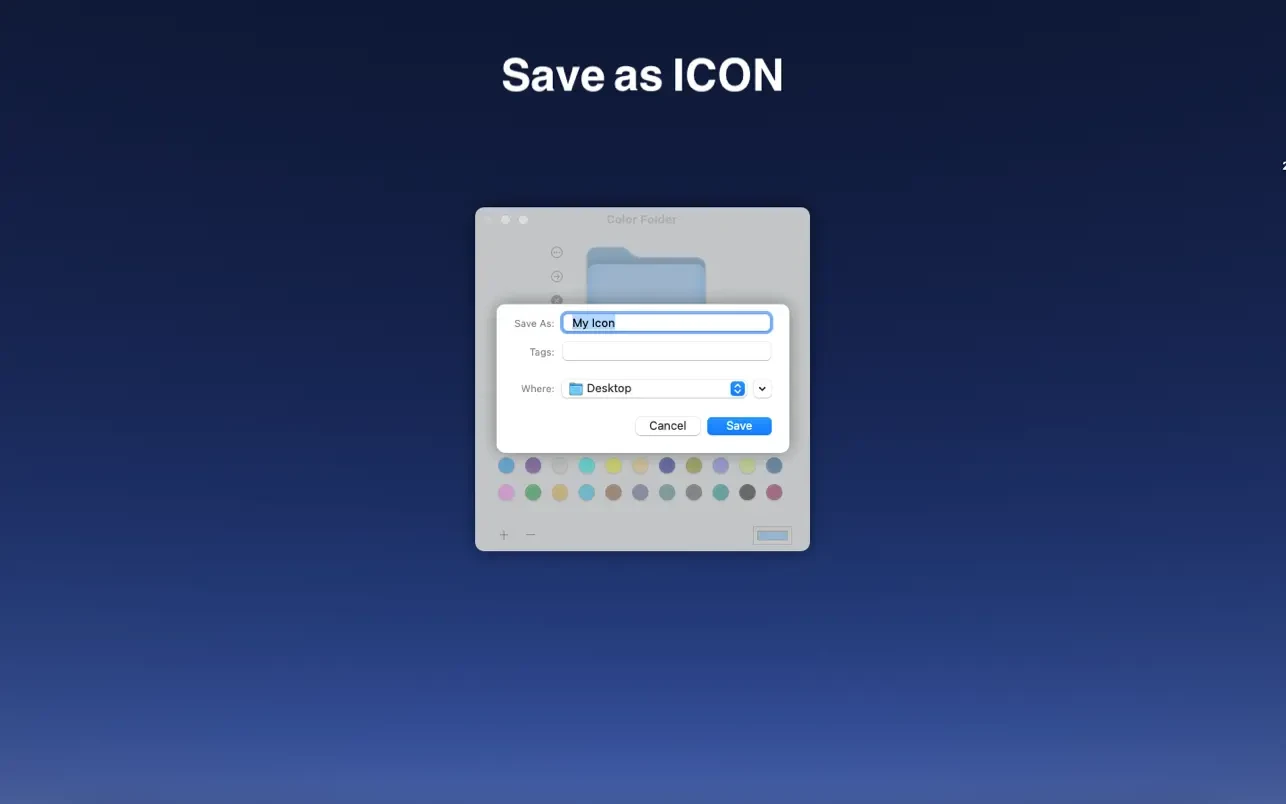
Save and export your commonly used icons so you can use them again in different directories.
Important characteristics:
- Quickly alter the folder icon’s color
- Choose any picture to use as the folder icon.
- The ability to simultaneously change several folder icons
- Save as an icon
- offers a large number of icon templates (more than 700).
- Support for changing folder icons to any color





Leave a Comment