


macOS Tahoe carries on the custom of naming macOS after famous California sites by taking its name from Lake Tahoe, which is situated on the border between California and Nevada. The next major version of the macOS operating system, macOS Tahoe 26, was revealed by Apple at the WWDC conference on June 9, 2025.
The fresh design, enhanced compatibility with other Apple products, and increased Apple Intelligence capabilities are the main features of macOS Tahoe.
Important macOS Tahoe Features:
- The design of liquid glass:
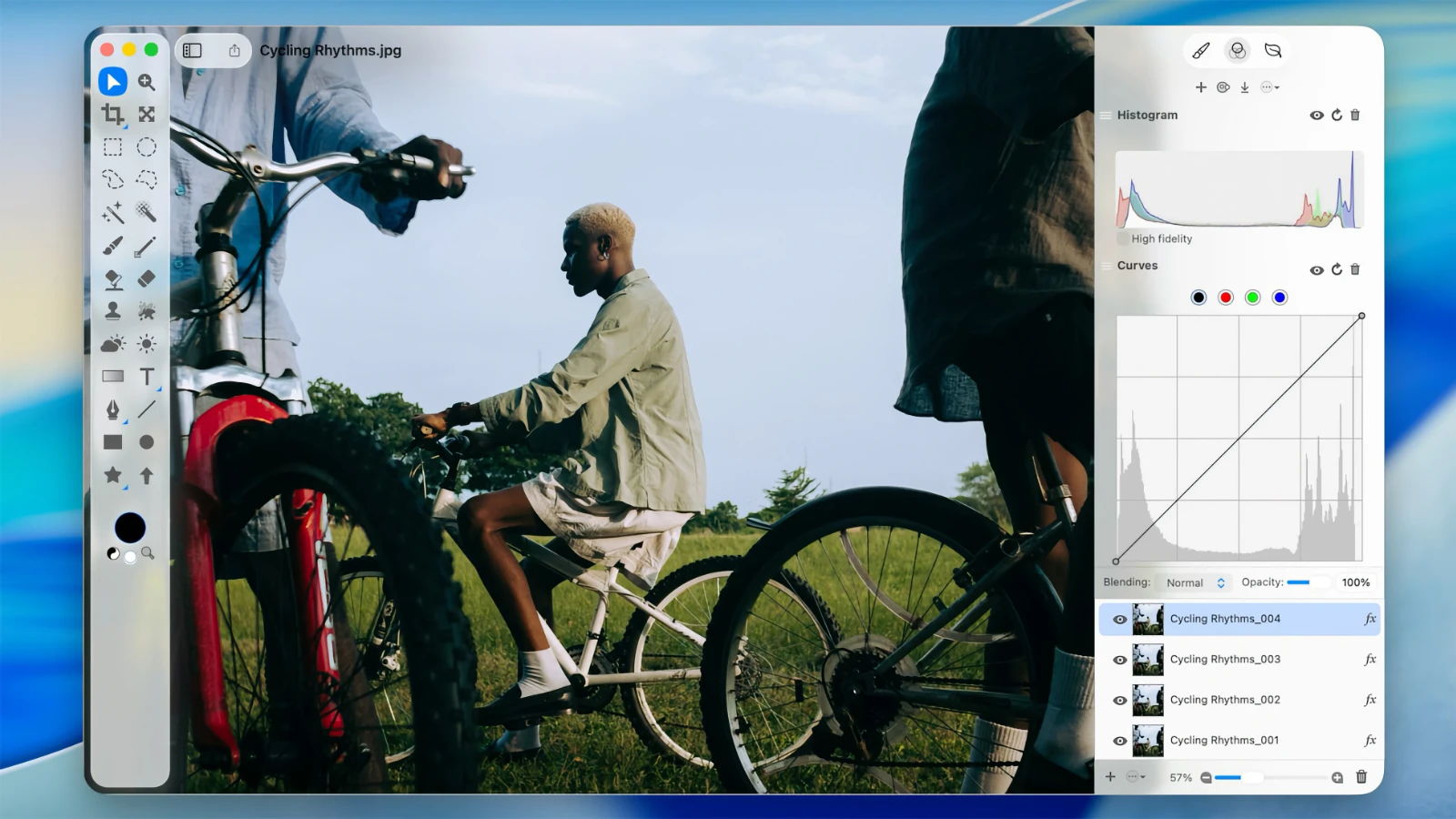
Inspired by visionOS (Apple’s Vision Pro operating system), the interface has been totally overhauled, utilizing the new Liquid Glass visual language. Menus, toolbars, and the dock are examples of interface elements that are now transparent, giving the impression that light is reflected and refracted by glass.
A completely transparent menu bar that makes the workspace appear larger.
A new translucent style and support for bright, dark, and color variations are included in the updated app icons that are unified with iOS and iPadOS.
Enhanced customization: users can add emojis for personalization and alter the colors of folders, icons, and widgets.
- Better integration of continuity:
You can now view contacts, listen to voicemails, receive calls, and utilize features like Call Screening and Hold Assist with the Phone app on Mac.
Support for Live Activities from iPhone: The Mac menu bar displays notifications like delivery or travel status.
With iPhone Mirroring, you may use Spotlight to run iPhone apps directly on your Mac.
- Revised Spotlight:
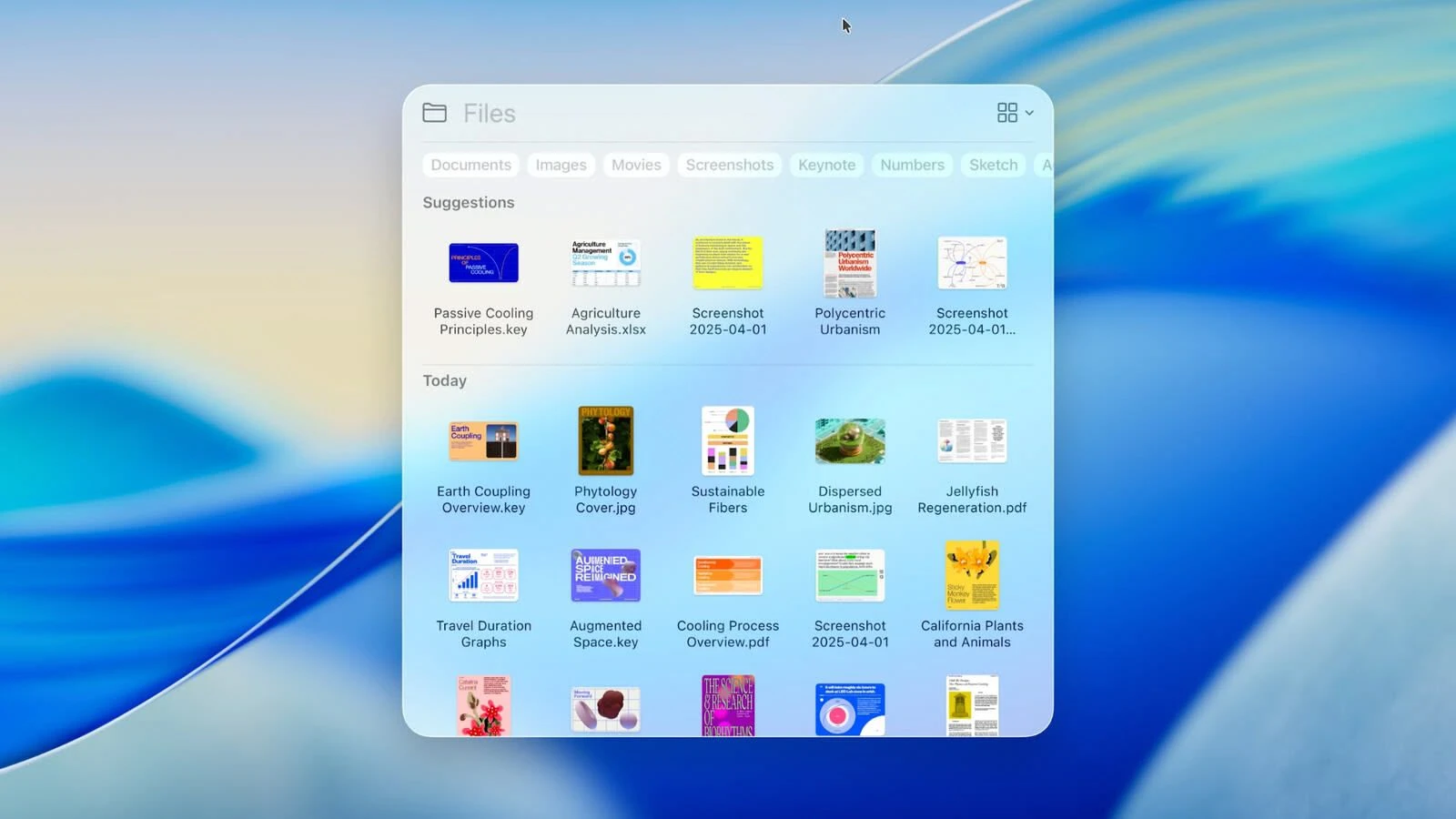
A much enhanced search engine that can now create events, launch podcasts, and send messages in addition to searching for files and apps.
Customizable fast commands (such as “sm” to send a message or “ar” to add a reminder) are supported.
The ability to search PDFs and other documents, and integration with cloud services.
- Apple Intelligence
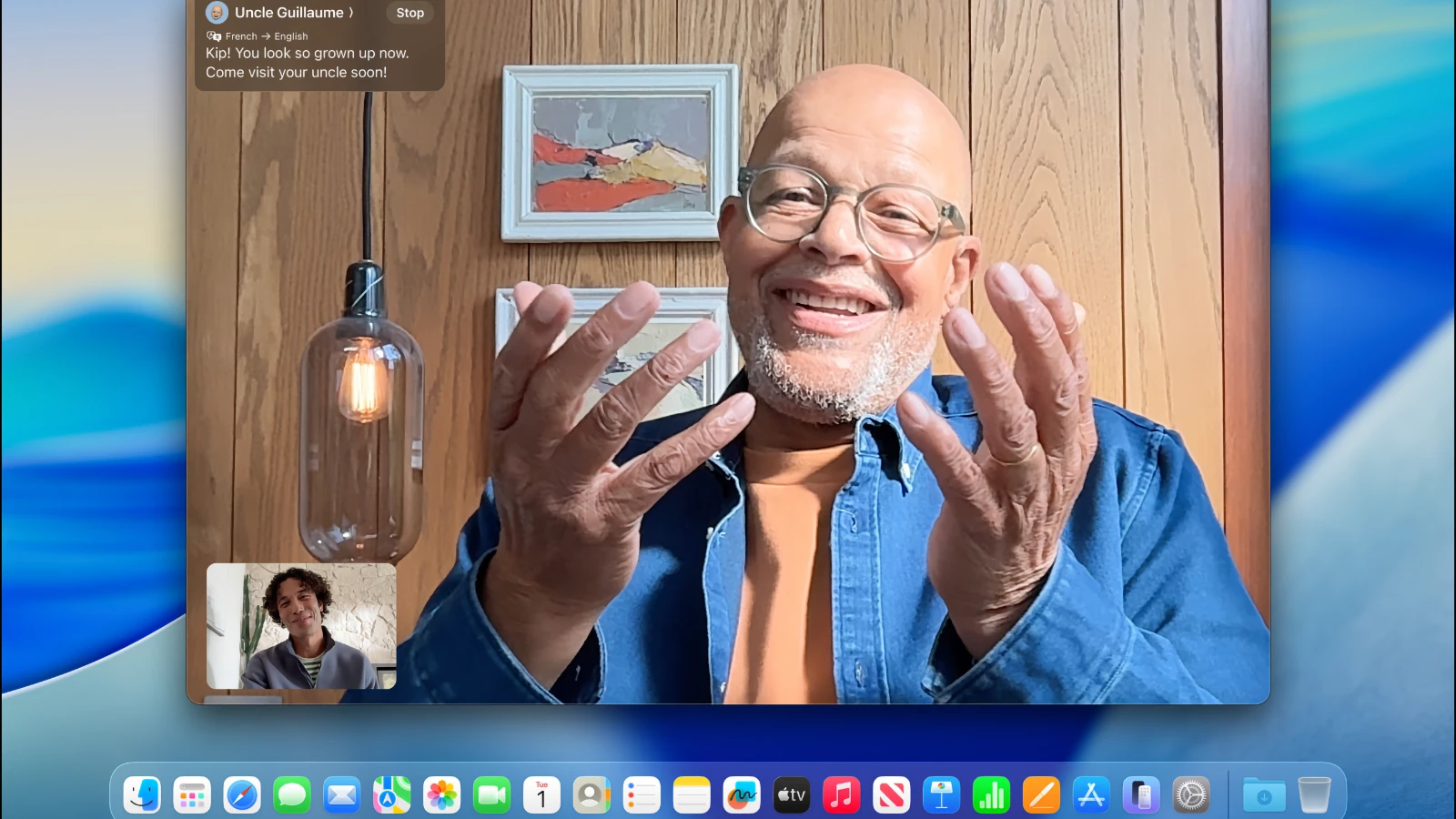
Advanced AI features, such as Live Translation, which automatically translates FaceTime chats and captions.
Updates for Genmoji and Image Playground: Users can combine pre-existing emojis to create new ones and produce images in vector or oil painting styles.
Better Reminders: Apple Intelligence intelligently classifies tasks by analyzing emails, notes, and web pages.
- New features and applications:
The Games app, which includes an overlay for in-game settings, chat support, invitations, and a list of installed games.
The Mac version of the Journal software is now accessible.
Improvements to Safari include a redesigned tab and translated lyrics in Apple Music.
Launchpad has been eliminated and replaced by Spotlight’s “Applications” function, which is comparable to iOS’s App Library.
- Being accessible:
New features include Braille support, Vehicle Motion Cues to lessen motion sickness, and Magnifier (use the iPhone camera to zoom in).
The App Store’s Accessibility Nutrition Labels provide details on accessible features that are supported.
- The new numbering system
All operating systems (iOS, iPadOS, macOS, etc.) will receive version 26, which corresponds to the year after the announcement (2025–2026), as Apple has moved to a uniform numbering system. Tahoe is still the distinctive name of macOS.





Leave a Comment