


You’ll enjoy your Mac even more with macOS Catalina. Apple Music, Apple TV, and Podcasts are three brand-new apps. You can locate a misplaced Mac with the new Find My app. You can now use your preferred iPad apps on your Mac. Use your iPad as an additional screen. Your Mac will surpass your expectations no matter what you do
Apple Music:
- With an Apple Music subscription, you may stream or download 50 million songs.
- You can buy individual tracks or albums from the iTunes Store.
- Your upgraded media library now has all of your music, whether you’ve imported, downloaded, or bought CDs.
The Apple TV:
- Purchase or rent new films.
- Apple TV, iPhones, iPads, and compatible smart TVs may all be used to start watching on one device and continue on another.
Podcasts:
- Locate podcasts by content, host, guest, topic, or title.
- If you subscribe to your preferred podcasts, new episodes will be downloaded automatically.
- You can listen to the podcast on your Mac first, then on your iPhone, iPad, or Apple Watch.
Backup and synchronization:
When you connect your iPhone or iPad to your Mac, you can use Finder to sync material, backup, update, and restore applications.
Apple Arcade service and the App Store:
- Over 100 thrilling new games without advertisements or extra purchases are available with just one membership.
- Visit the App Store’s new Arcade area to find new games, receive suggestions, and peruse carefully chosen collections.
- Play games on the Mac, Apple TV, iPad, iPod Touch, and iPhone.
Mac Catalyst:
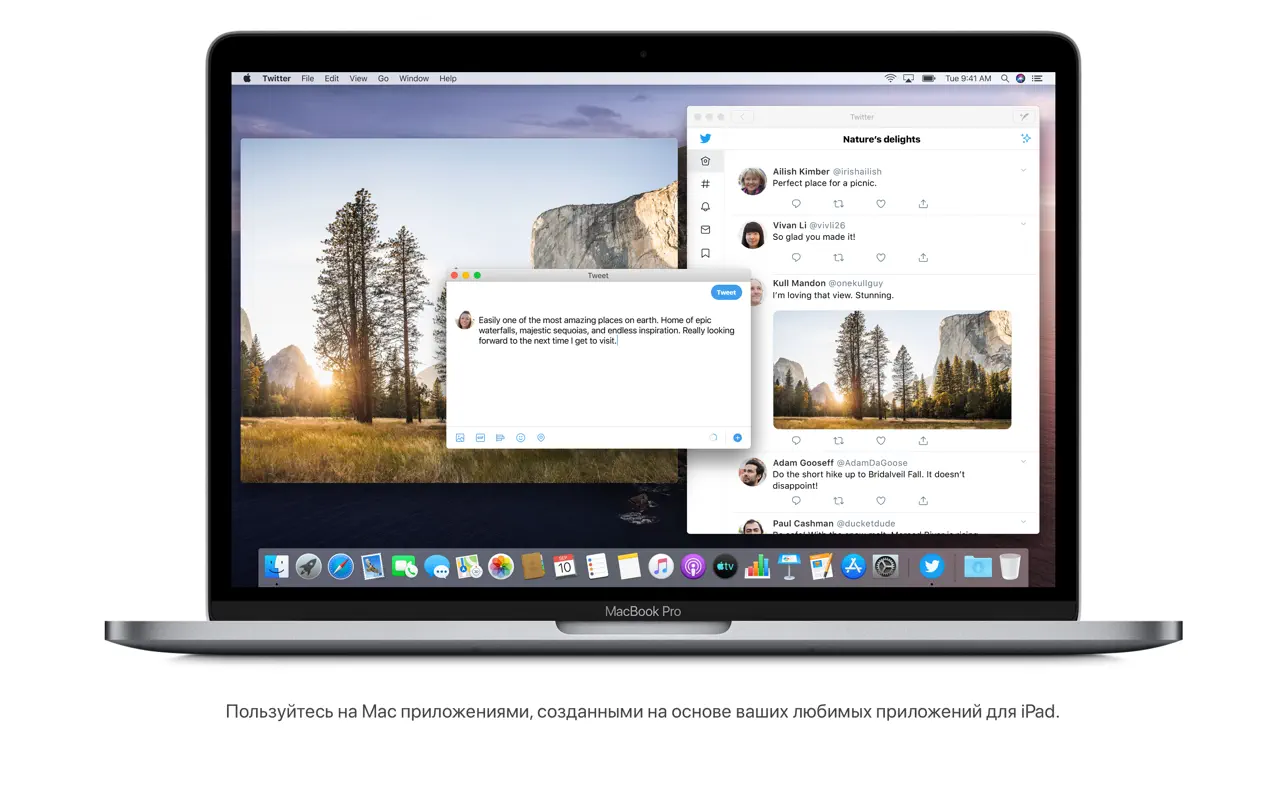
Developers can quickly create Mac apps from iPad apps using Mac Catalyst.
Sidecar:
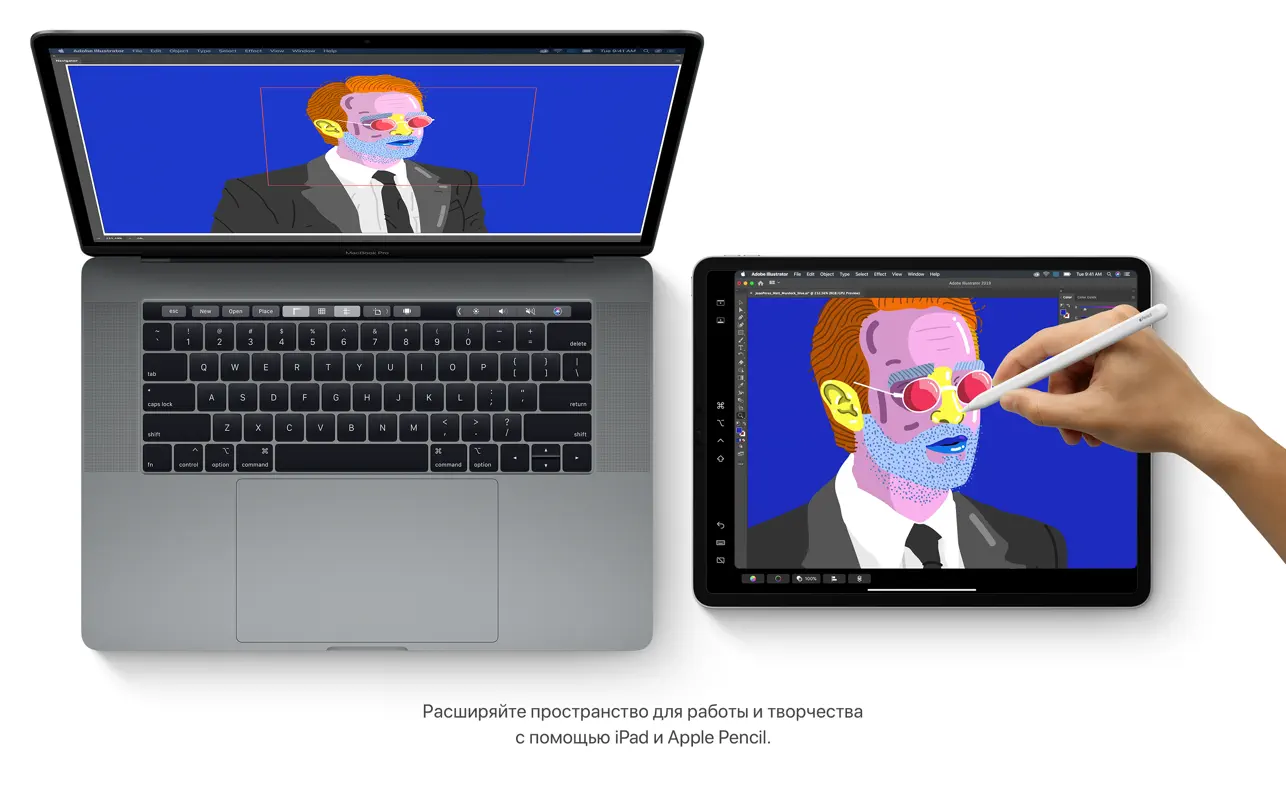
- Connect your iPad as a second display to increase the size of your Mac workspace.
- Put tools and palettes on your iPad, run programs on separate displays, and show your sketch on your Mac.
- To create professional Mac creative apps, use the Apple Pencil.
Continuity feature for sketching and marking:
- Paste a sketch from your iPad or iPhone into a Mac document.
- You can annotate screenshots saved on your Mac and sign PDFs using your iPad or iPhone.
All-access:
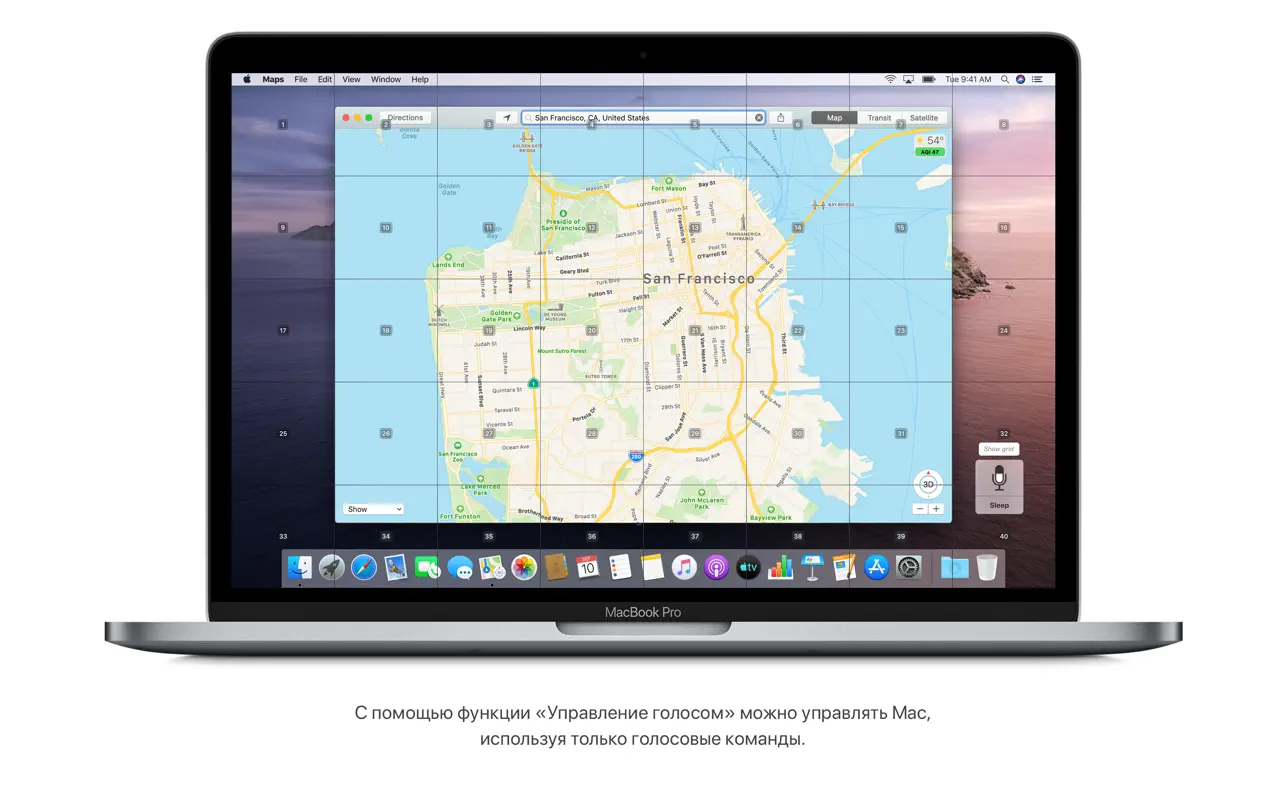
- You can operate your Mac with just your voice thanks to Voice Control.
- A secondary window with huge, high-resolution text will open if you allow the text beneath the cursor to be zoomed in.
- The Zoom Screen feature lets you focus on one of the two screens you’re using.
Security:
- Apple has examined the apps you use for known viruses.
- New security measures: Apps request your consent before accessing data.
Locator:
- You may locate your gadgets and locate your loved ones with the aid of a brand-new, practical app.
- Devices that are not linked to a cellular network or Wi-Fi can nevertheless be tracked.
- Mac models equipped with the Apple T2 Security Chip are protected by Activation Lock.
An image:
- You will be able to view your pictures and memories in a new way thanks to the gorgeous, dynamic UI.
- Watch memory videos and select the title, mood, and duration.
Safari:
- The revised Start page interface displays websites from your reading list, bookmarks, browsing history, iCloud tabs, and even links that you received through messages.
- To help safeguard your accounts, Safari provides secure passwords.
Remarks:
- Notes appear as visual thumbnails when in Gallery mode.
- The enhanced search feature identifies objects in photos and locates text in scanned documents.
- You can share all of the notes in a chosen folder with other users by using the Shared Folders function.
Reminders:
You can add a date, location, flag, attachment, and other helpful details to your reminder using the new editing buttons.





Leave a Comment