


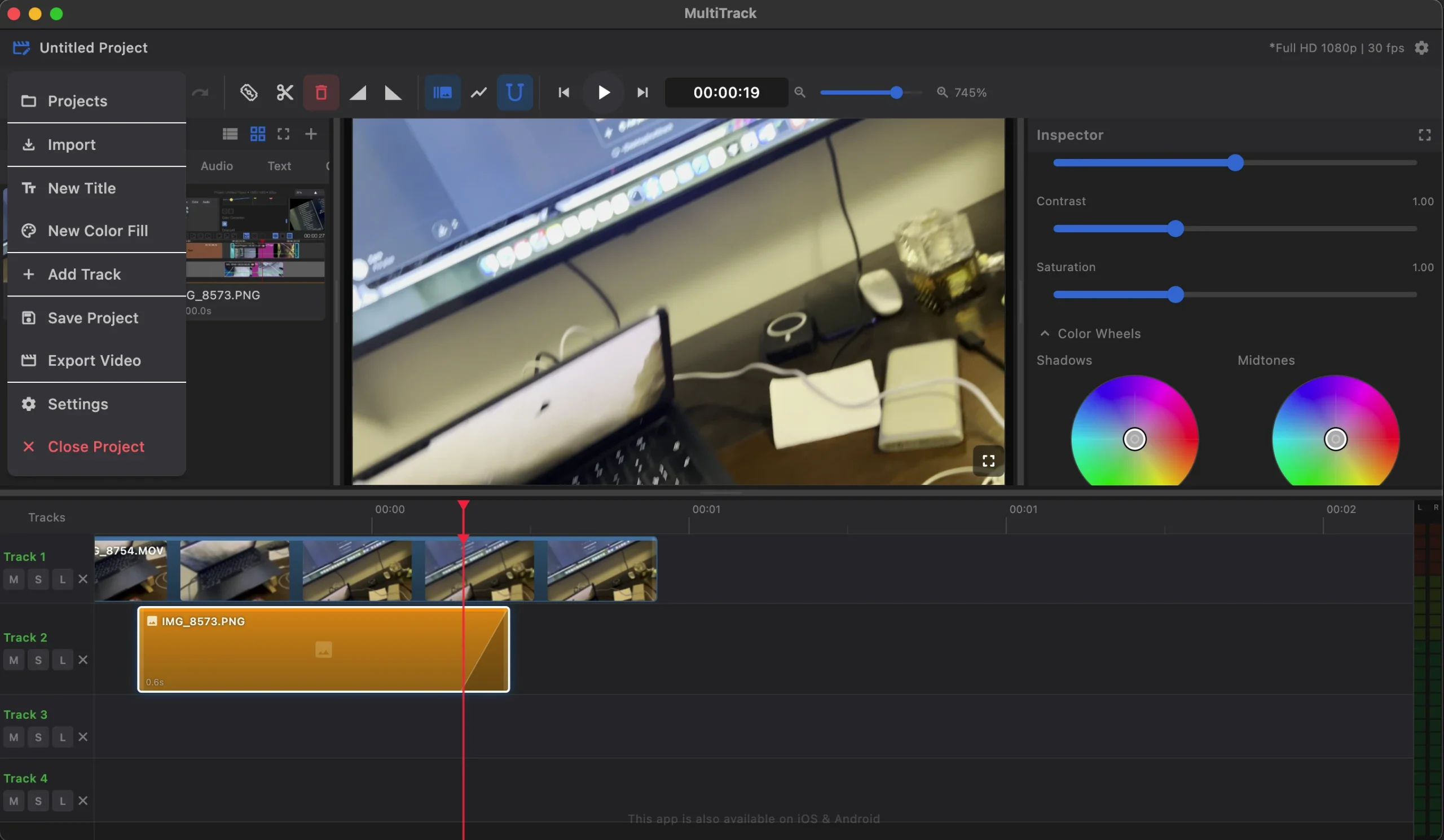
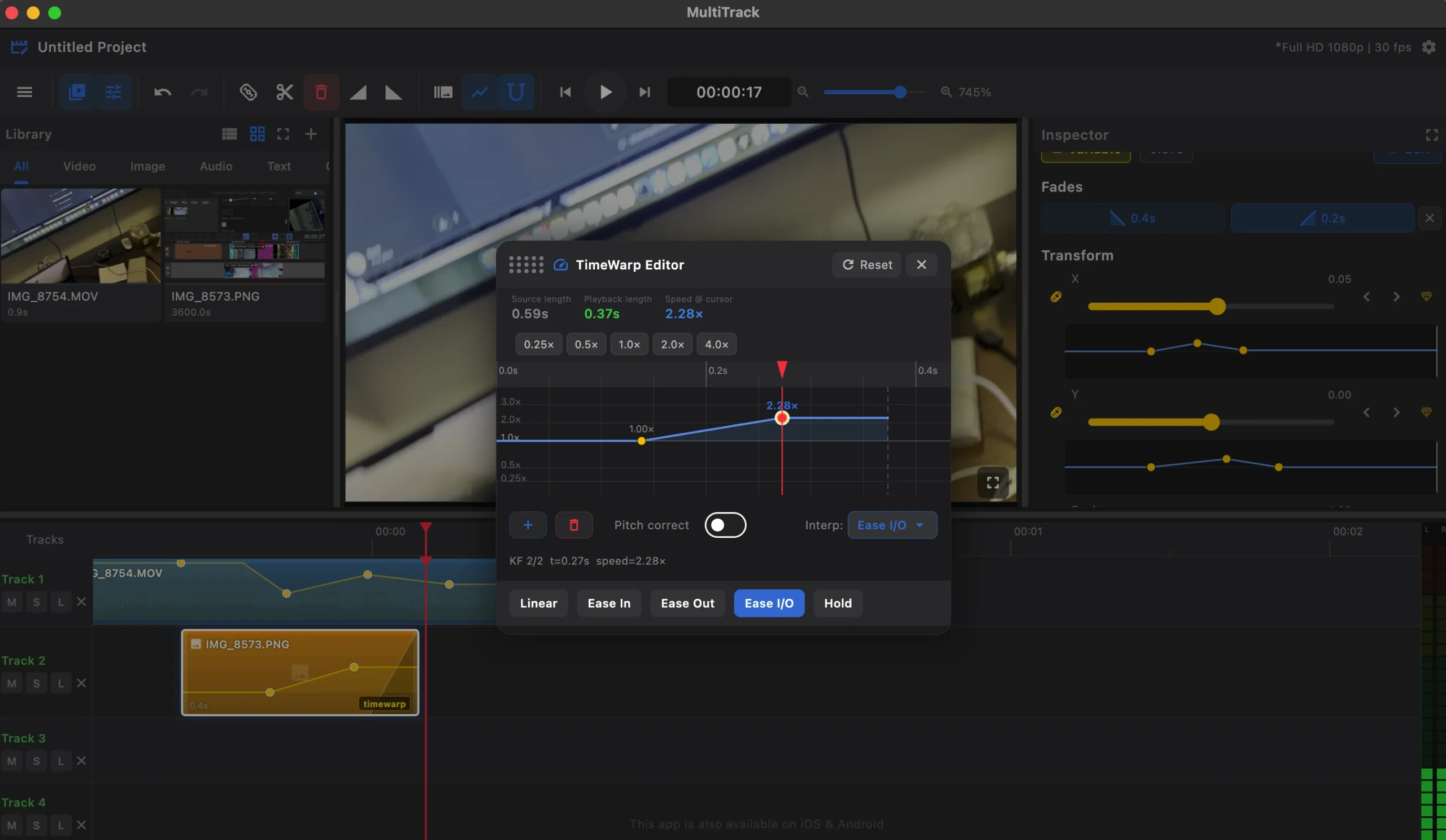
Multitrack is a multitrack video editor for macOS, perfect for those who struggle with the basic tools of older video editors. This application offers professional video editing features and an easy-to-use interface, allowing you to work quickly and achieve high-quality results on your Mac.
Multitrack Timeline
Unlike most editing software, where all clips are arranged on a single track, Multitrack offers a complete timeline with unlimited video and audio tracks. You can merge video clips, mix music with voiceovers, and create complex scenes from multiple elements.
Precise Editing:
Trimming tools let you cut your clips at any point, frame by frame. Magnetic alignment eliminates unwanted gaps between clips. Drag clips between tracks and trim their beginnings and ends directly on the timeline.
Visual Effects and Color Correction
Brightness, contrast, saturation, temperature, cropping, transform (size, rotation, position), time warp effect (slow and fast), smooth intro and out transitions, customisable text by font and color.
- Audio Work: Independent volume controls for each track, Audio Wrapper: Draw volume changes directly on the timeline. Import any audio file and merge all tracks during export.
- Fast Export with GPU Acceleration: Multitrack uses native Metal acceleration on macOS. Export is real-time, eliminating the need for temporary files on disk: fast and memory-efficient even for large projects.





Leave a Comment