
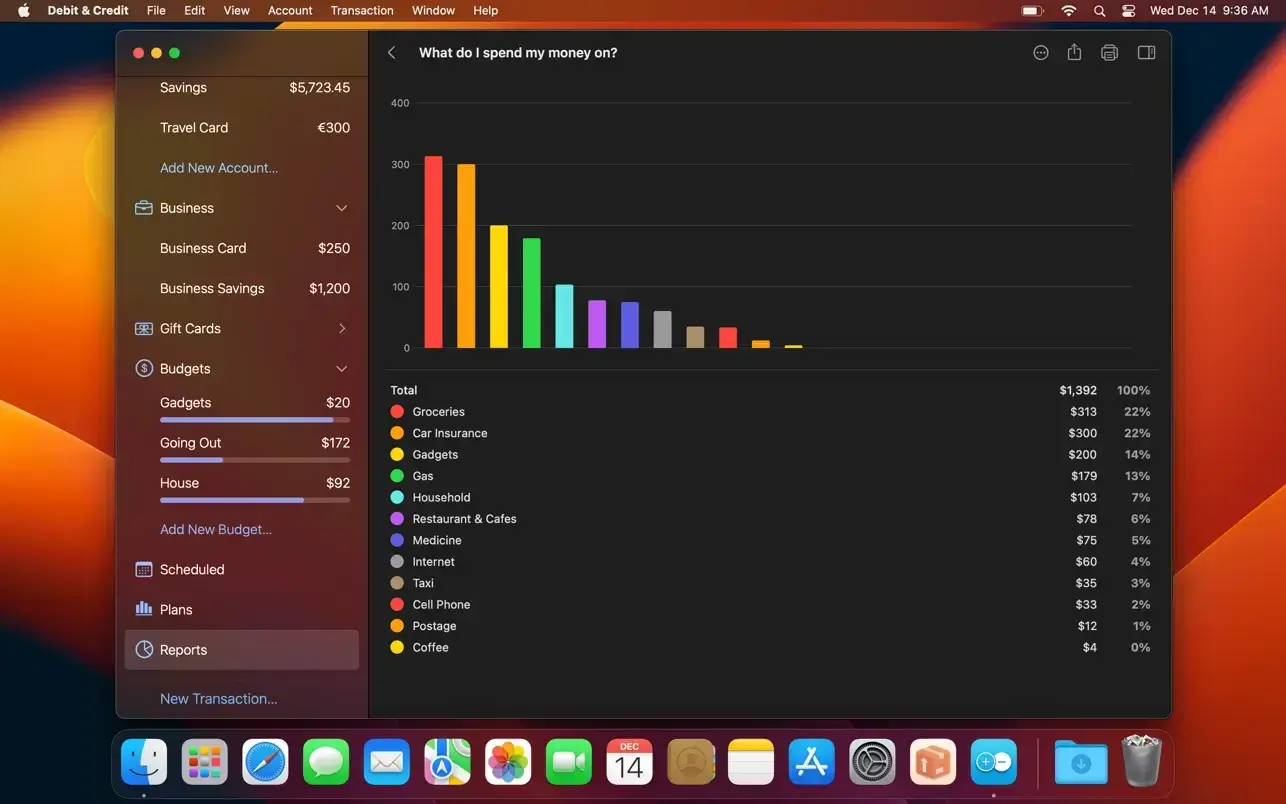
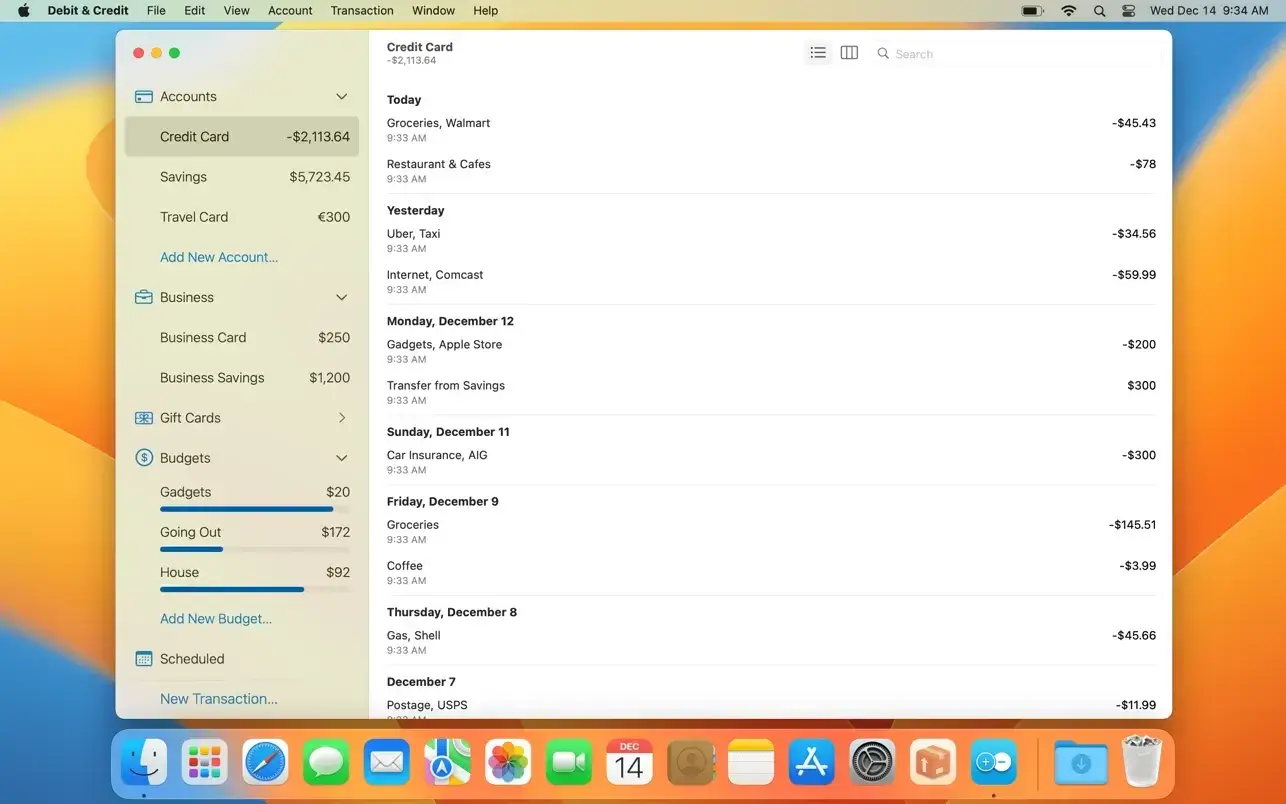
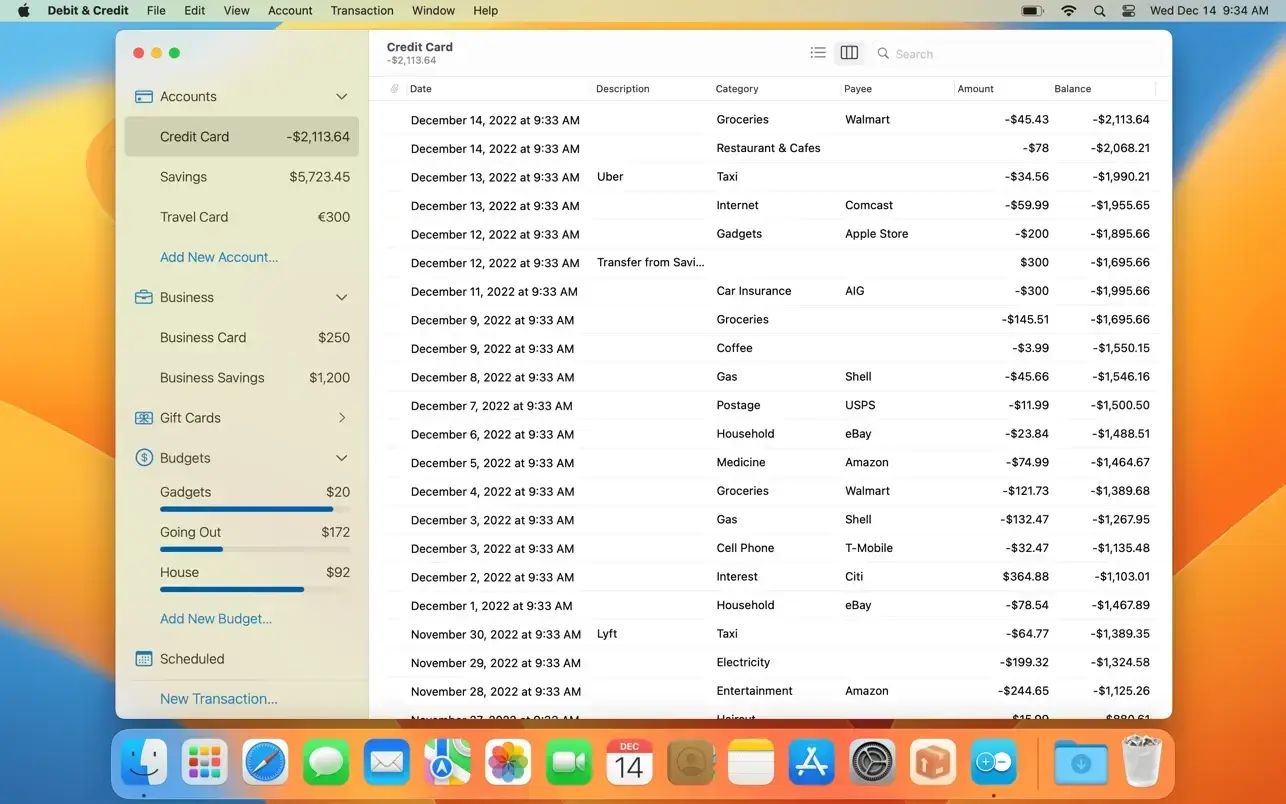
There is a premium version of the well-known Debit & Credit personal finance app that requires a subscription. Beyond the basic free functions, the subscription program aims to enhance data management and analytical capabilities. If you’re looking for a convenient, easy-to-use, and feature-rich personal finance app, Debit & Credit is the one for you.

Details & Features of the Premium Application

  • Unlimited Accounts & Budgets:

The number of accounts you can manage is usually limited in the free tier. Premium enables personalized, comprehensive budgeting and unlocks an infinite number of accounts.

  • Cloud & Family Sharing:

Enables smooth iCloud syncing between your Mac, iPhone, iPad, and Apple Watch. Additionally, you can share accounts and budgets with family members on a selective basis.

  • Data Import & Reconciliation:

Enables the import of transactions in bulk using CSV, QIF, and OFX files. You may directly synchronize in-app records with real bank statements with the use of premium tools.

  • Long-Term Financial Plans & Advanced Reports:

It provides clear, comprehensive exportable reports (PDF/Excel) and allows multi-year financial planning to project future net wealth.

  • Transaction Enhancements:

You can divide a single transaction into several categories and attach files to particular transactions.

Characteristics:

  • At your fingertips is convenience.

It has never been easy to keep track of your money. However, you can now genuinely enjoy it.

  • A lovely design

The application features a stunning design that perfectly complements the features of both iOS and macOS. Select unique icons for your accounts, and if you’d like, group them into folders.

  • Reports

We support reports that are easy to read and comprehend, succinct, and straightforward. Examine your spending habits. There are also other kinds of reports available.

  • Financial strategies

Would you like to track all of your spending and compare it to your earnings? You can use financial plans for this, no issue.

  • Shared Accounts

Use iCloud to share your accounts and spending plans with other Debit & Credit customers. You’ll see who created a transaction in your account. ideal for handling family finances.


Details

Version 7.7.2 [MAS]
Developer Ivan Pavlov
Activation (RG) K'ed by TNT team
Compatibility macOS 11 and later
Size 14 MB
Architecture ARM , x86 (64-bit)
Interface Language Russian , English , German , Spanish , Italian , Simplified Chinese , Portuguese , Turkish , Ukrainian , French

FAQ

Mount the image and run Open Gatekeeper friendly. Press Enter to bypass Gatekeeper in the Terminal window. Drag the application to the Applications folder.
There are so many errors, we can't list them all here. Therefore, we've described all the solutions (with pictures) in the article: Errors when installing applications on a Mac
Official updates may result in loss of activation unless otherwise stated in the installation instructions. To update the software from this website, you must download the new version of the software from here (if available) and install it over the version currently installed on your computer. This will preserve your activation and settings for the software. Read more in the article: Updating pirated apps
To download large files, it is recommended to use any download manager, for example, FDM (Free Download Manager) For downloading from a file sharing service like Filen.io, it's not recommended to use Safari. Use Google Chrome or the aforementioned FDM browser, for example. To download files via torrent (.torrent file), you need a torrent client, such as Transmission or the aforementioned FDM. Please remember that providers may block access to some websites (1fichier.com, etc.). To bypass these blocks, it is recommended to use a VPN.
The site administration doesn't hack anything. That's the job of release teams and some enthusiasts. They're the ones responsible for ensuring updates are available. But you can hack software yourself by learning reverse engineering.
Definitely not in the comments. The site administration doesn't hack anything, and there's no order desk. However, you can order the software you need (not for free) in a special thread on forum.ru-board.com.
Open System Preferences -> General > Language & Region -> Applications - “+”. Select an app and language. This method works for most apps. The language in Adobe products is usually selected during the installation of the product itself. The language in games is usually changed in the game settings itself. There are exceptions. Don't hesitate to search for information online.
There are many options. The easiest is to use specialized app removal tools, such as App Cleaner & Uninstaller. To remove Adobe products, use the Creative Cloud Cleaner Tool .
The site offers a paid service: remote assistance (via AnyDesk, Zoom, Skype) with the installation of any applications (not just those from this site) on any Mac or PC. Learn more...

Leave a Comment

Version 7.7.2 [MAS]
Developer Ivan Pavlov
Interface language Russian , English , German , Spanish , Italian , Simplified Chinese , Portuguese , Turkish , Ukrainian , French
Activation (RG) K'ed by TNT team
Compatibility macOS 11 and later
Architecture ARM , x86 (64-bit)
Size 14 MB
No threats found. Read more…
Published (edited): June 2, 2026 Views: 8


