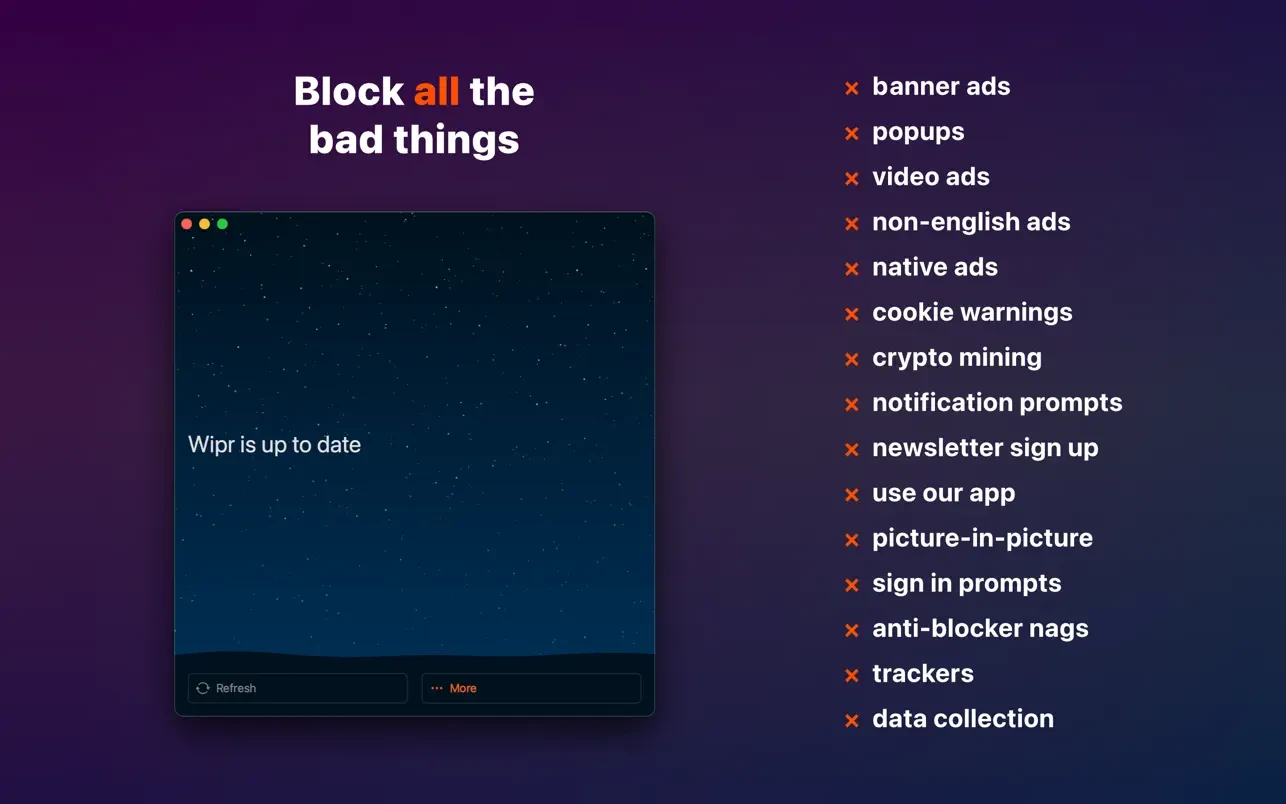
Wipr 2 is a program that prevents advertisements, pop-ups, trackers, cookie warnings, and other obtrusive elements that cause sluggish and unsightly internet browsing.

Wipr 2 is a well-known zero-configuration ad blocker made specifically for Apple products. It successfully blocks cookie banners, trackers, bitcoin miners, and advertisements in Safari and other apps. It is well known for its frequent, automatic upgrades and “set it and forget it” capability.

Tell me if you’d like:

Which Apple products are you using? (iPhone, Mac, iPad)

Your favorite web browser (Chrome, Safari, etc.)

Among the program’s features are:

  • The page loads quickly.
  • Wipr makes it possible for webpages to load more quickly and with less data.
  • Protection of privacy.
  • The program keeps trackers from violating your privacy.
  • Updates happen automatically.
  • Twice a week, the list of prohibited elements is revised.
  • The universality.
  • With a single purchase, the app may be installed on several devices, including the iPhone, iPad, Mac, and Vision Pro.

Key Features

  • Extensive Blocking:

Removes crypto-miners, pop-ups, trackers, cookie consent notifications, and obtrusive page elements (such as newsletter requests).

  • Wipr Extra 2.0:

An effective companion tool that gets around anti-adblocker scripts on websites like Instagram, LinkedIn, and Twitter by scrubbing obtrusive elements and scripts before websites even process them.

  • Universal Purchase:

Safari is available on Mac, iPhone, iPad, and Apple Vision Pro for a single $4.99 purchase. iCloud Family Sharing is also supported.

  • Automatic Updates:

Blocklists are automatically updated in the background twice a week.

  • Filtr Add-on:

This optional add-on allows you to block advertisements on your entire device at the network level for a nominal monthly fee or lifetime upgrade.


Details

Version 2.30.2 [MAS]
Developer Kaylee Calderolla
Activation (RG) Not required
Compatibility macOS 10.13 and later
Architecture ARM , x86 (64-bit)
Interface Language English

FAQ

Run the downloaded image and drag the application to the Applications folder shortcut. Once copying is complete, the application can be launched via Launchpad.
There are so many errors, we can't list them all here. Therefore, we've described all the solutions (with pictures) in the article: Errors when installing applications on a Mac
Official updates may result in loss of activation unless otherwise stated in the installation instructions. To update the software from this website, you must download the new version of the software from here (if available) and install it over the version currently installed on your computer. This will preserve your activation and settings for the software. Read more in the article: Updating pirated apps
To download large files, it is recommended to use any download manager, for example, FDM (Free Download Manager) For downloading from a file sharing service like Filen.io, it's not recommended to use Safari. Use Google Chrome or the aforementioned FDM browser, for example. To download files via torrent (.torrent file), you need a torrent client, such as Transmission or the aforementioned FDM. Please remember that providers may block access to some websites (1fichier.com, etc.). To bypass these blocks, it is recommended to use a VPN.
The site administration doesn't hack anything. That's the job of release teams and some enthusiasts. They're the ones responsible for ensuring updates are available. But you can hack software yourself by learning reverse engineering.
Definitely not in the comments. The site administration doesn't hack anything, and there's no order desk. However, you can order the software you need (not for free) in a special thread on forum.ru-board.com.
Open System Preferences -> General > Language & Region -> Applications - “+”. Select an app and language. This method works for most apps. The language in Adobe products is usually selected during the installation of the product itself The language in games is usually changed in the game settings itself. There are exceptions. Don't hesitate to search for information online.
There are many options. The easiest is to use specialized app removal tools, such as App Cleaner & Uninstaller. To remove Adobe products, use the Creative Cloud Cleaner Tool .
The site offers a paid service: remote assistance (via AnyDesk, Zoom, Skype) with the installation of any applications (not just those from this site) on any Mac or PC. Learn more...

Leave a Comment

Version 2.30.2 [MAS]
Developer Kaylee Calderolla
Interface language English
Activation (RG) Not required
Compatibility macOS 10.13 and later
Architecture ARM , x86 (64-bit)
No threats found. Read more…
Published (edited): June 4, 2026 Views: 11