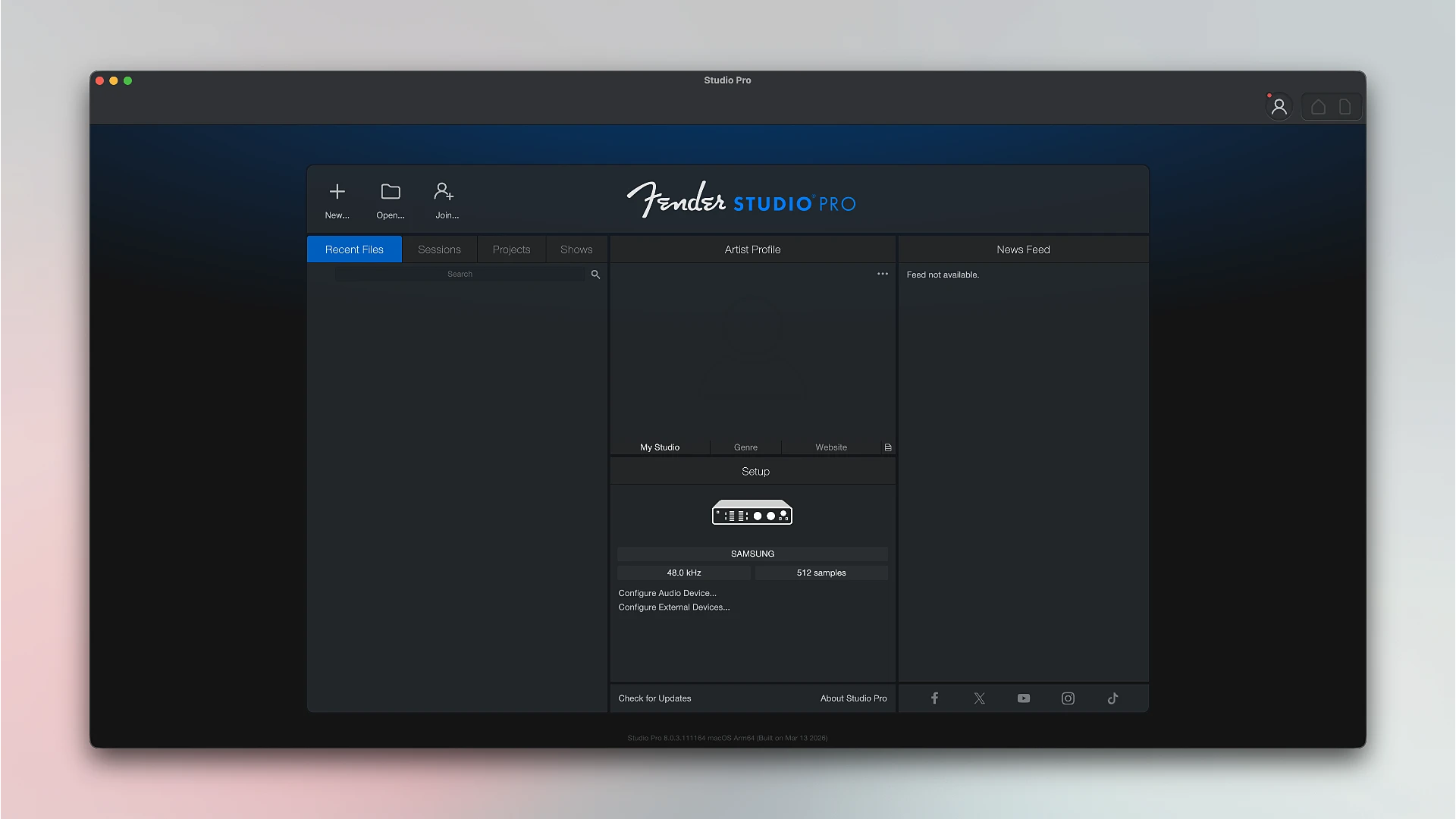
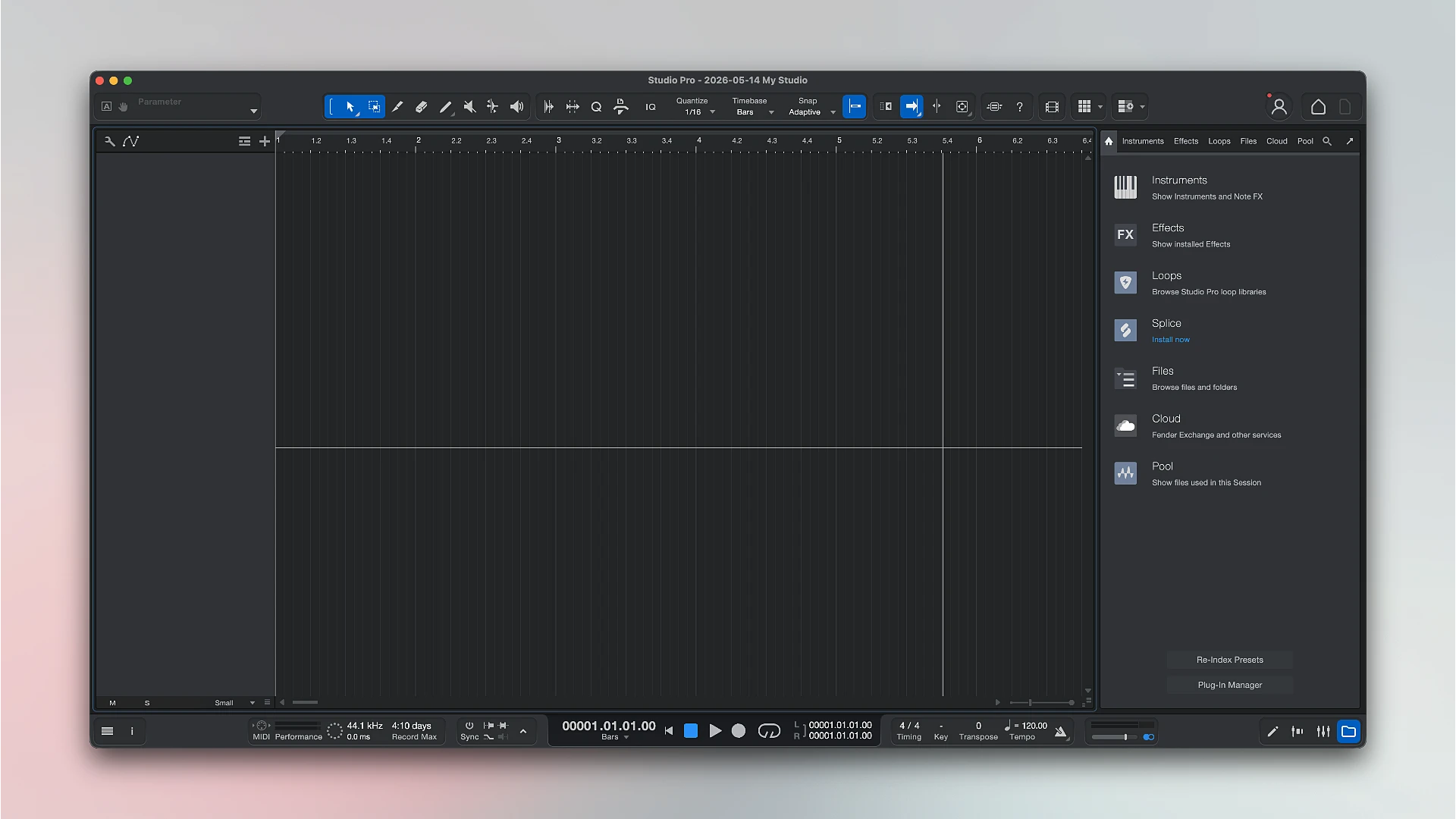
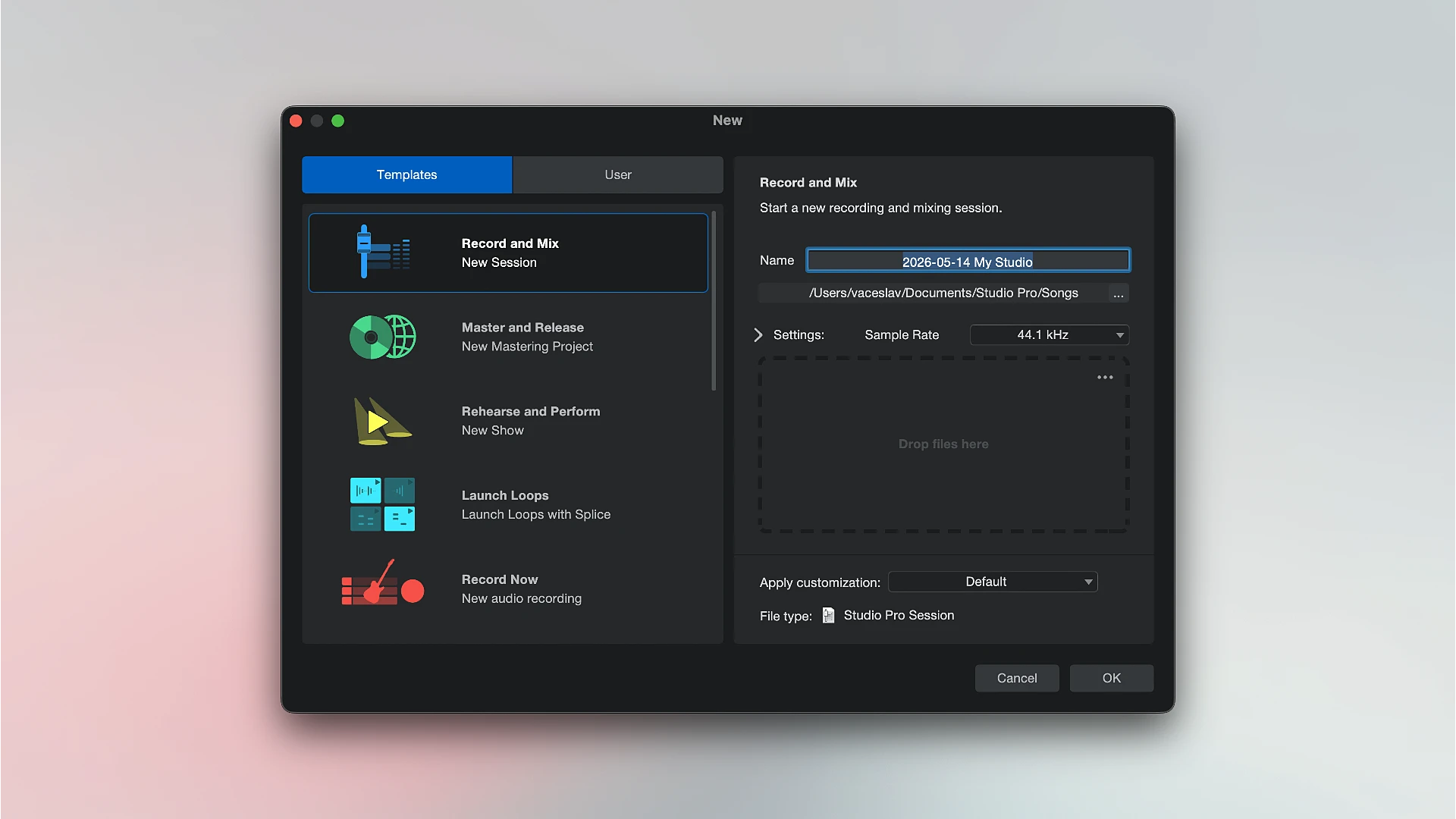
Fender Studio Pro 8 is a complete music production program that brings together everything you need to record, mix, and process tracks in one place. The program offers a convenient workflow: you can record vocals and instruments, customize their sound, add effects, and assemble the composition into a cohesive whole—all in a single window, without switching between different applications.

The kit includes virtual instruments with the signature Fender sound: guitar and bass amps, effects pedals, and ready-made presets that allow you to achieve the characteristic Fender tone without complex settings instantly.

The program has smart assistants to make the creative process easier, such as the ability to split any recording into distinct tracks (vocals, drums, bass, and instruments), chord ideas for music composition, and a feature for turning recorded sounds into notes.

Fender Studio Pro 8 can be used for a variety of tasks, including professional music production, home projects, and demo recording. It makes composing music approachable and motivating by helping you quickly and intuitively realize your ideas.

Important Elements and Highlights

  • Native Fender Tone:

Fender Mustang Native guitar and Fender Rumble Native bass plug-ins are integrated. Get immediate access to over 70 FX pedals, hundreds of artist-designed pro presets, and dozens of amp models, including the well-known Tone Master Pro sounds.

  • Intelligent Workflows:

Offers a Channel Overview that allows you to swiftly modify insert effects without opening numerous windows, as well as an Arrangement Overview for high-level session navigation.

  • Songwriting Tools:

Advanced MIDI integration and Splice integration keep you inspired without interfering with your creative flow, and the Chord Assistant offers next-chord suggestions to help you develop your harmonies.

  • AI-Powered Stem Separation:

With just one click, effortlessly extract instruments, bass, percussion, and voices from any audio file.

  • Multi-Page Production Ecosystem:

Switch between the Show Page (live performance backing tracks and effects control), Project Page (professional album mastering), and Session Page (multitrack recording) with ease.

  • Virtual Instruments:

Provided with a large collection of instruments, such as drum designers, synthesizers, and samplers, to create rich, contemporary music.


Details

Version 8.0.3
Developer Fender , PreSonus
Activation (RG) k'ed by GUISEPPE
Compatibility macOS 13.5 and later
Size 546 MB
Architecture ARM , x86 (64-bit)
Interface Language English

FAQ

Installation and activation instructions are included in the package (inside).
There are so many errors, we can't list them all here. Therefore, we've described all the solutions (with pictures) in the article: Errors when installing applications on a Mac
Official updates may result in loss of activation unless otherwise stated in the installation instructions. To update the software from this website, you must download the new version of the software from here (if available) and install it over the version currently installed on your computer. This will preserve your activation and settings for the software. Read more in the article: Updating pirated apps
To download large files, it is recommended to use any download manager, for example, FDM (Free Download Manager) For downloading from a file sharing service like Filen.io, it's not recommended to use Safari. Use Google Chrome or the aforementioned FDM browser, for example. To download files via torrent (.torrent file), you need a torrent client, such as Transmission or the aforementioned FDM. Please remember that providers may block access to some websites (1fichier.com, etc.). To bypass these blocks, it is recommended to use a VPN.
The site administration doesn't hack anything. That's the job of release teams and some enthusiasts. They're the ones responsible for ensuring updates are available. But you can hack software yourself by learning reverse engineering.
Definitely not in the comments. The site administration doesn't hack anything, and there's no order desk. However, you can order the software you need (not for free) in a special thread on forum.ru-board.com.
Open System Preferences -> General > Language & Region -> Applications - “+”. Select an app and language. This method works for most apps. The language in Adobe products is usually selected during the installation of the product itself. The language in games is usually changed in the game settings itself. There are exceptions. Don't hesitate to search for information online.
There are many options. The easiest is to use specialized app removal utilities, such as App Cleaner & Uninstaller. To remove Adobe products, use the Creative Cloud Cleaner Tool .
The site offers a paid service: remote assistance (via AnyDesk, Zoom, Skype) with the installation of any applications (not just those from this site) on any Mac or PC. Learn more...

Leave a Comment

Version 8.0.3
Developer Fender , PreSonus
Interface language English
Activation (RG) k'ed by GUISEPPE
Compatibility macOS 13.5 and later
Architecture ARM , x86 (64-bit)
Size 546 MB
No threats found. Read more…
Published (edited): June 4, 2026 Views: 11