

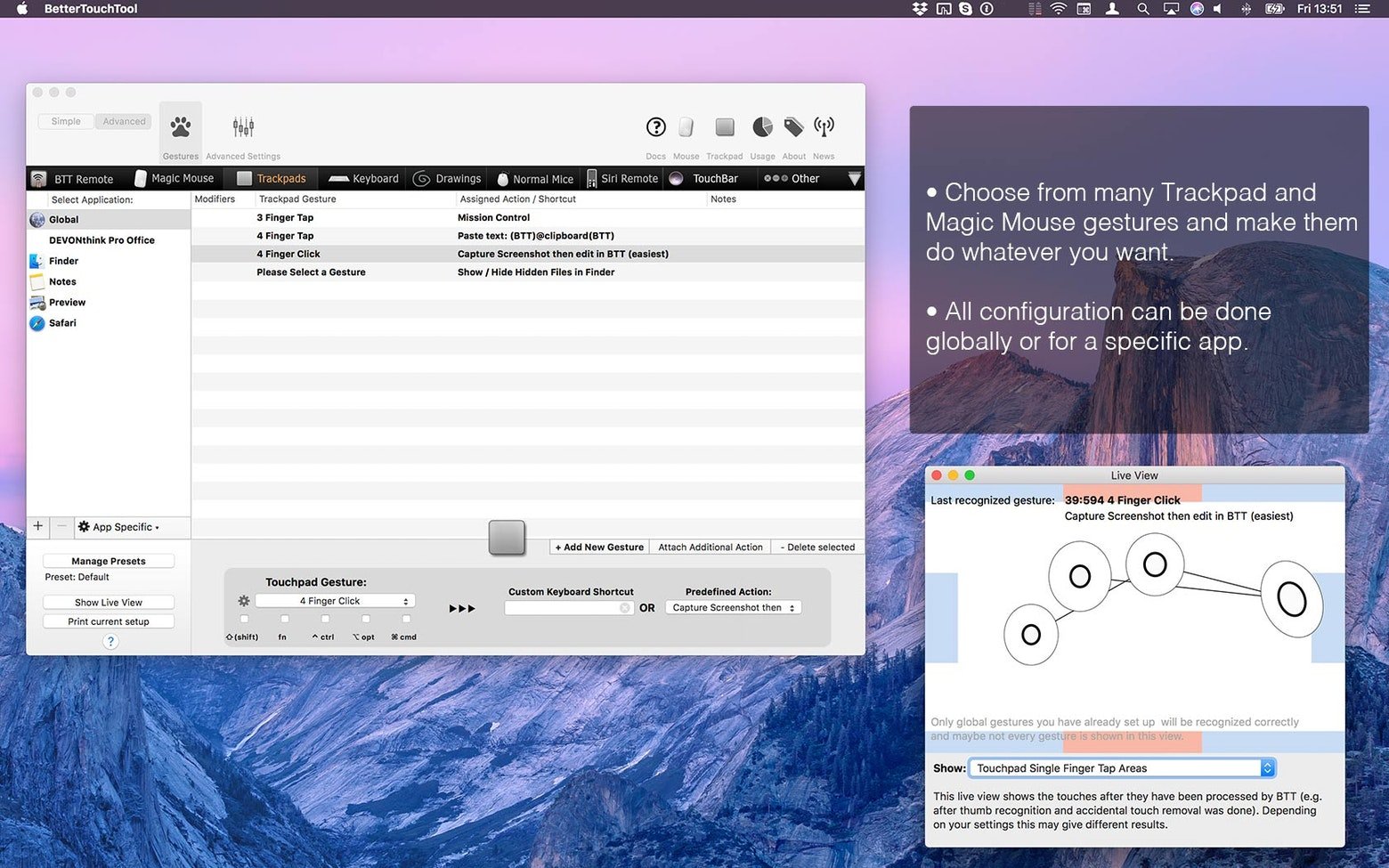
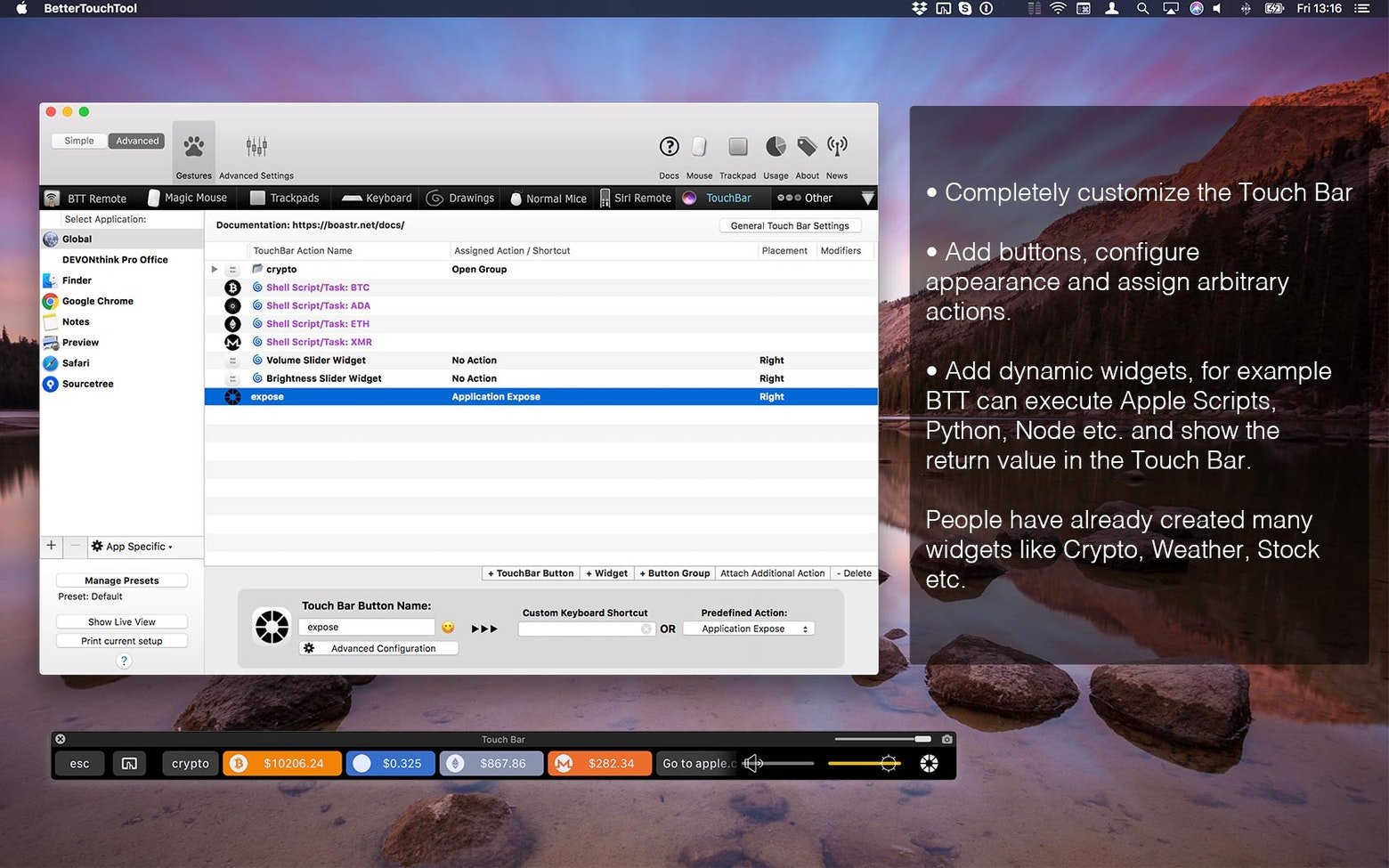
BetterTouchTool covers remote triggers, Touch Bar widgets, mouse gestures, keyboard shortcuts, and more. You may completely personalize and optimize the input process on your Mac using BetterTouchTool. The app genuinely expands the Mac’s built-in capabilities, enabling you to design the most comfortable workspace, rather than only serving as a straightforward control point for all of the aforementioned features.
Key Features of BetterTouchTool
Make use of every input device.
The list of controllable input devices in BetterTouchTool is its most distinctive feature. Use a trackpad, Magic Mouse, standard mouse, keyboard, Touch Bar, iPhone, iPad (with Bluetooth remote), Siri, and the Apple Remote to accomplish the necessary tasks precisely.
Personalize the Touch Bar
You may rethink the Touch Bar and give it the appearance you want using BetterTouchTool. You can add custom triggers to your Touch Bar that exactly fit your work style. These triggers can be used to fine-tune current configurations, create additional function keys, or even specify the distance between elements on the bar.
Make any shortcuts on the keyboard.
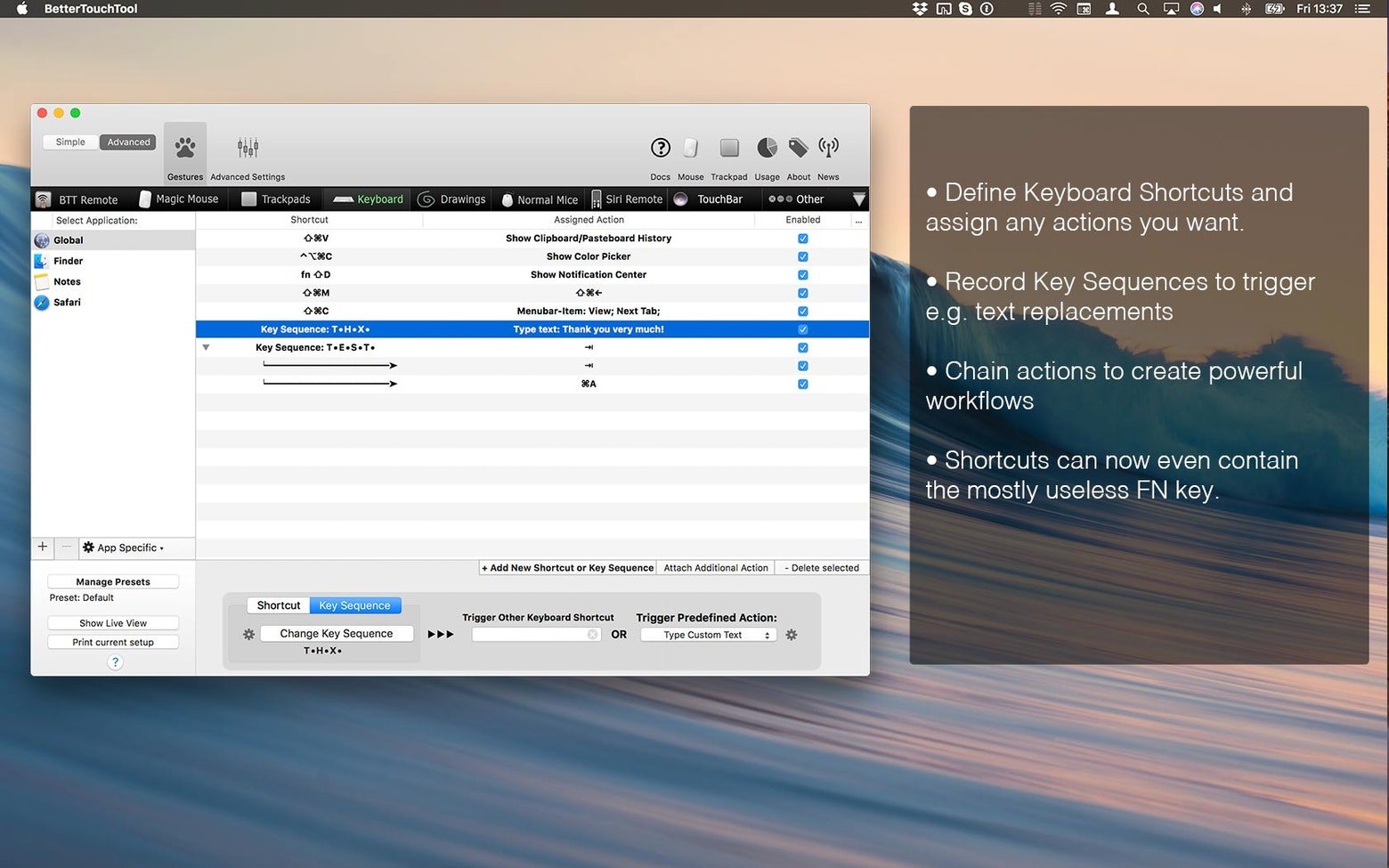
Forget Command + C! Your daily productivity is being negatively impacted by the small number of hotkeys you employ. In addition to saving new extended keyboard shortcuts for any device, BetterTouchTool allows you to change the default selections with original combinations, gestures, movements, and even drawings.
Focus on particular apps.
Convenient keyboard shortcuts can be used in many ways, depending on the application. You can accomplish that with BetterTouchTool. You can designate which apps each shortcut will function in and which will not. This provides you with a multitude of ways to utilize your keyboard for various applications.
Use the clipboard manager to save
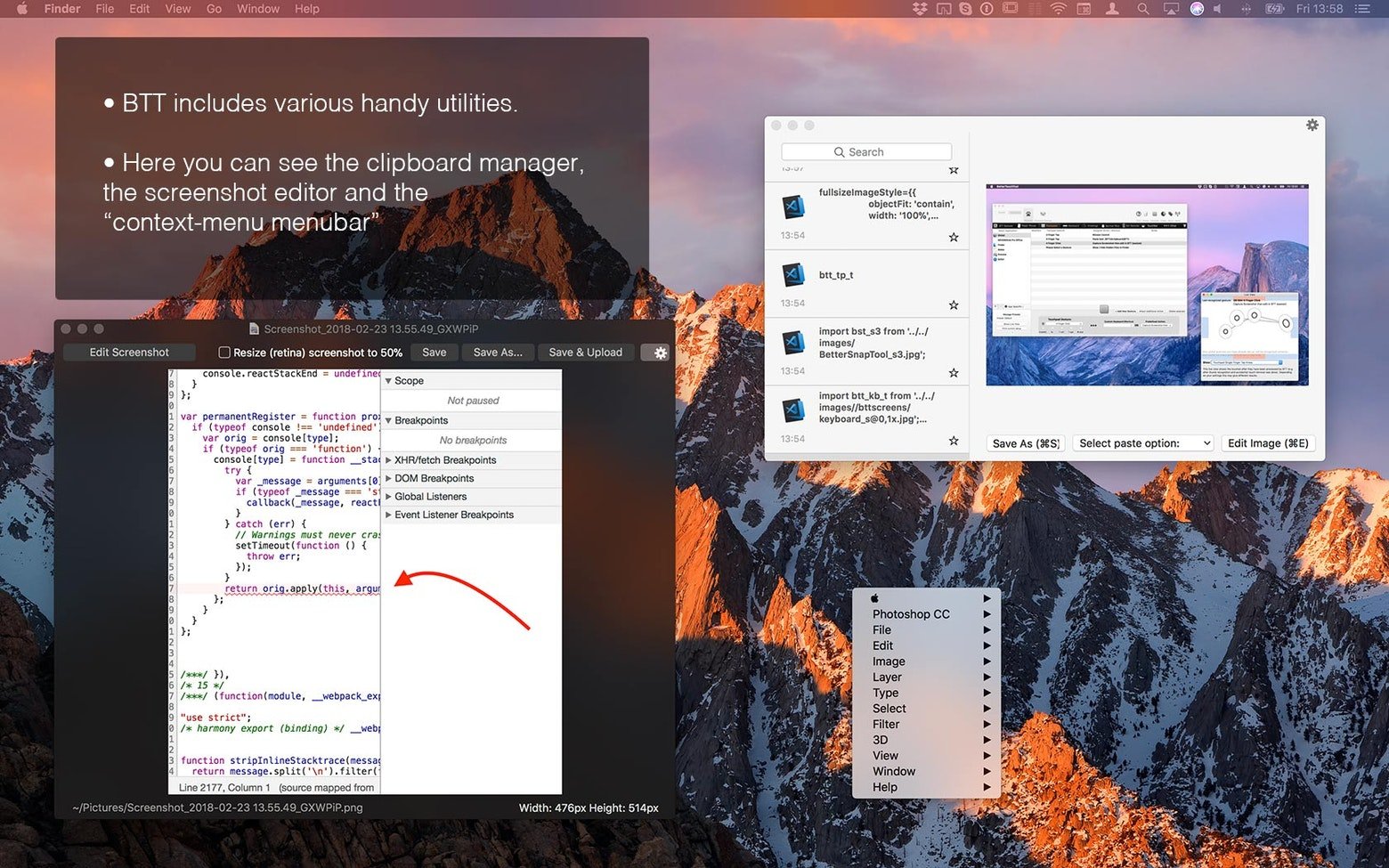
Using BTT offers you access to a number of sophisticated tools, such as a built-in clipboard manager for copying several objects at once and a robust screenshot tool that allows you to edit your photos on the fly, in addition to simply changing current keyboard shortcuts with new ones. You do not need to install these two extra programs.
Create your own widgets
If you enjoy working with web servers using HTTP requests, AppleScript, and custom URL schemes daily, you can use BetterTouchTool to make your own Touch Bar widgets. Weather forecasts, stock market price changes, and cryptocurrency monitors are some of the most widely used.





Leave a Comment