


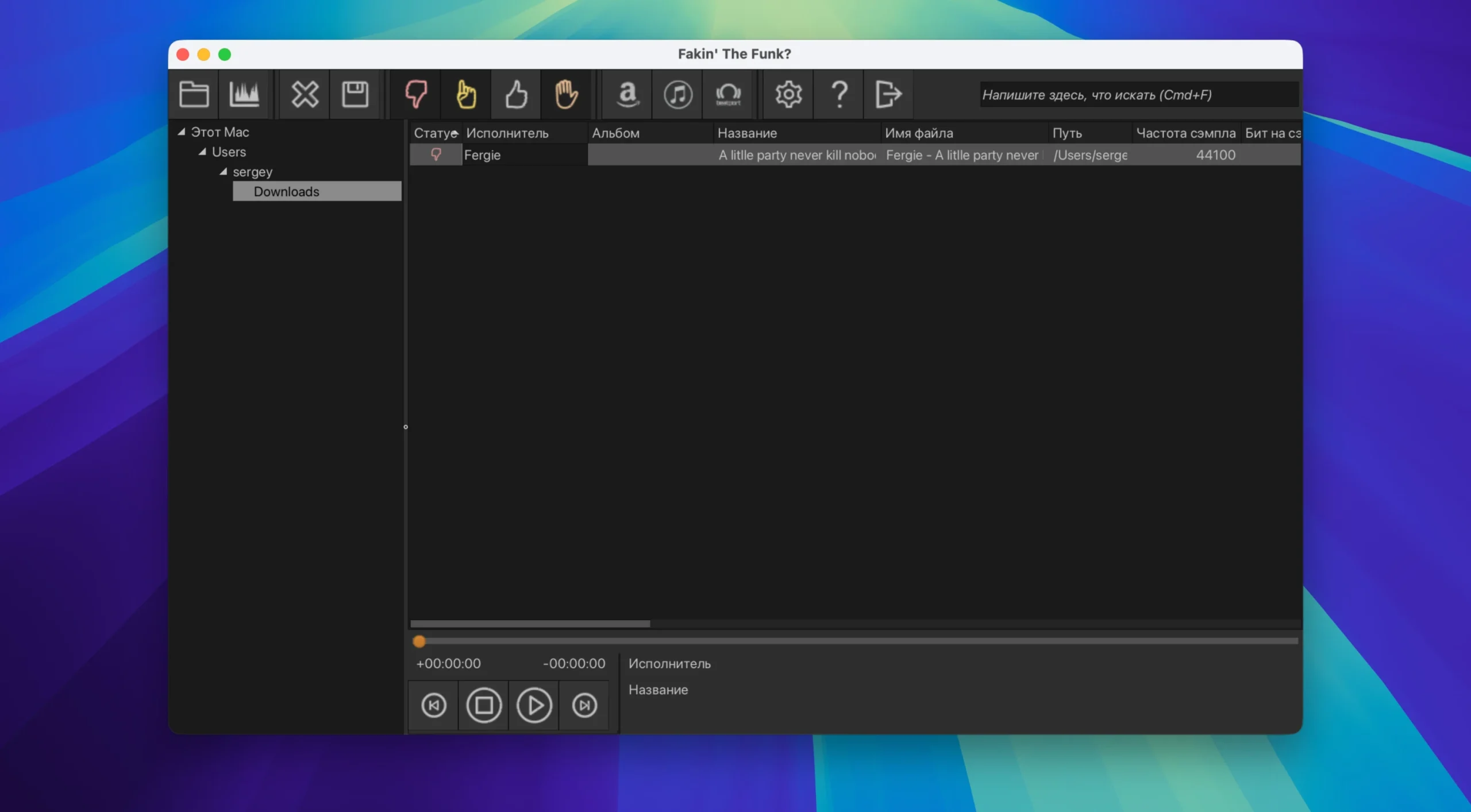
Fakin’ The Funk? is an audio file quality analyzer that uses completely automatic batch mode to identify damaged and unreadable files as well as “fake” recordings with artificially raised bitrates (e.g., 128 kbps → 320 kbps).
The program analyzes the audio stream’s spectral structure and compares the stated bitrate and frequency with the actual values. The program identifies abnormalities (such as high-frequency clipping) and displays the true quality parameters if the file has been upscaled or downsampled.
Principal Benefits:
- Automatic batch processing: a single button can verify thousands of files.
- Avoid falling for audio optimizers (like Platinum Notes).
- Identifies defective or unreadable files (with damaged structure or length difference) in addition to “fakes” (transcoded files).
- All common formats, including MP3, FLAC, M4A, OGG, OPUS, WMA, AAC, ALAC, WAV, MPC, SPX, and TTA, are supported.
- Extremely fast; an SSD with an i7 CPU can handle about 1000 files in 40 seconds.
- An integrated spectrum analyzer allows you to visually confirm the outcome by displaying the frequency cut-off.
- Integrated player: You may listen to a dubious file right away.
- In-depth system integration, including drag-and-drop results transfer.
- You can choose to have “bad” files automatically renamed, moved, or deleted.





Leave a Comment