
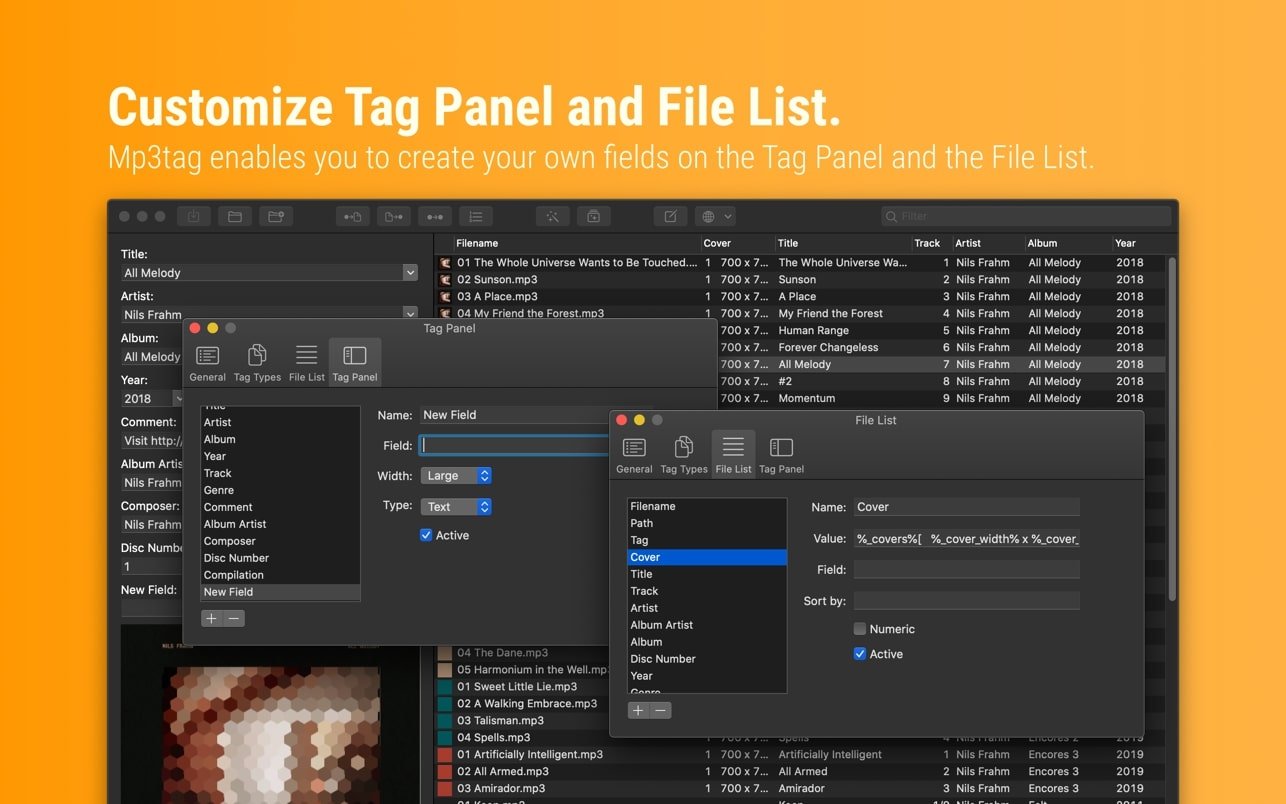
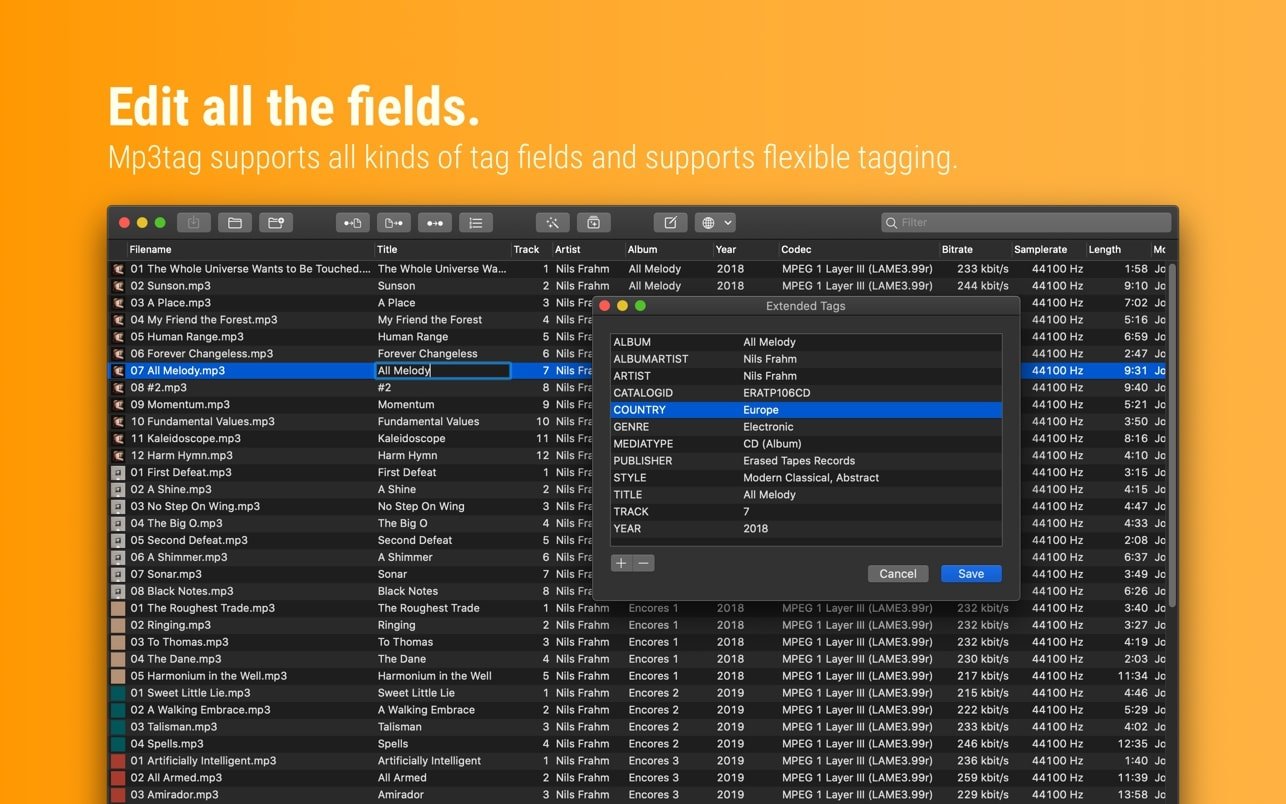
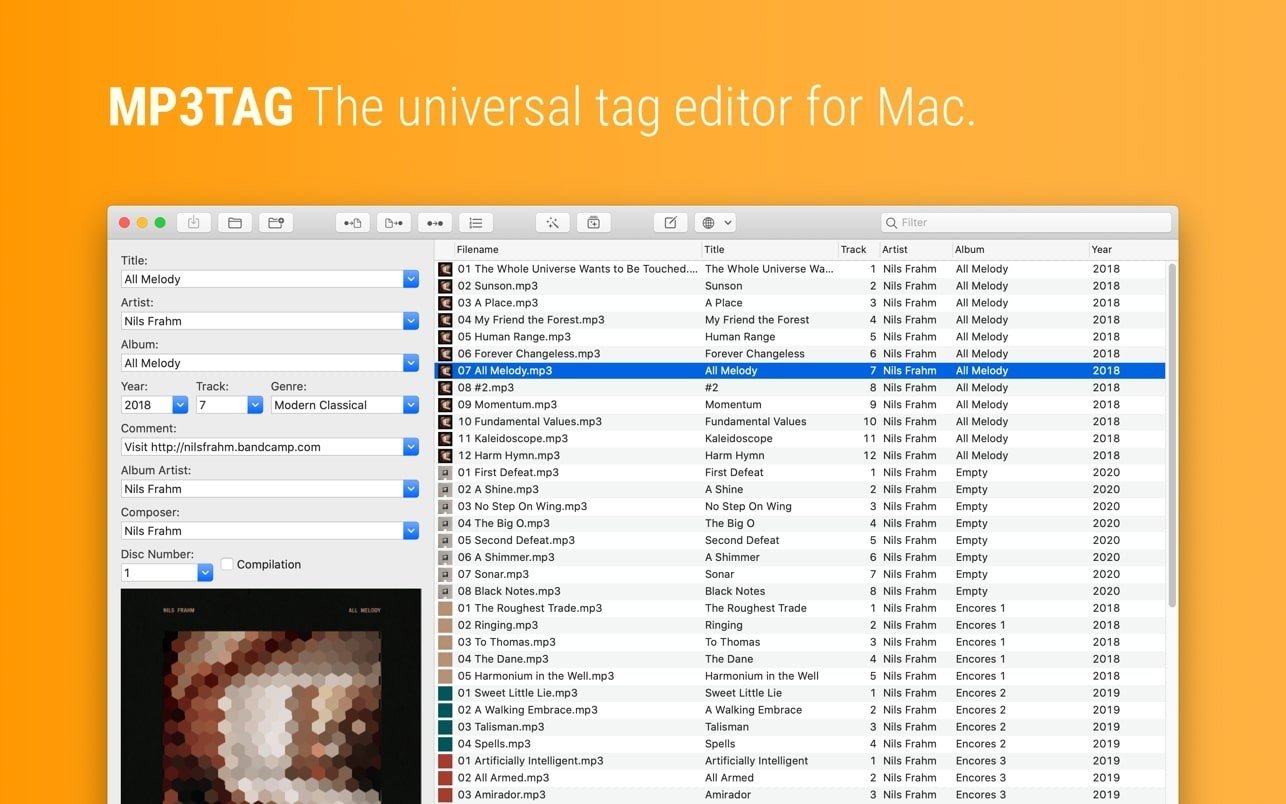
Mp3tag is a robust and user-friendly application for modifying the metadata of audio files. It is used for a range of audio file processing activities by musicians, DJs, podcasters, and audio lovers. A wide range of audio formats, including MP3, MP4, and M4V (yes, video!), as well as FLAC, OGG, OPUS, AIF, DSF, MPC, and WAV, are supported for batch tag modification of multiple files.

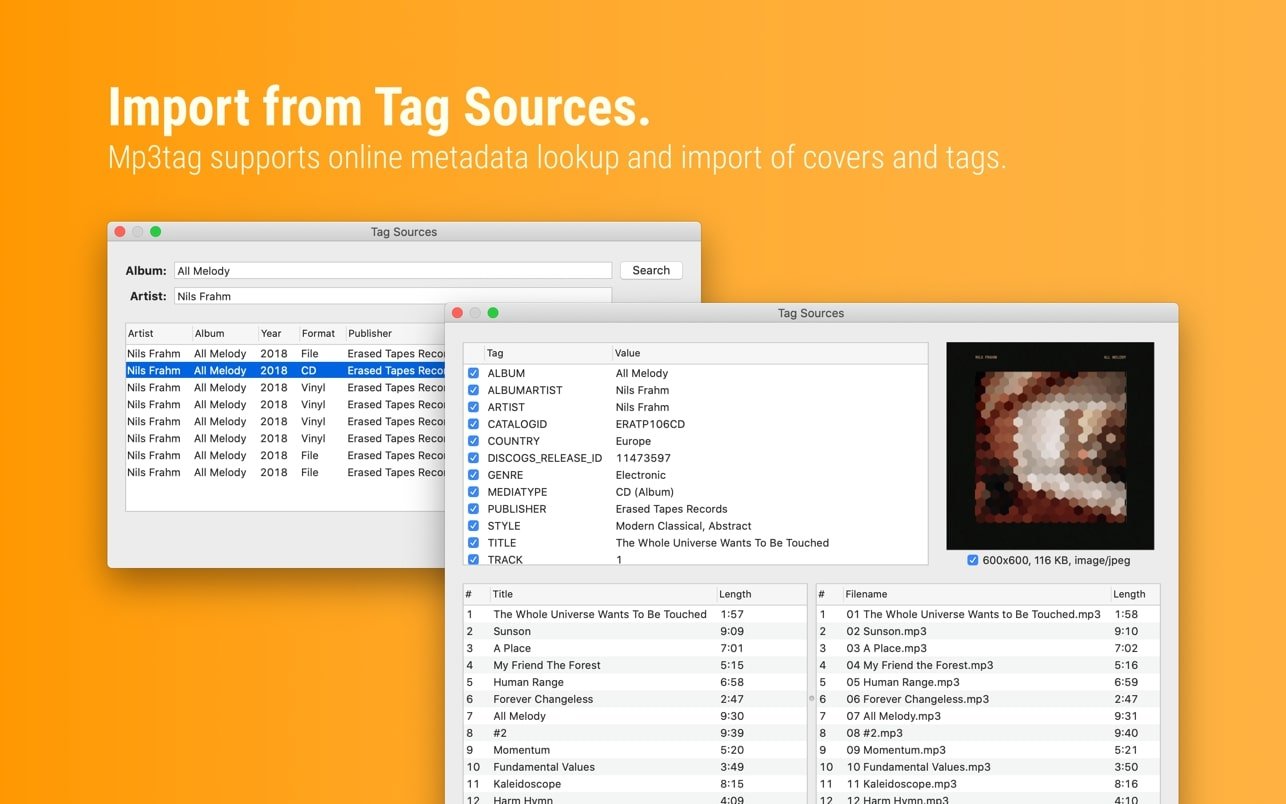
Additionally, mp3tag allows you to download covers and gather appropriate tags for your music libraries by supporting online database searches, such as Discogs and MusicBrainz.

Main Features:

  • It allows you to import tag information, modify the size and format of the built-in cover picture, replace characters or words in tags and file names, and rename files depending on tag information.
  • Mp3tag enables you to arrange jobs into action groups that function as workflows to preserve consistency and order because some tasks related to digital library management are repeated.
  • Tag fields can be formatted, case can be changed, extraneous fields may be eliminated, or embedded cover art can be adjusted to the necessary size.


Details

Version 1.12.2 fix + ARM
Developer Florian Heidenreich
Activation (RG) K'ed by TEAM EDiSO
Compatibility macOS 10.14 and later
Size 13 MB
Architecture ARM , x86 (64-bit)
Interface Language English , German , Spanish , Italian , Traditional Chinese , Simplified Chinese , Korean , French , Japanese

FAQ

Run the downloaded image and drag the application to the Applications folder shortcut. Once copying is complete, the application can be launched via Launchpad.
There are so many errors; we can't list them all here. Therefore, we've described all the solutions.
Official updates may result in loss of activation unless otherwise stated in the installation instructions. To update the software from this website, you must download the new version of the software from here (if available) and install it over the version currently installed on your computer.
To download large files, it is recommended to use any download manager, for example, FDM (Free Download Manager) For downloading from a file sharing service like Filen.io, it's not recommended to use Safari. Use Google Chrome or the aforementioned FDM browser, for example. To download files via torrent (.torrent file), you need a torrent client, such as Transmission or the aforementioned FDM. Please remember that providers may block access to some websites (1fichier.com, etc.). To bypass these blocks, it is recommended to use a VPN.
The site administration doesn't hack anything. That's the job of release teams and some enthusiasts. They're the ones responsible for ensuring updates are available. But you can hack software yourself by learning reverse engineering.
Definitely not in the comments. The site administration doesn't hack anything, and there's no order desk. However, you can order the software you need (not for free) in a special thread on forum.ru-board.com.
Open System Preferences -> General > Language & Region > Applications— “+”. Select an app and language. This method works for most apps. The language in Adobe products is usually selected during the installation of the product itself. The language in games is usually changed in the game settings itself. There are exceptions. Don't hesitate to search for information online.
There are many options. The easiest is to use specialized app removal utilities, such as App Cleaner & Uninstaller. To remove Adobe products, use the Creative Cloud Cleaner Tool.
The site offers a paid service: remote assistance (via AnyDesk, Zoom, or Skype) with the installation of any applications (not just those from this site) on any Mac or PC.

Leave a Comment

Version 1.12.2 fix + ARM
Developer Florian Heidenreich
Interface language English , German , Spanish , Italian , Traditional Chinese , Simplified Chinese , Korean , French , Japanese
Activation (RG) K'ed by TEAM EDiSO
Compatibility macOS 10.14 and later
Architecture ARM , x86 (64-bit)
Size 13 MB
No threats found. Read more…
Published (edited): May 18, 2026 Views: 7


