
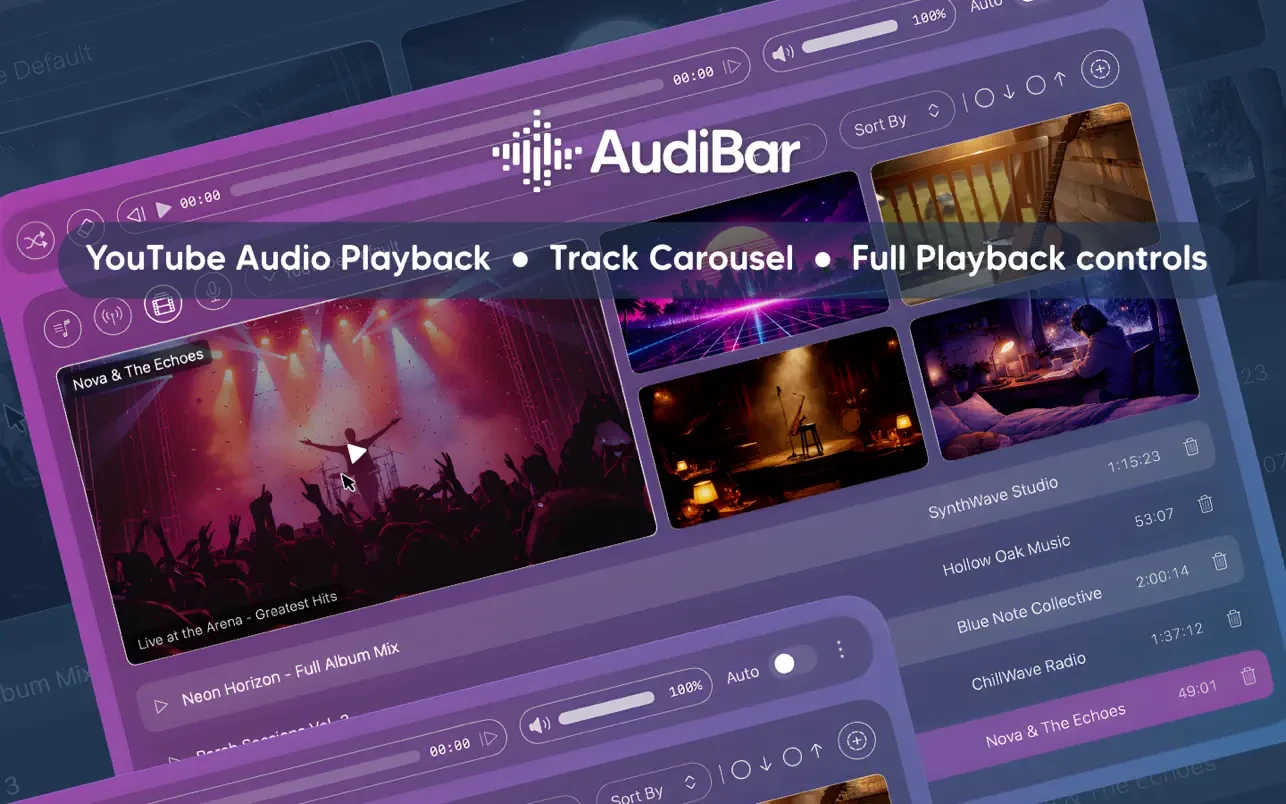
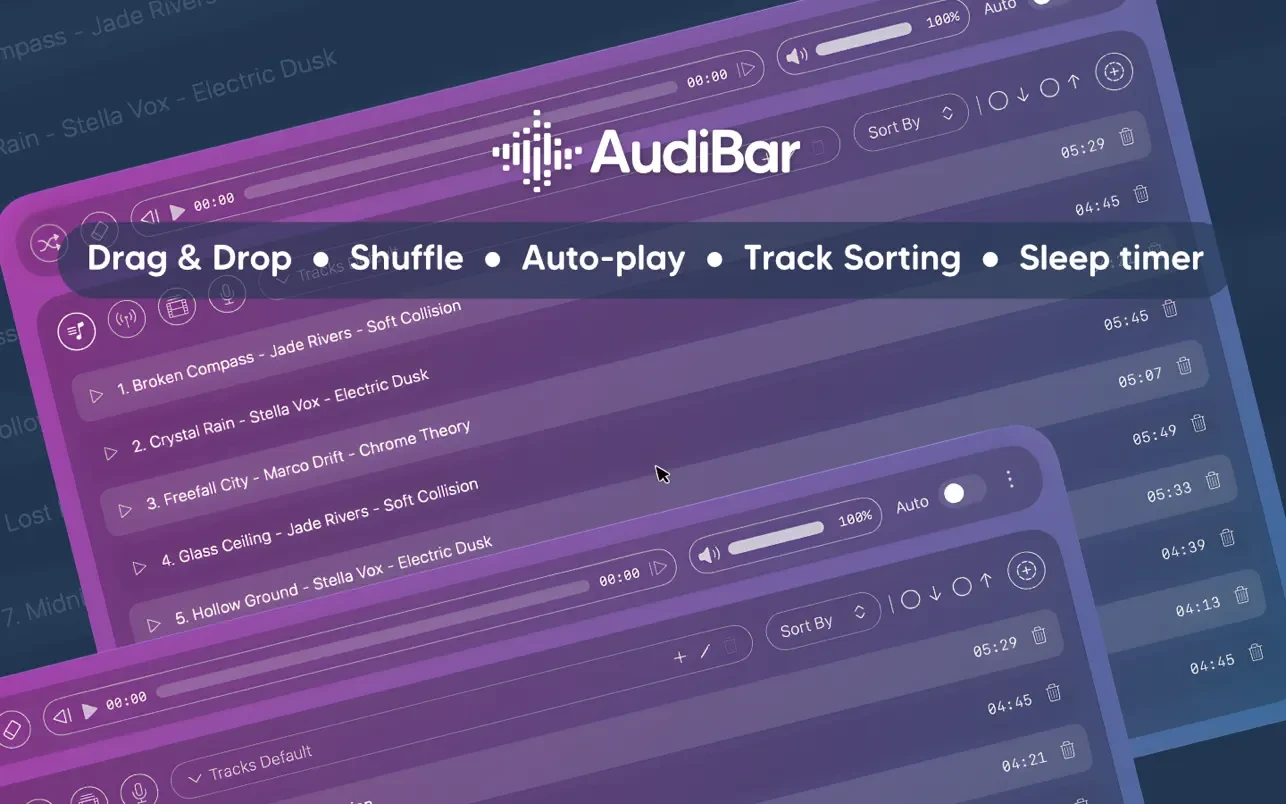
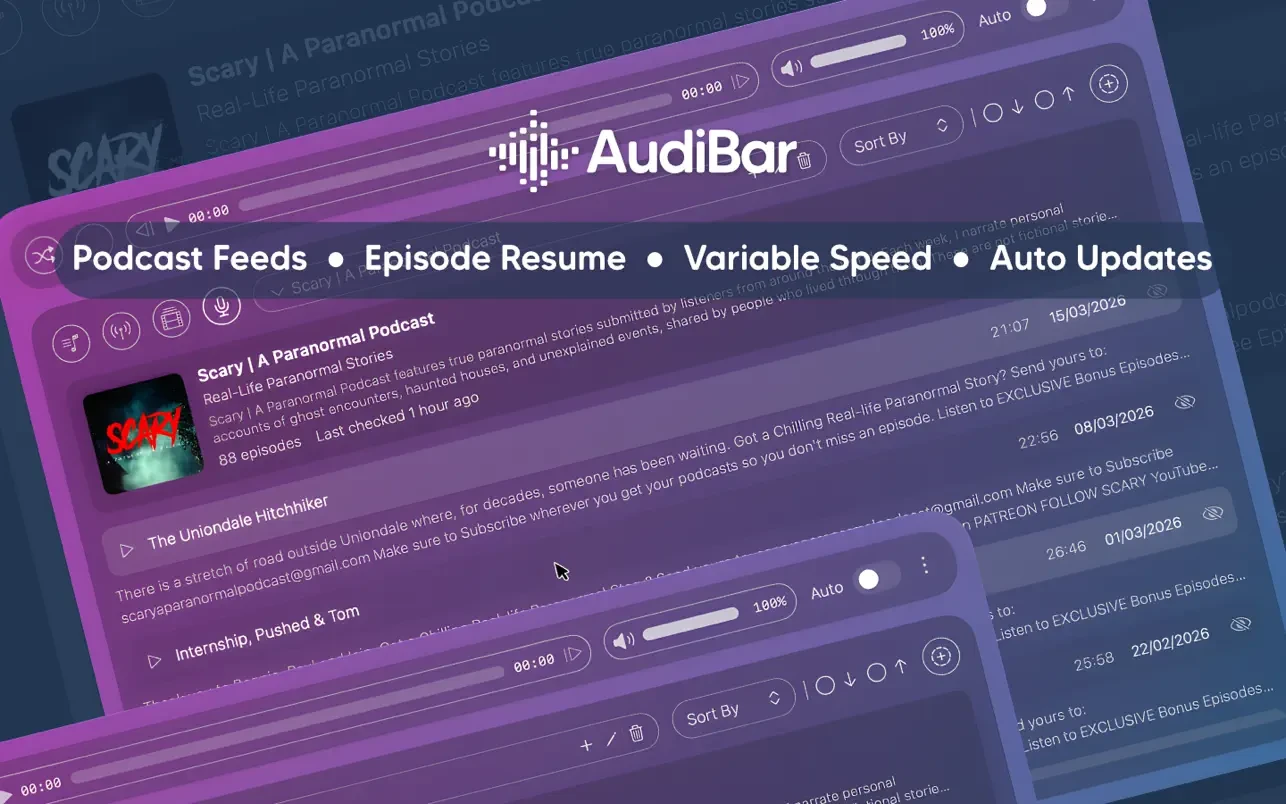
AudiBar is a portable menu bar audio player made for quick and simple audio playback. AudiBar’s symbol is constantly accessible in the menu bar, so it doesn’t use dock space. Playback will begin immediately without requiring the opening of large programs when you drag a file and paste a link to a podcast or radio station.

Main Features:

  • Supported sources and formats: MP3, WAV, FLAC, M4A, AAC, AIFF, CAF, and MP4 are examples of local files.
  • Internet radio: direct URL streaming, M3U/M3U8, PLS, XSPF, ASX, and RSS • YouTube: Queue with thumbnails and play audio from any publicly accessible video.

Podcasts: Save listening positions, add RSS feeds, and update automatically

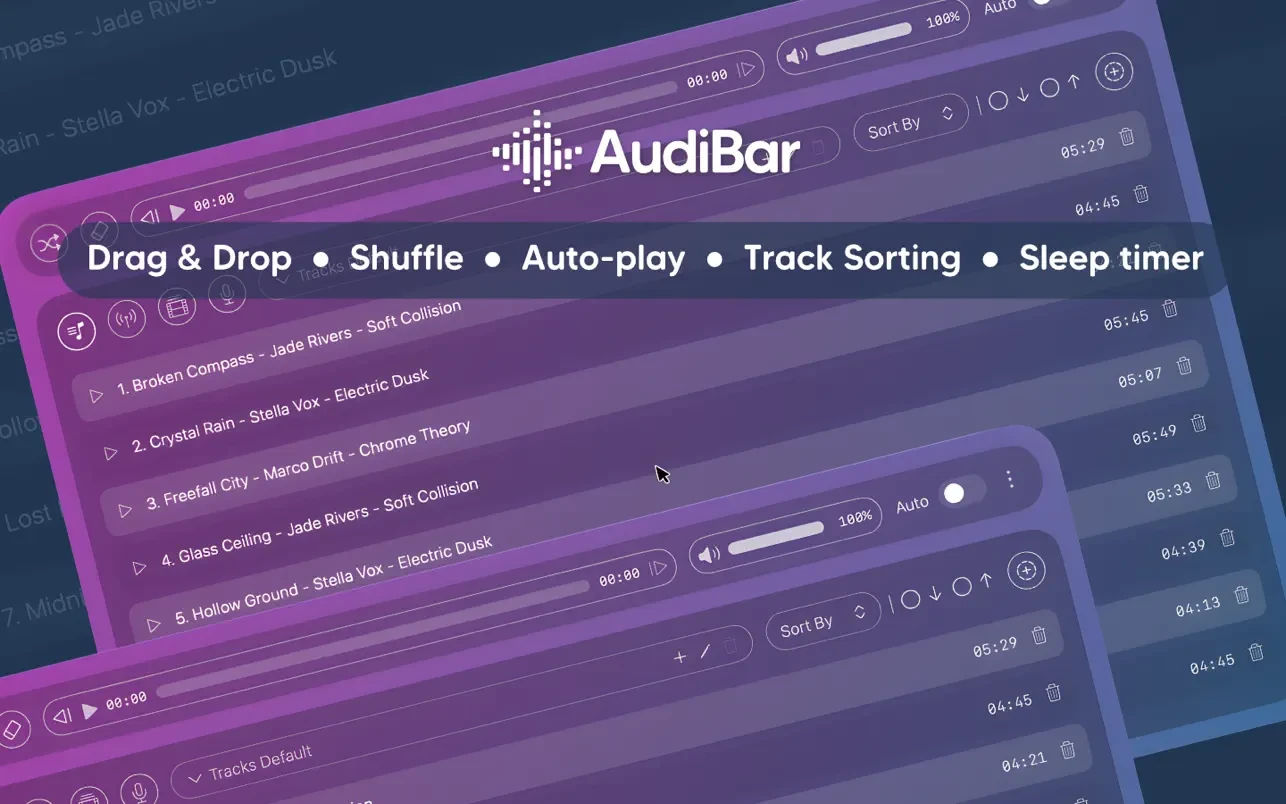
Controls for playback: • Playlists with an infinite number of tracks, auto-skipping, sorting, and shuffling • Pitch correction and speed control (0.5×–2×)
• A smooth-fading sleep timer with a duration of 15 to 120 minutes • AudiBar’s independent volume, independent of the system

Convenience and volume integrations:

  • Media Keys: Controlling the keyboard even while the application is not in focus
  • Control Center: Use the macOS Control Center to monitor data and native control buttons.
  • Finder: Use “Open with” to open files or make AudiBar the default player.
  • iCloud Drive: intelligent cloud file downloads with a status indicator

Details

Version 2.2.0
Developer AudiBar
Activation (RG) K'ed by TEAM EDiSO
Compatibility macOS 14.6 and later
Size 7 MB
Architecture ARM , x86 (64-bit)
Interface Language Russian , English , German , Traditional Chinese , Simplified Chinese , Dutch , French , Japanese

FAQ

Run the downloaded image and drag the application to the Applications folder shortcut. Once copying is complete, the application can be launched via Launchpad.
There are so many errors; we can't list them all here. Therefore, we've described all the solutions.
Official updates may result in loss of activation unless otherwise stated in the installation instructions. To update the software from this website, you must download the new version of the software from here (if available) and install it over the version currently installed on your computer.
To download large files, it is recommended to use any download manager, for example, FDM (Free Download Manager) For downloading from a file sharing service like Filen.io, it's not recommended to use Safari. Use Google Chrome or the aforementioned FDM browser, for example. To download files via torrent (.torrent file), you need a torrent client, such as Transmission or the aforementioned FDM. Please remember that providers may block access to some websites (1fichier.com, etc.). To bypass these blocks, it is recommended to use a VPN.
The site administration doesn't hack anything. That's the job of release teams and some enthusiasts. They're the ones responsible for ensuring updates are available. But you can hack software yourself by learning reverse engineering.
Definitely not in the comments. The site administration doesn't hack anything, and there's no order desk. However, you can order the software you need (not for free) in a special thread on forum.ru-board.com.
Open System Preferences -> General > Language & Region > Applications— “+”. Select an app and language. This method works for most apps. The language in Adobe products is usually selected during the installation of the product itself. The language in games is usually changed in the game settings itself. There are exceptions. Don't hesitate to search for information online.
There are many options. The easiest is to use specialized app removal utilities, such as App Cleaner & Uninstaller. To remove Adobe products, use the Creative Cloud Cleaner Tool.
The site offers a paid service: remote assistance (via AnyDesk, Zoom, or Skype) with the installation of any applications (not just those from this site) on any Mac or PC.

Leave a Comment

Version 2.2.0
Developer AudiBar
Interface language Russian , English , German , Traditional Chinese , Simplified Chinese , Dutch , French , Japanese
Activation (RG) K'ed by TEAM EDiSO
Compatibility macOS 14.6 and later
Architecture ARM , x86 (64-bit)
Size 7 MB
No threats found. Read more…
Published (edited): May 18, 2026 Views: 8



