


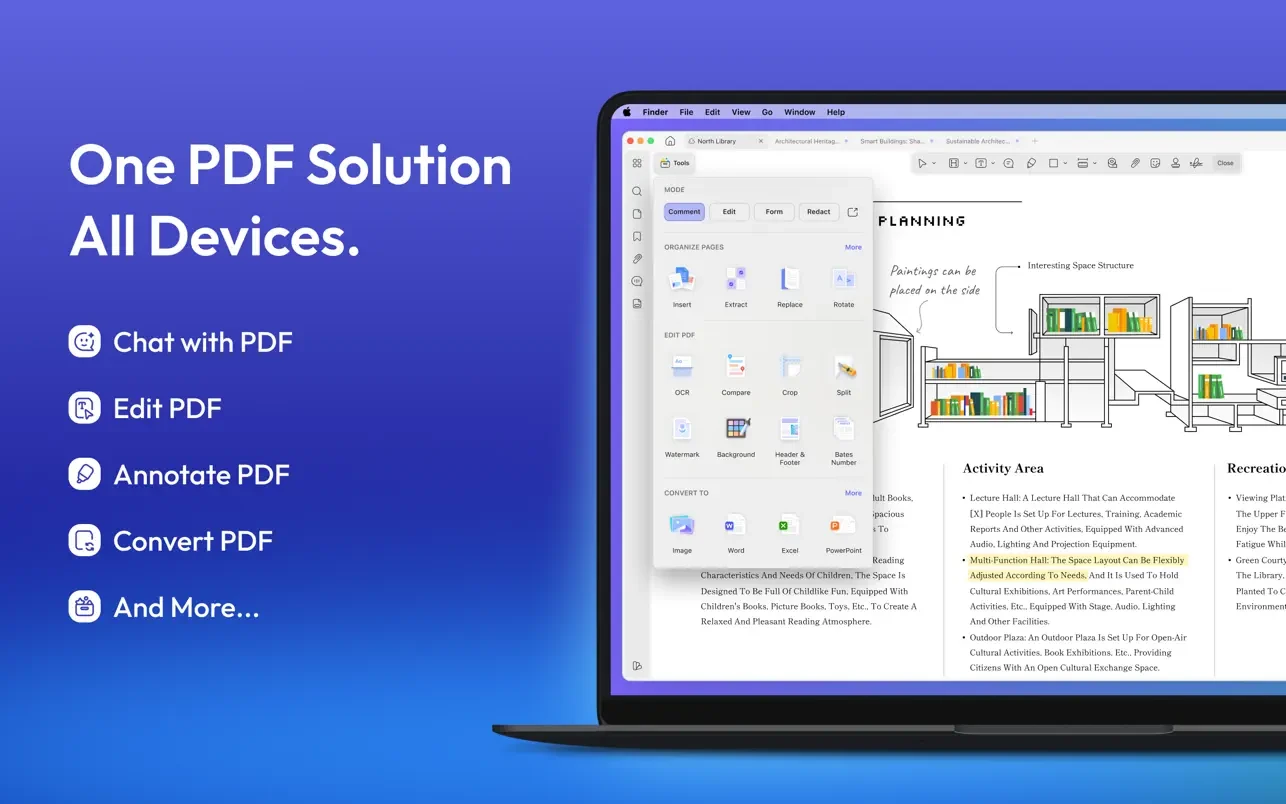
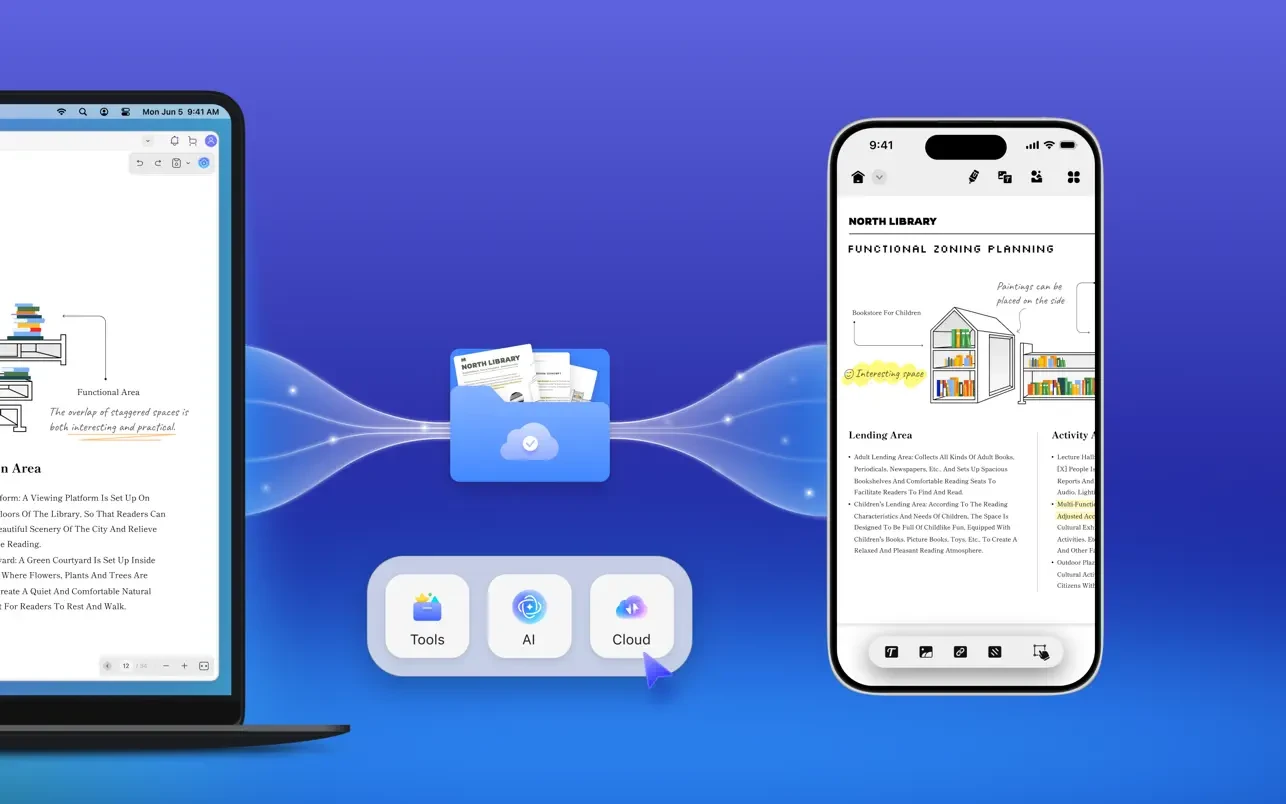
UPDF is a feature-rich AI-powered PDF editing program that can be used to edit, annotate, convert, and have AI conversations with PDFs. All systems, including macOS, iOS, and iPadOS (universal buy), can be used with a single UPDF license.
Main Features:
AI-Powered Workflows:
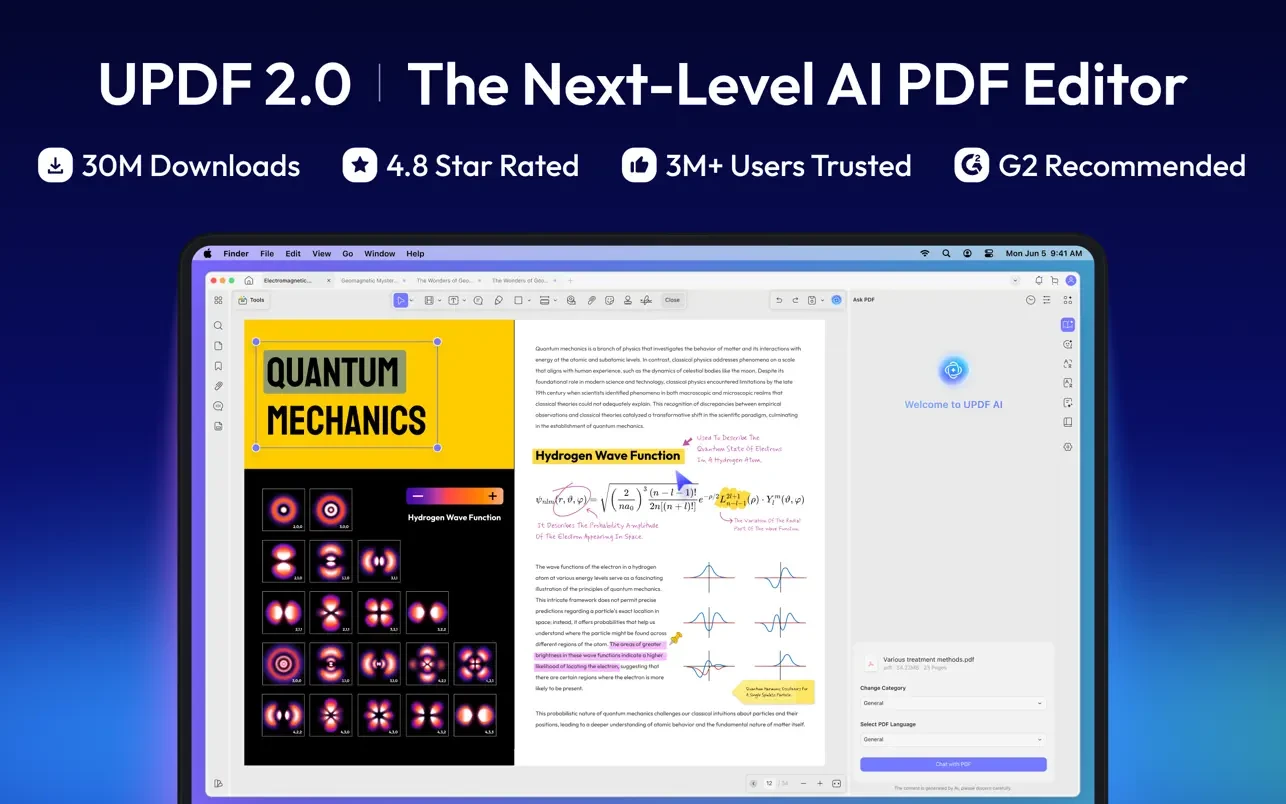
Use sophisticated AI models to translate language, summarize lengthy documents, and have direct conversations with PDFs to receive answers instantaneously.
Editing documents:
Just as in a word processor, you can quickly change text, swap or resize photos, and update fonts or links.
Format Conversion:
Convert PDFs to and from image, HTML, Microsoft Word, Excel, and PowerPoint formats.
Advanced OCR:
Create completely searchable and editable documents from scanned, text-heavy PDFs.
Batch processing:
Compress, watermark, merge, or convert several files at once to expedite huge operations. Collaborate securely by using eSignatures for approvals, password protection, and permanent redaction of sensitive information.
FUNCTIONS:
AI Helper
- Powered by Full DeepSeek (R1) with GPT-4.1.
- AI interacts with your PDF to obtain PDF-related responses, translate entire PDFs without losing format, and summarize.
- Create mind maps from PDF files.
- Engage with photographs and pose any queries regarding them.
- Ask any questions, and AI will respond.
Editing PDF files
- Modifying PDF documents
Modify text in PDF files to alter text attributes like size, color, and font. - Images in PDF files can be resized, cropped, rotated, extracted, replaced, deleted, and more.
- Links to a website or page can be added or removed.
PDF File Annotation
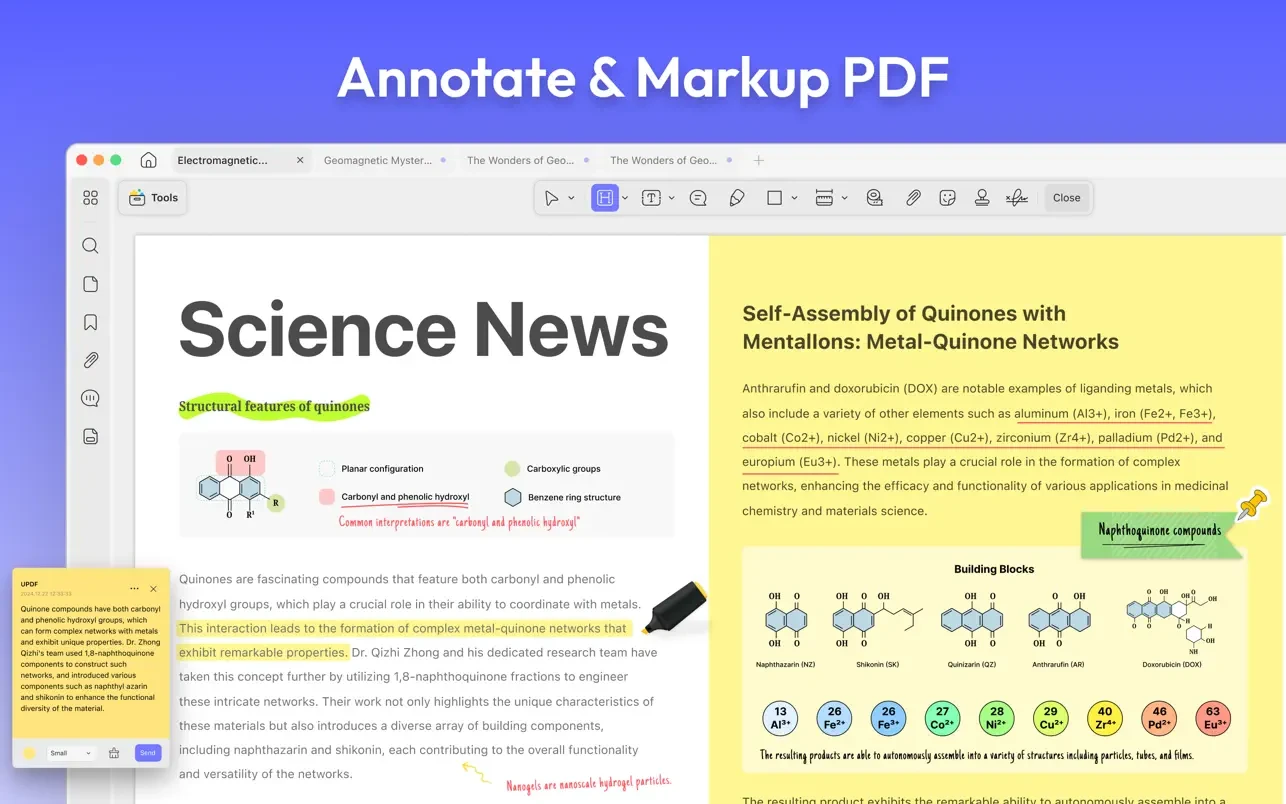
- Text in PDF files can be highlighted, underlined, strikethroughed, or wavy.
- Add shapes, text callouts, text boxes, text comments, and notes to PDF files.
- Drawing by hand in PDF files.
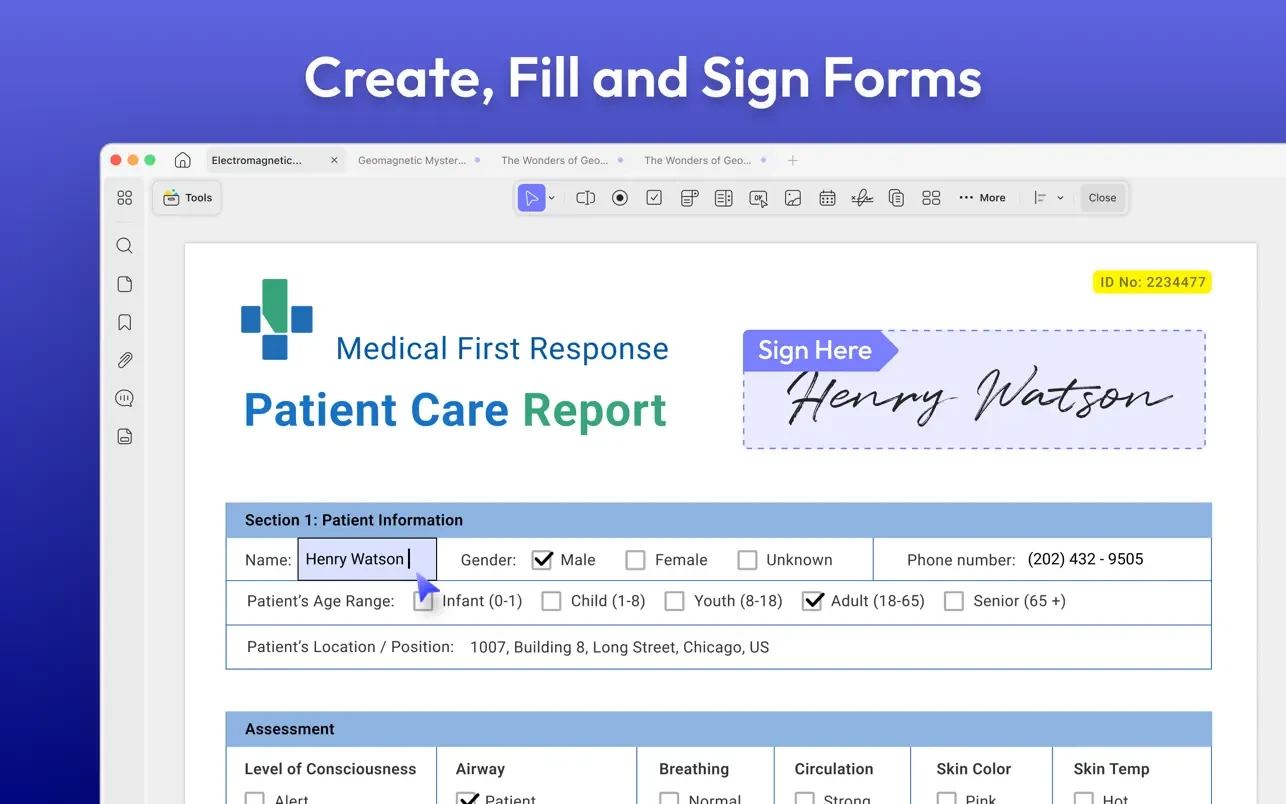
- Stamps, stickers, and signatures can be added to PDF files.
- Measuring PDF documents.
PDF file conversion
- Convert PDF files to PPTX, XLSX, and DOCX.
- Create PNG, JPEG, BMP, TIFF, and GIF images from PDF files.
- Convert PDF files to HTML, XML, TXT, RTF, and CSV.
Arrange PDF pages
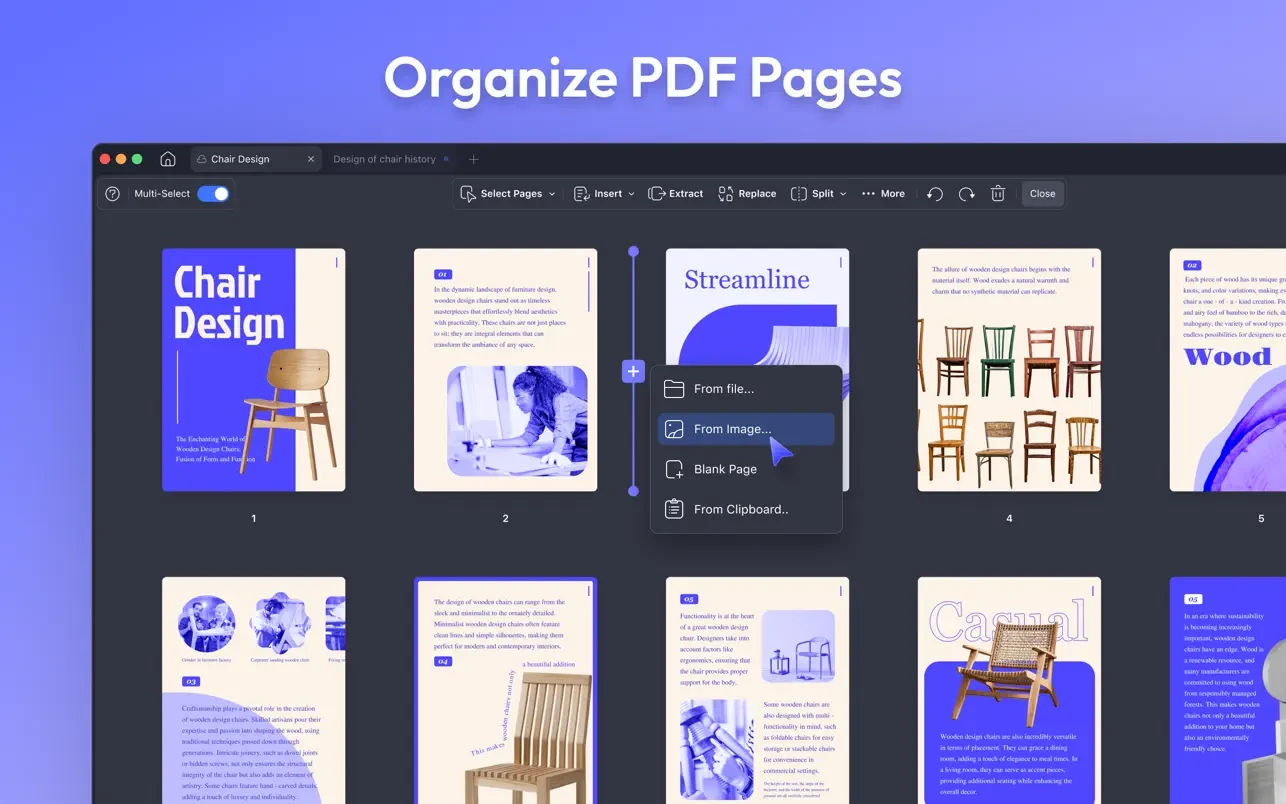
- Pages in PDF files can be inserted, replaced, extracted, divided, rotated, deleted, and rearranged.
Page margins can be cropped or expanded.
A lengthy page should be divided into multiple pages.
Safeguard PDF documents
- To prevent PDF files from being read, copied, altered, or printed, add an open password or permissions.
- Batch processing for converting, merging, OCRing, compressing, printing, creating, inserting, and encrypting PDF files is supported.
- Add or delete backgrounds, watermarks, headers, footers, and Bates numbers in bulk across several PDF files.
- Text markup, measurements, stamps, form fields, and signatures can all be removed in bulk.
Examining and printing PDF documents
- View PDF files by scrolling through one or two pages at a time.
- Converting text to speech.
- Look for and locate text.
- Slideshow in PDF format.
- Light and dark modes are supported.
- Managing and adding bookmarks.
- Print PDF documents.
Producing PDF documents
Make a blank PDF file from Word, Excel, PPT, Image, CAJ, Paperwork, Selection Capture, Window Capture, Screen Capture, Clipboard, or Scanner with various backdrops.





Leave a Comment