
A Completely Fictional Story About a City Inside a Whale icon

A Completely Fictional Story About a City Inside a Whale

Arcade and Casual Games

The friendly, open-world independent game A Completely Fictional Story About a City Inside a Whale was created by ln404 and akinat0. You discover Whaleville, a strange, endearing, and low-pressure hamlet where you can explore, finish odd missions, and ultimately decide whether to stay or flee, after your ship is engulfed by a massive whale following a violent storm.

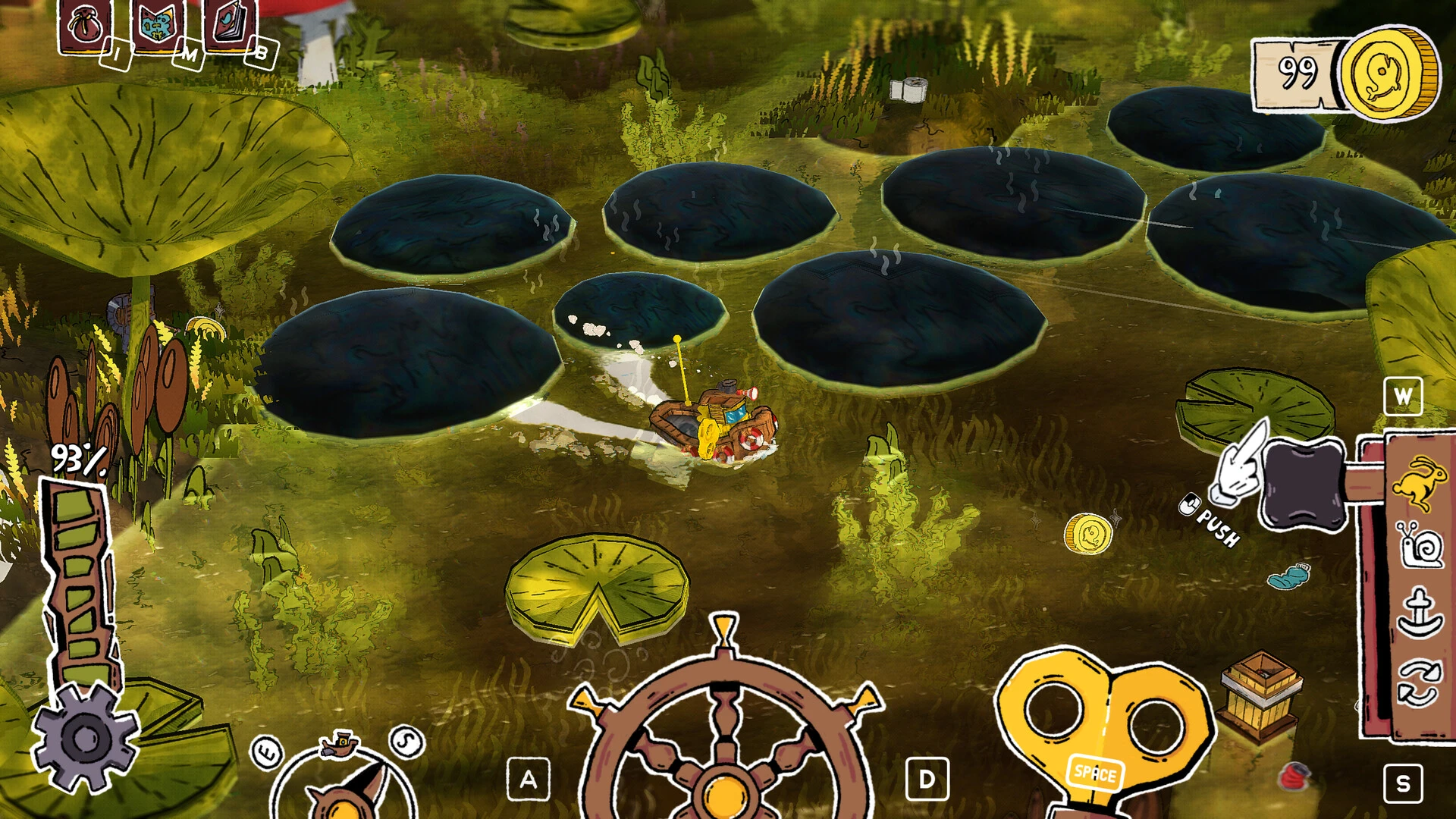
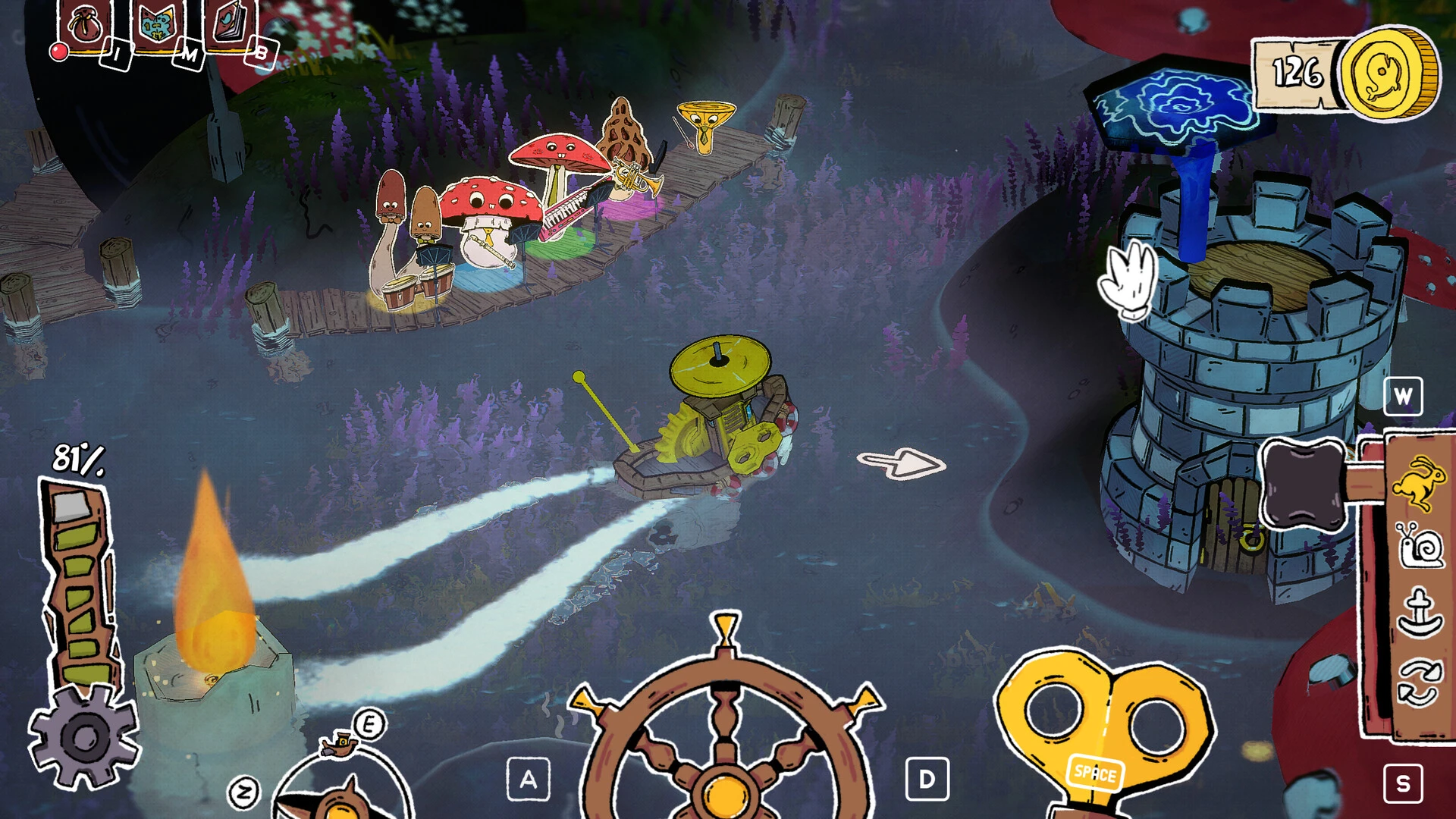
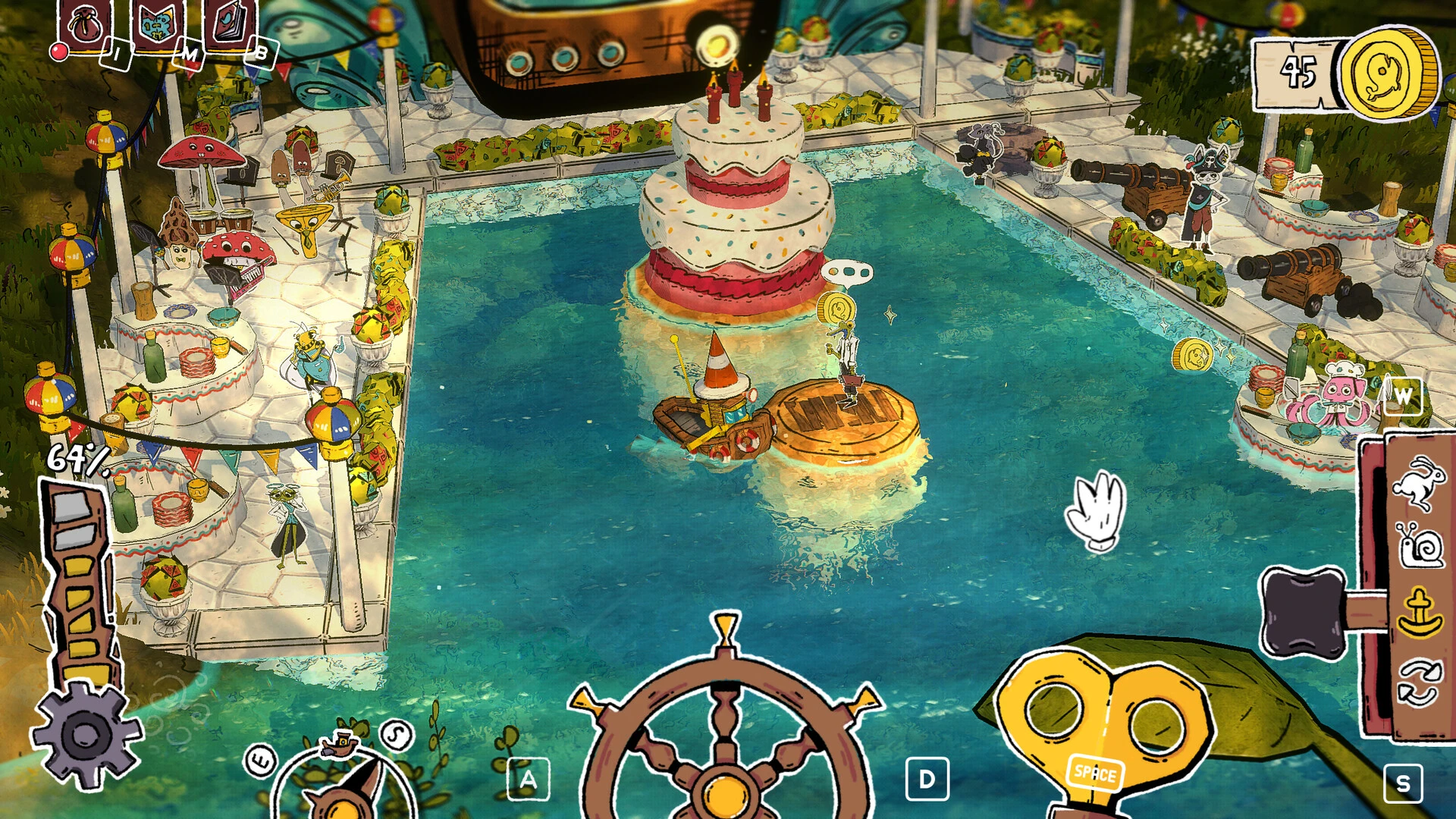
Take a trip on a clockwork ship and fulfill missions in the bizarre town of Veilville, which is housed inside a whale. Greetings from Vailville, a city within a whale! Take control of a wind-up ship, discover your way out, engage with eccentric locals, and explore a fantastical universe.

The Whaleville Legend

As a shipwrecked sailor engulfed by a massive sea beast, you set out on your adventure. You are thrown into an unusual, lively city with funny architecture, bright bioluminescence, and strange residents who have made the whale’s belly their permanent home rather than a dark, murky tunnel.

Characteristics:

  • Control via touch.

You can get a sense of how the ship functions by winding up the key and grabbing the steering wheel.

  • A strange universe.

Decide on a path and see where it leads you.

  •  Adorable characters.

Make friends with the eccentric residents of the city and assist them with their daily concerns.

  •  A calm voyage.

Unwind in Vailville’s peaceful atmosphere. Go at your own speed while playing the game.

Details

Version 2026.05.19
Developer ln404 , akinat0
Activation (RG) Not required
Tested on macOS Tahoe , Mac mini 2024 M4
Size 430 MB
Architecture ARM , x86 (64-bit)
Interface Language Russian , English , German , Spanish , Simplified Chinese , Portuguese , French
Voice Languages Musical accompaniment

FAQ

Run the downloaded image and drag the application to the Applications folder shortcut. Once copying is complete, the application can be launched via Launchpad.
There are so many errors, we can't list them all here. Therefore, we've described all the solutions (with pictures) in the article: Errors when installing applications on a Mac
Official updates may result in loss of activation unless otherwise stated in the installation instructions. To update the software from this website, you must download the new version of the software from here (if available) and install it over the version currently installed on your computer. This will preserve your activation and settings for the software. Read more in the article: Updating pirated apps
To download large files, it is recommended to use any download manager, for example, FDM (Free Download Manager) For downloading from a file sharing service like Filen.io, it's not recommended to use Safari. Use Google Chrome or the aforementioned FDM browser, for example. To download files via torrent (.torrent file), you need a torrent client, such as Transmission or the aforementioned FDM. Please remember that providers may block access to some websites (1fichier.com, etc.). To bypass these blocks, it is recommended to use a VPN.
The site administration doesn't hack anything. That's the job of release teams and some enthusiasts. They're the ones responsible for ensuring updates are available. But you can hack software yourself by learning reverse engineering.
Definitely not in the comments. The site administration doesn't hack anything, and there's no order desk. However, you can order the software you need (not for free) in a special thread on forum.ru-board.com.
Open System Preferences -> General > Language & Region -> Applications - “+”. Select an app and language. This method works for most apps. The language in Adobe products is usually selected during the installation of the product itself. The language in games is usually changed in the game settings itself. There are exceptions. Don't hesitate to search for information online.
There are many options. The easiest is to use specialized app removal utilities, such as App Cleaner & Uninstaller. To remove Adobe products, use the Creative Cloud Cleaner Tool.
The site offers a paid service: remote assistance (via AnyDesk, Zoom, Skype) with the installation of any applications (not just those from this site) on any Mac or PC. Learn more...

Leave a Comment

Version 2026.05.19
Developer ln404 , akinat0
Interface language Russian , English , German , Spanish , Simplified Chinese , Portuguese , French
Activation (RG) Not required
Tested macOS Tahoe , Mac mini 2024 M4
Architecture ARM , x86 (64-bit)
Voice Languages Musical accompaniment
Size 430 MB
No threats found. Read more…
Published (edited): June 2, 2026 Views: 3



