
Age of Empires II: Definitive Edition icon

Age of Empires II: Definitive Edition

Games Strategy

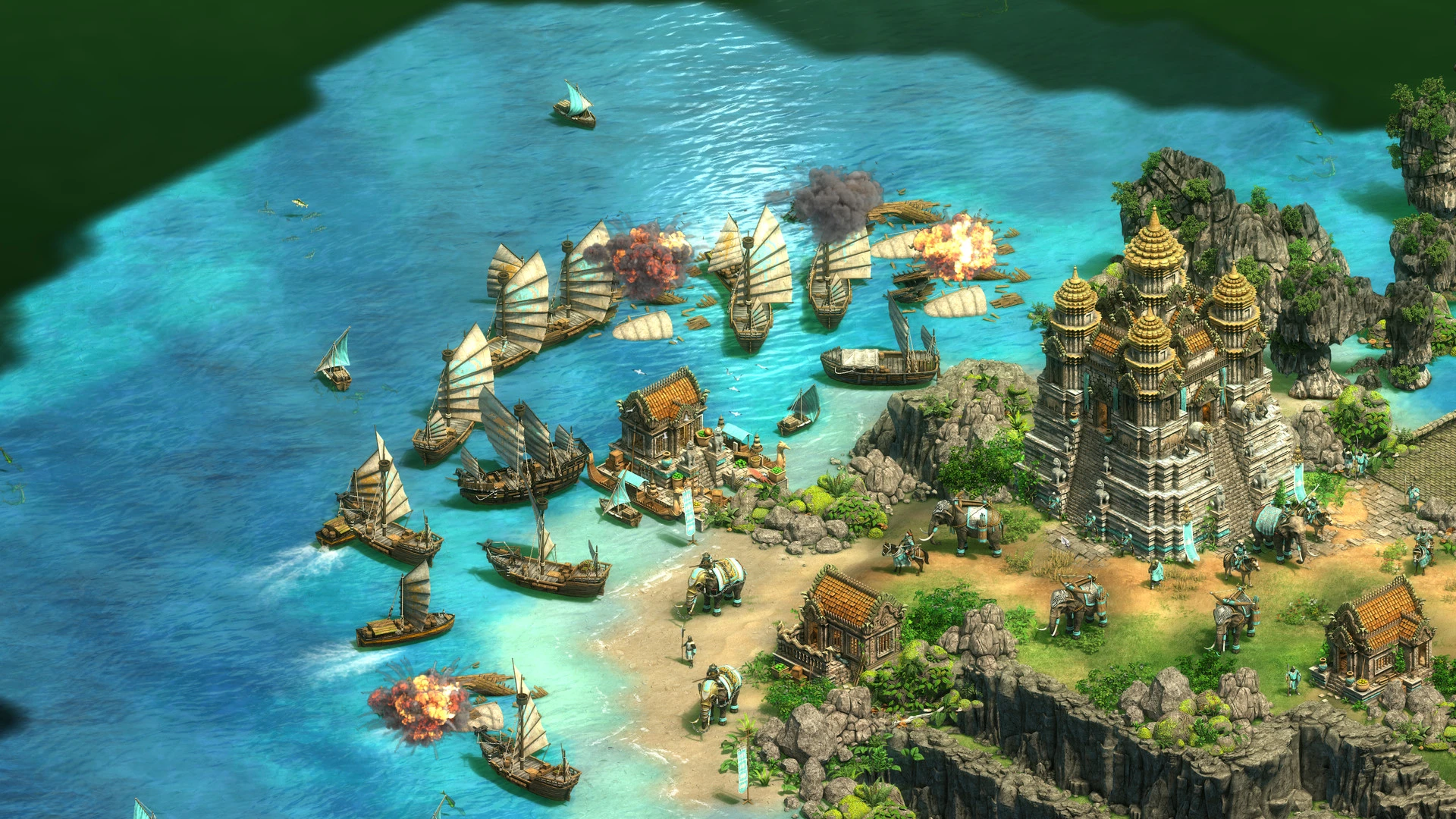
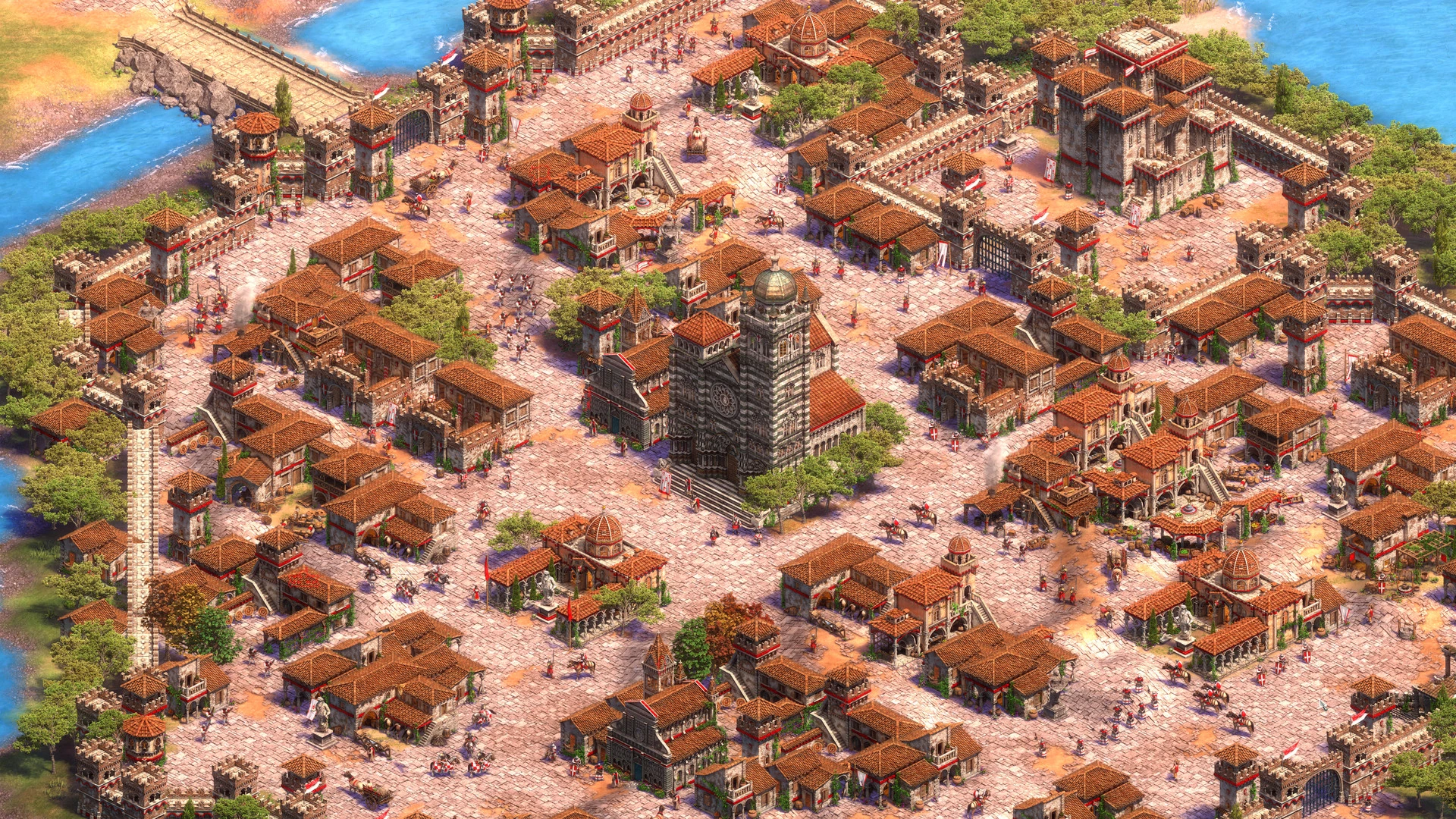
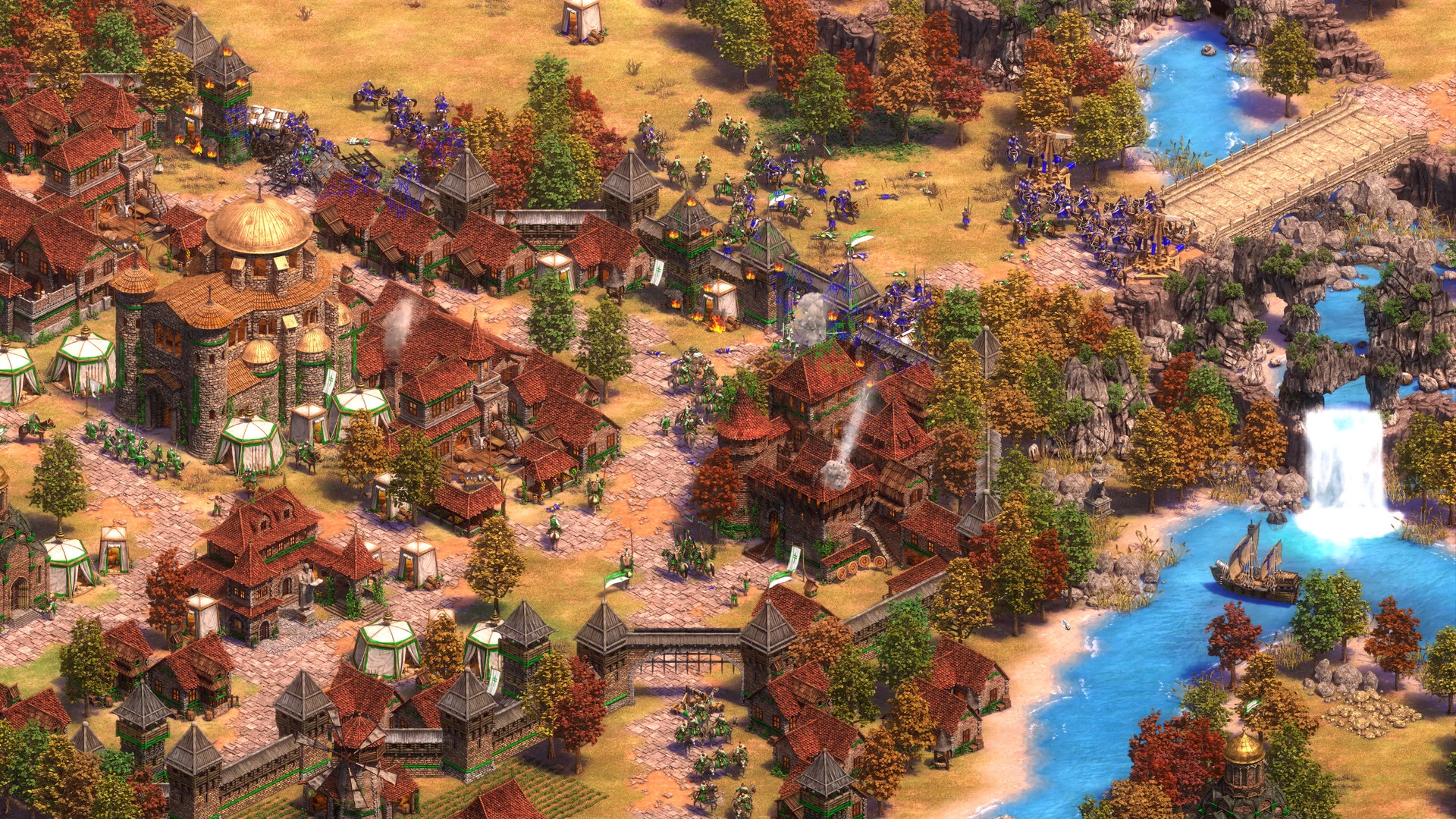
Celebrate one of the most well-liked strategy games’ 20th anniversary! Experience Age of Empires II: Definitive Edition, featuring a digitally restored soundtrack and breathtaking Ultra HD 4K quality.

The Last Khans expansion, which has four additional civilizations and three campaigns, is also included in Age of Empires II: Definitive Edition. Events, more material, new game modes, and improved functionality for the new cooperative mode are all included in these updates!

Discover the most recent visuals from all of the original campaigns and well-liked expansions, which span 1,000 years of human history and more than 200 hours of gameplay. 35 civilizations compete online against other gamers for world dominance.

The “Rulers of the West” expansion will introduce you to new civilizations and campaigns! Battle Royale mode, scenario editor support, Quick Play option, interface enhancements, and much more have been included in recent releases! With this colorful and thrilling remaster of one of the most well-known strategy games ever, you can choose your route to glory.

Needs An Apple Processor:

  • OS: 15.7 macOS
  • Processor: Apple A18 Pro (6-core CPU) or Apple M1 (8-core CPU) or higher
  • RAM: 8 GB
  • Graphics: Apple A18 Pro (5-core GPU) or Apple M1 (7-core GPU) or higher

Animated Icons for Barbarossa’s Barrel of Pickled Goods

  • Alexander the Great in the Chronicles
  • Chronicles: Greece’s Battle
  • The beginning of India’s Dukes’ dynasties
  • Improved Graphics Pack
  • Animated Icons of Joan’s Magnificent Moving Masterpieces
  • La Hire’s Animated Icons of Dry Humor
  • Western Lords
  • Rome’s return
  • Soundtrack
  • The Final Chieftains
  • The Royal Mountains
  • The Kingdoms of Three
  • Winners and Losers

Details

Version 1.0
Developer World's Edge , Forgotten Empires , CaptureAge , Tantalus Media , Wicked Witch , Feral Interactive
Activation (RG) Not required
Tested on macOS Tahoe , Mac mini 2024 M4
Size 75 GB
Architecture ARM , x86 (64-bit)
Interface Language Russian , English , German , Vietnamese , Spanish , Italian , Traditional Chinese , Simplified Chinese , Korean , Malay , Polish , Portuguese , Turkish , French , Hindi , Japanese
Voice Languages English , German , Spanish , Italian , Traditional Chinese , Simplified Chinese , Korean , Portuguese , French

FAQ

Run the downloaded image and drag the application to the Applications folder shortcut. Once copying is complete, the application can be launched via Launchpad.
There are so many errors, we can't list them all here. Therefore, we've described all the solutions (with pictures) in the article: Errors when installing applications on a Mac
Official updates may result in loss of activation unless otherwise stated in the installation instructions. To update the software from this website, you must download the new version of the software from here (if available) and install it over the version currently installed on your computer. This will preserve your activation and settings for the software. Read more in the article: Updating pirated apps
To download large files, it is recommended to use any download manager, for example, FDM (Free Download Manager) For downloading from a file sharing service like Filen.io, it's not recommended to use Safari. Use Google Chrome or the aforementioned FDM browser, for example. To download files via torrent (.torrent file), you need a torrent client, such as Transmission or the aforementioned FDM. Please remember that providers may block access to some websites (1fichier.com, etc.). To bypass these blocks, it is recommended to use a VPN.
The site administration doesn't hack anything. That's the job of release teams and some enthusiasts. They're the ones responsible for ensuring updates are available. But you can hack software yourself by learning reverse engineering.
Definitely not in the comments. The site administration doesn't hack anything, and there's no order desk. However, you can order the software you need (not for free) in a special thread on forum.ru-board.com.
Open System Preferences -> General > Language & Region -> Applications - “+”. Select an app and language. This method works for most apps. The language in Adobe products is usually selected during the installation of the product itself. The language in games is usually changed in the game settings itself. There are exceptions. Don't hesitate to search for information online.
There are many options. The easiest is to use specialized app removal utilities, such as App Cleaner & Uninstaller. To remove Adobe products, use the Creative Cloud Cleaner Tool.
The site offers a paid service: remote assistance (via AnyDesk, Zoom, Skype) with the installation of any applications (not just those from this site) on any Mac or PC. Learn more...

Leave a Comment

Version 1.0
Developer World's Edge , Forgotten Empires , CaptureAge , Tantalus Media , Wicked Witch , Feral Interactive
Interface language Russian , English , German , Vietnamese , Spanish , Italian , Traditional Chinese , Simplified Chinese , Korean , Malay , Polish , Portuguese , Turkish , French , Hindi , Japanese
Activation (RG) Not required
Tested macOS Tahoe , Mac mini 2024 M4
Architecture ARM , x86 (64-bit)
Voice Languages English , German , Spanish , Italian , Traditional Chinese , Simplified Chinese , Korean , Portuguese , French
Size 75 GB
No threats found. Read more…
Published (edited): May 31, 2026 Views: 17




