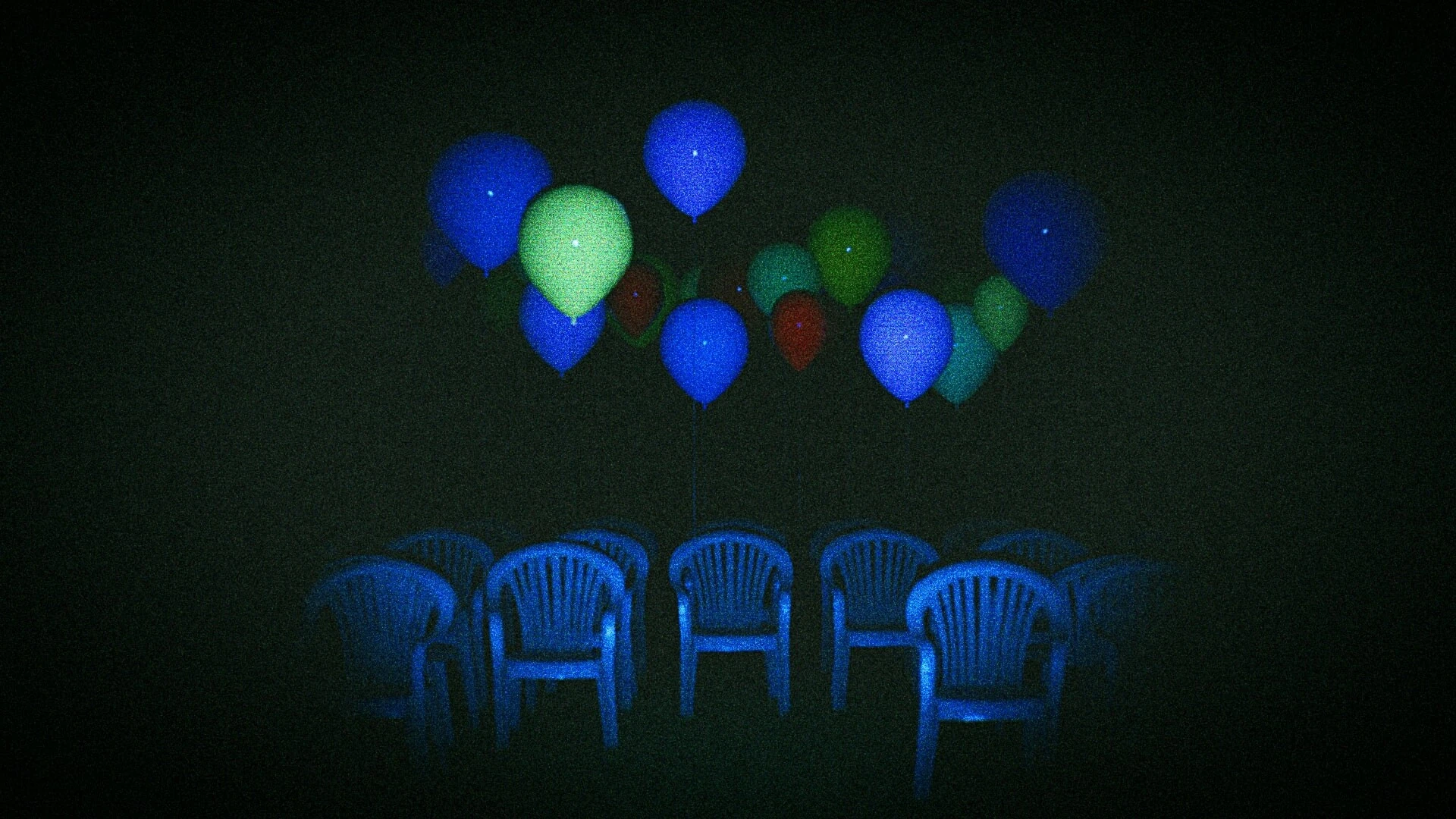
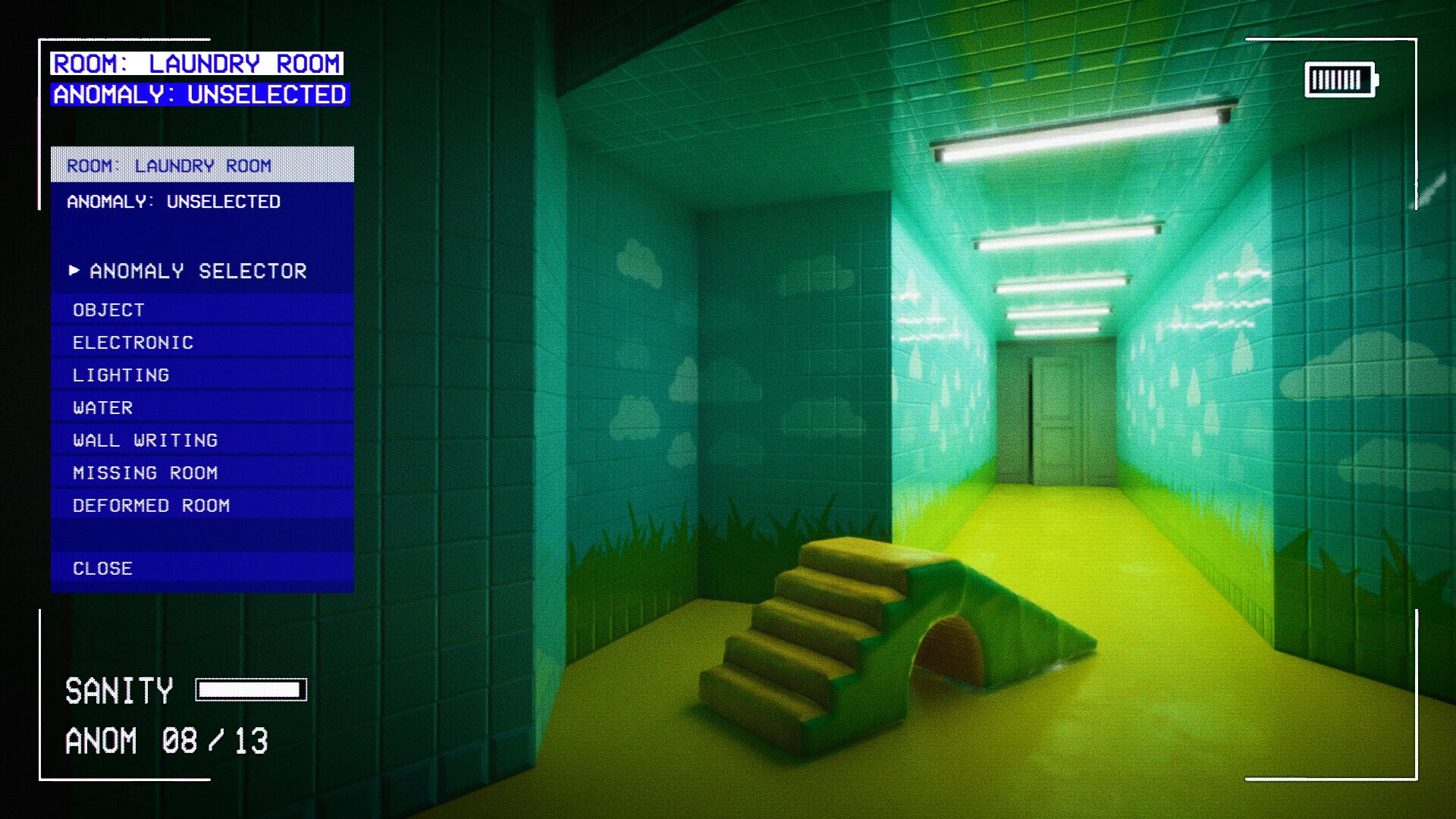
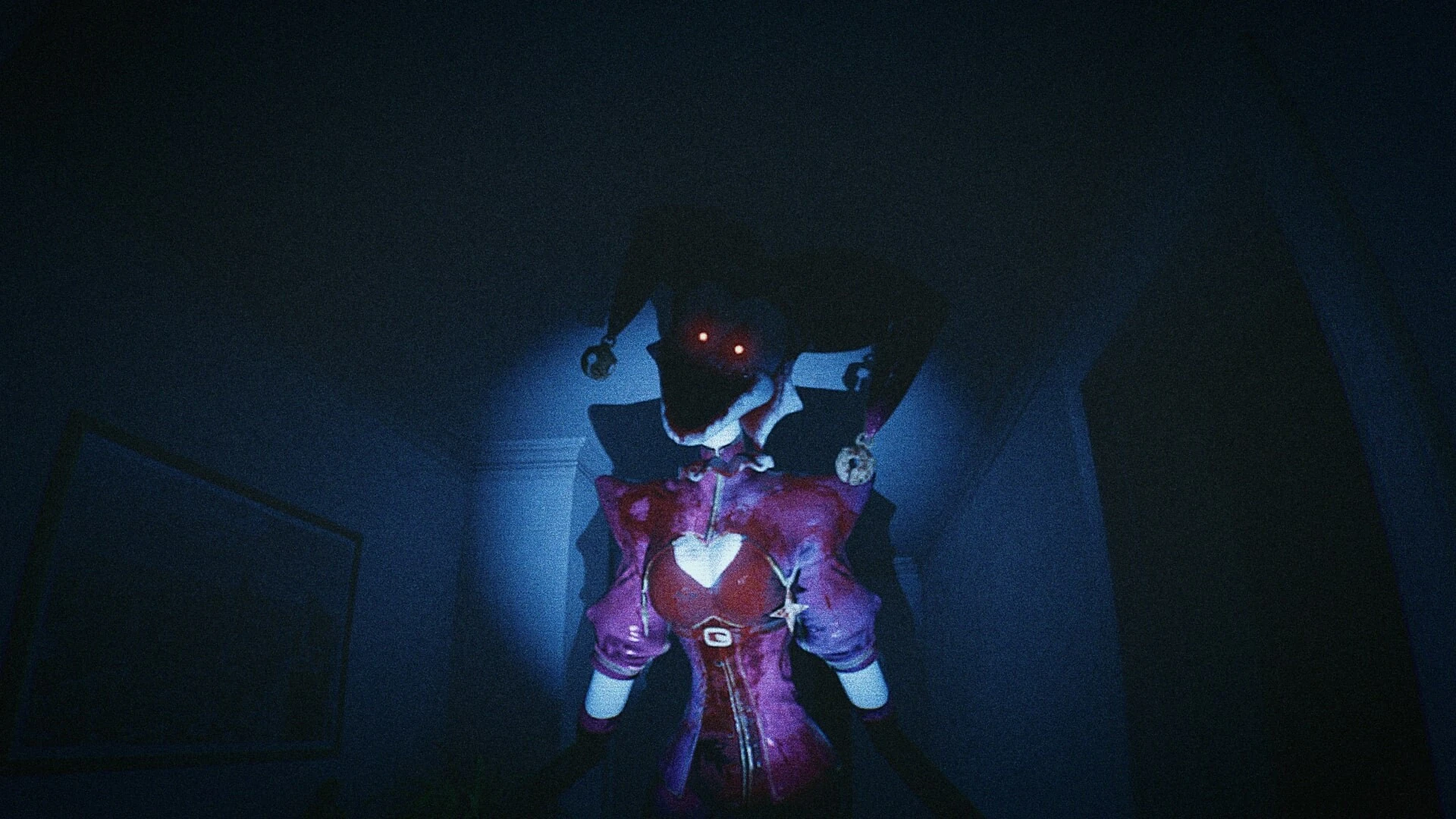
A horror game about anomalies with elements of survival horror is called CAPTURED 2. Discover an unending hallway while surviving among lethal creatures and documenting abnormalities on video.

Keep track of oddities

Teenage Emily disappears during a string of mysterious disappearances. She eventually loses her memories and becomes stuck in her own apartment’s unending hallway. She starts to notice strange abnormalities all about her, and by filming them, she can catch glimpses of her long-forgotten past.

Maintain your existence among the entities

Deadly creatures that pretend to be toys from Emily’s early years haunt the hallway to prevent her from revealing the truth. Utilize your flashlight, camera, and the adjacent doors to survive while learning the unique dynamics of each monster.

An immersive setting

The eerie soundtrack and unsettling atmosphere of CAPTURED 2 are inspired by analog and discovered footage horror films like Skinamarink, liminal spaces, and odd films from the early 2000s. You can traditionally experience horror with realistic graphics and strong camera movements.

Oddities:

  • Experience the dread and loneliness of being by yourself at home in the late 1990s.
  • Investigate a terrifying, procedurally created hallway.
  • Use the camera to capture odd anomalies and identify their type.
  • Avoid encounters with lethal monsters, each of which has special traits and strategies.
  • With realistic graphics, 90s VHS aesthetics, a dynamic camera system, and interactive flashlight controls, you can fully immerse yourself in analog terror.


Details

Version 2.1.0.6 [Wineskin]
Developer Puck Redflix
Activation (RG) Not required
Tested on macOS Tahoe , Mac mini 2024 M4
Size 13.9
Architecture ARM
Interface Language Russian , English , German , Greek , Spanish , Italian , Traditional Chinese , Simplified Chinese , Korean , Portuguese , French , Japanese
Voice Languages English

FAQ

Run the downloaded image and drag the application to the Applications folder shortcut. Once copying is complete, the application can be launched via Launchpad. If an error occurs when launching the game, run the "Fix" file in the image. Problems downloading?.. Where can I find my saves? How to change the language?
There are so many errors, we can't list them all here. Therefore, we've described all the solutions (with pictures) in the article: Errors when installing applications on a Mac.
Official updates may result in loss of activation unless otherwise stated in the installation instructions. To update the software from this website, you must download the new version of the software from here (if available) and install it over the version currently installed on your computer. This will preserve your activation and settings for the software. Read more in the article: Updating pirated apps
To download large files, it is recommended to use any download manager, for example, FDM (Free Download Manager) For downloading from a file sharing service like Filen.io, it's not recommended to use Safari. Use Google Chrome or the aforementioned FDM browser, for example. To download files via torrent (.torrent file), you need a torrent client, such as Transmission or the aforementioned FDM. Please remember that providers may block access to some websites (1fichier.com, etc.). To bypass these blocks, it is recommended to use a VPN.
The site administration doesn't hack anything. That's the job of release teams and some enthusiasts. They're the ones responsible for ensuring updates are available. But you can hack software yourself by learning reverse engineering.
Definitely not in the comments. The site administration doesn't hack anything, and there's no order desk. However, you can order the software you need (not for free) in a special thread on forum.ru-board.com.
Open System Preferences -> General > Language & Region -> Applications - “+”. Select an app and language. This method works for most apps. The language in Adobe products is usually selected during the installation of the product itself. The language in games is usually changed in the game settings itself. There are exceptions. Don't hesitate to search for information online.
There are many options. The easiest is to use specialized app removal tools, such as App Cleaner & Uninstaller. To remove Adobe products, use the Creative Cloud Cleaner Tool.
The site offers a paid service: remote assistance (via AnyDesk, Zoom, Skype) with the installation of any applications (not just those from this site) on any Mac or PC.

Leave a Comment

Version 2.1.0.6 [Wineskin]
Developer Puck Redflix
Interface language Russian , English , German , Greek , Spanish , Italian , Traditional Chinese , Simplified Chinese , Korean , Portuguese , French , Japanese
Activation (RG) Not required
Tested macOS Tahoe , Mac mini 2024 M4
Architecture ARM
Voice Languages English
Size 13.9
No threats found. Read more…
Published (edited): May 20, 2026 Views: 11


