Duke Grabowski: Mighty Swashbuckler icon

Duke Grabowski: Mighty Swashbuckler

Games Puzzle

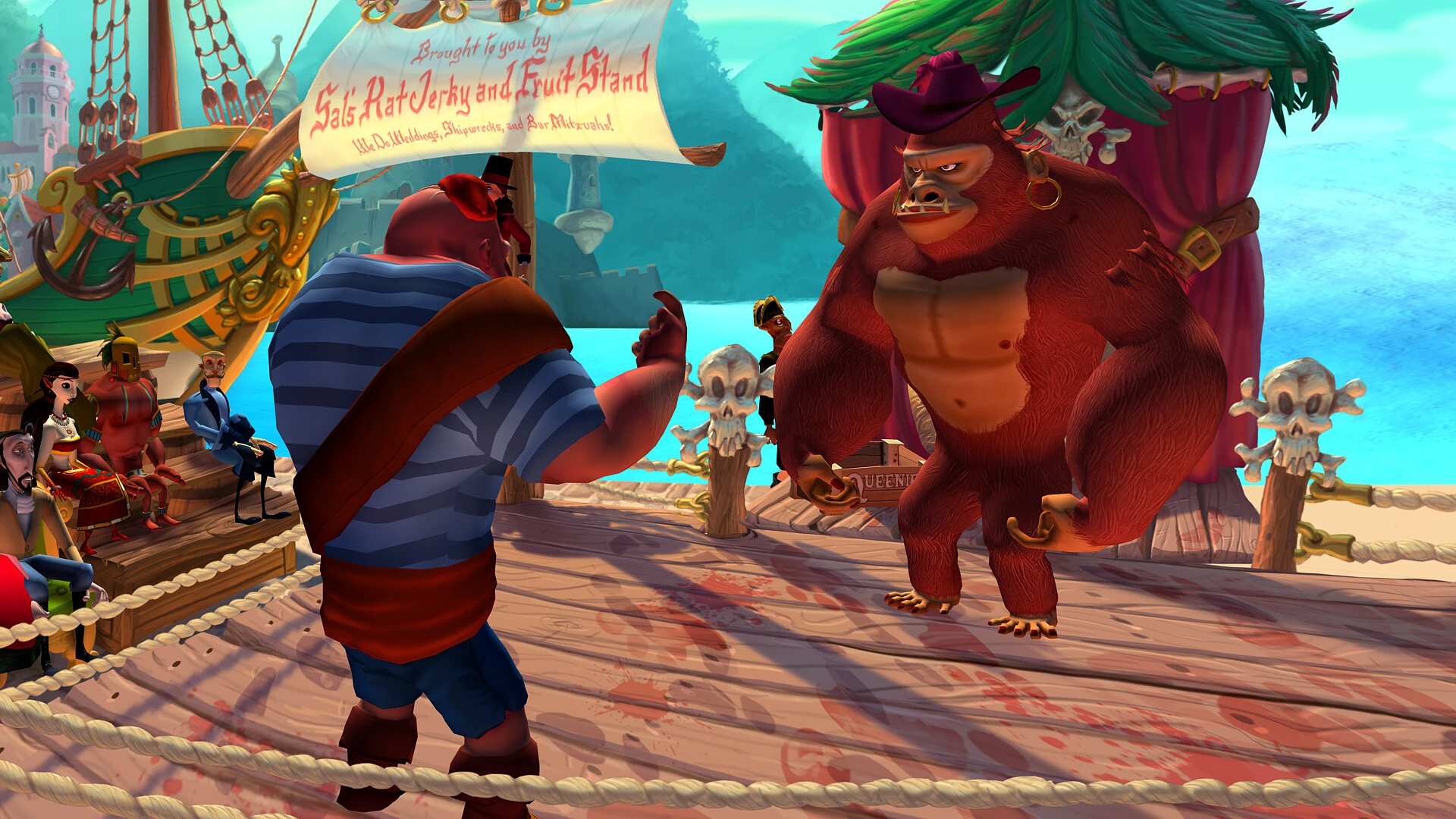
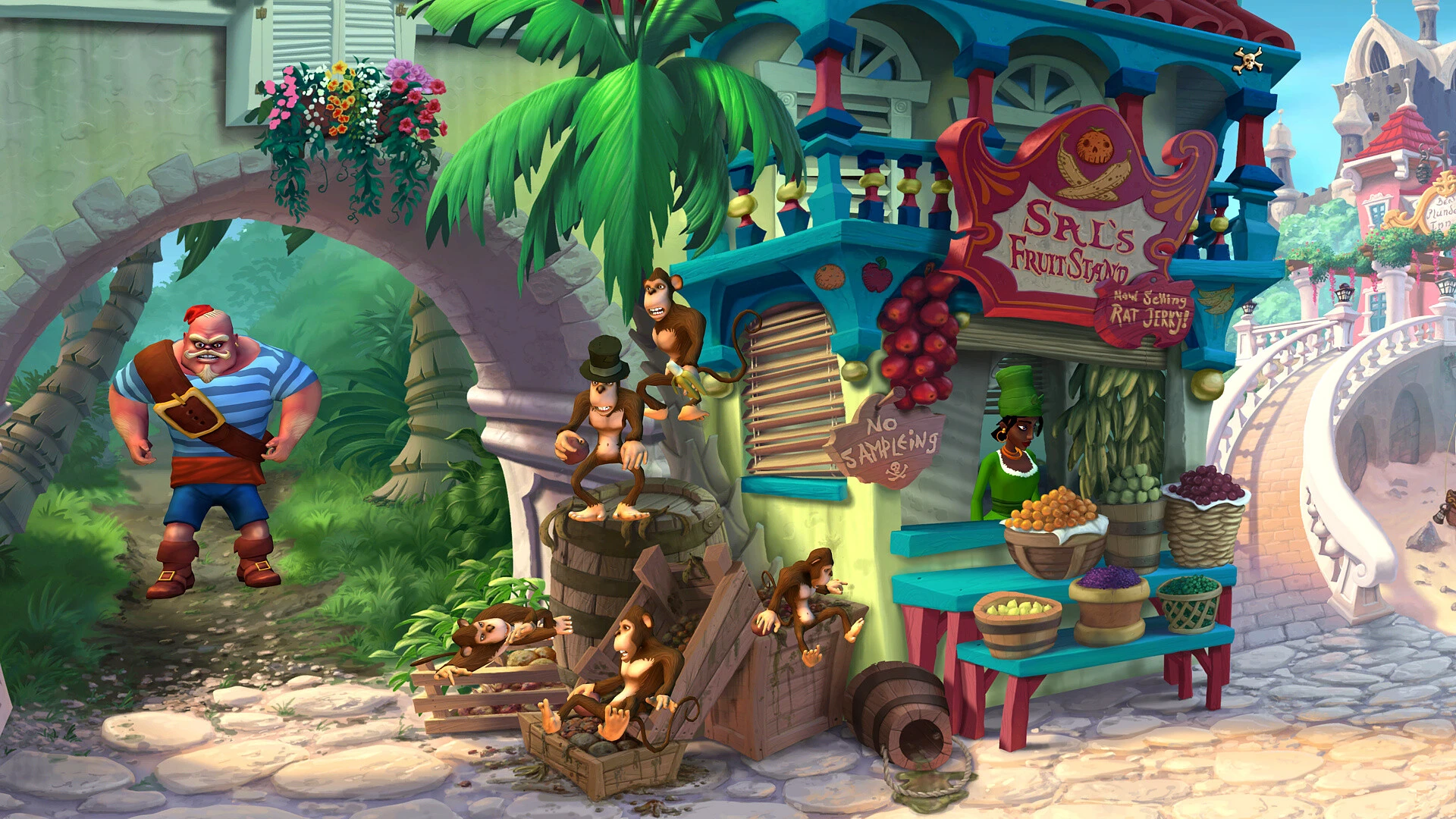
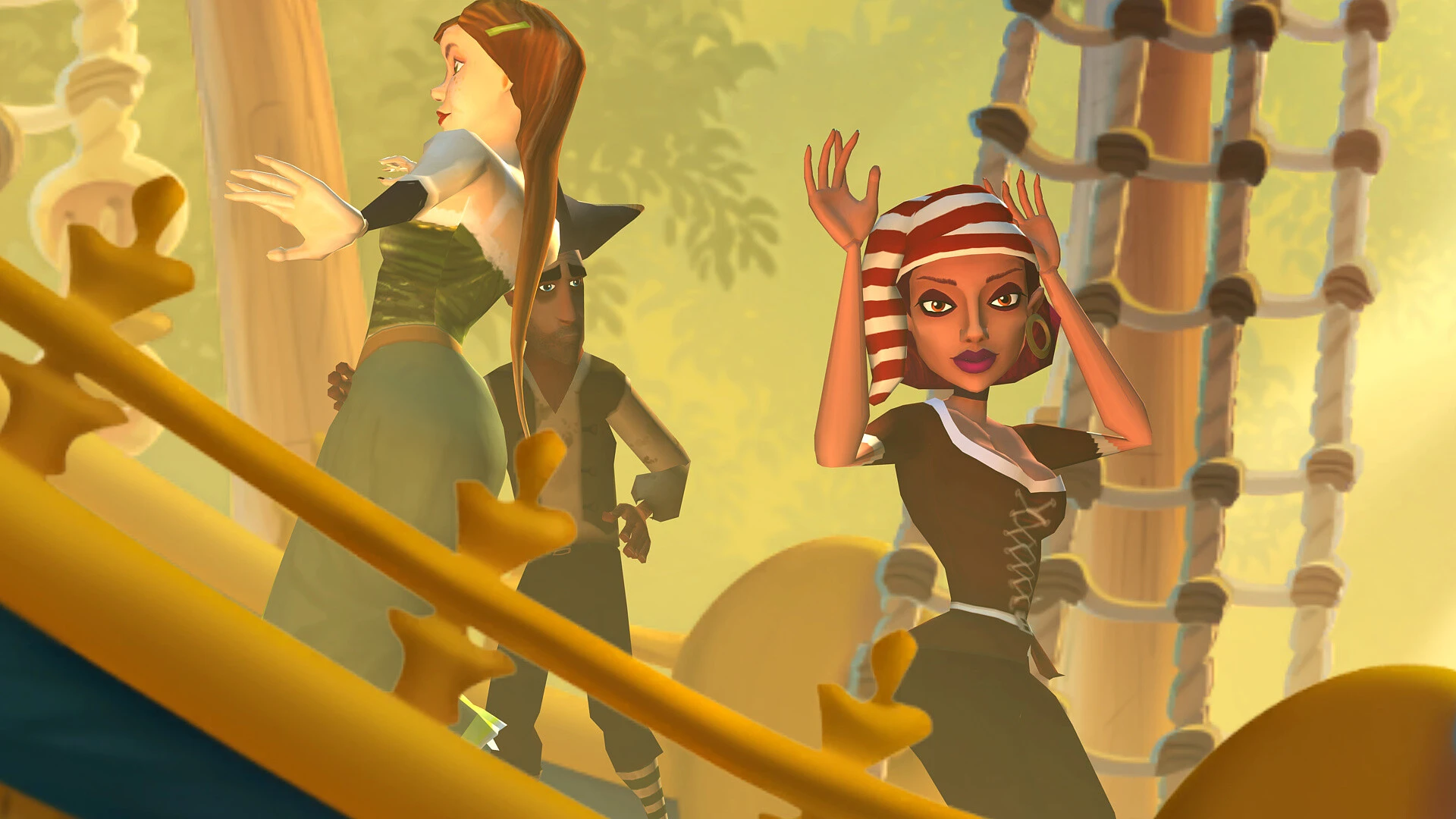
The humorous point-and-click adventure game Duke Grabowski: Mighty Swashbuckler! was released in 2016. To prove he has the charm and cunning to become captain of his ship, players take control of a cruel but endearing pirate who must court three women.

A cartoon pirate adventure game, Duke Grabowski, the Mighty Swashbuckler, is reminiscent of the beloved Ghost Pirates of Vooju Island and The Curse of Monkey Island. Can the fiercest pirate in Azarbbin turn into a brave and honourable daredevil? Although he is a fierce pirate with a good heart, Duke Grabowski is accustomed to using his fists to solve problems.

He has a strong desire to evolve and become more intelligent and sophisticated. Duke won’t be able to gain the respect of his men and develop into a true commander until then. But he needs to finish three things before he can accomplish it.

Important Features:

  • Story & Puzzles: The game’s narrative-driven inventory and dialogue puzzles are reminiscent of the old LucasArts adventures.
  • Design Pedigree: Dave Grossman, a former employee of LucasArts, provided advice to Bill Tiller, the creator of The Curse of Monkey Island.
  • The game takes place in the colourful, hand-painted “Azurbbean Sea” and is a prequel/spinoff to Ghost Pirates of Vooju Island.
  • Voice Acting: Erik Braa, a seasoned professional in the field, provides the voice of Duke. Gameplay Length: It is a simple, beginner-level puzzle game that typically takes two hours to finish.

Consensus of Players and Critics

On Steam, the game has a “Very Positive” user rating. The stunning artwork, endearing humour, and traditional swashbuckling atmosphere are appreciated by both fans and reviewers. However, several genre experts have pointed out that the whole experience is brief and the puzzles are extremely simplistic.


Details

Version 1.1.2.25
Developer Cateia Games , Autumn Moon Entertainment , Jordan Freeman
Activation (RG) DRM-FREE (no protection)
Tested on macOS Tahoe , Mac mini 2024 M4
Size 794 MB
Architecture ARM , x86 (64-bit)
Interface Language Russian , English , German , Hebrew , Spanish , Portuguese
Voice Languages English

FAQ

Mount the downloaded image and follow the standard installation procedure. The installation is completed by choosing a location to place the game. It is recommended to specify the Applications folder. On ARM processors, run the game using Rosetta.
There are so many errors, we can't list them all here. Therefore, we've described all the solutions (with pictures) in the article: Errors when installing applications on a Mac
Official updates may result in loss of activation unless otherwise stated in the installation instructions. To update the software from this website, you must download the new version of the software from here (if available) and install it over the version currently installed on your computer. This will preserve your activation and settings for the software. Read more in the article: Updating pirated apps
To download large files, it is recommended to use any download manager, for example, FDM (Free Download Manager) For downloading from a file sharing service like Filen.io, it's not recommended to use Safari. Use Google Chrome or the aforementioned FDM browser, for example. To download files via torrent (.torrent file), you need a torrent client, such as Transmission or the aforementioned FDM. Please remember that providers may block access to some websites (1fichier.com, etc.). To bypass these blocks, it is recommended to use a VPN.
The site administration doesn't hack anything. That's the job of release teams and some enthusiasts. They're the ones responsible for ensuring updates are available. But you can hack software yourself by learning reverse engineering.
Definitely not in the comments. The site administration doesn't hack anything, and there's no order desk. However, you can order the software you need (not for free) in a special thread on forum.ru-board.com.
Open System Preferences -> General > Language & Region -> Applications - “+”. Select an app and language. This method works for most apps. The language in Adobe products is usually selected during the installation of the product itself. The language in games is usually changed in the game settings itself. There are exceptions. Don't hesitate to search for information online.
There are many options. The easiest is to use specialized app removal tools, such as App Cleaner & Uninstaller. To remove Adobe products, use the Creative Cloud Cleaner Tool .
The site offers a paid service: remote assistance (via AnyDesk, Zoom, Skype) with the installation of any applications (not just those from this site) on any Mac or PC.

Leave a Comment

Version 1.1.2.25
Developer Cateia Games , Autumn Moon Entertainment , Jordan Freeman
Interface language Russian , English , German , Hebrew , Spanish , Portuguese
Activation (RG) DRM-FREE (no protection)
Tested macOS Tahoe , Mac mini 2024 M4
Architecture ARM , x86 (64-bit)
Voice Languages English
Size 794 MB
No threats found. Read more…
Published (edited): May 22, 2026 Views: 7


