
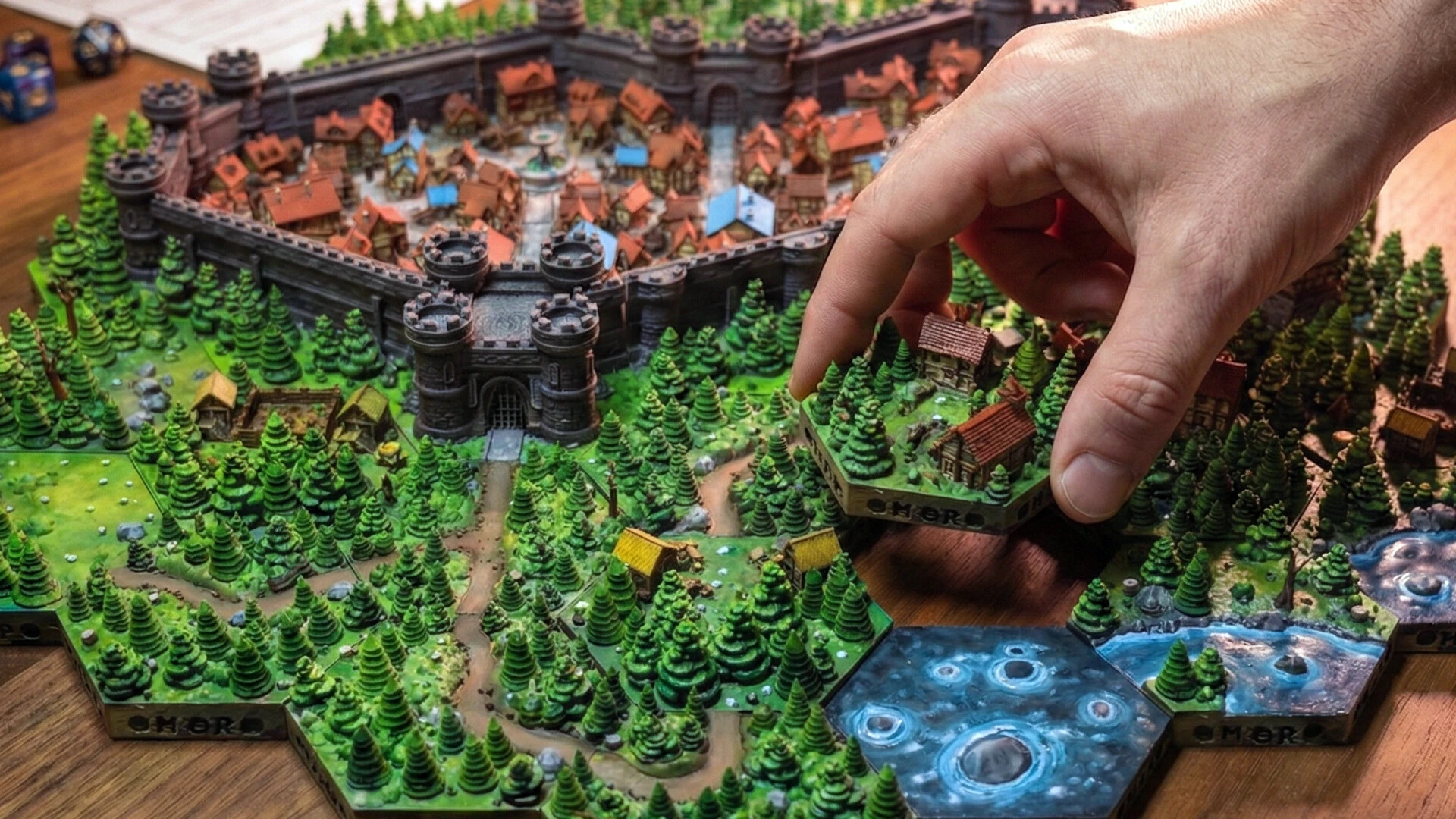
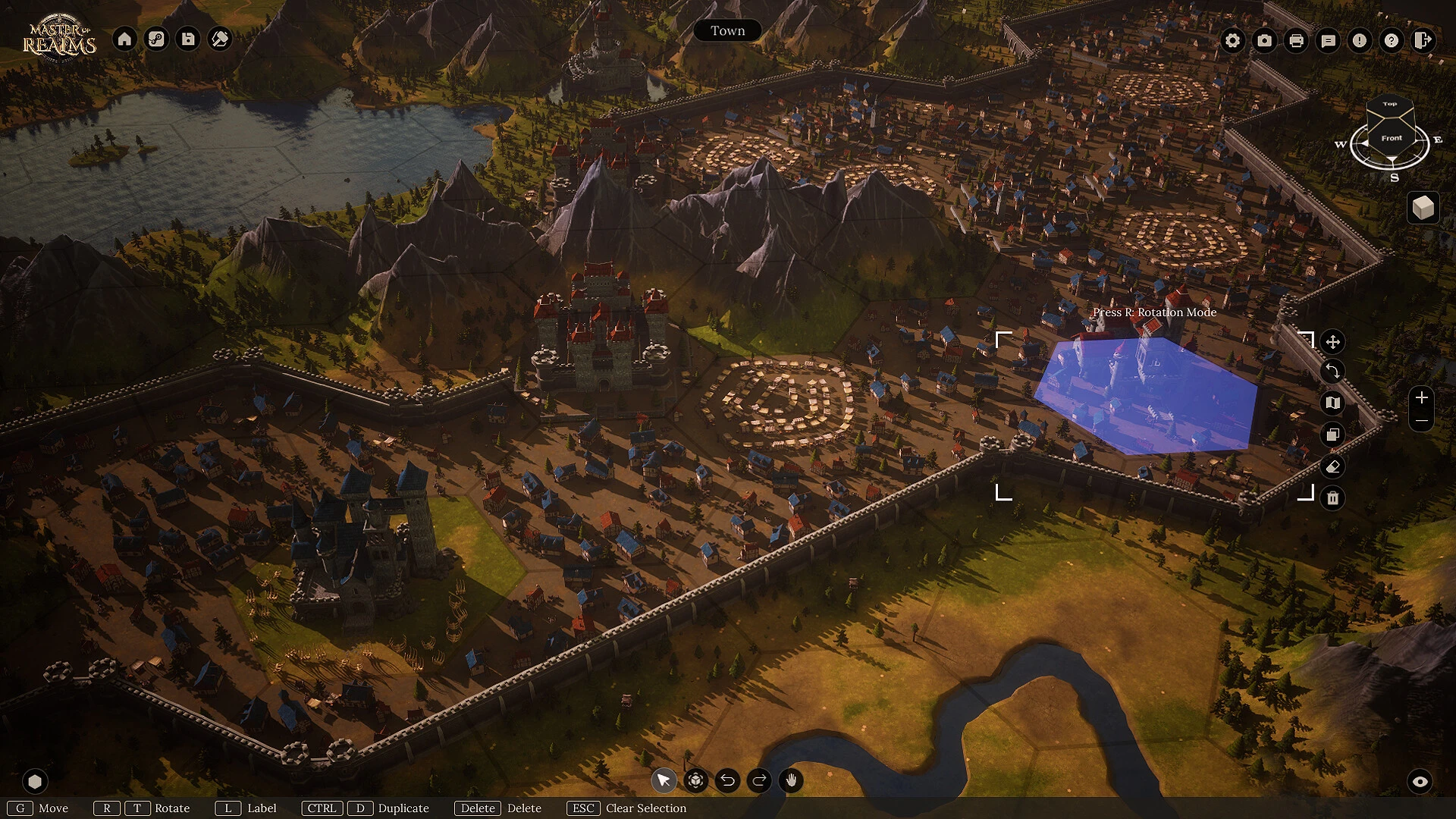
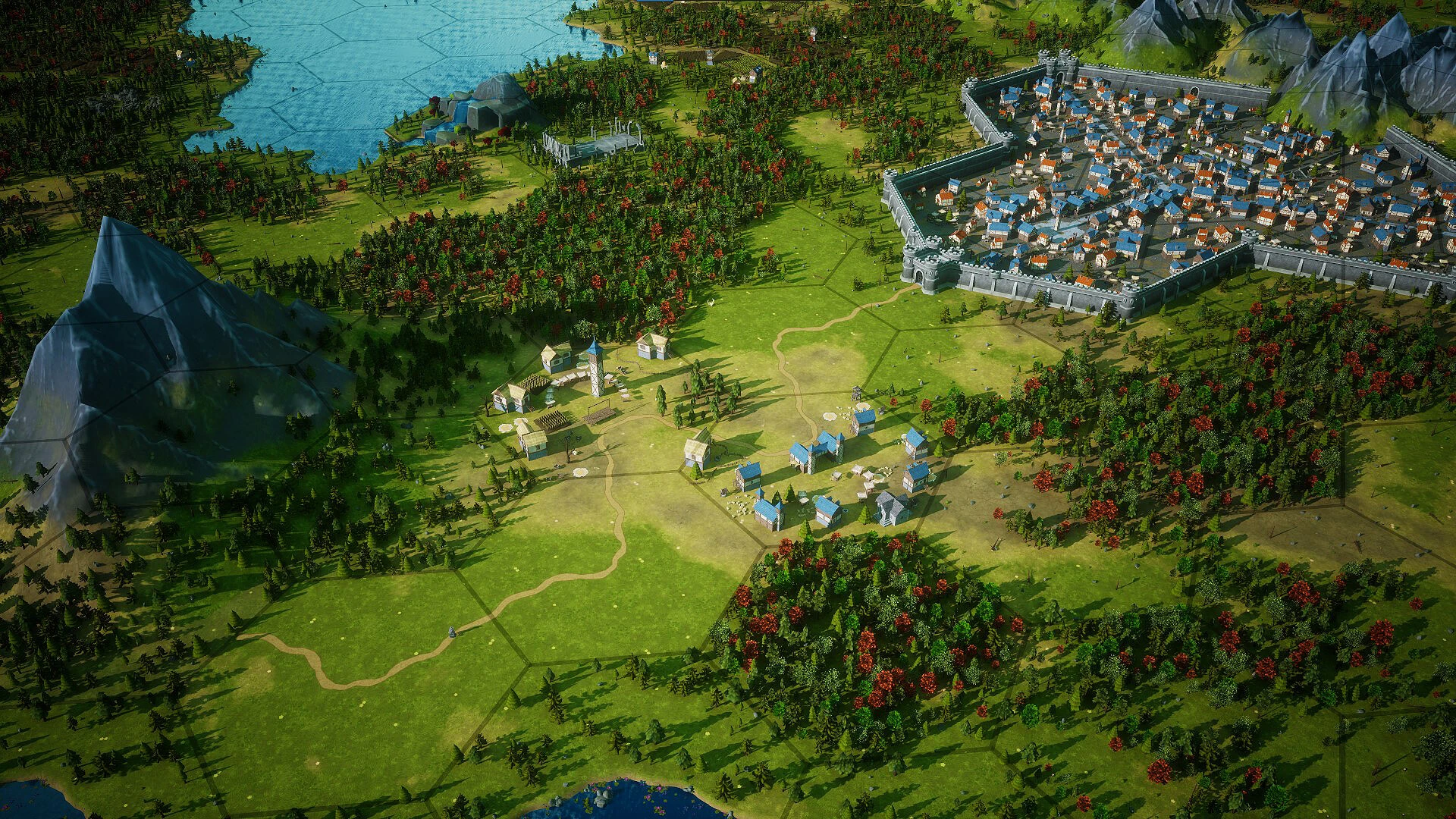
With the tabletop role-playing game Master of Realms, you may design fantastic planets, regions, and cities, then use 3D printing to bring them to life! Master of Realms is a cutting-edge 3D hex map building tool made especially for fans of tabletop role-playing games.

Let your imagination run wild! Create world, region, and city maps with ease and immerse yourself in the creation of fascinating environments. Master of Realms makes it simple to produce gorgeous hex maps that may be exported to virtual game tables (VTTs) for your preferred online platforms, exported to 2D for lovely paper maps, or 3D-printed.

Use virtual gaming tables to make your creations come to life! With complete support for FoundryVTT and other platforms, export maps in 2D formats like JPG, PNG, or VTT. Adapt the overlay grid to your campaign’s requirements by using a square or hexagonal layout.

Export detailed STL files for immersive gameplay, huge 3D models, or striking exhibits that present your world like never before to go beyond the map and bring your worlds to life in breathtaking 3D.

You have total flexibility to realise your fantasies with Master of Realms. Make your own tiles from scratch, add items of any size, shape, or design, and arrange them precisely to create a world that is all your own.

Important Characteristics

  • Hexcrafter Mode: An overland world-building tool that uses a tile-based hex mapping system.
  • Tile Forge: An integrated editor that lets users create unique tiles from the ground up by merging different objects and architectural designs of any size or style.
  • Theme swapping allows you to instantly alter the look of a whole area (for example, you may click to turn a mediaeval metropolis into a cyberpunk slum or a desert colony).
  • Hero Perspective: Enables users to descend to the ground level and investigate the 3D environment from the viewpoint of a character.
  • Cross-Media Export: You can export your work as STL files for 3D printing, VTT files for online play, digital 2D maps, or print-ready paper maps.


Details

Version 1.7.0
Developer TheMasterForge LLC
Activation (RG) Not required
Tested on macOS Tahoe , Mac mini 2024 M4
Size 27 GB
Architecture ARM , x86 (64-bit)
Interface Language English
Voice Languages Musical accompaniment

FAQ

Run the downloaded image and drag the application to the Applications folder shortcut. Once copying is complete, the application can be launched via Launchpad.
There are so many errors, we can't list them all here. Therefore, we've described all the solutions (with pictures) in the article: Errors when installing applications on a Mac
Official updates may result in loss of activation unless otherwise stated in the installation instructions. To update the software from this website, you must download the new version of the software from here (if available) and install it over the version currently installed on your computer. This will preserve your activation and settings for the software. Read more in the article: Updating pirated apps
To download large files, it is recommended to use any download manager, for example, FDM (Free Download Manager) For downloading from a file sharing service like Filen.io, it's not recommended to use Safari. Use Google Chrome or the aforementioned FDM browser, for example. To download files via torrent (.torrent file), you need a torrent client, such as Transmission or the aforementioned FDM. Please remember that providers may block access to some websites (1fichier.com, etc.). To bypass these blocks, it is recommended to use a VPN.
The site administration doesn't hack anything. That's the job of release teams and some enthusiasts. They're the ones responsible for ensuring updates are available. But you can hack software yourself by learning reverse engineering.
Definitely not in the comments. The site administration doesn't hack anything, and there's no order desk. However, you can order the software you need (not for free) in a special thread on forum.ru-board.com.
Open System Preferences -> General > Language & Region -> Applications - “+”. Select an app and language. This method works for most apps. The language in Adobe products is usually selected during the installation of the product itself. The language in games is usually changed in the game settings itself. There are exceptions. Don't hesitate to search for information online.
here are many options. The easiest is to use specialized app removal tools, such as App Cleaner & Uninstaller. To remove Adobe products, use the Creative Cloud Cleaner Tool .
The site offers a paid service: remote assistance (via AnyDesk, Zoom, Skype) with the installation of any applications (not just those from this site) on any Mac or PC.

Leave a Comment

Version 1.7.0
Developer TheMasterForge LLC
Interface language English
Activation (RG) Not required
Tested macOS Tahoe , Mac mini 2024 M4
Architecture ARM , x86 (64-bit)
Voice Languages Musical accompaniment
Size 27 GB
No threats found. Read more…
Published (edited): May 22, 2026 Views: 12


