
Stellaris: Galaxy Edition icon

Stellaris: Galaxy Edition

Games Strategy

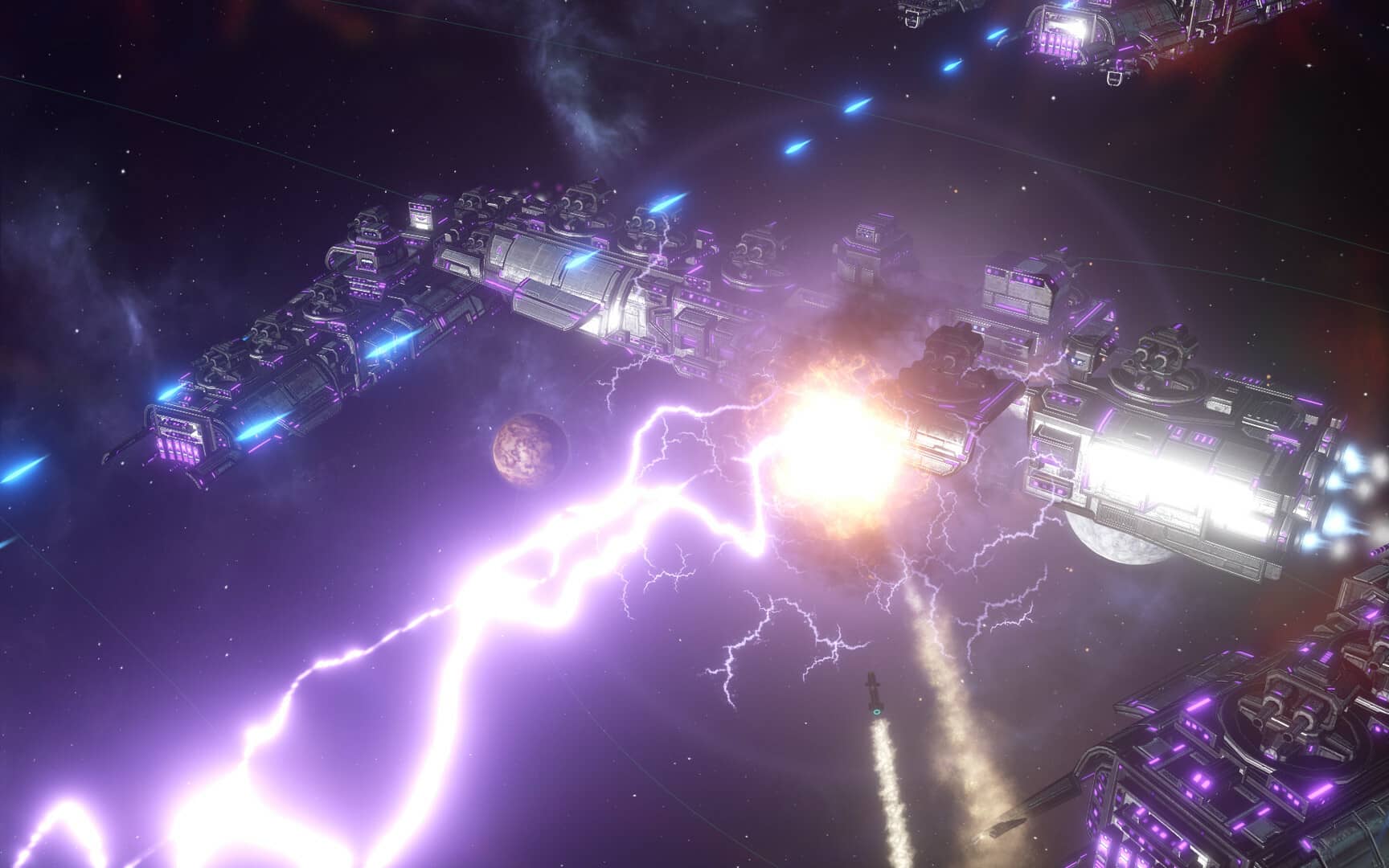
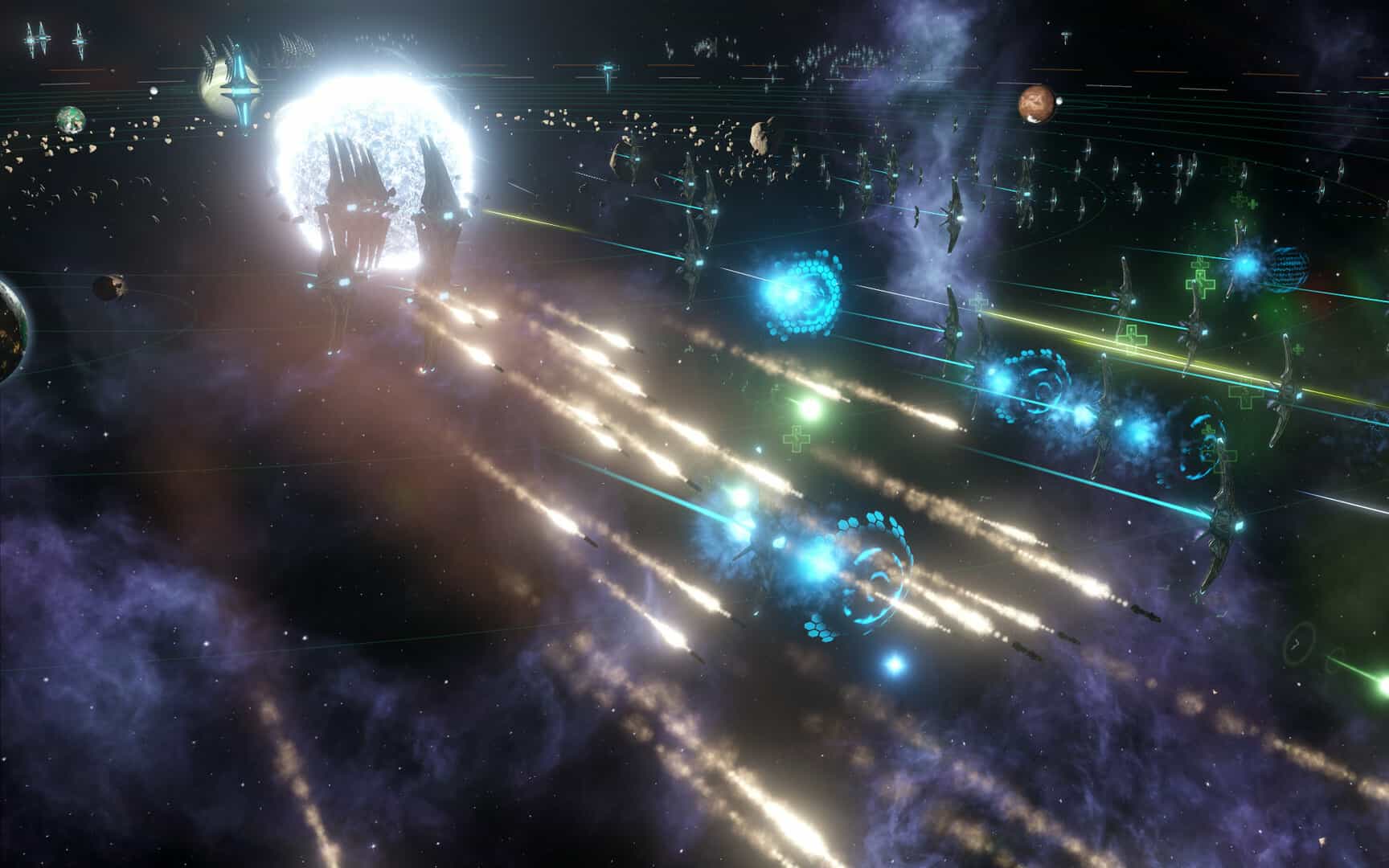
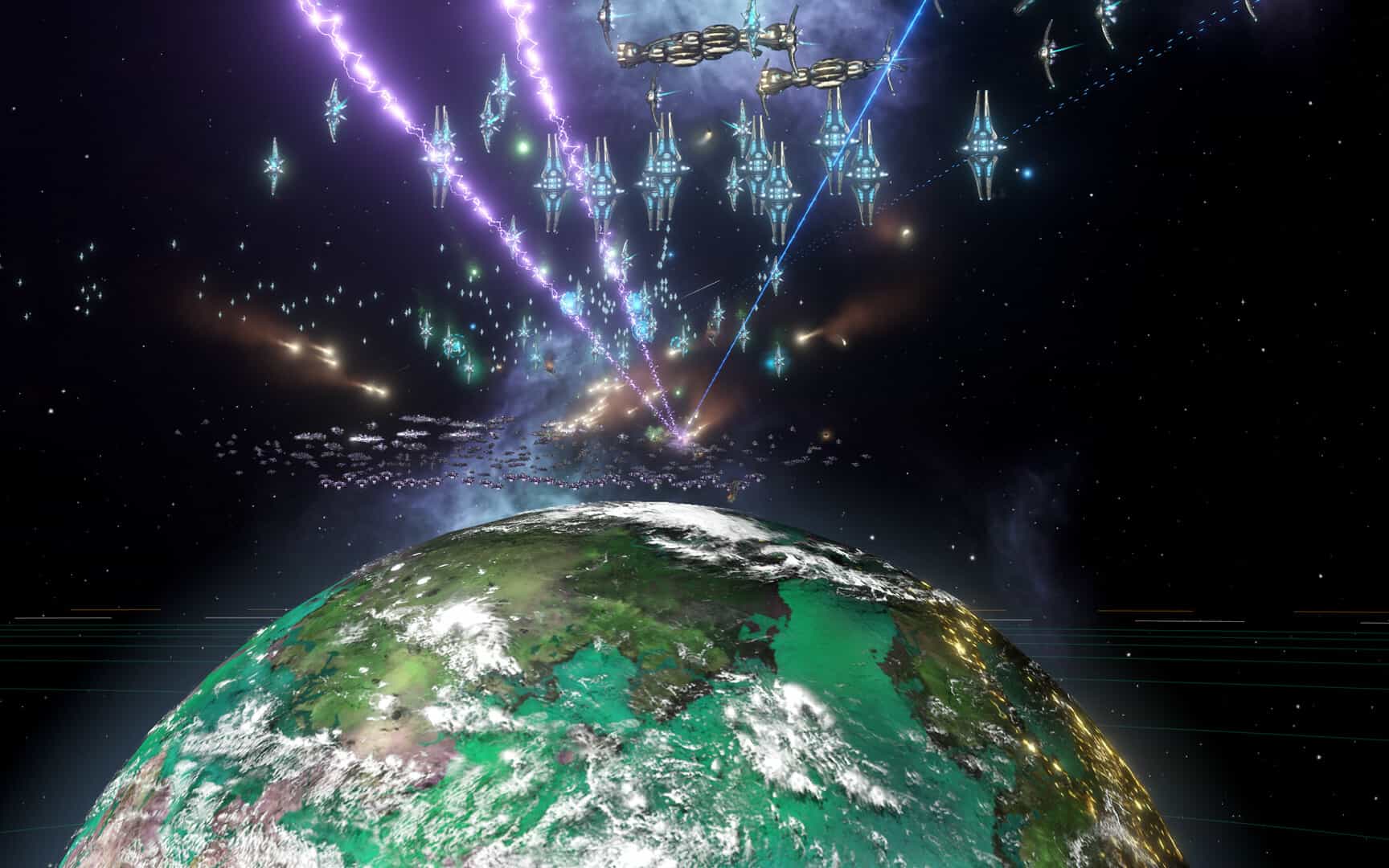
Stellaris has an amazing variety of extraterrestrial races, sophisticated strategic gameplay, and an engrossing narrative. Discovering the vastness of space is an exciting experience that will allow you to travel, engage with people from far-off worlds, and continuously discover new things. Make your mark on space exploration history and build your own galactic empire! colonize far-off worlds and integrate the people that live there. Use force to conquer star systems or attempt to use diplomacy to accomplish your objectives? You have the option.

The goal of the grand strategy game Stellaris is to dominate the cosmos. The objective is to establish and grow a galactic empire. The strategy game, which is built on traditional 4X concepts, is notable for its distinctive gameplay. To start a colony, humans go from their home world.

Features:

  • They fight alien races and learn cutting-edge technologies to conquer far-off worlds. Additional content is included with the Galaxy Edition.
  • As communities get populated, the game gets increasingly complicated. The paradoxes within a community increase with its size. As a result, there are more internal disputes.
  • Artificial intelligence takes charge of these independent districts, which have their own governors. There will also be commonplace problems, such as allocating funds and upholding diplomatic ties.
  • A big strategy game on a galactic scale. Enter a wonder-filled universe and commit yourself to discovering the infinite cosmos.
  • The well-known Crusader Kings and Europa Universalis series were developed by Paradox Development Studio, which adds a fresh perspective to the grand strategy genre.
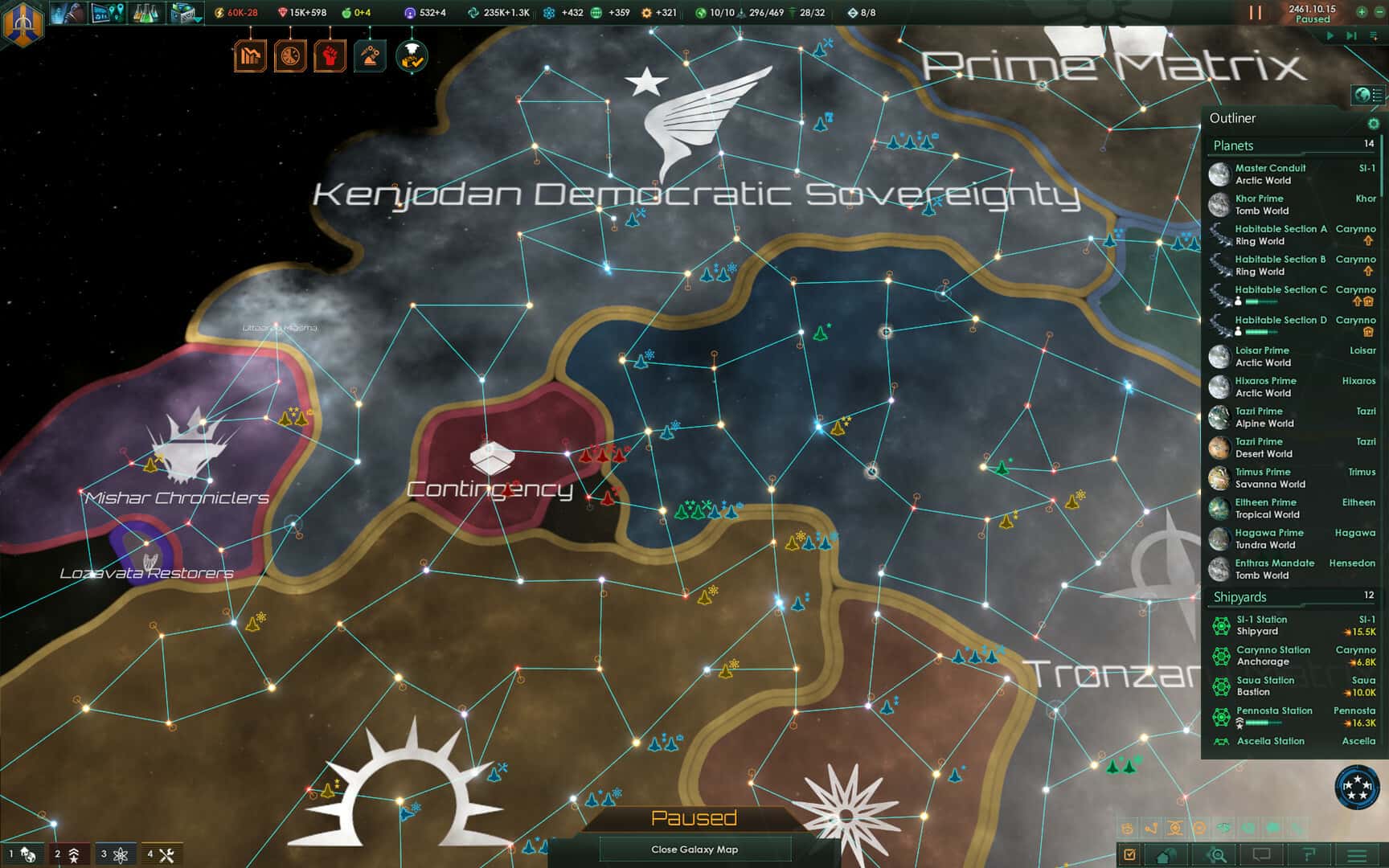
  • The dial in the top corner of the screen indicates that the action is happening in real time. Many space objects can be seen on a huge space map.
  • Every planet needs to be explored because not all of them are habitable. After collecting samples and looking for valuable materials, colonists construct a base and industrial facilities if they are successful.


Details

Version 4.3.4
Developer Paradox Development Studio
Activation (RG) DRM-FREE (no protection)
Tested on macOS Tahoe , Mac mini 2024 M4
Size 18 GB
Architecture x86 (64-bit)
Interface Language Russian , English , German , Traditional Chinese , Simplified Chinese , Dutch , French , Japanese
Voice Languages Musical accompaniment

FAQ

Mount the downloaded image and follow the standard installation procedure. The installation is completed by choosing a location to place the game. It is recommended to specify the Applications folder.
There are so many errors, we can't list them all here. Therefore, we've described all the solutions.
Official updates may result in loss of activation unless otherwise stated in the installation instructions. To update the software from this website, you must download the new version of the software from here (if available) and install it over the version currently installed on your computer. This will preserve your activation and settings for the software.
To download large files, it is recommended to use any download manager, for example, FDM (Free Download Manager) For downloading from a file sharing service like Filen.io, it's not recommended to use Safari. Use Google Chrome or the aforementioned FDM browser, for example. To download files via torrent (.torrent file), you need a torrent client, such as Transmission or the aforementioned FDM.
The site administration doesn't hack anything. That's the job of release teams and some enthusiasts. They're the ones responsible for ensuring updates are available. But you can hack software yourself by learning reverse engineering.
Definitely not in the comments. The site administration doesn't hack anything, and there's no order desk. However, you can order the software you need (not for free) in a special thread on forum.ru-board.com.
Open System Preferences -> General > Language & Region -> Applications— “+”. Select an app and language. This method works for most apps. The language in Adobe products is usually selected during the installation of the product itself. The language in games is usually changed in the game settings itself. There are exceptions. Don't hesitate to search for information online.
There are many options. The easiest is to use specialized app removal utilities, such as App Cleaner & Uninstaller. To remove Adobe products, use the Creative Cloud Cleaner Tool.
The site offers a paid service: remote assistance (via AnyDesk, Zoom, or Skype) with the installation of any applications (not just those from this site) on any Mac or PC.

Leave a Comment

Version 4.3.4
Developer Paradox Development Studio
Interface language Russian , English , German , Traditional Chinese , Simplified Chinese , Dutch , French , Japanese
Activation (RG) DRM-FREE (no protection)
Tested macOS Tahoe , Mac mini 2024 M4
Architecture x86 (64-bit)
Voice Languages Musical accompaniment
Size 18 GB
No threats found. Read more…
Published (edited): May 11, 2026 Views: 14


