Swordhaven: Iron Conspiracy icon

Swordhaven: Iron Conspiracy

Games Role-playing (RPG) Strategy

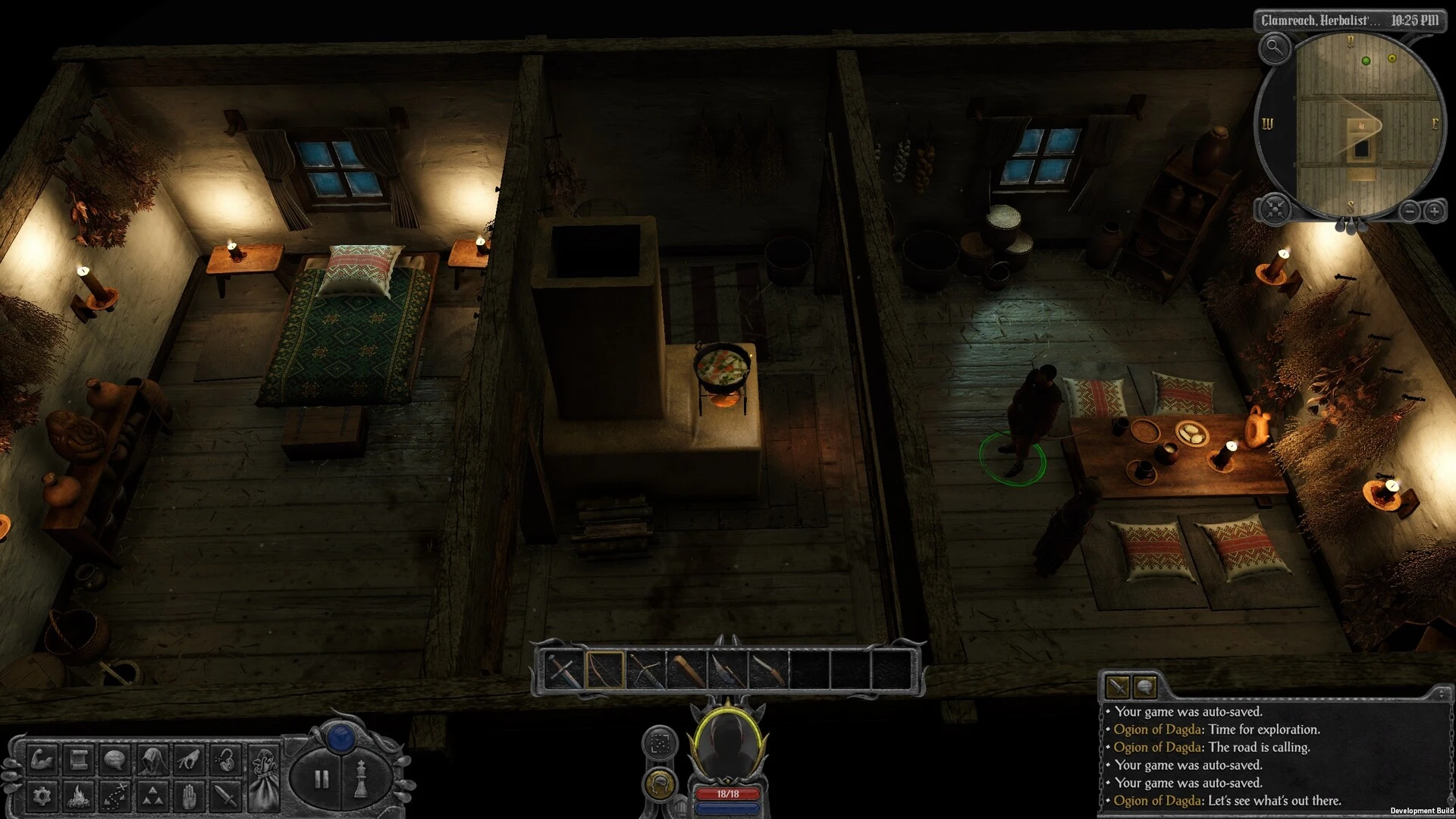
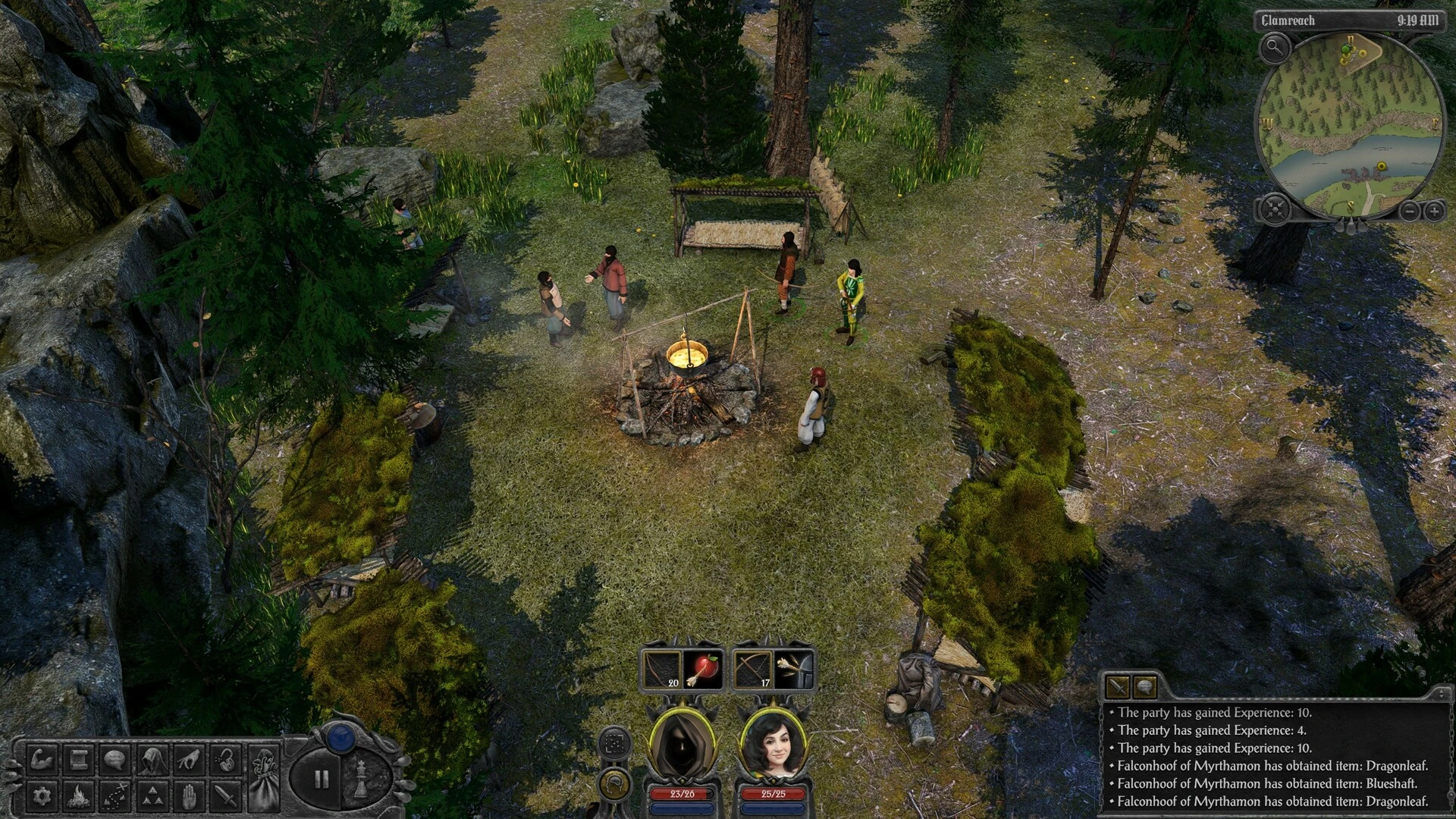
Inspired by games like Baldur’s Gate and Arcanum, Swordhaven: Iron Conspiracy is a traditional isometric role-playing game. The game follows your customized adventurer as they uncover a global conspiracy involving ancient relics and a mysterious, potent mineral in the wild, dinosaur-infested frontier of Nova Drakonia.

Aldur’s Gate 1, Icewind Dale, and other vintage Infinity Engine games served as inspiration for the fantasy role-playing game Swordhaven. You assume the role of a lone explorer venturing into New Dragonia’s uncharted territory.

While traveling, you come across a dying man who gives you a strange relic that will take you on an incredible trip and put everything you’ve ever known and loved in jeopardy.

Among Swordhaven’s salient characteristics are the following:

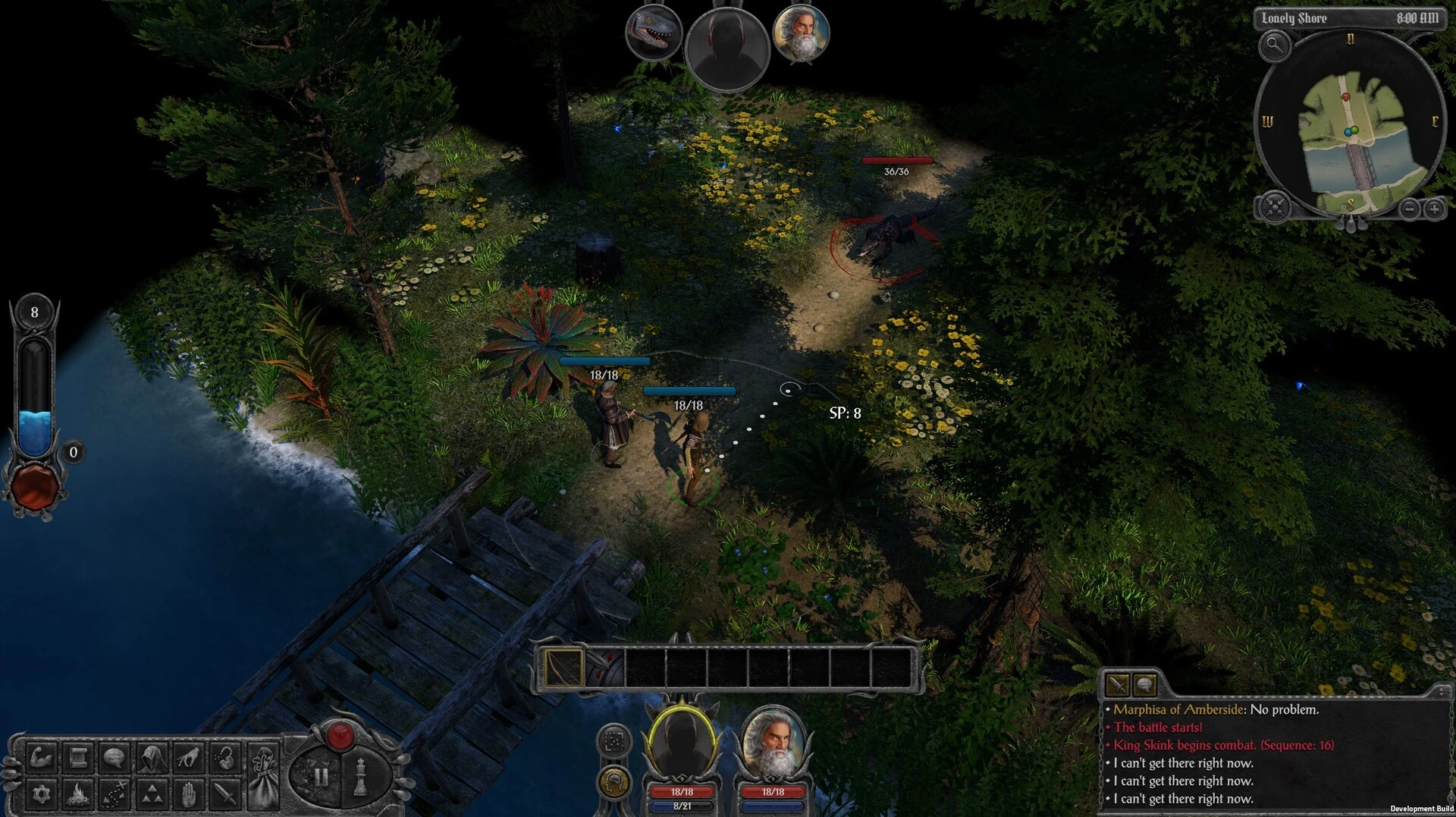
The battle engine is adaptable. Develop your tactical skills in turn-based battle or use pauses to accelerate the action in real time (RTwP).

  • Classless role-playing system: every set of stats offers a different gameplay experience, unique conversations, and fresh approaches to objectives.
  • A cutting-edge, highly customizable user interface that draws inspiration from classics;
  • A vast, non-linear environment with distinct NPCs and multivariant objectives that reward exploration and consistently provide different ways to fulfill different kinds of characters.
  • Numerous hours spent exploring everything from peaceful rural towns to secret old temples, terrible crypts, strange dungeons, and otherworldly places.

In-depth Character Development & Roleplaying:

The system in the game is adaptable and class-free. Similar to the traditional SPECIAL system, dialogue options, skill checks, and special objectives are directly influenced by your character’s past and attributes.

In tactical combat, players can lead a group of up to five characters. You can easily switch between turn-based and real-time with pause (RTwP) in combat, which is based on action points.

Player Freedom:

It offers a non-linear approach to quests, in keeping with classic CRPGs.

Details

Version 1.1.1
Developer AtomTeam
Activation (RG) DRM-free (no protection)
Tested on macOS Tahoe , Mac mini 2024 M4
Size 11 GB
Architecture ARM , x86 (64-bit)
Interface Language English , Spanish , Traditional Chinese , Simplified Chinese , Ukrainian , Japanese
Voice Languages English , Simplified Chinese , Japanese

FAQ

Follow the standard installation procedure. The installation is completed by choosing a location to place the game. If you experience any freezes while playing the game, simply launch the game using Rosetta. It is recommended to specify the Applications folder.
There are so many errors; we can't list them all here. Therefore, we've described all the solutions.
Official updates may result in loss of activation unless otherwise stated in the installation instructions. To update the software from this website, you must download the new version of the software from here (if available) and install it over the version currently installed on your computer.
To download large files, it is recommended to use any download manager, for example, FDM (Free Download Manager) For downloading from a file sharing service like Filen.io, it's not recommended to use Safari. Use Google Chrome or the aforementioned FDM browser, for example. To download files via torrent (.torrent file), you need a torrent client, such as Transmission or the aforementioned FDM. Please remember that providers may block access to some websites (1fichier.com, etc.). To bypass these blocks, it is recommended to use a VPN.
The site administration doesn't hack anything. That's the job of release teams and some enthusiasts. They're the ones responsible for ensuring updates are available. But you can hack software yourself by learning reverse engineering.
Definitely not in the comments. The site administration doesn't hack anything, and there's no order desk. However, you can order the software you need (not for free) in a special thread on forum.ru-board.com.
Open System Preferences -> General > Language & Region > Applications— “+”. Select an app and language. This method works for most apps. The language in Adobe products is usually selected during the installation of the product itself. The language in games is usually changed in the game settings itself. There are exceptions. Don't hesitate to search for information online.
There are many options. The easiest is to use specialized app removal tools, such as App Cleaner & Uninstaller. To remove Adobe products, use the Creative Cloud Cleaner Tool.
The site offers a paid service: remote assistance (via AnyDesk, Zoom, or Skype) with the installation of any applications (not just those from this site) on any Mac or PC.

Leave a Comment

Version 1.1.1
Developer AtomTeam
Interface language English , Spanish , Traditional Chinese , Simplified Chinese , Ukrainian , Japanese
Activation (RG) DRM-free (no protection)
Tested macOS Tahoe , Mac mini 2024 M4
Architecture ARM , x86 (64-bit)
Voice Languages English , Simplified Chinese , Japanese
Size 11 GB
No threats found. Read more…
Published (edited): May 19, 2026 Views: 13



