
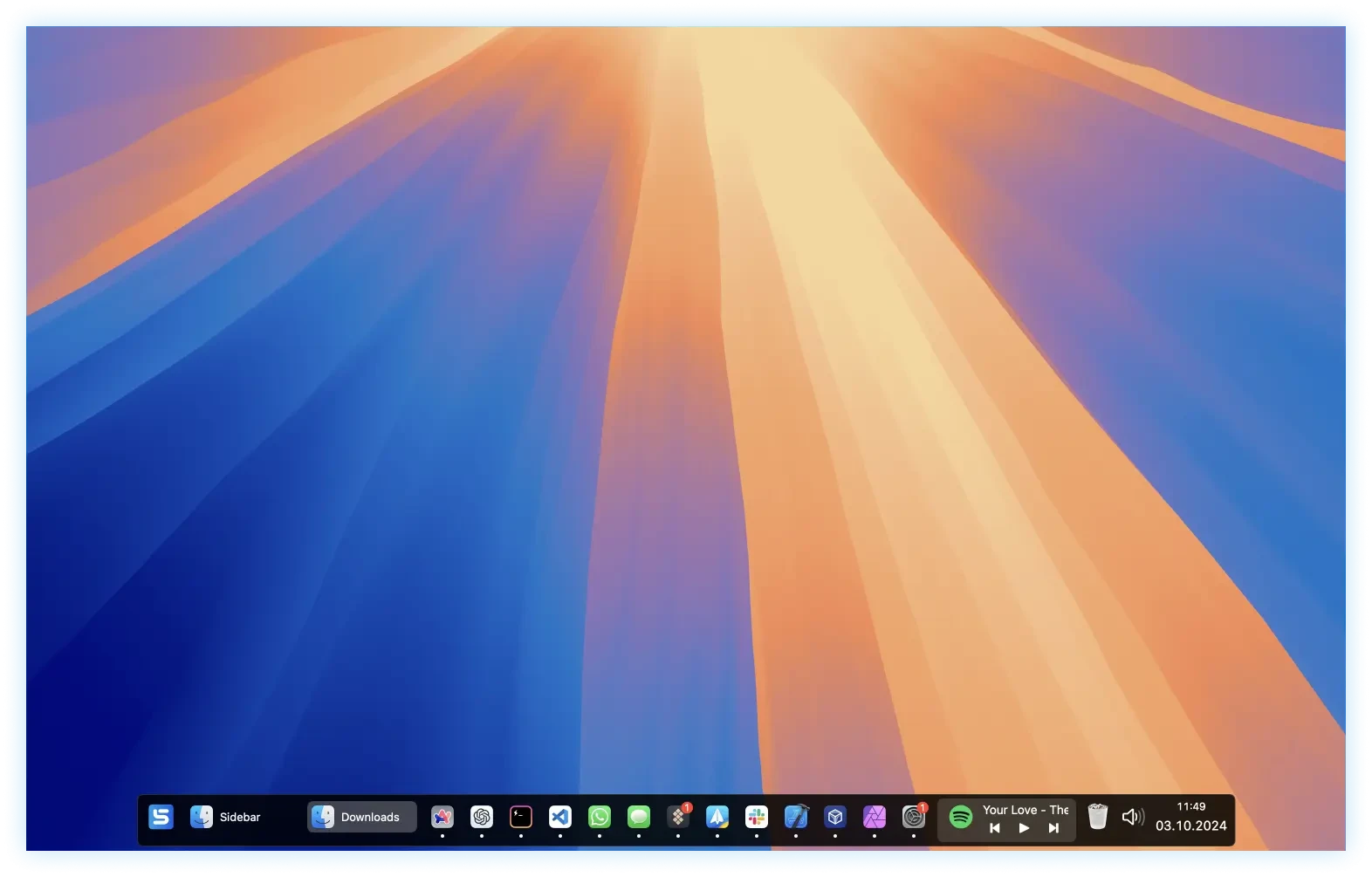
Sidebar is a modern solution for the Dock, specially designed for Mac. You can now perform tasks on macOS and perform multiple tasks to create intuitive interactions and practical features. It is a vertical column on a website or application, located next to the main content, that offers navigation options and provides information and details. Often used for menus, search bars, or links to social networks, it helps structure information and improve user experience.

Sidebar Features:

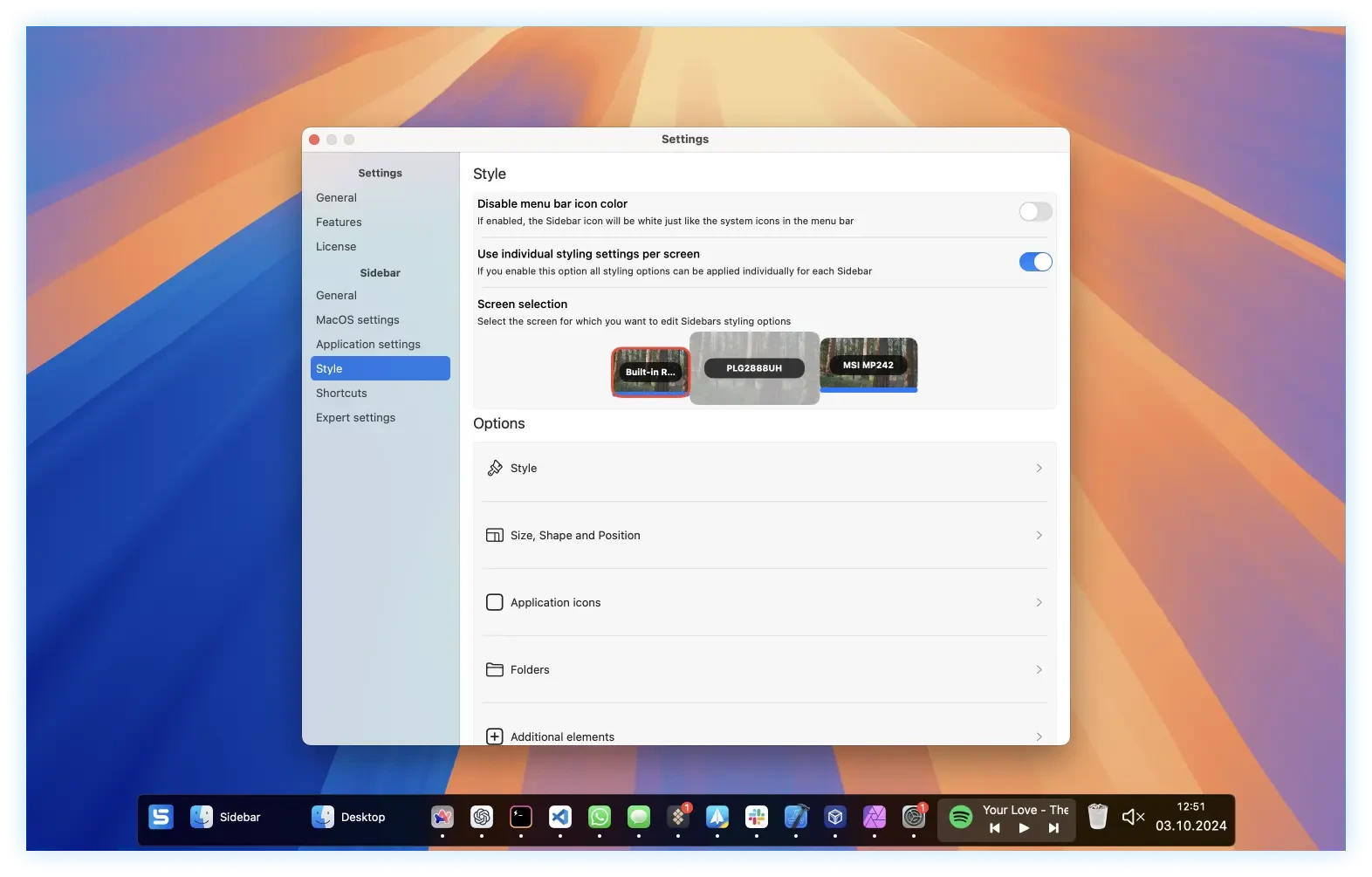
  • Multi-screen award. You can add the sidebar to one, more, or all of your screens and customize it for each of them.
  • Reserve screen space. If this option is active, the sidebar of applications will not be displayed in the available space.
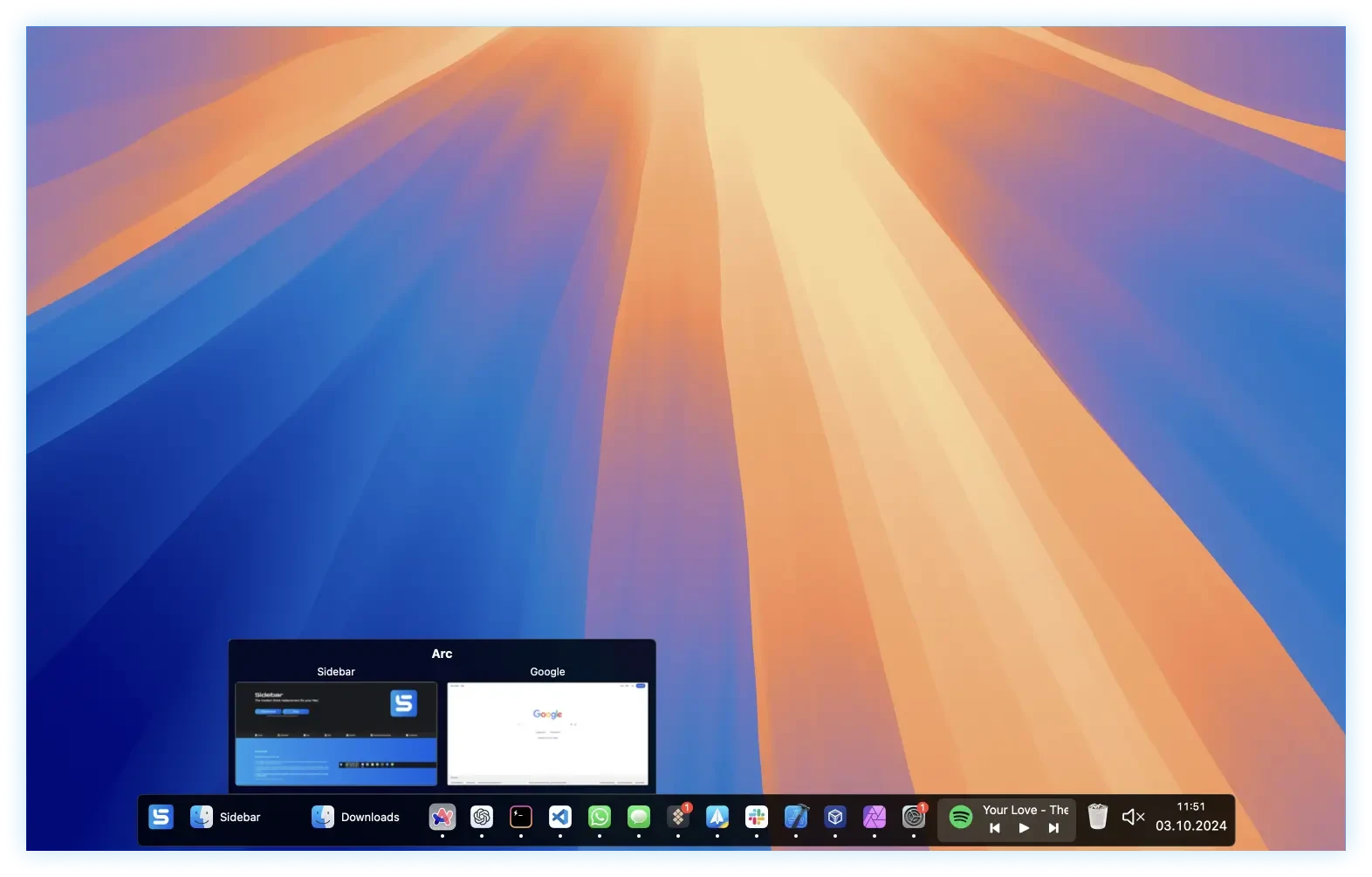
  • Window overview. When you hover over an application, an overview of all its windows will be displayed.
  • Control multimedia. The sidebar allows you to control the playback of any running application directly from it.
  • Organization by stacks. Applications and folders can be grouped into stacks for better organization.
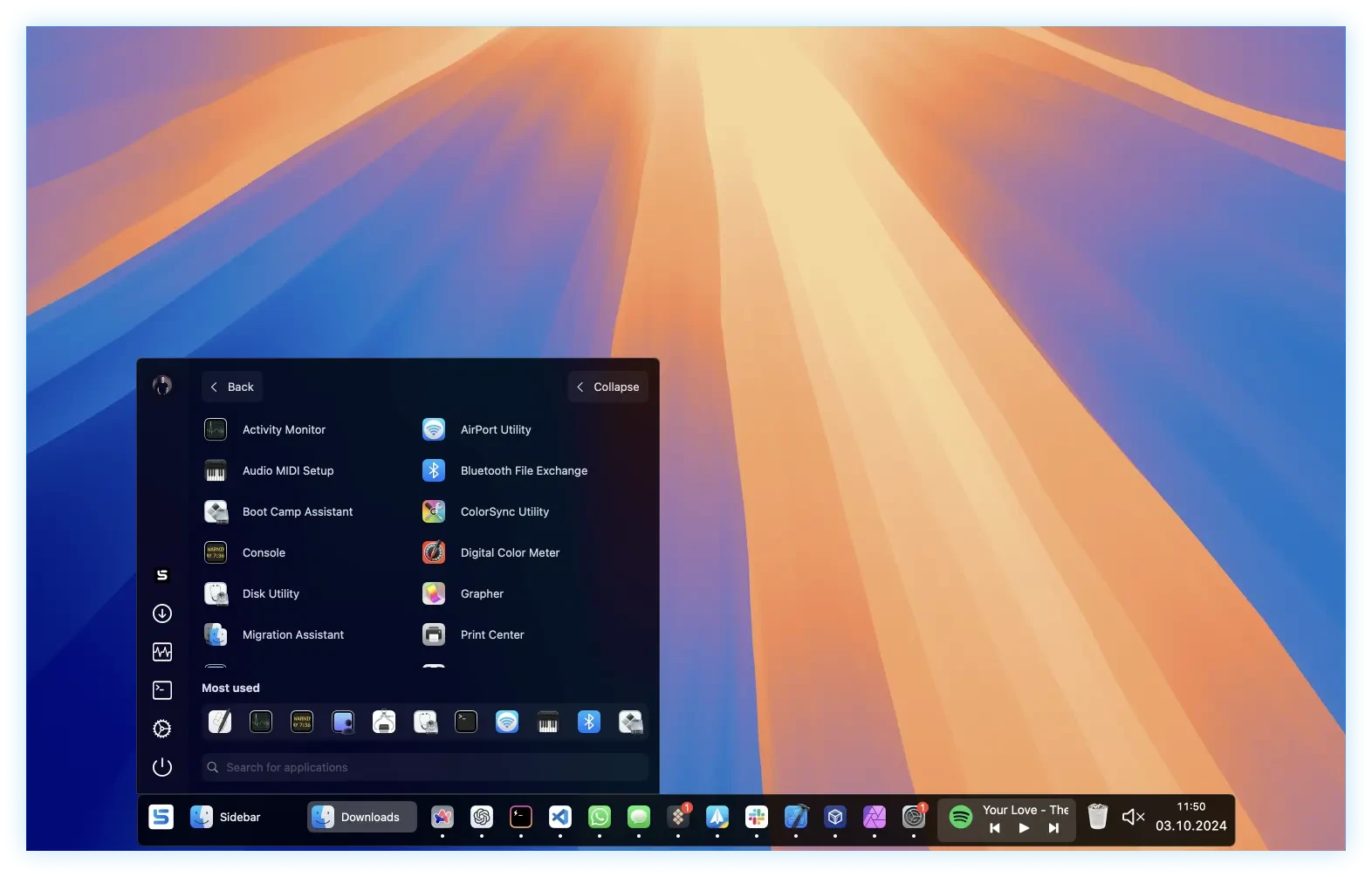
  • Integrated application launcher. You can adjust the system volume or quickly mute it.
  • Calendar overview. You can quickly consult your agenda.
  • Access to the Recycle Bin. You can quickly access it or empty it.
  • Customizable shortcuts.
  • You can assign shortcuts to applications or open an application from the sidebar.

Details

Version 2.0.5
Developer Sidebar
Activation (RG) Not required
Compatibility macOS 12 and later
Architecture ARM , x86 (64-bit)
Interface Language English

FAQ

Run the downloaded image and drag the application to the Applications folder shortcut. Once copying is complete, the application can be launched via Launchpad.
There are so many errors, we can't list them all here. Therefore, we've described all the solutions.
Official updates may result in loss of activation unless otherwise stated in the installation instructions. To update the software from this website, you must download the new version of the software from here (if available) and install it over the version currently installed on your computer.
To download large files, it is recommended to use any download manager, for example, FDM (Free Download Manager) For downloading from a file sharing service like Filen.io, it's not recommended to use Safari. Use Google Chrome or the aforementioned FDM browser, for example. To download files via torrent (.torrent file), you need a torrent client, such as Transmission or the aforementioned FDM. Please remember that providers may block access to some websites (1fichier.com, etc.). To bypass these blocks, it is recommended to use a VPN.
The site administration doesn't hack anything. That's the job of release teams and some enthusiasts. They're the ones responsible for ensuring updates are available. But you can hack software yourself by learning reverse engineering.
Definitely not in the comments. The site administration doesn't hack anything, and there's no order desk.
Open System Preferences -> General > Language & Region -> Applications - “+”. Select an app and language. This method works for most apps. The language in Adobe products is usually selected during the installation of the product itself. The language in games is usually changed in the game settings itself. There are exceptions. Don't hesitate to search for information online.
There are many options. The easiest is to use specialized app removal utilities, such as App Cleaner & Uninstaller. To remove Adobe products, use the Creative Cloud Cleaner Tool .
The site offers a paid service: remote assistance (via AnyDesk, Zoom, Skype) with the installation of any applications (not just those from this site) on any Mac or PC.

Leave a Comment

Version 2.0.5
Developer Sidebar
Interface language English
Activation (RG) Not required
Compatibility macOS 12 and later
Architecture ARM , x86 (64-bit)
No threats found. Read more…
Published (edited): April 28, 2026 Views: 14



