


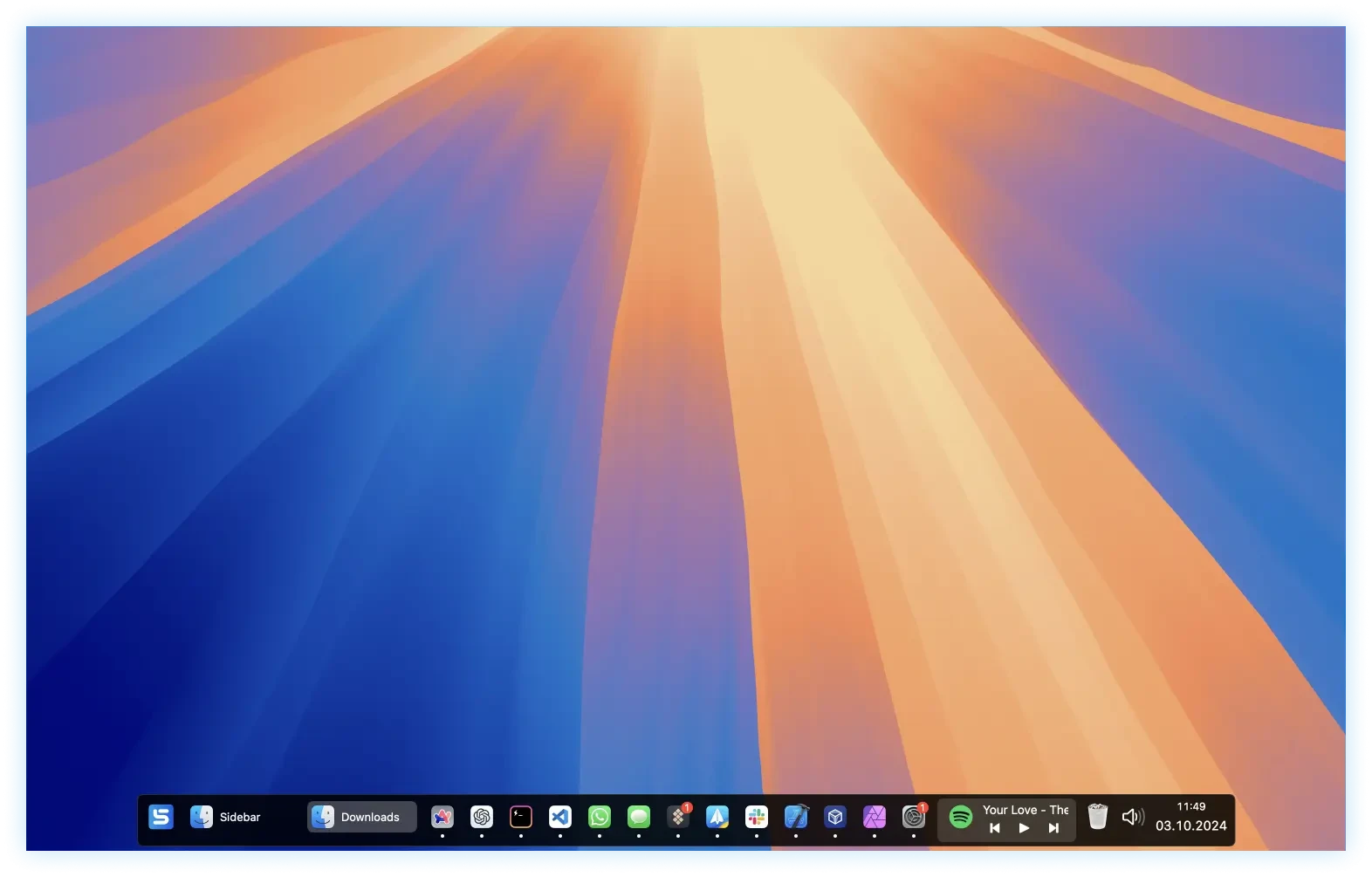
Sidebar is a modern solution for the Dock, specially designed for Mac. You can now perform tasks on macOS and perform multiple tasks to create intuitive interactions and practical features. It is a vertical column on a website or application, located next to the main content, that offers navigation options and provides information and details. Often used for menus, search bars, or links to social networks, it helps structure information and improve user experience.
Sidebar Features:
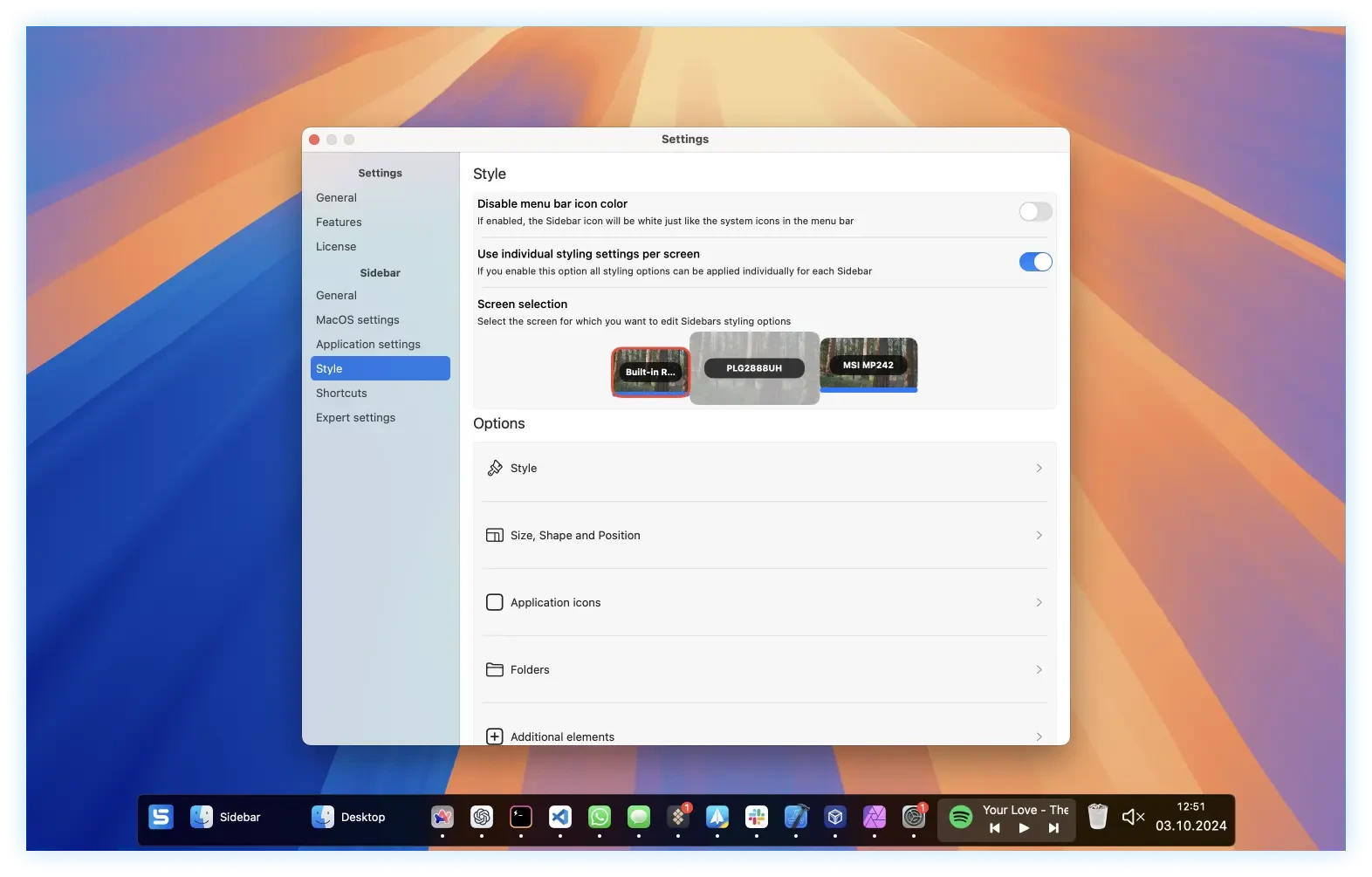
- Multi-screen award. You can add the sidebar to one, more, or all of your screens and customize it for each of them.
- Reserve screen space. If this option is active, the sidebar of applications will not be displayed in the available space.
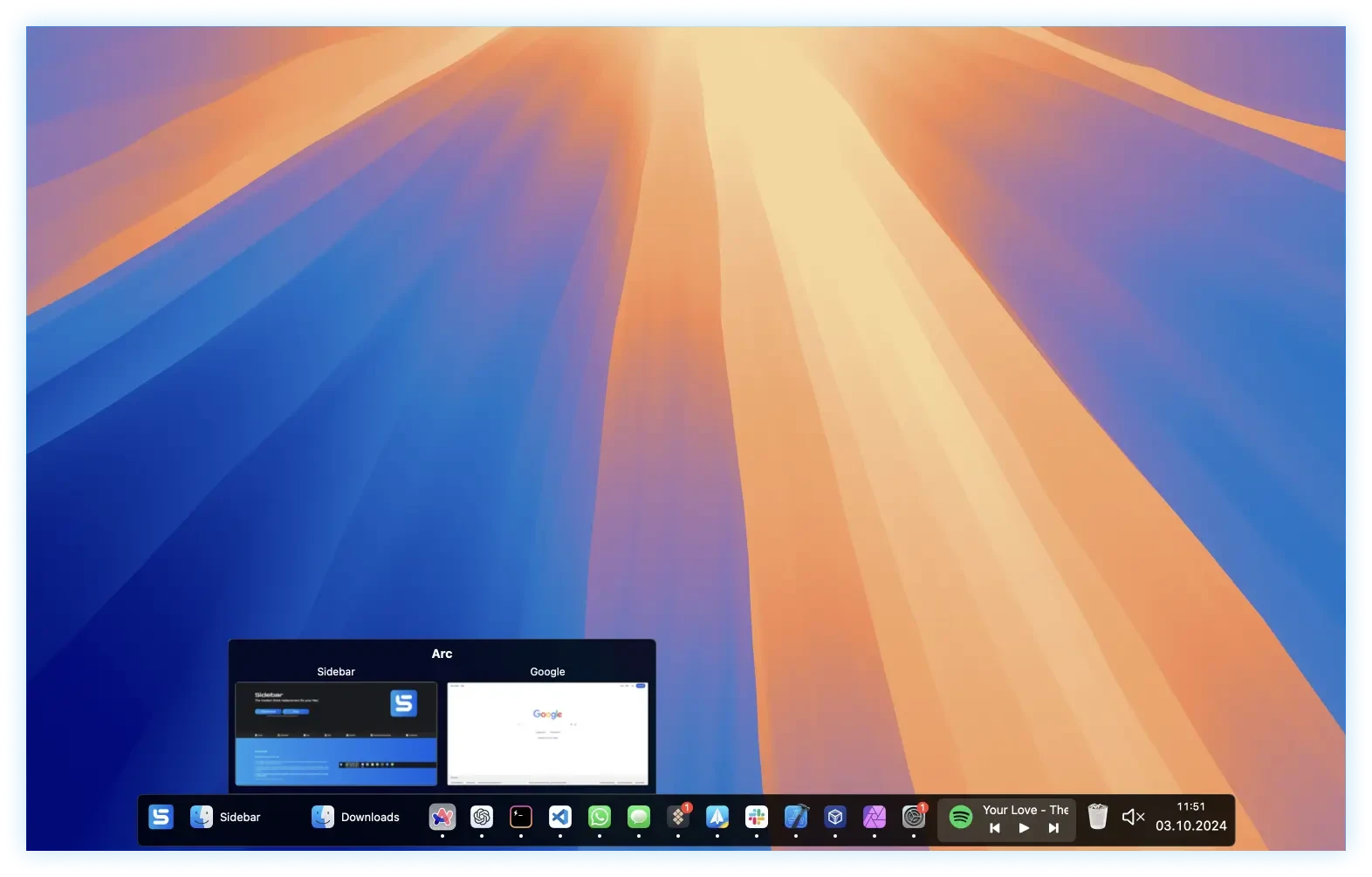
- Window overview. When you hover over an application, an overview of all its windows will be displayed.
- Control multimedia. The sidebar allows you to control the playback of any running application directly from it.
- Organization by stacks. Applications and folders can be grouped into stacks for better organization.
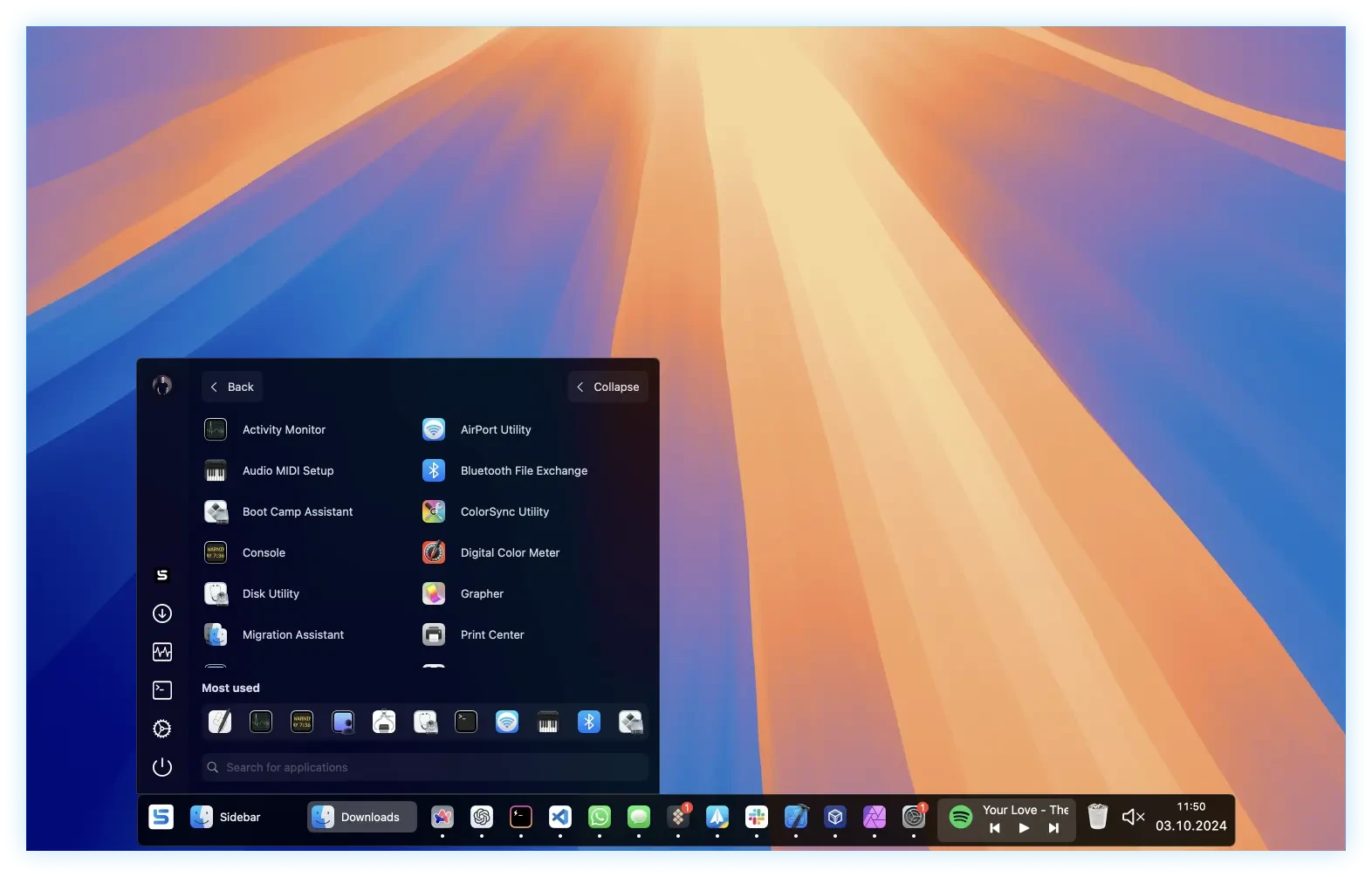
- Integrated application launcher. You can adjust the system volume or quickly mute it.
- Calendar overview. You can quickly consult your agenda.
- Access to the Recycle Bin. You can quickly access it or empty it.
- Customizable shortcuts.
- You can assign shortcuts to applications or open an application from the sidebar.





Leave a Comment