
Timemator is aware of the kinds of tasks you are engaged in. If you’re a designer, it will identify when you’re creating a project, holding a meeting, or designing in Sketch.

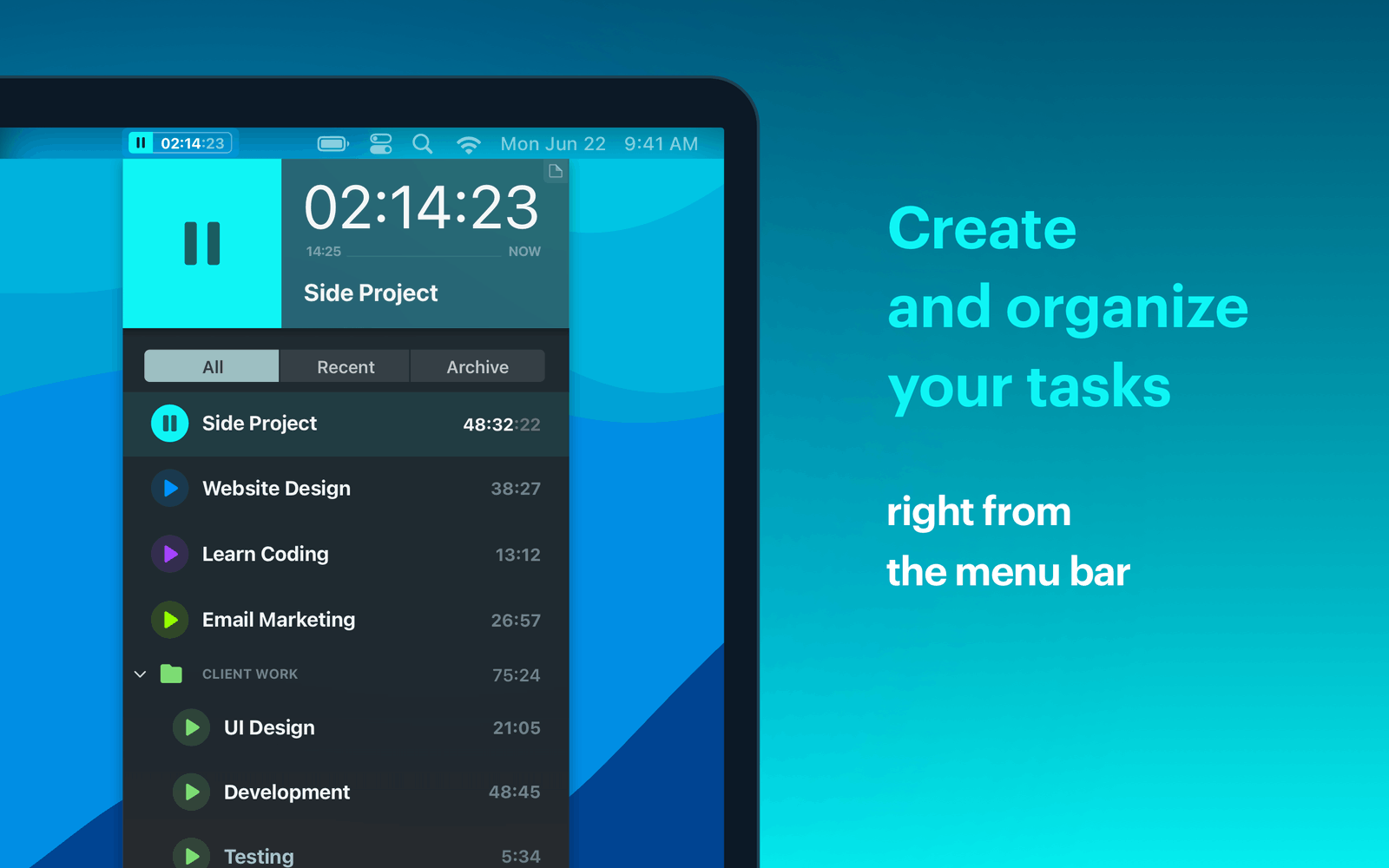
If you want to monitor how much time you’ve spent on particular tasks while using your Mac, a timer is an excellent tool. However, that is only provided you don’t have to waste time turning the timer on and off. Timemator is an autonomous smart timer that keeps track of everything you do.

Activity Monitor

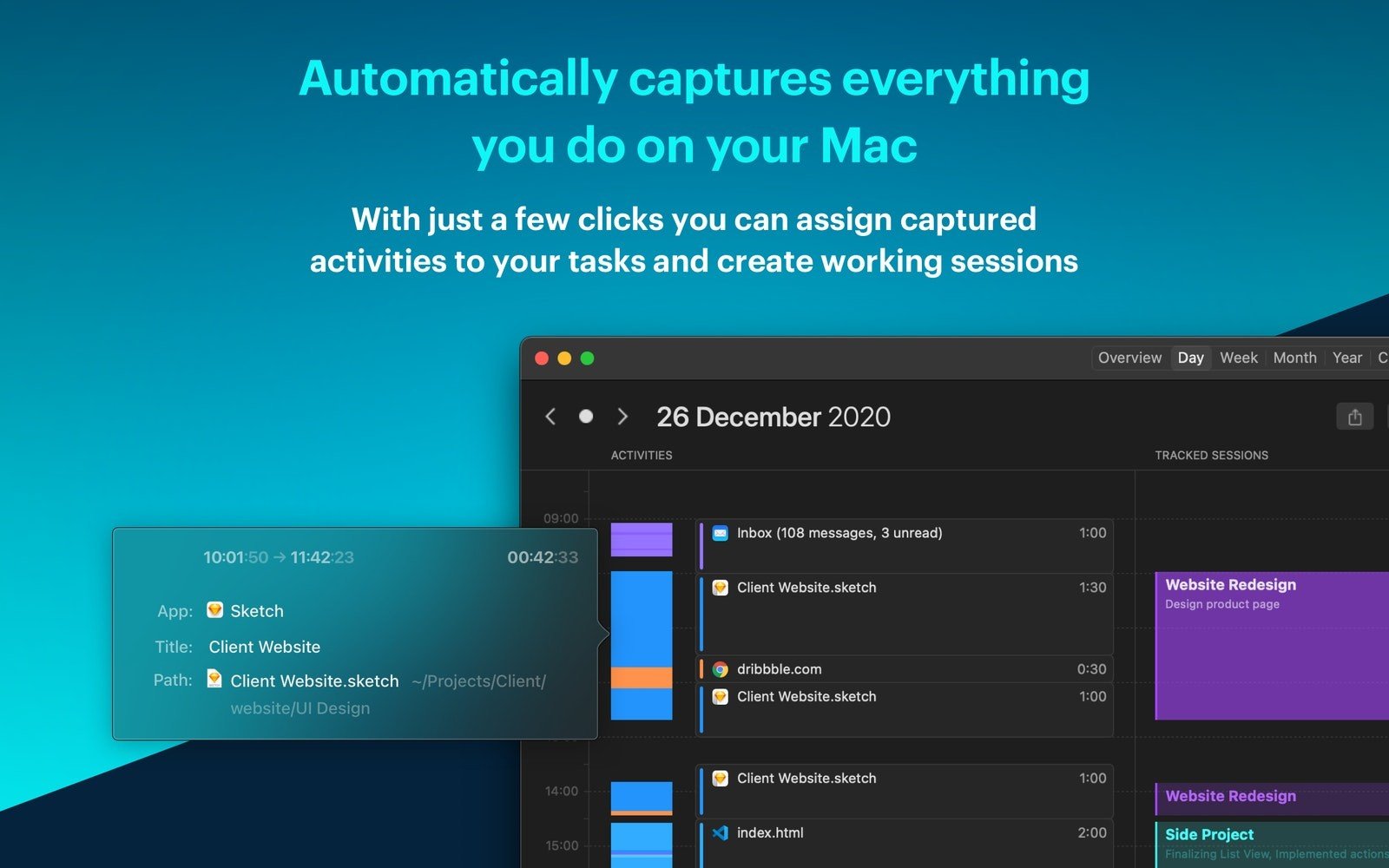
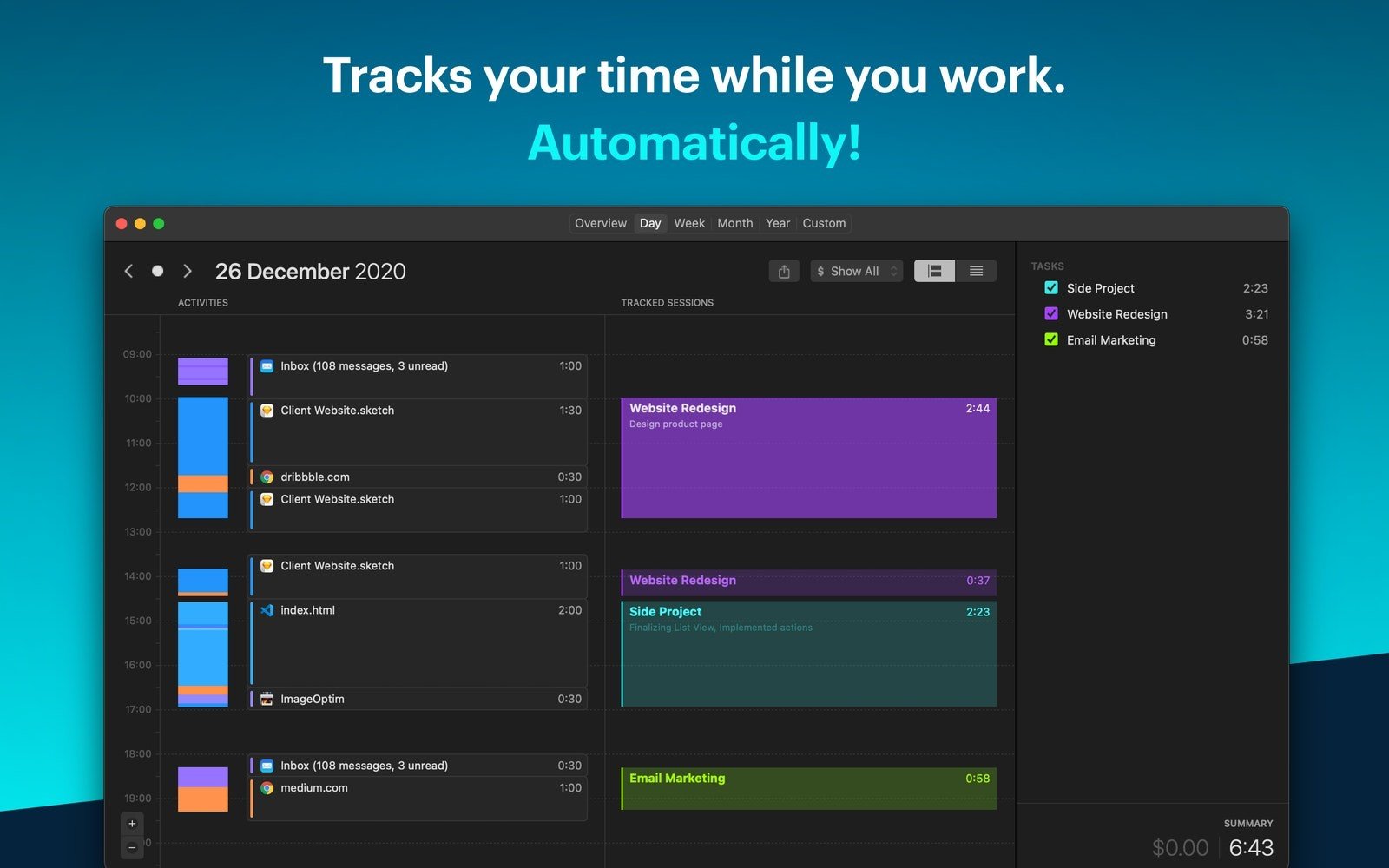
One project or several might need to be monitored. You won’t have to do any work because Timemator will put everything on a single timeline. Check the timetable if you need to know where your time is going. Additionally, you can allocate that time to a certain project with a few clicks.

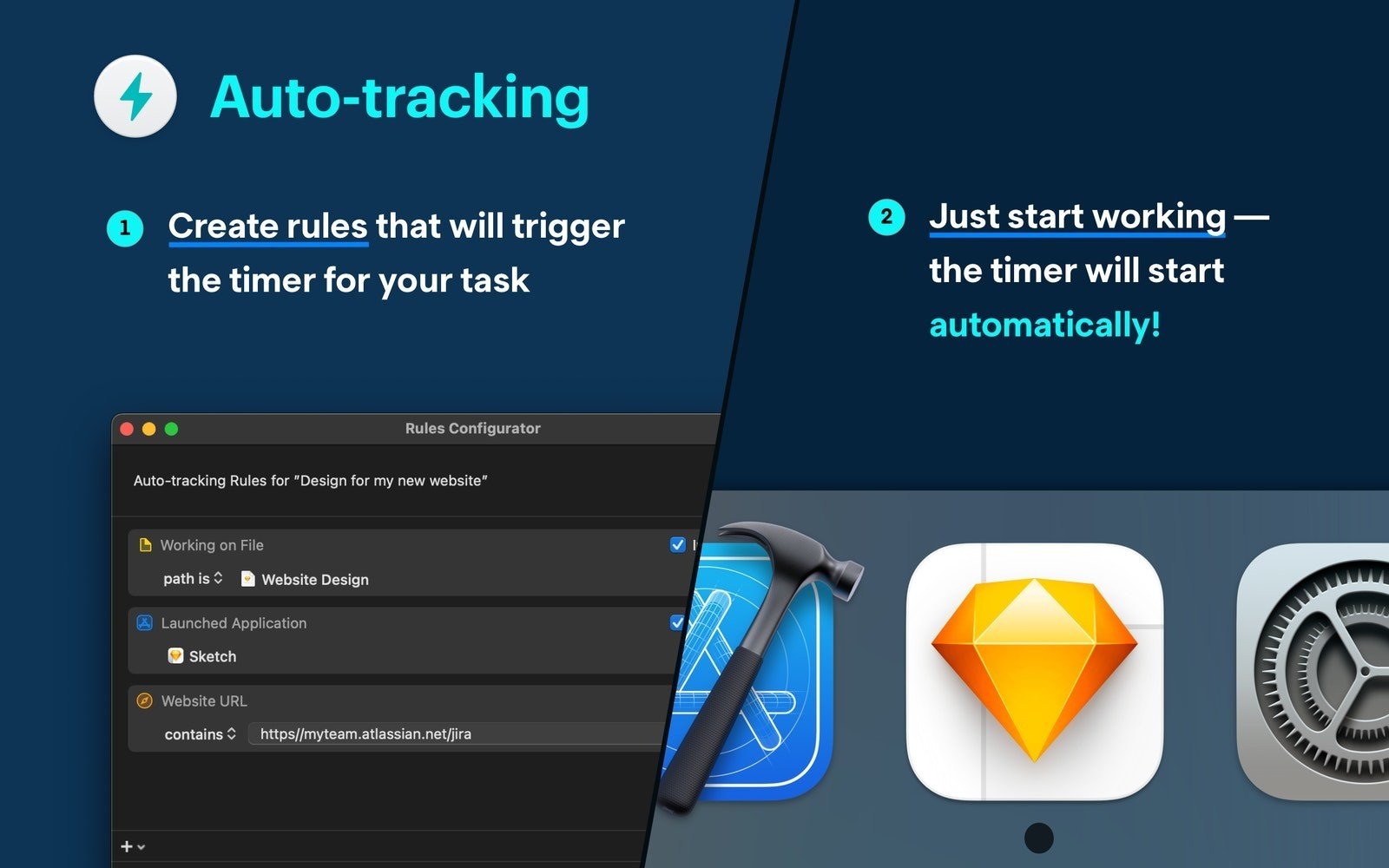
Make your own rules

When you tell Timemator which files and programs you want to use for a project, the software will begin to track. Additionally, you may create an auto-tracking rule for any activity tracker entry by clicking on it. When necessary, the timer will start and stop. independently.

Meet everyone’s needs.

The same is true for a variety of different Mac apps and development tools: Timemator identifies your task and guarantees precise tracking.

In-depth Reports

Use Timemator’s comprehensive reports to learn time management techniques. In addition to storing your tracking session data and displaying your progress over time, the app offers a daily view that highlights your most recent activities. For each particular project, you may even enter an hourly fee, and Timemator will compute your earnings.


Details

Version 3.2.2
Developer Catforce Studio
Activation (RG) K'ed by TNT team
Compatibility macOS 10.15 and later
Size 28 MB
Architecture ARM , x86 (64-bit)
Interface Language English , German

FAQ

Mount the image and run Open Gatekeeper friendly. Press Enter to bypass Gatekeeper in the terminal window. Drag the application to the Applications folder. The application is ready for use.
There are so many errors, we can't list them all here. Therefore, we've described all the solutions.
Official updates may result in loss of activation unless otherwise stated in the installation instructions. To update the software from this website, you must download the new version of the software from here (if available) and install it over the version currently installed on your computer.
To download large files, it is recommended to use any download manager, for example, FDM (Free Download Manager) For downloading from a file sharing service like Filen.io, it's not recommended to use Safari. Use Google Chrome or the aforementioned FDM browser, for example. To download files via torrent (.torrent file), you need a torrent client, such as Transmission or the aforementioned FDM.
The site administration doesn't hack anything. That's the job of release teams and some enthusiasts. They're the ones responsible for ensuring updates are available. But you can hack software yourself by learning reverse engineering.
Definitely not in the comments. The site administration doesn't hack anything, and there's no order desk. However, you can order the software you need (not for free) in a special thread on forum.ru-board.com.
Open System Preferences -> General > Language & Region -> Applications— “+”. Select an app and language. This method works for most apps. The language in Adobe products is usually selected during the installation of the product itself. The language in games is usually changed in the game settings itself. There are exceptions. Don't hesitate to search for information online.
There are many options. The easiest is to use specialized app removal tools, such as App Cleaner & Uninstaller. To remove Adobe products, use the Creative Cloud Cleaner Tool.
The site offers a paid service: remote assistance (via AnyDesk, Zoom, or Skype) with the installation of any applications (not just those from this site) on any Mac or PC.

Leave a Comment

Version 3.2.2
Developer Catforce Studio
Interface language English , German
Activation (RG) K'ed by TNT team
Compatibility macOS 10.15 and later
Architecture ARM , x86 (64-bit)
Size 28 MB
No threats found. Read more…
Published (edited): May 9, 2026 Views: 14


