


Timemator is aware of the kinds of tasks you are engaged in. If you’re a designer, it will identify when you’re creating a project, holding a meeting, or designing in Sketch.
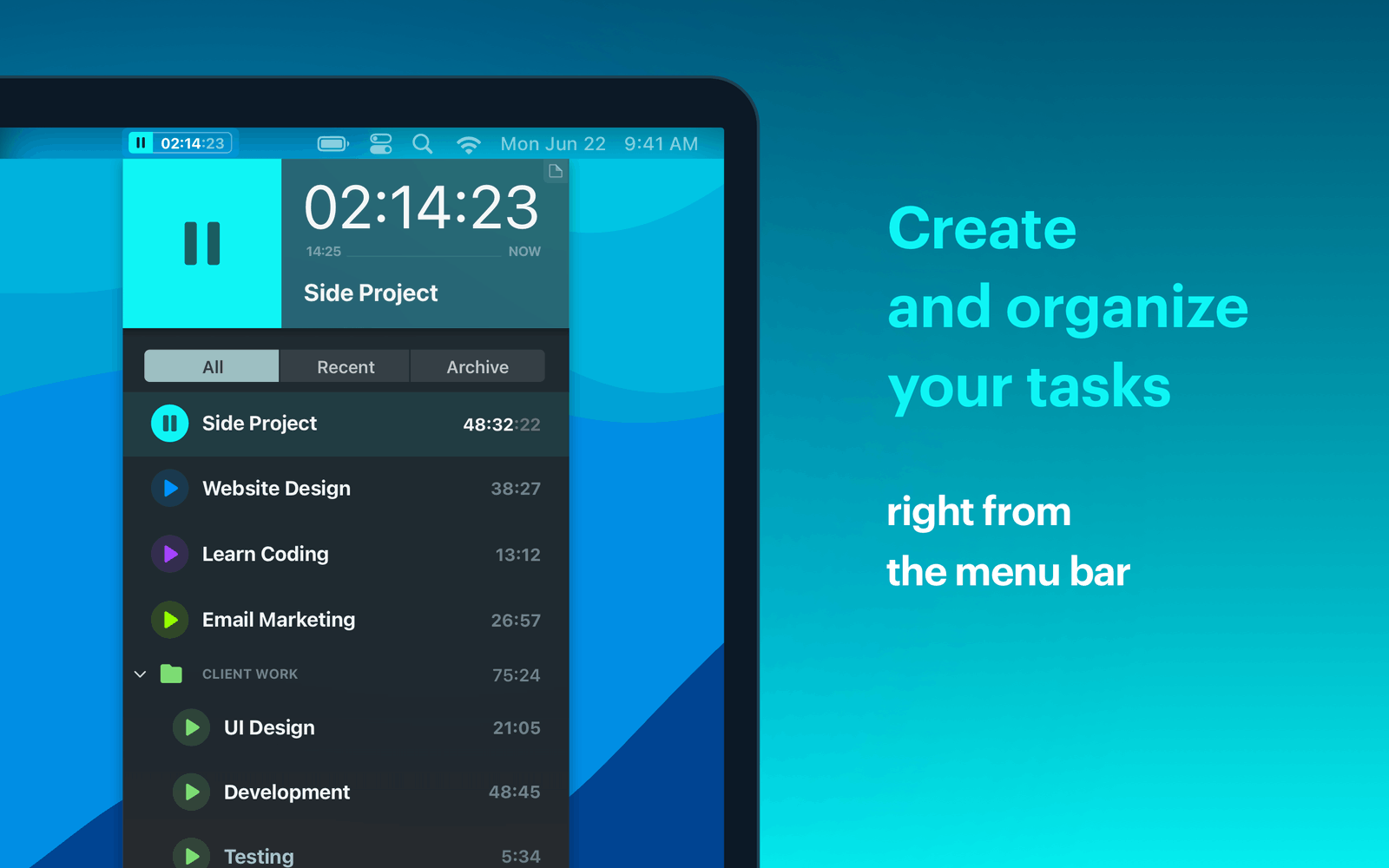
If you want to monitor how much time you’ve spent on particular tasks while using your Mac, a timer is an excellent tool. However, that is only provided you don’t have to waste time turning the timer on and off. Timemator is an autonomous smart timer that keeps track of everything you do.
Activity Monitor
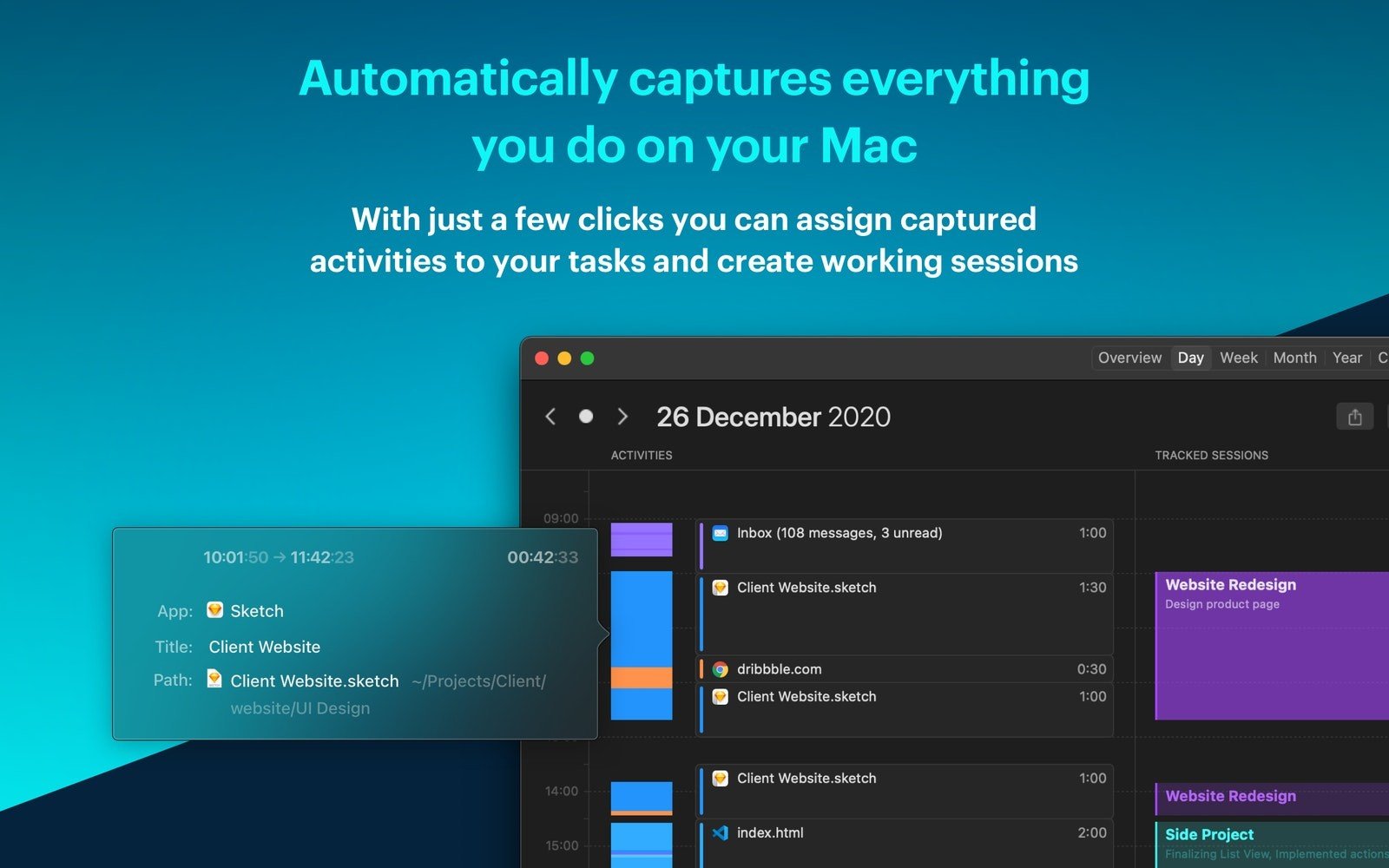
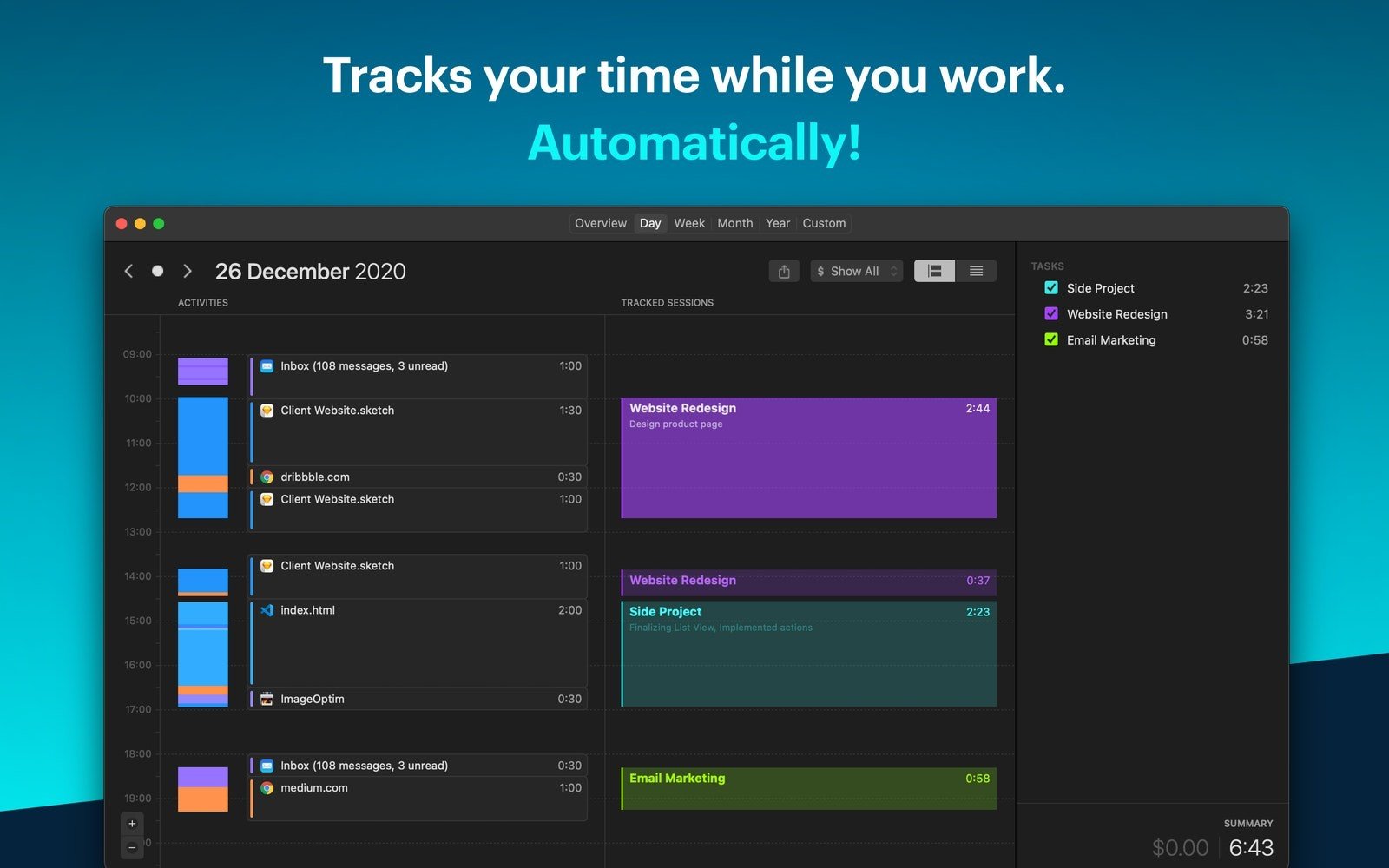
One project or several might need to be monitored. You won’t have to do any work because Timemator will put everything on a single timeline. Check the timetable if you need to know where your time is going. Additionally, you can allocate that time to a certain project with a few clicks.
Make your own rules
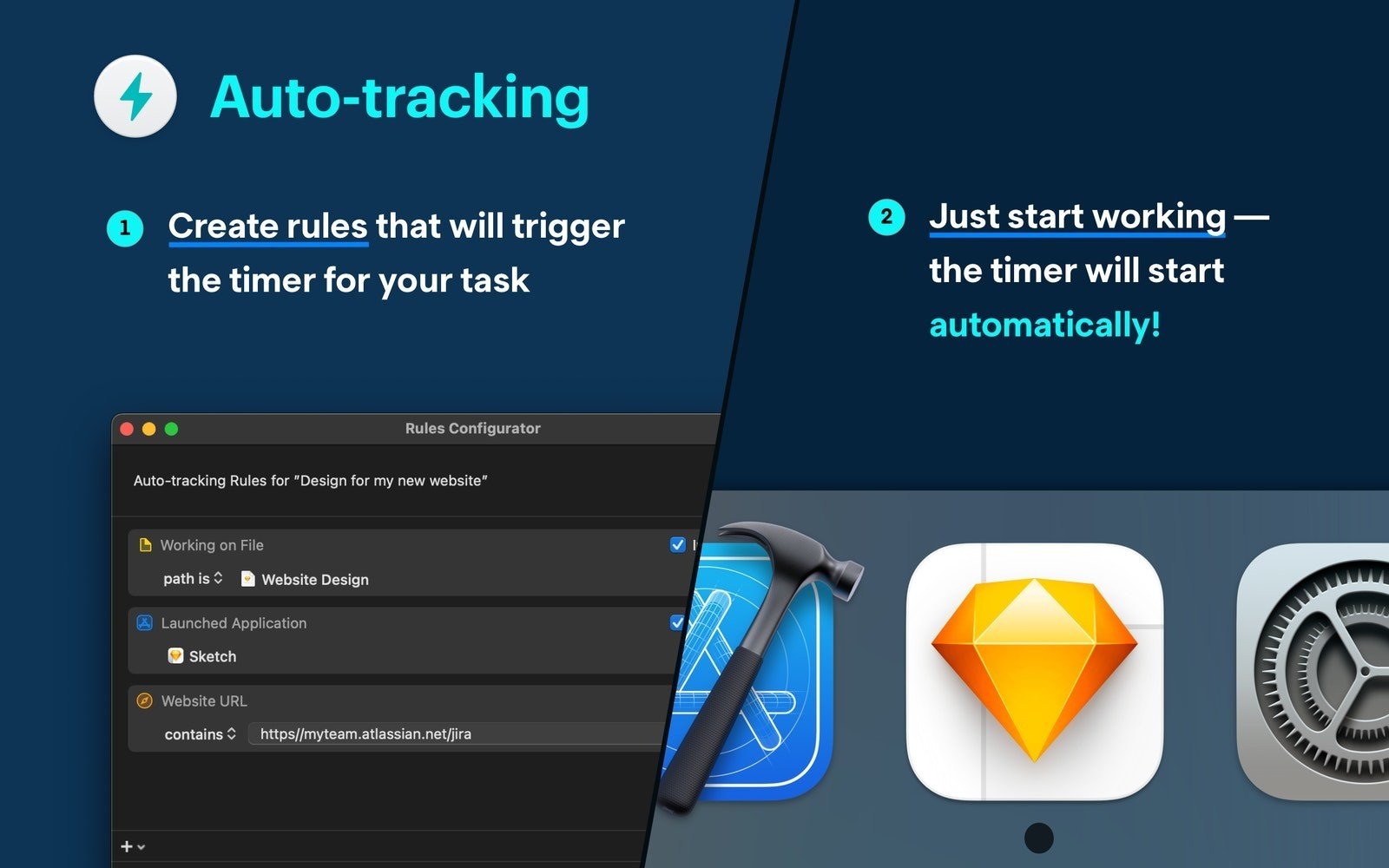
When you tell Timemator which files and programs you want to use for a project, the software will begin to track. Additionally, you may create an auto-tracking rule for any activity tracker entry by clicking on it. When necessary, the timer will start and stop. independently.
Meet everyone’s needs.
The same is true for a variety of different Mac apps and development tools: Timemator identifies your task and guarantees precise tracking.
In-depth Reports
Use Timemator’s comprehensive reports to learn time management techniques. In addition to storing your tracking session data and displaying your progress over time, the app offers a daily view that highlights your most recent activities. For each particular project, you may even enter an hourly fee, and Timemator will compute your earnings.





Leave a Comment