
While you await the end of the world, share your thoughts and delicious food with your final visitors.

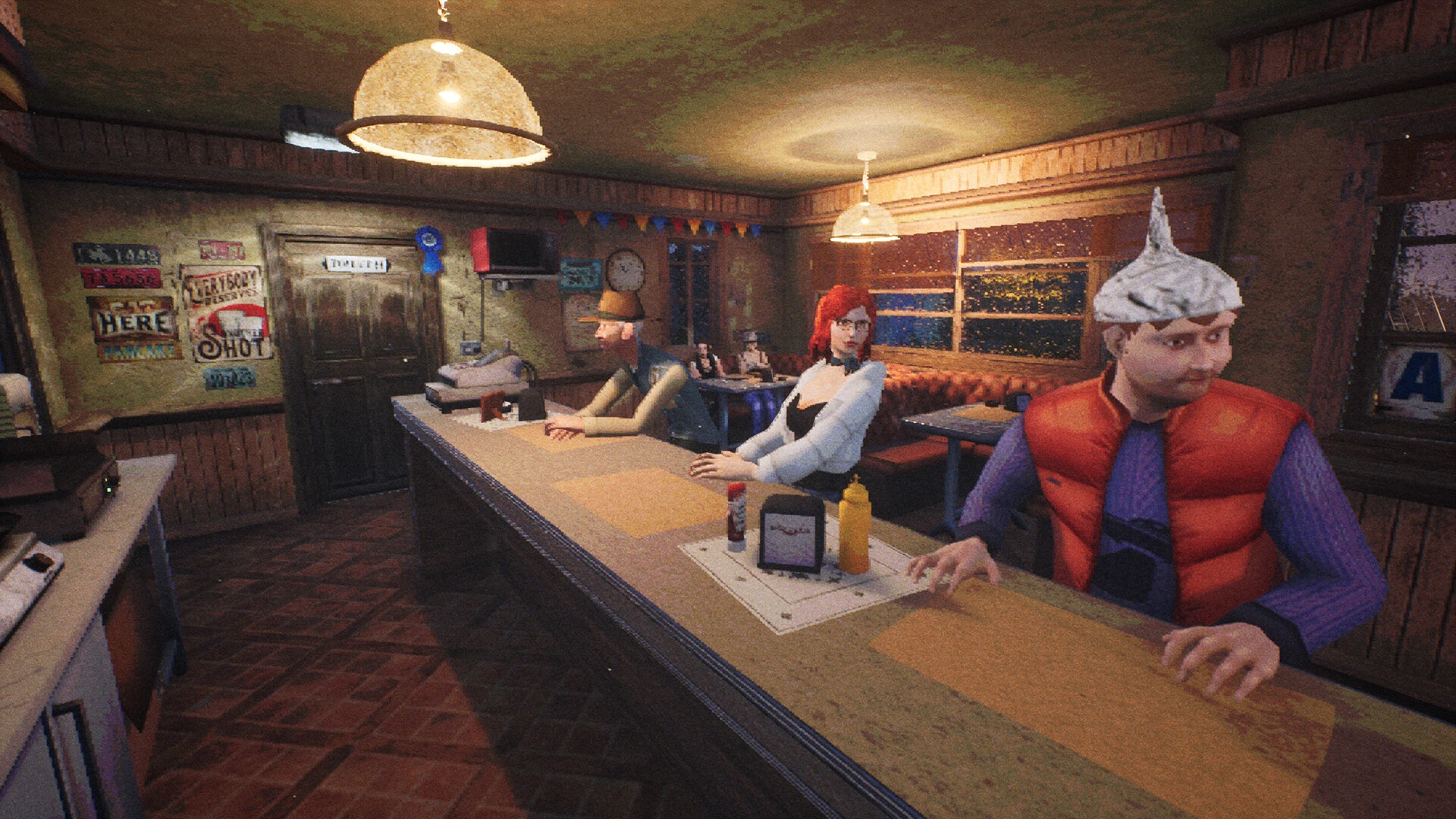
While We Wait Here is a kitchen-based game with non-linear dialog progression and numerous endings. Run a little diner near a mountain ridge, taking orders from clients and serving them great meals and cool drinks. A news story about an approaching tragedy disrupts the calm of a typical working day.

The game’s characters’ lives are jeopardized by a disaster that threatens the end of the world. Some patrons ignore the calamity, engrossed with their own responsibilities, downplaying its significance, or refusing to believe the message entirely, while others face death as punishment for their transgressions in life. While waiting for more news, you listen to the customers’ stories and give them food for thought.

Will you be able to persuade the visitors to seek cover, or will they remain in the diner and await the end?

Features:

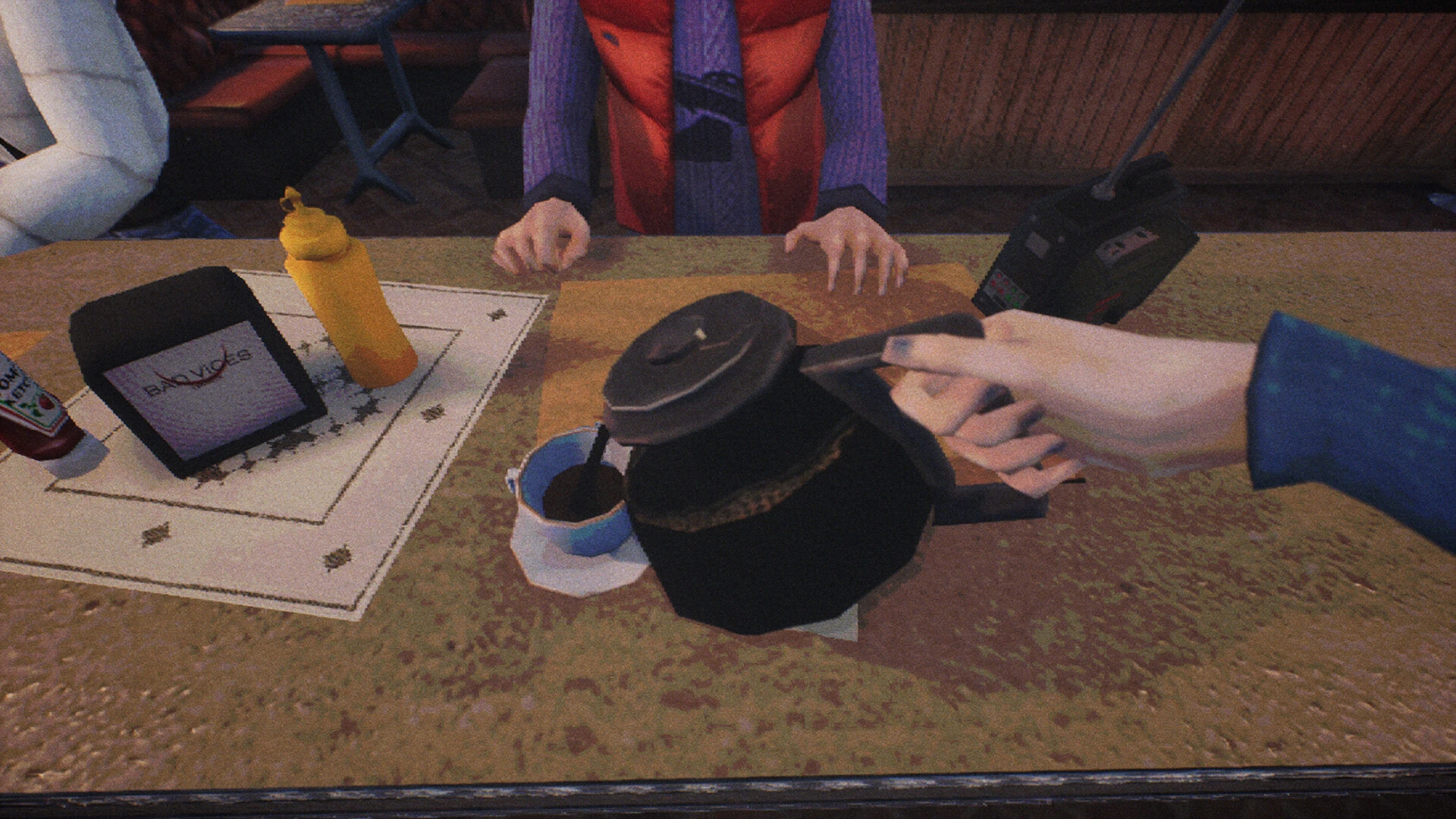
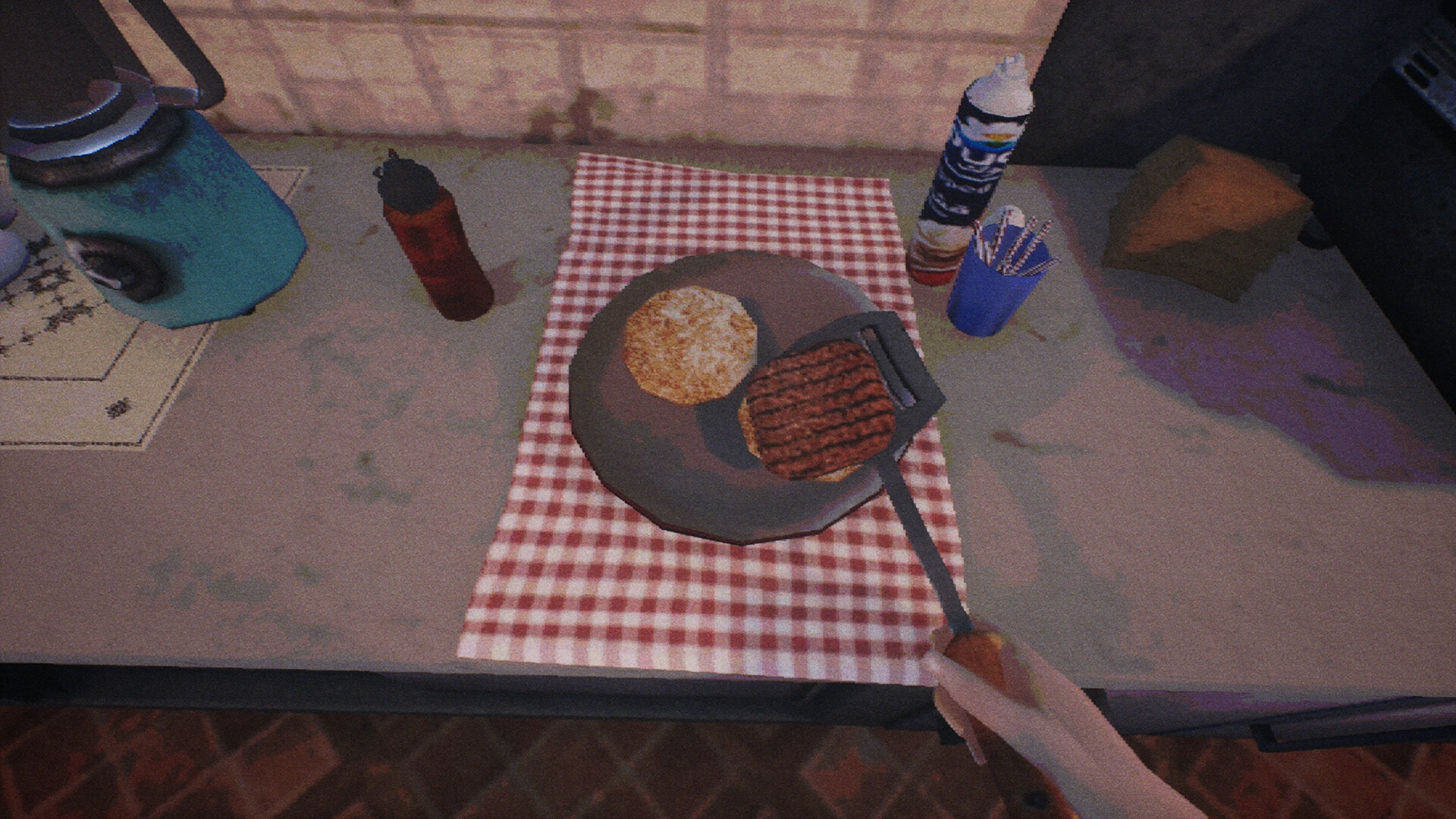
  •  Talk to customers about the imminent end of the world and help them make decisions while cooking burgers, frying fries, flipping pancakes, and washing plates.
  • A psychological horror game with several endings in which you assist customers with a variety of everyday difficulties.
  • A meditative story with no losses or mistakes, and the decisions you make are entirely your own.
  • Numerous interesting interactions from the first-person perspective.
  • Watch from behind the counter how people’s behavior alters when confronted with death.
  • Each character’s lines are completely voiced.

Details

Version 1.0
Developer Bad Vices Games
Activation (RG) DRM-free (no protection)
Tested on macOS Tahoe , Mac mini 2024 M4
Size 2.5 GB
Architecture ARM , x86 (64-bit)
Interface Language Russian , English , German , Spanish , Italian , Catalan , Simplified Chinese , Korean , Polish , Portuguese , Turkish , Ukrainian , French , Japanese
Voice Languages English

FAQ

Mount the downloaded image and follow the standard installation procedure. The installation is completed by choosing a location to place the game. It is recommended to specify the Applications folder.
There are so many errors, we can't list them all here. Therefore, we've described all the solutions (with pictures) in the article: Errors when installing applications on a Mac
Official updates may result in loss of activation unless otherwise stated in the installation instructions. To update the software from this website, you must download the new version of the software from here (if available) and install it over the version currently installed on your computer. This will preserve your activation and settings for the software. Read more in the article: Updating pirated apps
To download large files, it is recommended to use any download manager, for example, FDM (Free Download Manager) For downloading from a file sharing service like Filen.io, it's not recommended to use Safari. Use Google Chrome or the aforementioned FDM browser, for example. To download files via torrent (.torrent file), you need a torrent client, such as Transmission or the aforementioned FDM. Please remember that providers may block access to some websites (1fichier.com, etc.). To bypass these blocks, it is recommended to use a VPN.
The site administration doesn't hack anything. That's the job of release teams and some enthusiasts. They're the ones responsible for ensuring updates are available. But you can hack software yourself by learning reverse engineering.
Definitely not in the comments. The site administration doesn't hack anything, and there's no order desk. However, you can order the software you need (not for free) in a special thread on forum.ru-board.com.
Open System Preferences -> General > Language & Region -> Applications - “+”. Select an app and language. This method works for most apps. The language in Adobe products is usually selected during the installation of the product itself. The language in games is usually changed in the game settings itself. There are exceptions. Don't hesitate to search for information online.
There are many options. The easiest is to use specialized app removal tools, such as App Cleaner & Uninstaller. To remove Adobe products, use the Creative Cloud Cleaner Tool.
The site offers a paid service: remote assistance (via AnyDesk, Zoom, Skype) with the installation of any applications (not just those from this site) on any Mac or PC. Learn more...

Leave a Comment

Version 1.0
Developer Bad Vices Games
Interface language Russian , English , German , Spanish , Italian , Catalan , Simplified Chinese , Korean , Polish , Portuguese , Turkish , Ukrainian , French , Japanese
Activation (RG) DRM-free (no protection)
Tested macOS Tahoe , Mac mini 2024 M4
Architecture ARM , x86 (64-bit)
Voice Languages English
Size 2.5 GB
No threats found. Read more…
Published (edited): July 8, 2026 Views: 2