
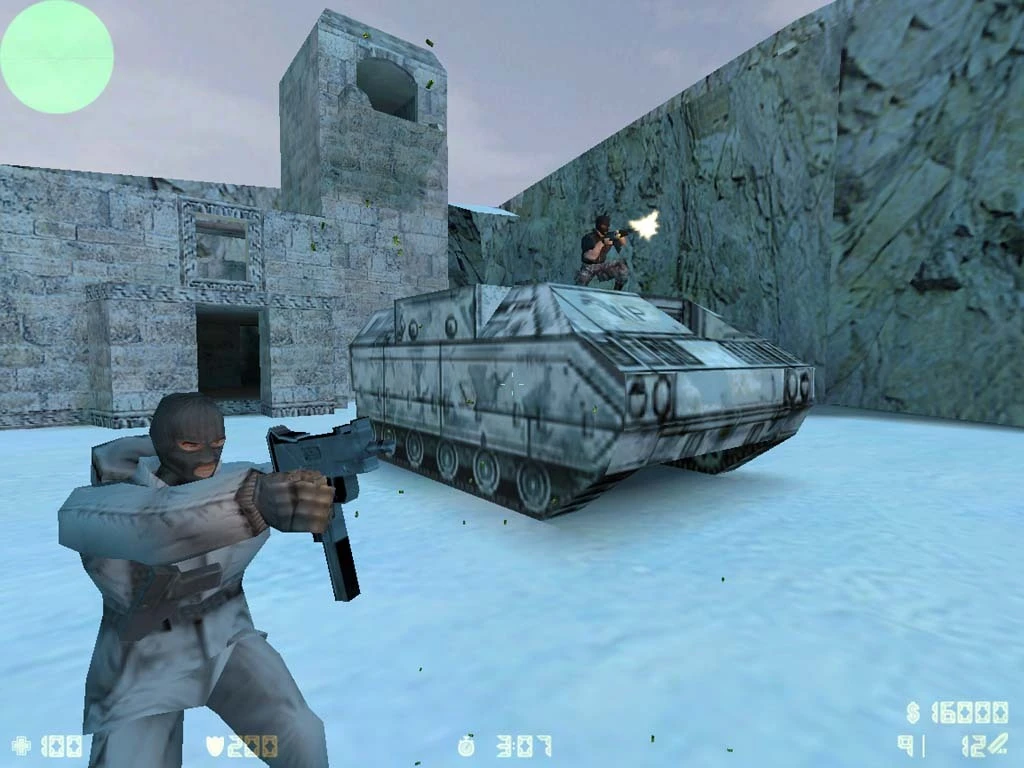
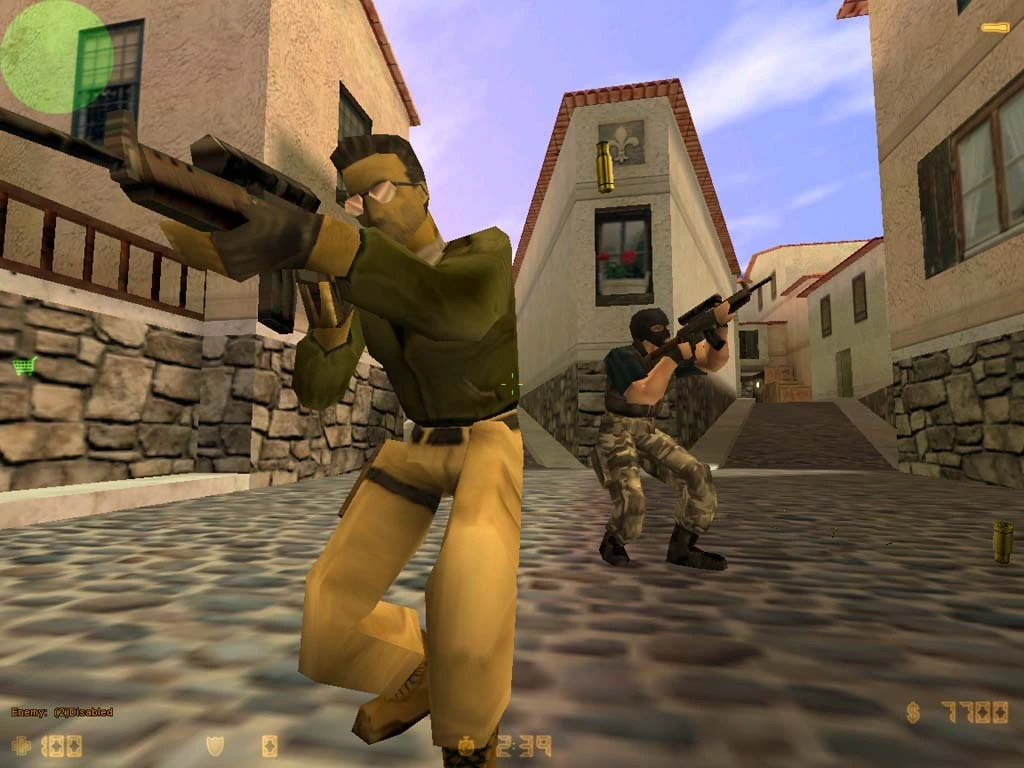
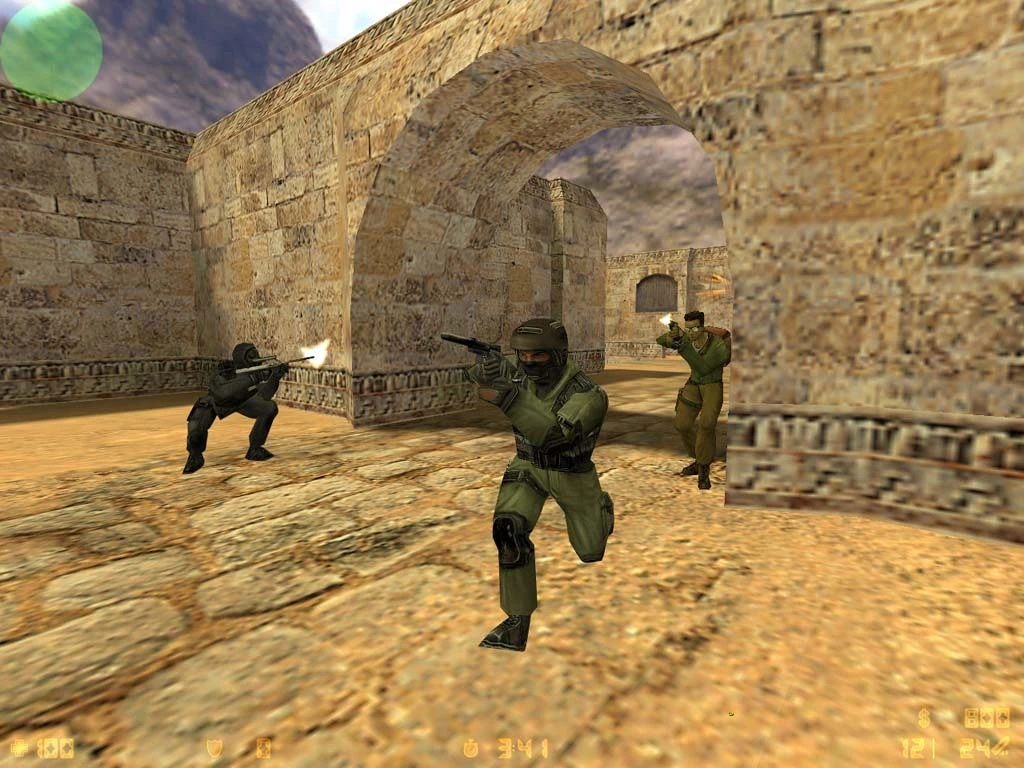
Experience the best online action game in the world. In this popular team-based game, you can participate in extremely realistic combat against terrorists. Collaborate with your teammates to achieve strategic objectives. Destroy the enemy strongholds. Release the hostages. Your achievements have a significant impact on the success of your team. The success of your team has an impact on your own success.

The game’s central premise is a conflict between two factions: terrorists and counter-terrorists. At the start of each round, players must select one of the opposing teams and achieve the map’s objectives or defeat all opponents.

At the start of each round, players can spend in-game currency on weapons and supporting equipment. At the end of each round, participants are given a set amount of virtual currency, which they can use to buy more powerful and effective weapons in the following round.

The game allows for both online and single-player battles against bots.

Counter-Strike 1.6 began as a modification for Half-Life. It immediately gained popularity due to its gameplay, which was designed for competitive five-on-five battles.

 Apple Silicon (ARM) native version.

– MacOS Big Sur or later.

– Apple Silicon (M1 to M5, M Pro/Max/Ultra).

– ±8GB of shared memory.

– ±1GB of free space.

Apple Silicon (ARM) Wineskin version.

– MacOS Tahoe 26.0.1 or later.

– Apple Silicon (M1 to M5, M Pro/Max/Ultra).

– ±8GB of shared memory.

– Approximately 3 GB of free space.

Details

Version 1.1.2.7 [wineskin]
Developer Valve
Activation (RG) Not required
Tested on macOS Tahoe , MacBook Pro (M3 Pro 2023)
Architecture ARM , x86 (64-bit)
Interface Language Russian , English
Voice Languages English

FAQ

Run the downloaded image and drag the application to the Applications folder shortcut. Once copying is complete, the application can be launched via Launchpad. If an error occurs when launching the game, run the "Fix" file in the image. Wineskin version: To run the game on a Mac mini, you need to switch the sound to an external source, such as headphones or Mac mini speakers. Otherwise, the game won't work. Switch the sound before launching the game. Problems loading?.. To download, use the Free Download Manager or Motrix with Chrome browser extensions. For torrent files, we recommend using the qBittorrent app. How to install mods?.. Right click on the game. From the context menu, select "Show package contents". Go to the following path: Counter-Strike.app/Contents/SharedSupport/prefix/drive_c/Appstorrent Games/Counter Strike/cstrike Folders for user content: Maps — folder for user maps. Models — folder for user models. Sound — folder for custom sounds (shots, NPC and player dialogues, bot sounds). Sprites — folder for sprites (graffiti textures). Materials — a folder for textures of current and custom models. If it doesn't exist, create it yourself. How to play in a company or in pairs?.. Right click on the game. From the context menu, select "Show package contents". Go to the following path: Counter-Strike.app/Contents/SharedSupport/prefix/drive_c/Appstorrent Games/Counter Strike/ Open the "SmartSteamEmu.ini" file in TextEdit. Find the parameter: AppId=10 and replace it with: AppId=11 Important: For a two-player game, each player must use a different AppId value (e.g., 11, 12, 13, etc.). If there are more than two players, each must have a unique value. Save your changes and you're done!
There are so many errors, we can't list them all here. Therefore, we've described all the solutions (with pictures) in the article: Errors when installing applications on a Mac
Official updates may result in loss of activation unless otherwise stated in the installation instructions. To update the software from this website, you must download the new version of the software from here (if available) and install it over the version currently installed on your computer. This will preserve your activation and settings for the software. Read more in the article: Updating pirated apps
To download large files, it is recommended to use any download manager, for example, FDM (Free Download Manager) For downloading from a file sharing service like Filen.io, it's not recommended to use Safari. Use Google Chrome or the aforementioned FDM browser, for example. To download files via torrent (.torrent file), you need a torrent client, such as Transmission or the aforementioned FDM. Please remember that providers may block access to some websites (1fichier.com, etc.). To bypass these blocks, it is recommended to use a VPN.
The site administration doesn't hack anything. That's the job of release teams and some enthusiasts. They're the ones responsible for ensuring updates are available. But you can hack software yourself by learning reverse engineering.
Definitely not in the comments. The site administration doesn't hack anything, and there's no order desk. However, you can order the software you need (not for free) in a special thread on forum.ru-board.com.
Open System Preferences -> General > Language & Region -> Applications - “+”. Select an app and language. This method works for most apps. The language in Adobe products is usually selected during the installation of the product itself. The language in games is usually changed in the game settings itself. There are exceptions. Don't hesitate to search for information online.
There are many options. The easiest is to use specialized app removal tools, such as App Cleaner & Uninstaller. To remove Adobe products, use the Creative Cloud Cleaner Tool.
The site offers a paid service: remote assistance (via AnyDesk, Zoom, Skype) with the installation of any applications (not just those from this site) on any Mac or PC. Learn more...

Leave a Comment

Version 1.1.2.7 [wineskin]
Developer Valve
Interface language Russian , English
Activation (RG) Not required
Tested macOS Tahoe , MacBook Pro (M3 Pro 2023)
Architecture ARM , x86 (64-bit)
Voice Languages English
No threats found. Read more…
Published (edited): July 8, 2026 Views: 2