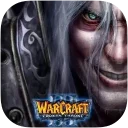
Warcraft III: The Frozen Throne icon

Warcraft III: The Frozen Throne

Games Strategy

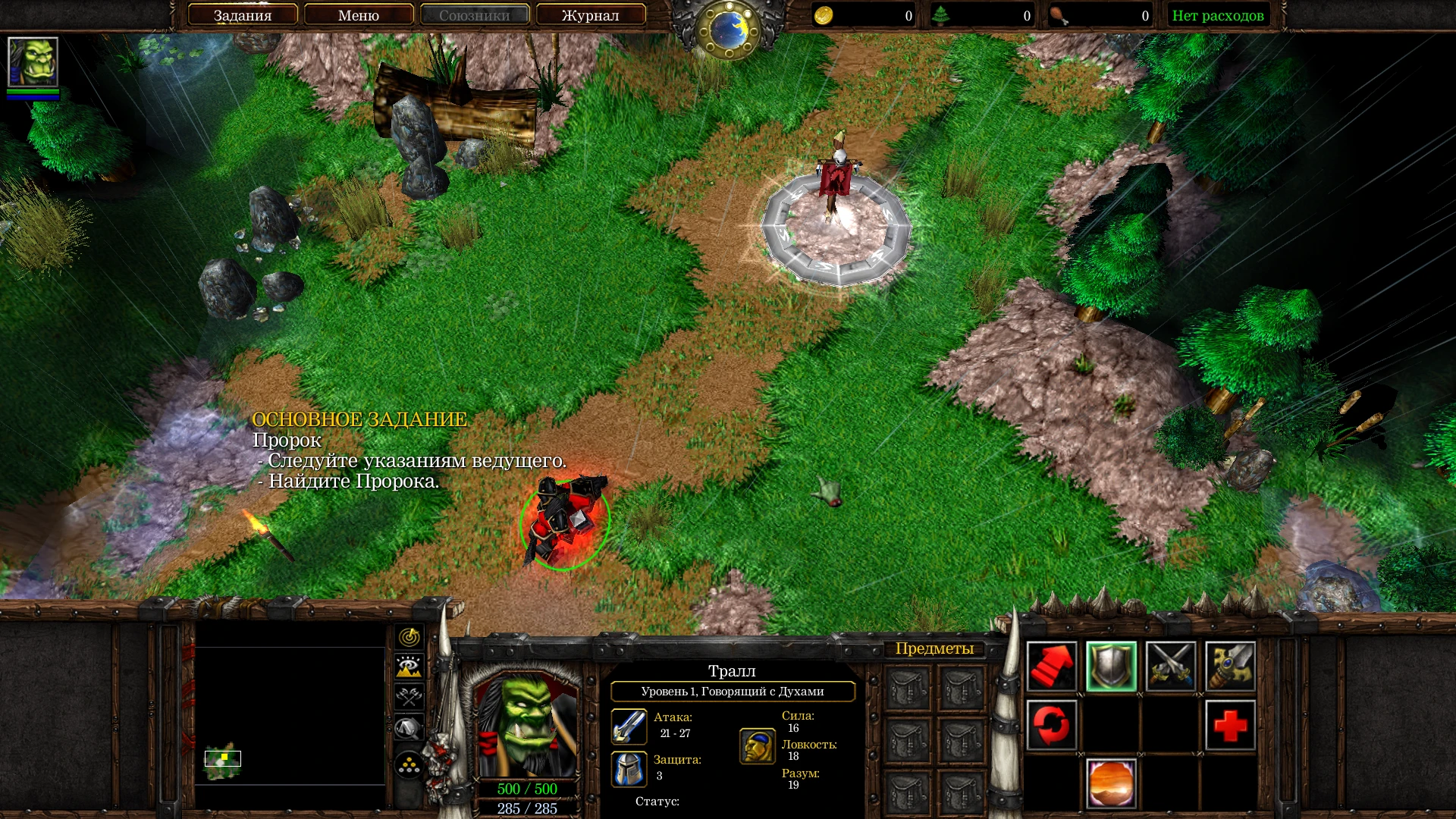
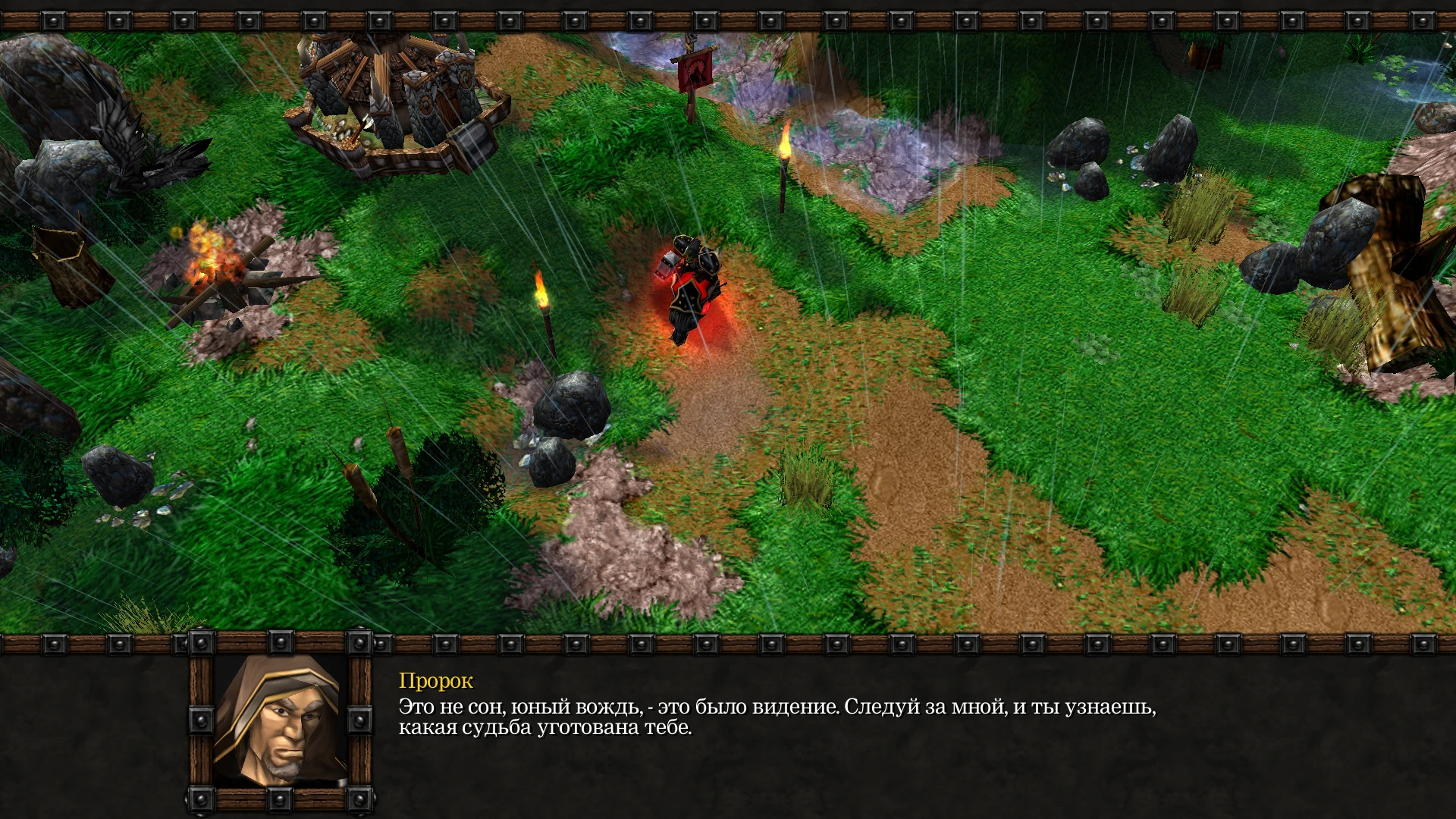
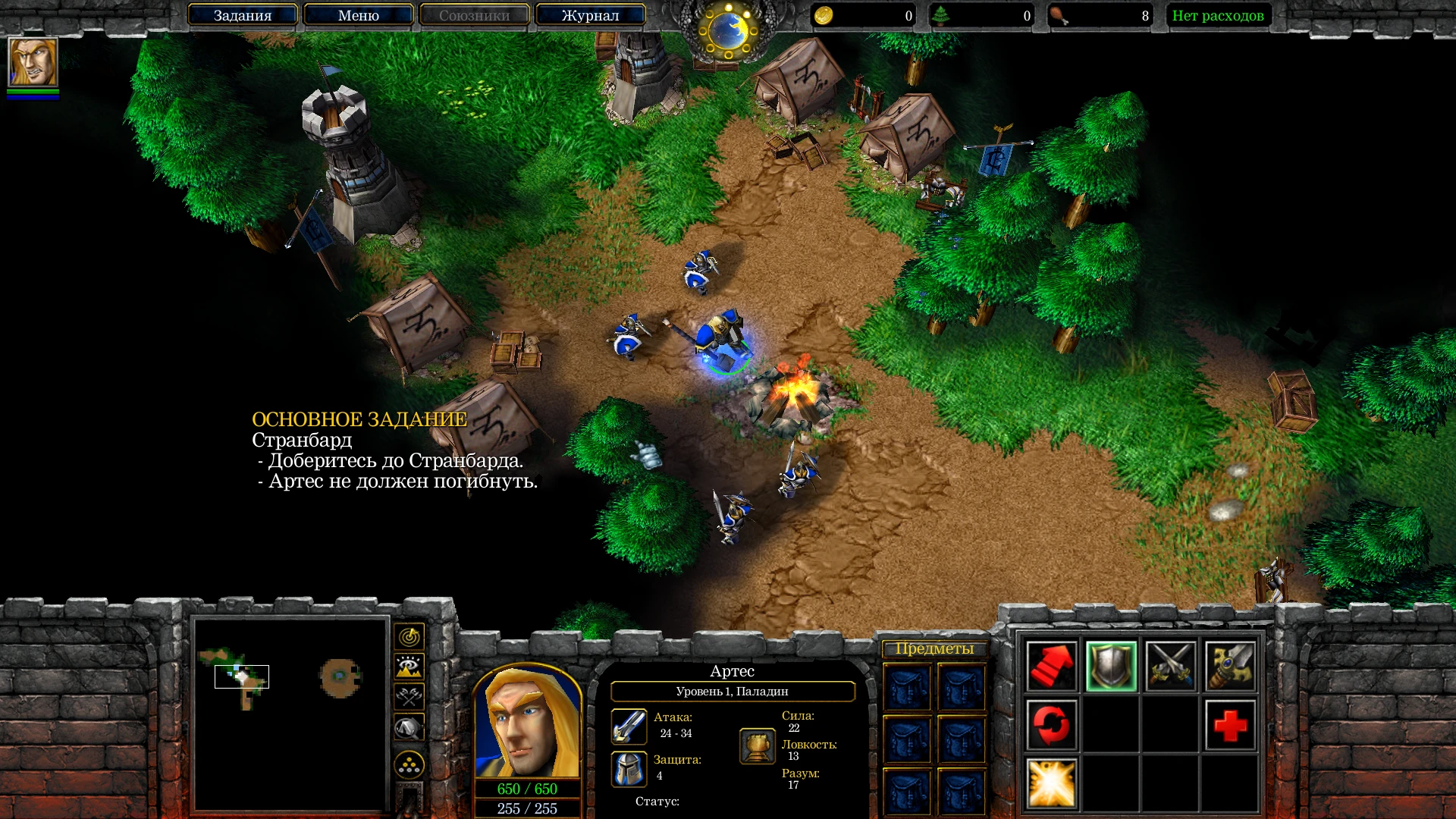
Warcraft III is a renowned real-time strategy video game. Unlike previous games in the series, there are now four opposing sides to choose from: the classic Alliance and Horde, as well as two new races, the Undead and the Night Elves. However, the core gameplay remains unchanged—the player must still acquire resources, develop bases, and recruit troops to defeat the enemy.

Heroes are a new addition that provide unique fighters with particular powers and the opportunity to gain experience by defeating opposing troops. The game’s scenario begins 12 years after the events of Warcraft II: Beyond the Dark Portal and follows the demonic invasion of Azeroth.

Warcraft III, which was named the best strategy game of 2002 by major gaming publications, defined the genre for years to come. With dozens of troop types, hundreds of spells, thousands of fighting techniques, and a myriad of game variants, virtual commanders have endless options.


Details

Version 1.29.2 Rev 1 [Wineskin]
Developer Blizzard Entertainment
Activation (RG) Not required
Tested on macOS Sonoma , MacBook Air (M1. 2020)
Size 1.8 GB
Architecture x86 (64-bit)
Interface Language Russian , English
Voice Languages Russian , English

FAQ

Run the downloaded image and drag the application to the Applications folder shortcut. Once copying is complete, the application can be launched via Launchpad. When minimizing the game, all textures turn black. Restarting the game resolves this issue. Problems downloading?.. To download, use the Free Download Manager or Motrix with Chrome browser extensions. For torrent files, we recommend using the qBittorrent app. Where can I find my saves? Warcraft III The Frozen Throne.app/Contents/SharedSupport/prefix/drive_c/users/Sikarugir/Saved Games/Warcraft III
There are so many errors, we can't list them all here. Therefore, we've described all the solutions (with pictures) in the article: Errors when installing applications on a Mac
Official updates may result in loss of activation unless otherwise stated in the installation instructions. To update the software from this website, you must download the new version of the software from here (if available) and install it over the version currently installed on your computer. This will preserve your activation and settings for the software. Read more in the article: Updating pirated apps
To download large files, it is recommended to use any download manager, for example, FDM (Free Download Manager) For downloading from a file sharing service like Filen.io, it's not recommended to use Safari. Use Google Chrome or the aforementioned FDM browser, for example. To download files via torrent (.torrent file), you need a torrent client, such as Transmission or the aforementioned FDM. Please remember that providers may block access to some websites (1fichier.com, etc.). To bypass these blocks, it is recommended to use a VPN.
The site administration doesn't hack anything. That's the job of release teams and some enthusiasts. They're the ones responsible for ensuring updates are available. But you can hack software yourself by learning reverse engineering.
Definitely not in the comments. The site administration doesn't hack anything, and there's no order desk. However, you can order the software you need (not for free) in a special thread on forum.ru-board.com.
Open System Preferences -> General > Language & Region -> Applications - “+”. Select an app and language. This method works for most apps. The language in Adobe products is usually selected during the installation of the product itself. The language in games is usually changed in the game settings itself. There are exceptions. Don't hesitate to search for information online.
The site offers a paid service: remote assistance (via AnyDesk, Zoom, Skype) with the installation of any applications (not just those from this site) on any Mac or PC. Learn more...

Leave a Comment

Version 1.29.2 Rev 1 [Wineskin]
Developer Blizzard Entertainment
Interface language Russian , English
Activation (RG) Not required
Tested macOS Sonoma , MacBook Air (M1. 2020)
Architecture x86 (64-bit)
Voice Languages Russian , English
Size 1.8 GB
No threats found. Read more…
Published (edited): July 8, 2026 Views: 4