
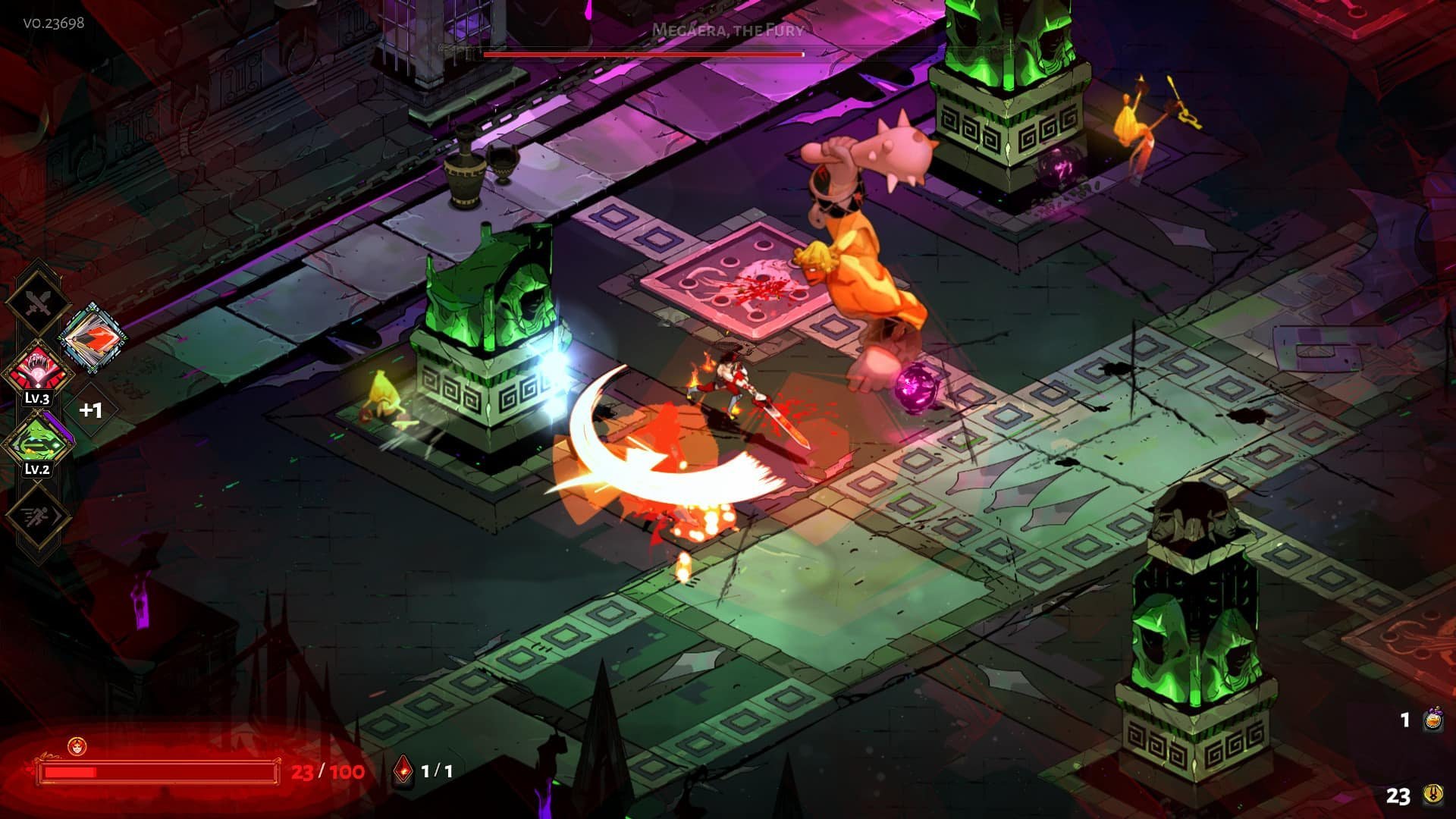
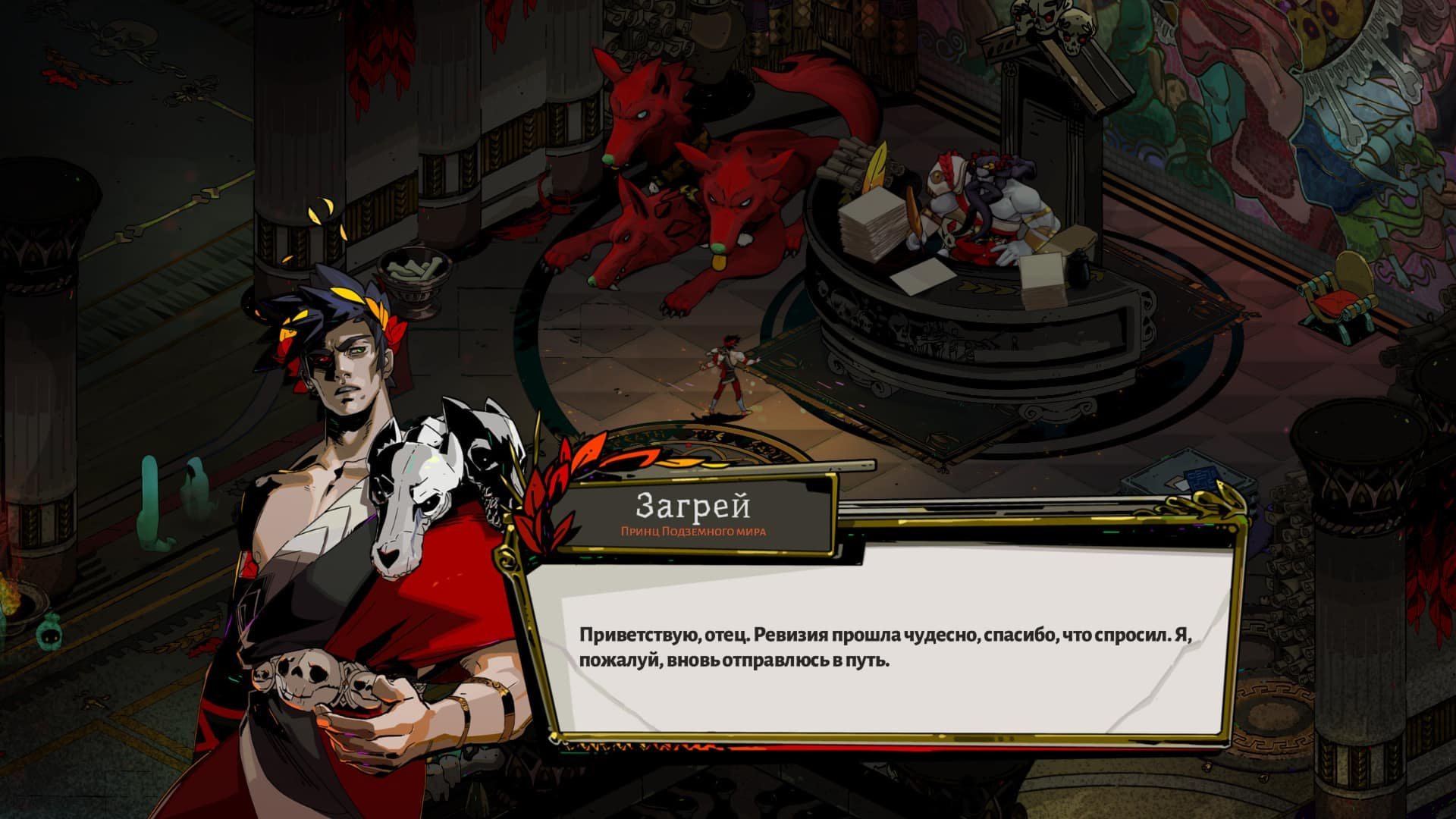
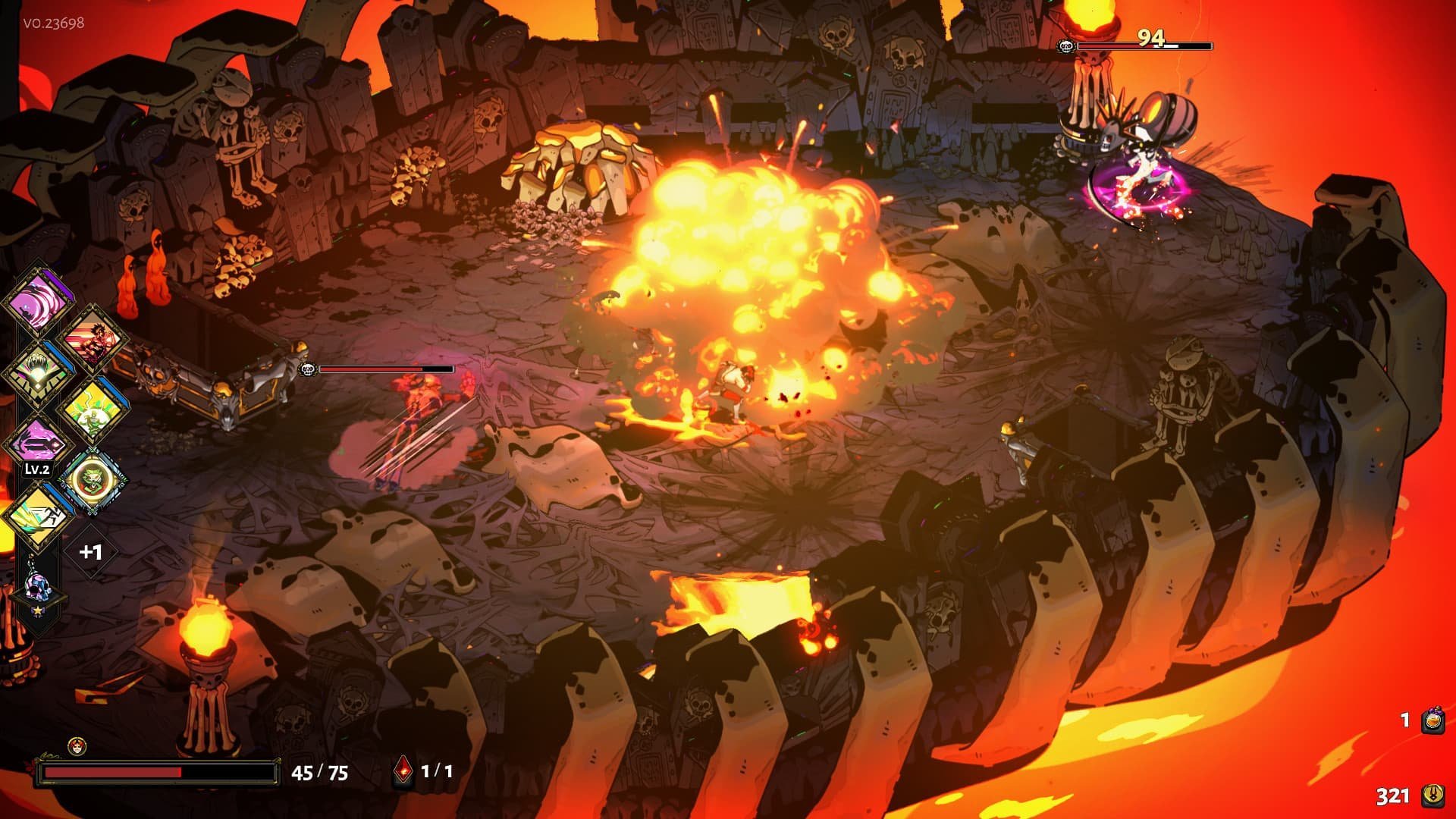
Hades blends dungeon crawler and roguelike elements, embodying the best features of Supergiant’s critically acclaimed games: the dynamic gameplay of Bastion, the rich atmosphere and depth of Transistor, and the vibrant character-driven narrative of Pyre.

FIGHT TO GET OUT OF HELL

Become the immortal Prince of the Underworld, wielding mythical weapons and the powers of Olympus to escape the realm of the god of the dead himself. After each unique escape attempt, you’ll grow stronger and watch the story unfold.

Unleash the Rage of Olympus

The Olympians have your back! Meet Zeus, Athena, Poseidon, and many other gods: they will offer you dozens of powerful gifts that enhance your abilities. As you play, you’ll discover that there are thousands of effective builds to complete the game.

The Olympians have got your back! Meet Zeus, Athena, Poseidon, and other gods, who will bestow thousands of wonderful gifts to help you improve your abilities. As you play, you’ll notice that there are countless efficient builds for completing the game.

Befriend Gods, Ghosts, and Monsters.

You will meet fascinating and lively characters; all of them are fully voiced! Make friends with them and attend a range of odd events to learn what’s actually going on in this vast and disorderly family.

REPLAYABILITY

The bosses that protect the ever-changing Underworld will remember you, and each escape attempt will bring new shocks.

Nothing is impossible.

Even if you are not a heavenly entity, constant advancement will allow you to participate in exciting fights and explore a fascinating tale. And if you truly believe you are a deity, embrace the task and be ready for harsh trials that will put your honored skills to the ultimate test.

SUPERGIANT Corporate Style

This game boasts deep, atmospheric visuals, as well as Supergiant’s signature blend of gameplay and storytelling. The game’s gorgeous hand-drawn locales, as well as its superb original soundtrack, enable players to immerse themselves in the Underworld’s atmosphere.


Details

Version 1.38291 fixed
Developer Supergiant Games
Activation (RG) Not required
Tested on macOS Sequoia , MacBook Air (M1. 2020)
Size 10.3 GB
Architecture x86 (64-bit)
Interface Language Russian , English , German , Spanish , Italian , Simplified Chinese , Korean , Polish , Portuguese , French , Japanese
Voice Languages English

FAQ

Run the downloaded image and move the game to the Applications folder. Once copying is complete, the game can be launched from Launchpad.
There are so many errors, we can't list them all here. Therefore, we've described all the solutions (with pictures) in the article: Errors when installing applications on a Mac
Official updates may result in loss of activation unless otherwise stated in the installation instructions. To update the software from this website, you must download the new version of the software from here (if available) and install it over the version currently installed on your computer. This will preserve your activation and settings for the software. Read more in the article: Updating pirated apps
To download large files, it is recommended to use any download manager, for example, FDM (Free Download Manager) For downloading from a file sharing service like Filen.io, it's not recommended to use Safari. Use Google Chrome or the aforementioned FDM browser, for example. To download files via torrent (.torrent file), you need a torrent client, such as Transmission or the aforementioned FDM. Please remember that providers may block access to some websites (1fichier.com, etc.). To bypass these blocks, it is recommended to use a VPN.
The site administration doesn't hack anything. That's the job of release teams and some enthusiasts. They're the ones responsible for ensuring updates are available. But you can hack software yourself by learning reverse engineering.
Definitely not in the comments. The site administration doesn't hack anything, and there's no order desk. However, you can order the software you need (not for free) in a special thread on forum.ru-board.com.
Open System Preferences -> General > Language & Region -> Applications - “+”. Select an app and language. This method works for most apps. The language in Adobe products is usually selected during the installation of the product itself. The language in games is usually changed in the game settings itself. There are exceptions. Don't hesitate to search for information online.
There are many options. The easiest is to use specialized app removal utilities, such as App Cleaner & Uninstaller. To remove Adobe products, use the Creative Cloud Cleaner Tool.
The site offers a paid service: remote assistance (via AnyDesk, Zoom, Skype) with the installation of any applications (not just those from this site) on any Mac or PC. Learn more...

Leave a Comment

Version 1.38291 fixed
Developer Supergiant Games
Interface language Russian , English , German , Spanish , Italian , Simplified Chinese , Korean , Polish , Portuguese , French , Japanese
Activation (RG) Not required
Tested macOS Sequoia , MacBook Air (M1. 2020)
Architecture x86 (64-bit)
Voice Languages English
Size 10.3 GB
No threats found. Read more…
Published (edited): July 8, 2026 Views: 3