


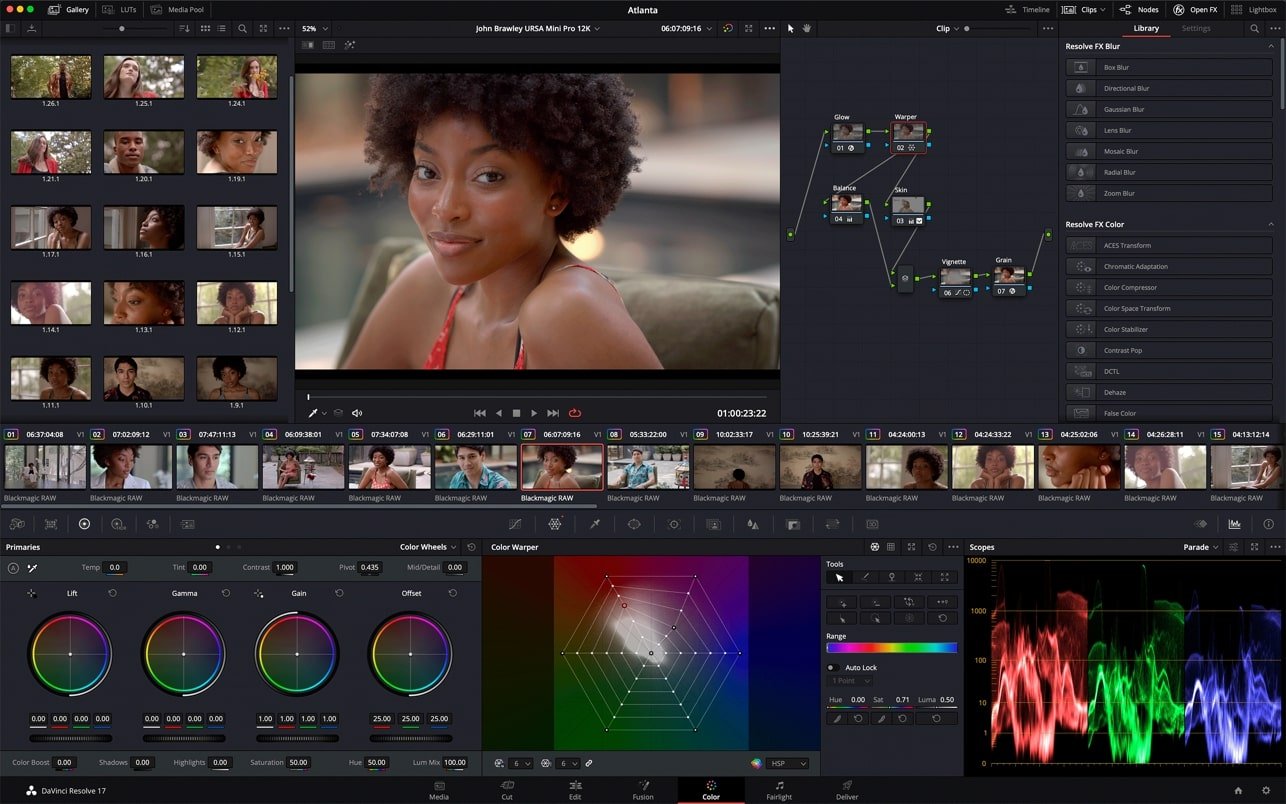
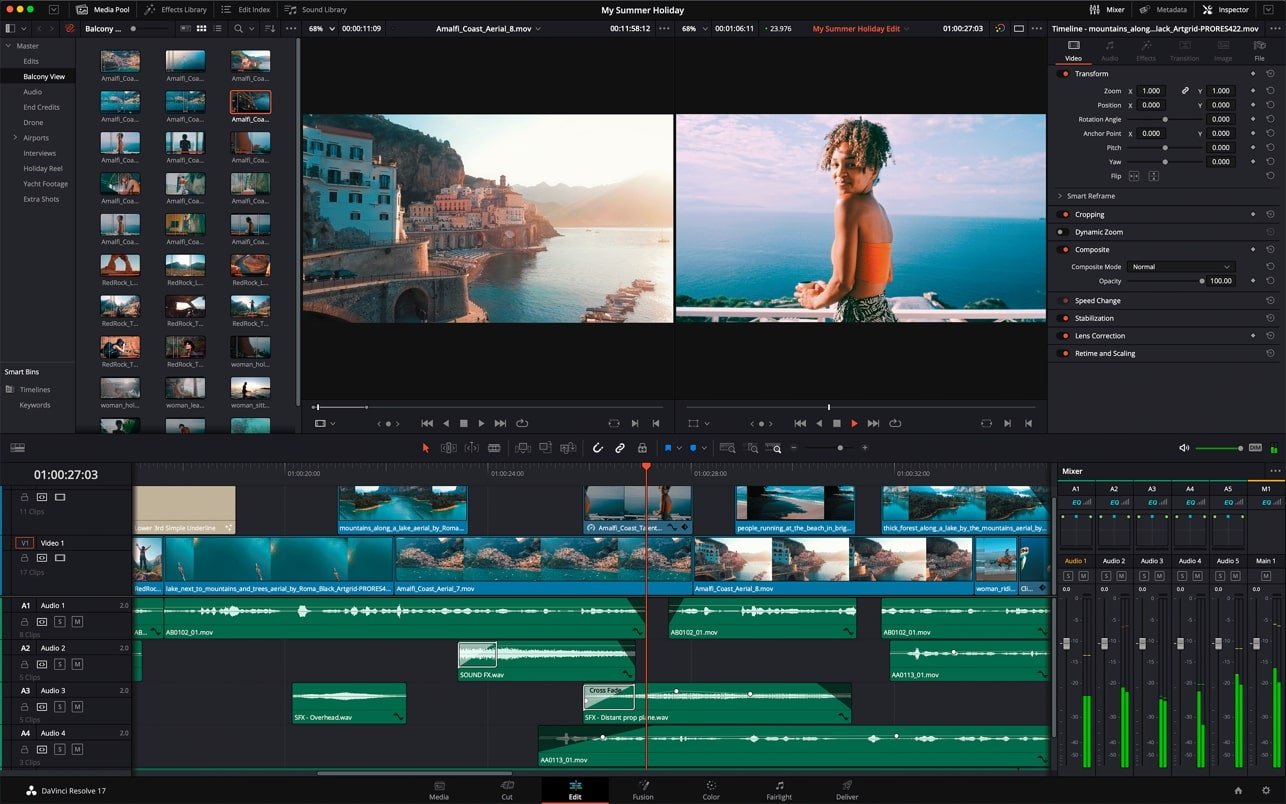
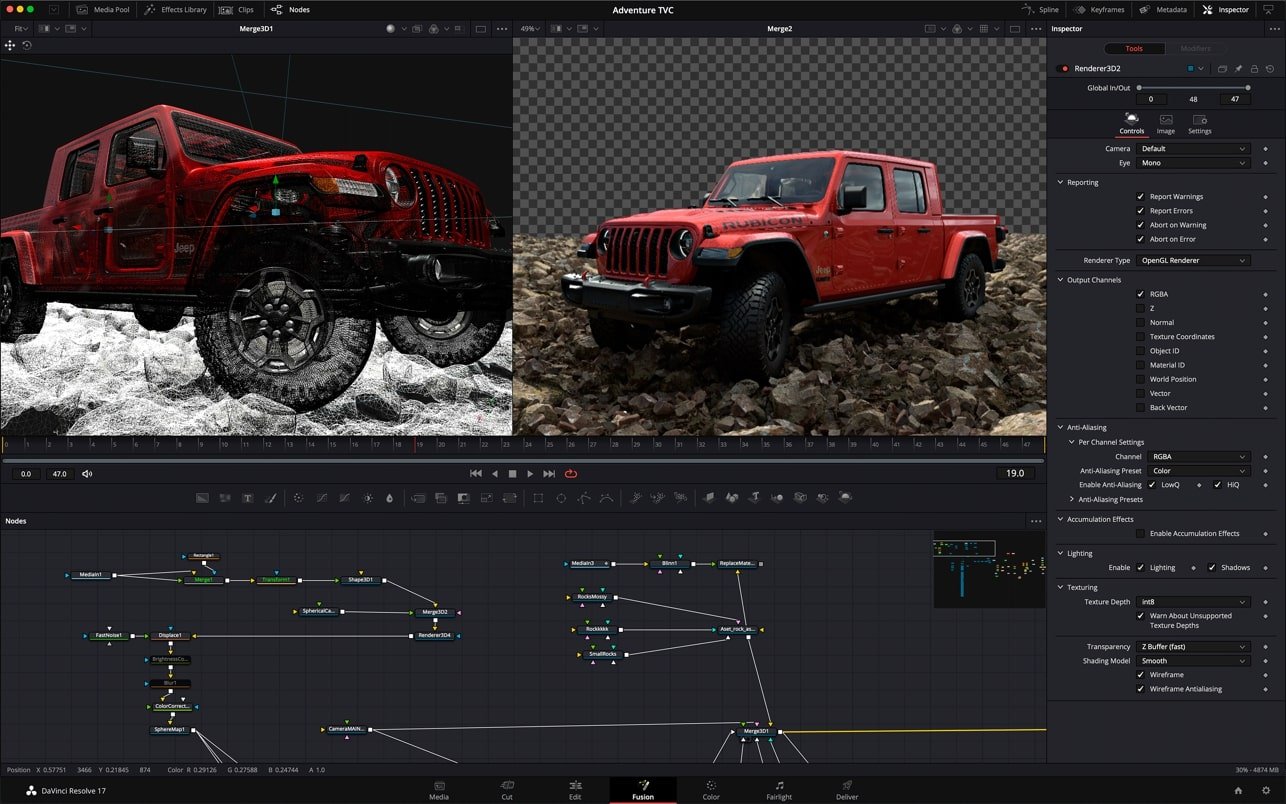
Fusion is a top visual effects, broadcast graphics, and 3D animation software. Hollywood studios have utilized this suite to produce more than a thousand globally recognized movies and television shows over the last thirty years. Additional picture elements can be added quickly and easily thanks to its robust node-based interface.
Fusion provides GPU acceleration, network rendering across several machines, and support for 3D and virtual reality. Fusion’s extensive feature set will assist you in transforming any type of video, be it a feature film, TV show, or broadcast program!
Among the software’s main features are:
- Node-Based Interface:
By connecting tools using a flow graph (nodes) rather than stacked layers, it is significantly simpler to modify individual components without having an impact on the project as a whole.
- True 3D Workspace:
In an unlimited 3D space, it combines live-action 2D video with 3D models, cameras, lighting, and volumetric effects (such as fog).
- Motion Graphics Upgrades:
Supports dynamic JSON-based Lottie animations and OGraf graphics, integrates the Krokodove plugin (which offers over 70 design tools), and has built-in color emojis and a spell checker.
- Deep Compositing:
Provides expanded Decal Projection/Texture Reprojection capabilities and native color correction on deep images using the dColorCorrector node.
- High-Performance VR:
Supports VR headsets (such as the Oculus Rift and HTC Vive) and enables real-time interaction (over 90 frames per second) in 360-degree panoramic workspaces.
Make effects with personalized templates
By dragging and dropping Fusion templates from the collection, you may create any effect and apply it to clips on the Edit and Assemble pages. After creating a merged image, just click Save after setting the correct display parameters and save it as a macro.
Retime Animations Automatically
Automatically adjust the timing of animations
You can apply several kinds of animation and stretch or compress keyframes using these modifiers. When titles or Fusion effects are added to the timeline, and the timing of the composition is altered, these are automatically modified.
Step of the Video
Animation and sound synchronization
Fusion now allows you to replay audio from the Edit or Assemble page’s timeline. You have the option of listening to the original clip track or the final mix. For accurate, audio-synced animation, a waveform is shown in the keyframe window.
Personalized Vector Shapes
Making use of vectors
While grid, shaking, offset, and transform options help tailor animation settings, vectors with different forms (ellipses, rectangles, polygons, stars, and logical operators) make working with graphics easier when building complicated designs. You can also utilize shapes as sources.
GPU-Powered Resolve FX
GPU-powered plugins for ResolveFX
There are 27 new GPU-accelerated ResolveFX plugins on the Fusion page. They enable lighting, color effects, blurring, sharpening, and image noise reduction and restoration. There are further tools for temporal manipulation, corrections, retouching, texturing, and stylization.
Customize Your Process
Customizing the process
You may easily navigate to any component of the composite image using node structure tabs, and you can swiftly switch between tools based on the task at hand with customisable panels. During animation, spline and keyframe windows can be displayed in more space thanks to vertical setup options.
The biggest blockbusters in the globe
Numerous projects that have grown to be some of the most important moments in the history of film and television have made use of the Fusion software suite. It was utilized to make popular TV shows like Empire, NCIS, and The Happening, as well as movies like Ant-Man, Red Sparrow, and London Has Fallen. Additionally, processing sequences from video games like Dawn of War III and Halo 5 heavily relies on Fusion.





Leave a Comment